TaskRoll

TaskRoll


$0.99

1.3for iPhone, iPad
Age Rating
4+
Apps in this category do not contain restricted content.
9+
Apps in this category may contain mild or occasional cartoon, fantasy or real-life violence, as well as occasional or mild adult, sexually suggestive or horrifying content and may not be suitable for children under 9 years of age.
12+
Apps in this category may contain occasional mild indecent language, frequent or intense cartoon or real-life violence, minor or occasional adult or sexually suggestive material, and simulated gambling, and may be for children under 12 years of age.
17+
You must be at least 17 years old to access this App.
Apps in this category may contain frequent and intense offensive language; Frequent and intense cartoon, fantasy or realistic violence: frequent and intense adult, scary and sexually suggestive subjects: as well as sexual content, nudity, tobacco, alcohol and drugs, may not be suitable for children under 17 years of age.
TaskRoll Screenshots
TaskRoll posterTaskRoll posterTaskRoll posterTaskRoll posterTaskRoll poster

About TaskRoll

WORKFLOWS MADE EASY
+ Handle ordered To-Do lists.
= Complete your tasks in sequence.
^ Restart the series once finished.

ORDER MATTERS!
TaskRoll is a unique ToDo list application for ordered lists.

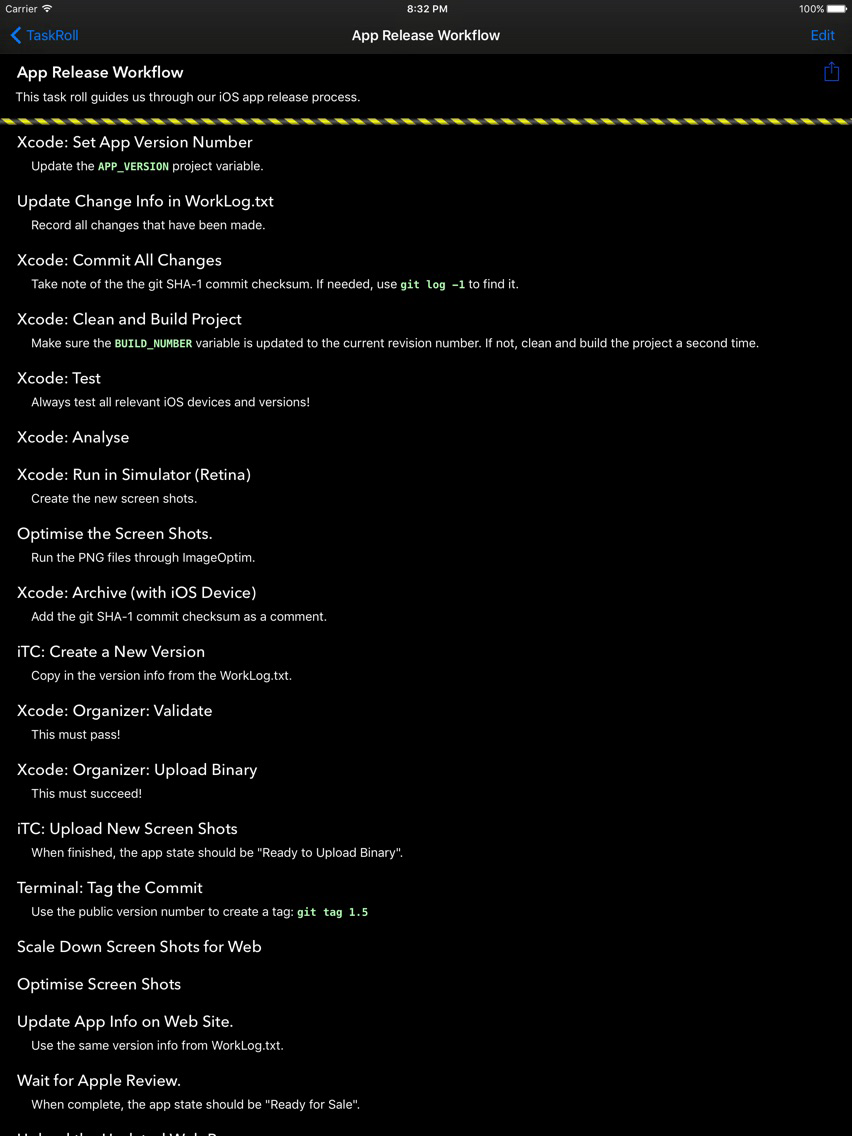
You can manage multiple projects, processes, or recipes, each consisting of a series of tasks that must be completed, one after the other, in a fixed, pre-defined order.

ENJOY THE INTERFACE
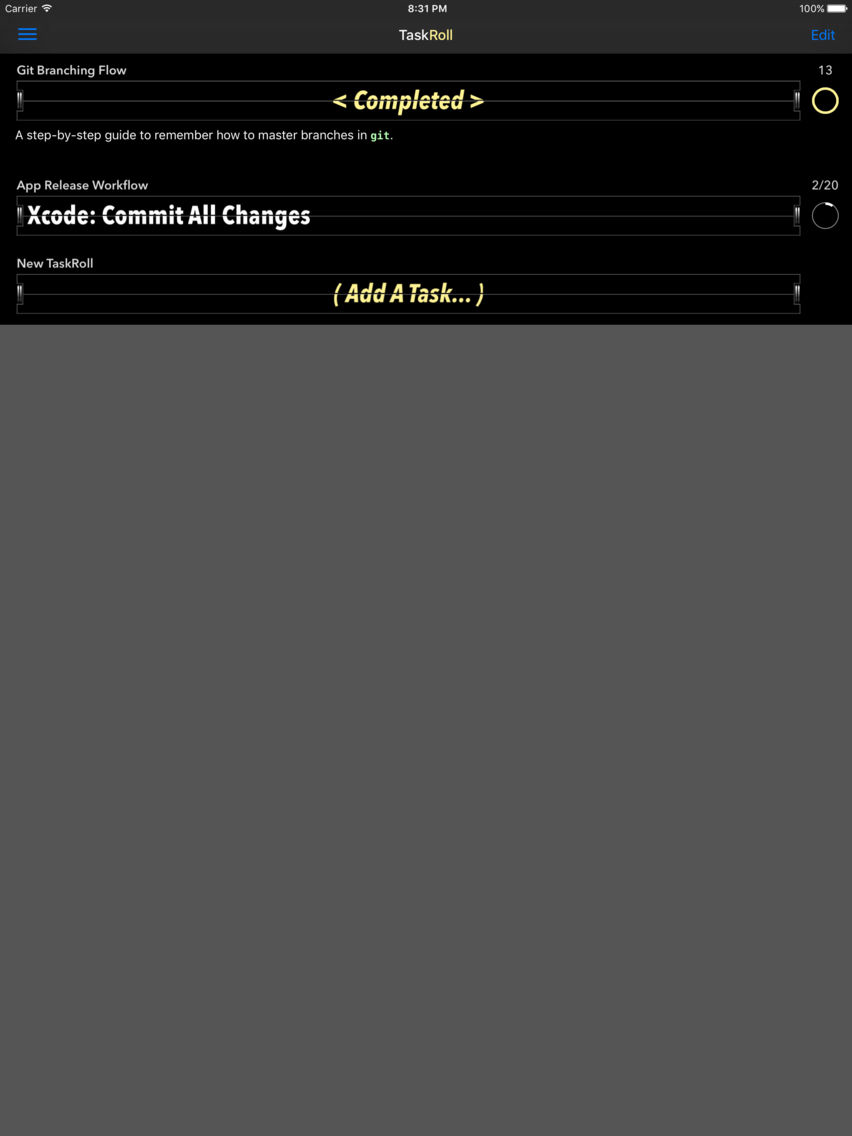
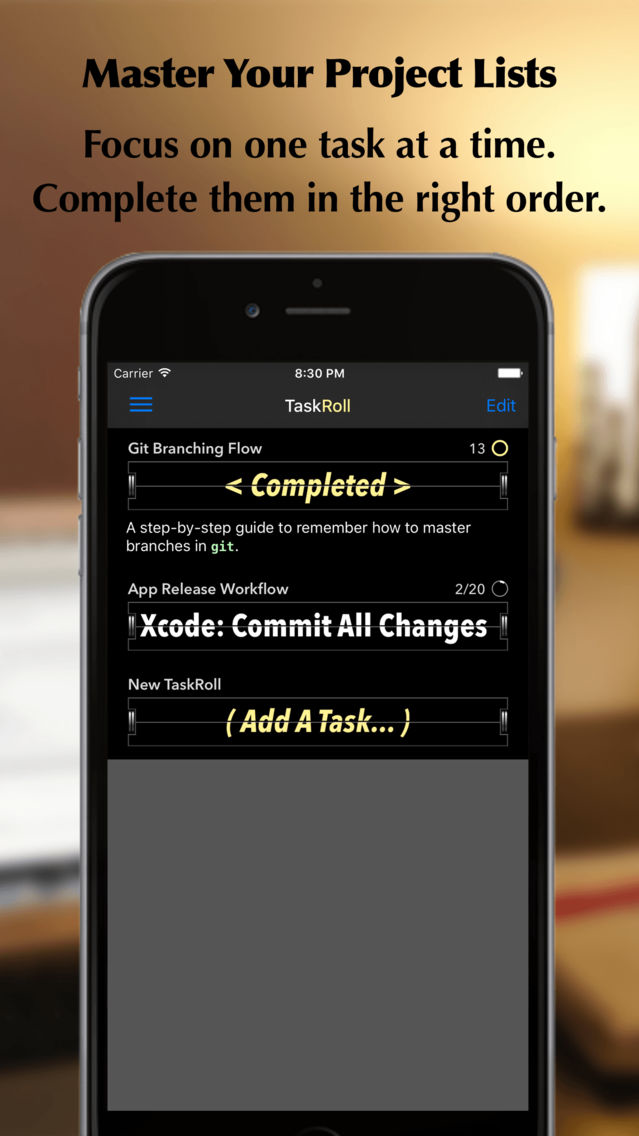
The current task is shown in a flip-over display, which is reminiscent of an old-style airport departure board. Underneath, supplementing comments can be shown. Tap the display and smile at how neatly it flips over to reveal the next task. In this way you will be guided though your list, step by step, in the correct order, and you can have some fun too.

With their progress counters and circular progress indicators, you can quickly assess how many tasks are left within each list.

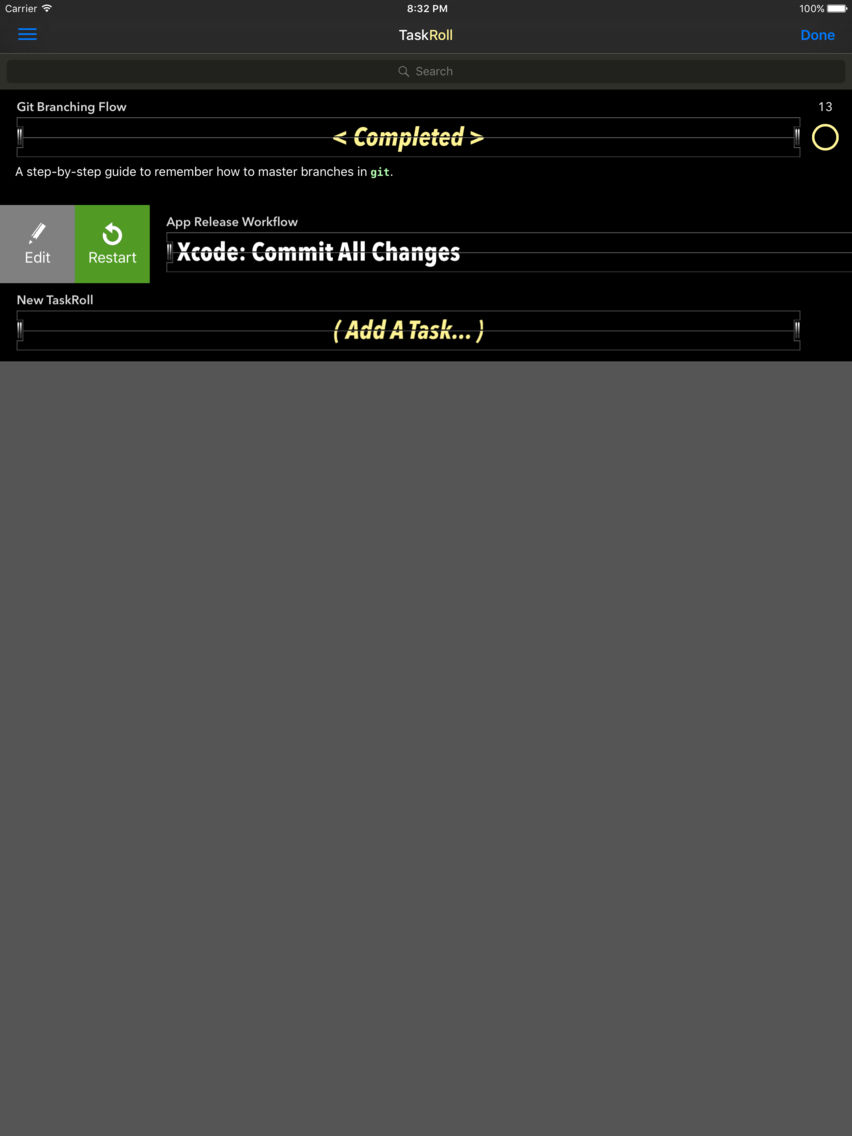
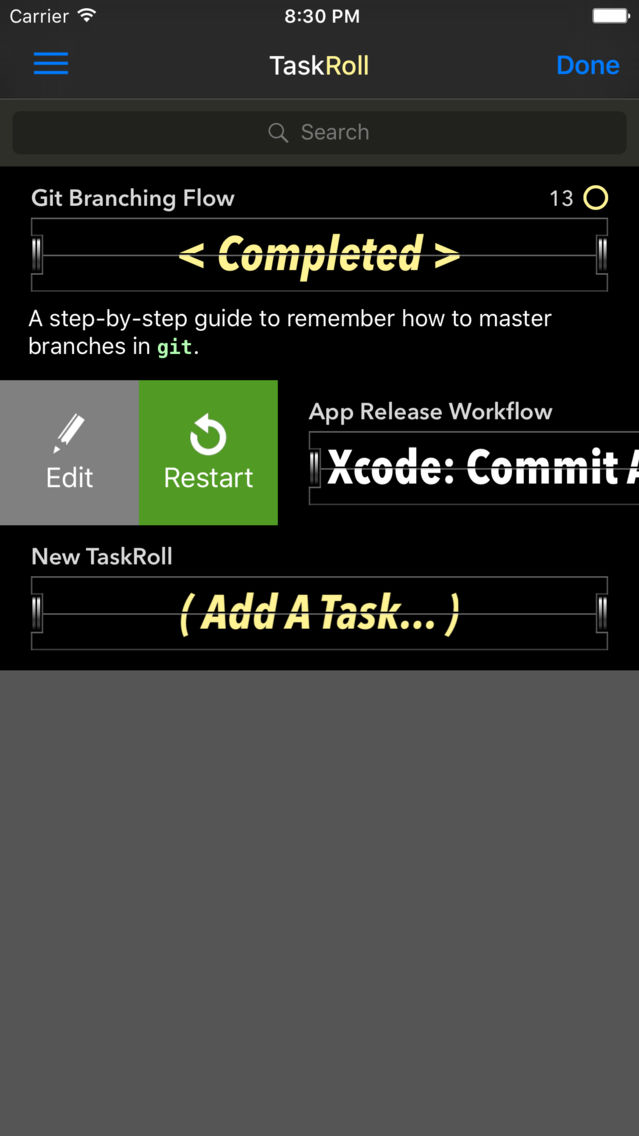
Once you have checked off all tasks within a list, you can restart the flow and repeat the process. You can also restart the flow at any point with a button press.

Has your plan changed? Do you need to reorder the task items? Easy. Simply reorder the list in TaskRoll.

DEMO VIDEO
See TaskRoll in action in this YouTube clip:
http://bit.ly/taskroll

BASIC USAGE
- Tap a task to go forwards.
- Double-tap a task to go back one step.
- Tap long to show or hide comments in the main screen.
- Swipe sideways to reveal Edit, Restart, and Delete buttons.

EASE OF USE
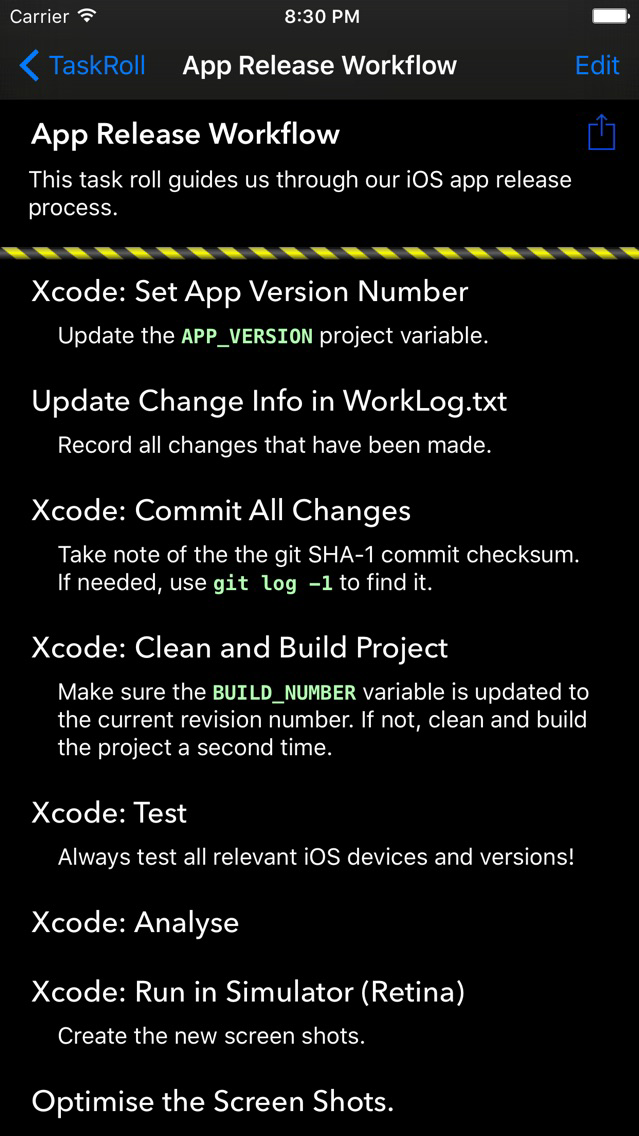
- Use descriptive comments to describe your tasks in more detail.
- Restart a project at any time.
- Import and export your list in text (Markdown) format.

KEY FEATURES
- Handles multiple task lists.
- Scroll animations for longer task titles.
- Portrait and landscape orientation.
- Slide Over and Split View in iOS 9 on iPad.
- Includes a tutorial and an example project.
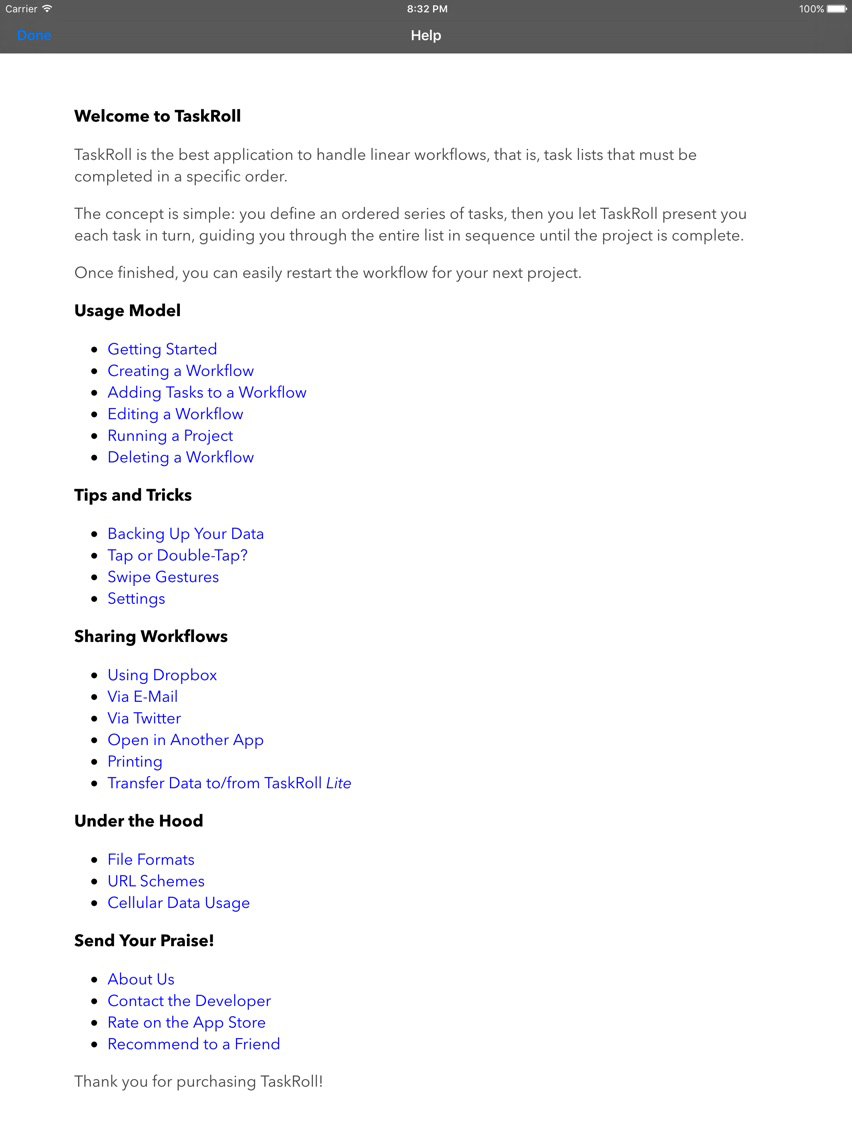
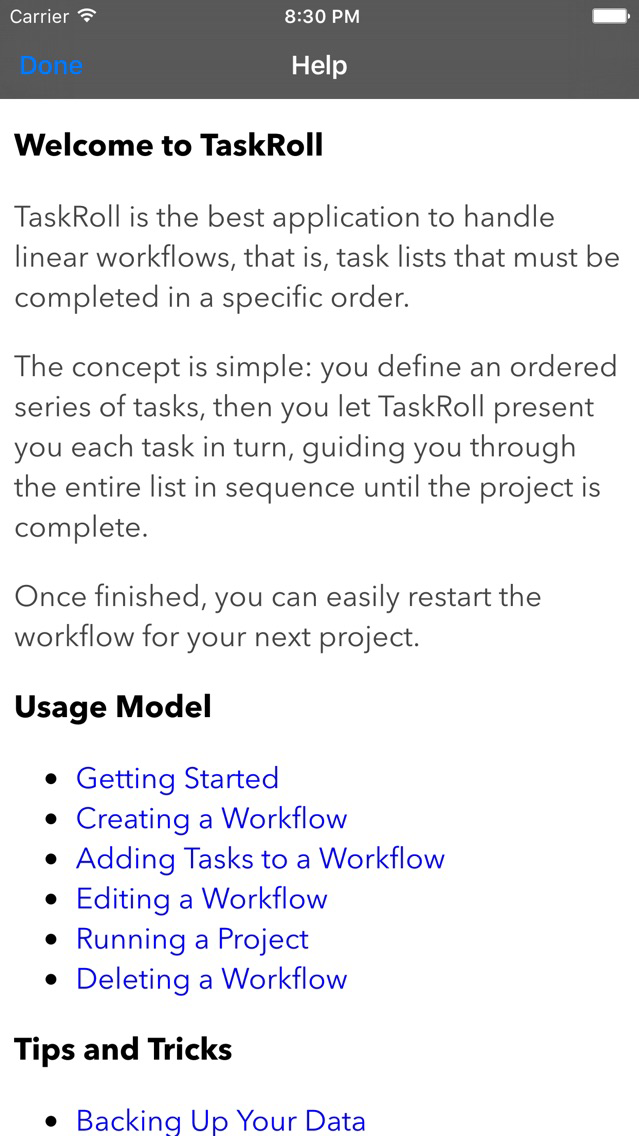
- Offline user guide within the app.
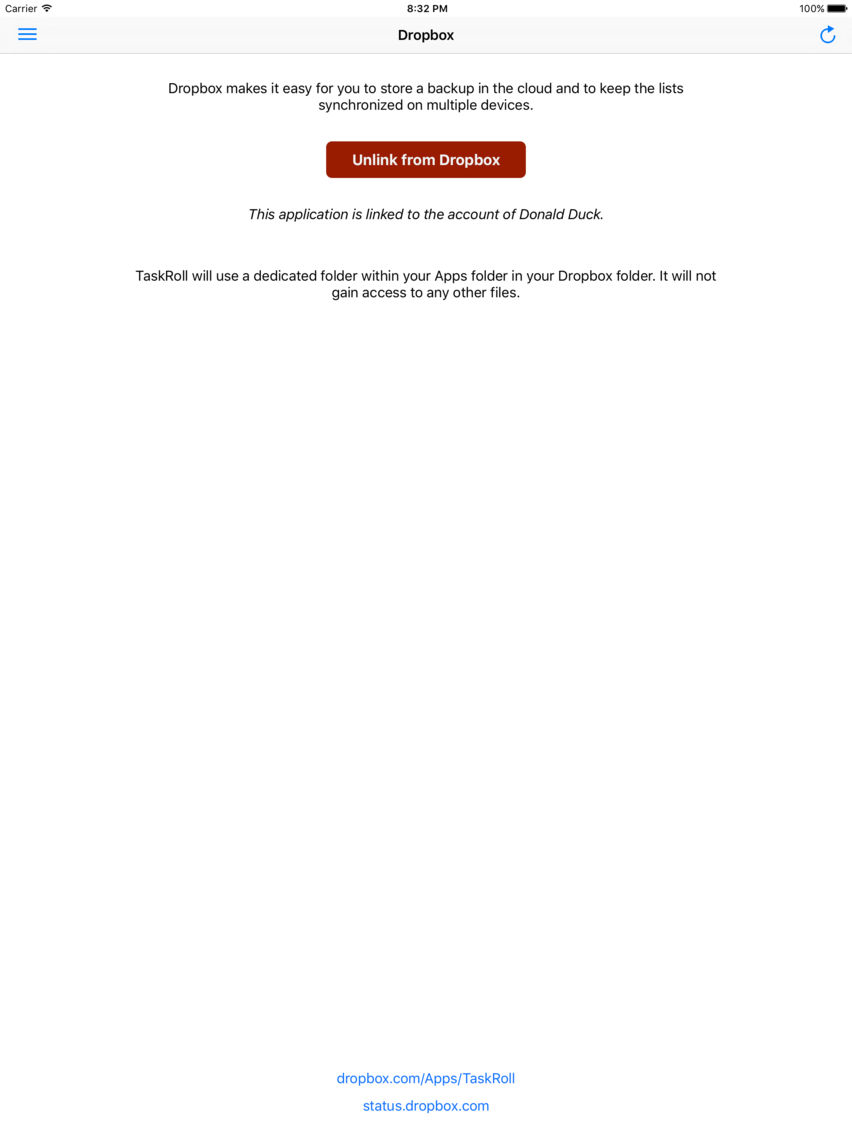
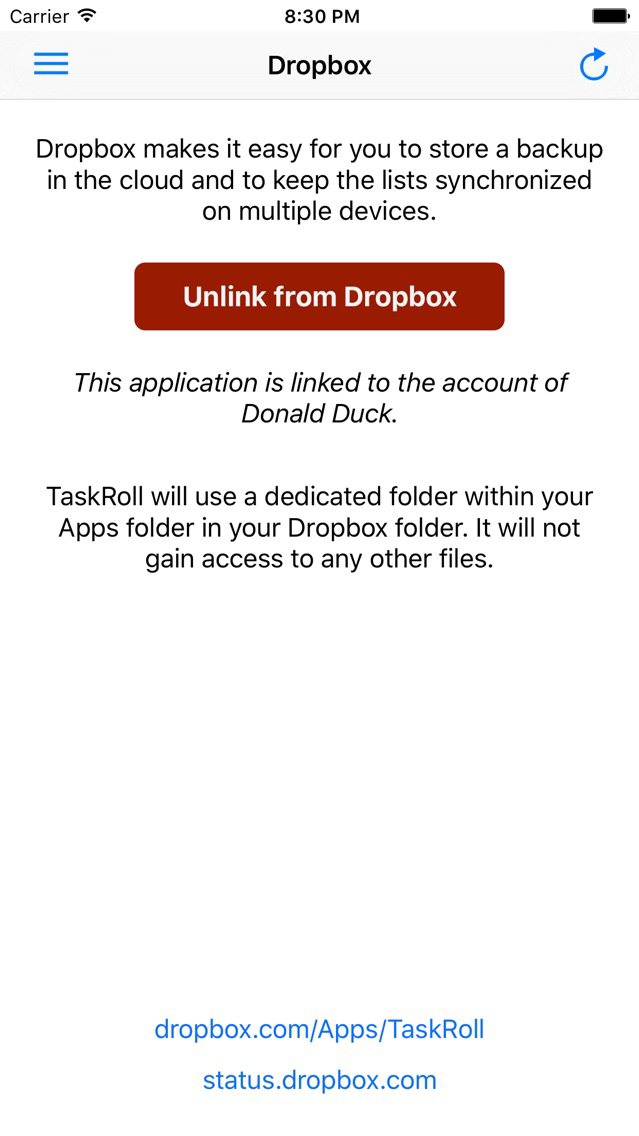
- Dropbox integration. Backup in the cloud. Synchronize multiple devices.
- Share task lists via email or Twitter.
- Open Markdown-formatted text files in other apps.
- Print task lists via AirPrint.
- Supports TextExpander touch snippet expansion.
- No ads.

SEE ALSO
TaskRoll on Twitter: @TaskRoll

Show More

What's New in the Latest Version 1.3

Last updated on Nov 11, 2016
Old Versions
Each task roll now has a circular progress indicator as well as an item counter. On iPad, the progress indicator is more prominent as it is shown next to the task tile. There is also a new switch in the settings to configure the item counter to be a countdown-counter. Scroll-animated text now uses a narrower font; it uses half the compression factor that is set as a limit for non-animated text. New: Font settings are previewed live within the settings view. Two example texts are shown: an animated task title and a static one at maximum compression. Added a "Reduce Motion" setting to constrain the startup animation. Minimum system requirement is now iOS 8. Tested on iOS 9 and 10. Please help: You may like to share anonymous statistics by enabling: Settings (the app) > Privacy > Diagnostics & Usage > Share With App Developers. Thank you! TaskRoll will not prompt you for a review. Nevertheless, if you enjoy using the app, please make it your next task to leave an "orderly" review. To get to the App Store, you can use the "Rate It" item in the menu from within TaskRoll.
Show More
Version History
1.3
May 15, 2014
Each task roll now has a circular progress indicator as well as an item counter. On iPad, the progress indicator is more prominent as it is shown next to the task tile. There is also a new switch in the settings to configure the item counter to be a countdown-counter. Scroll-animated text now uses a narrower font; it uses half the compression factor that is set as a limit for non-animated text. New: Font settings are previewed live within the settings view. Two example texts are shown: an animated task title and a static one at maximum compression. Added a "Reduce Motion" setting to constrain the startup animation. Minimum system requirement is now iOS 8. Tested on iOS 9 and 10. Please help: You may like to share anonymous statistics by enabling: Settings (the app) > Privacy > Diagnostics & Usage > Share With App Developers. Thank you! TaskRoll will not prompt you for a review. Nevertheless, if you enjoy using the app, please make it your next task to leave an "orderly" review. To get to the App Store, you can use the "Rate It" item in the menu from within TaskRoll.

TaskRoll FAQ

Click here to learn how to download TaskRoll in restricted country or region.
Check the following list to see the minimum requirements of TaskRoll.
iPhone
iPad
TaskRoll supports English

TaskRoll Alternative

You May Also Like

Get more from tredje design