Third Pocket
Free
2.2for iPhone
Age Rating
Third Pocket Screenshots
About Third Pocket
Your usernames, passwords, card numbers, Ids, health info, financial info and other personal account information are invaluable so keep them safe. Use Third Pocket application to securely manage all your information and keep it protected.
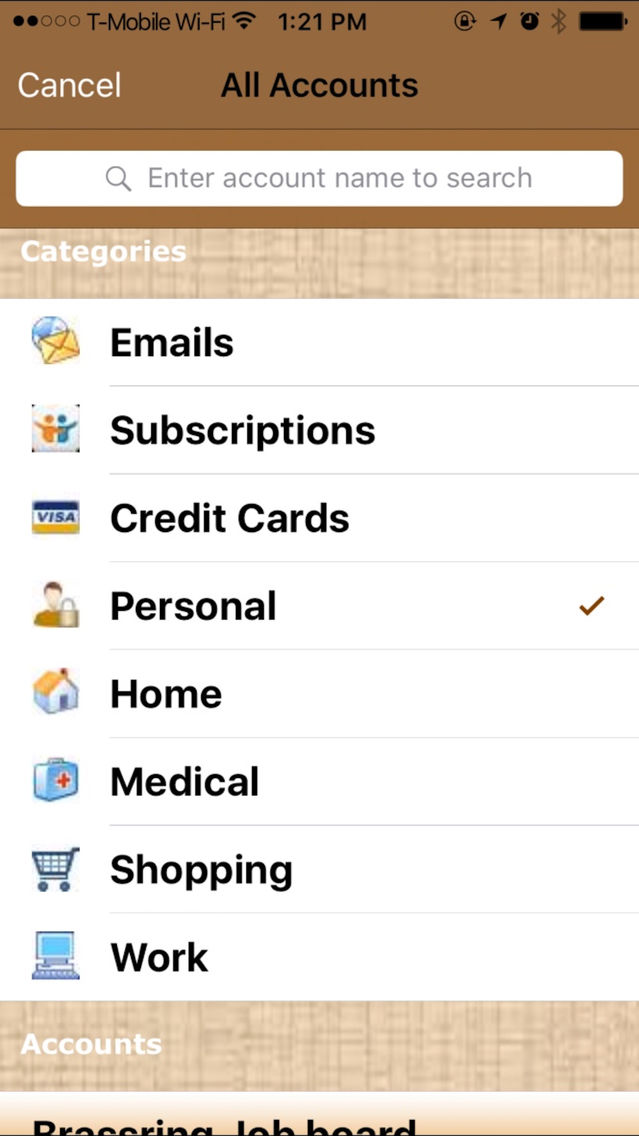
Third Pocket application provides flexibility to save information arranged by categories and allows user to change category if required. Though designed for iPhone, Third Pocket runs on iPad and iPod Touch and provides synchronization between these devices and backup using your iCloud account. It provides automatic and reliable information synchronization in case data is modified on multiple devices. In addition to automatic sync, if one of the device has a new account added, application provides easy conflict resolution by prompting intuitive user interface and letting user choose all newly added accounts or a selected version of data to add to current device. This ensures reliable data persistence and your peace of mind!
Main features of Third Pocket include:
- Secure storage for all your informant information
- Time-out auto locking feature to keep your information safe and secure
- Synchronizing information securely between your iPhone, iPad and iPod touch which have Third Pocket installed
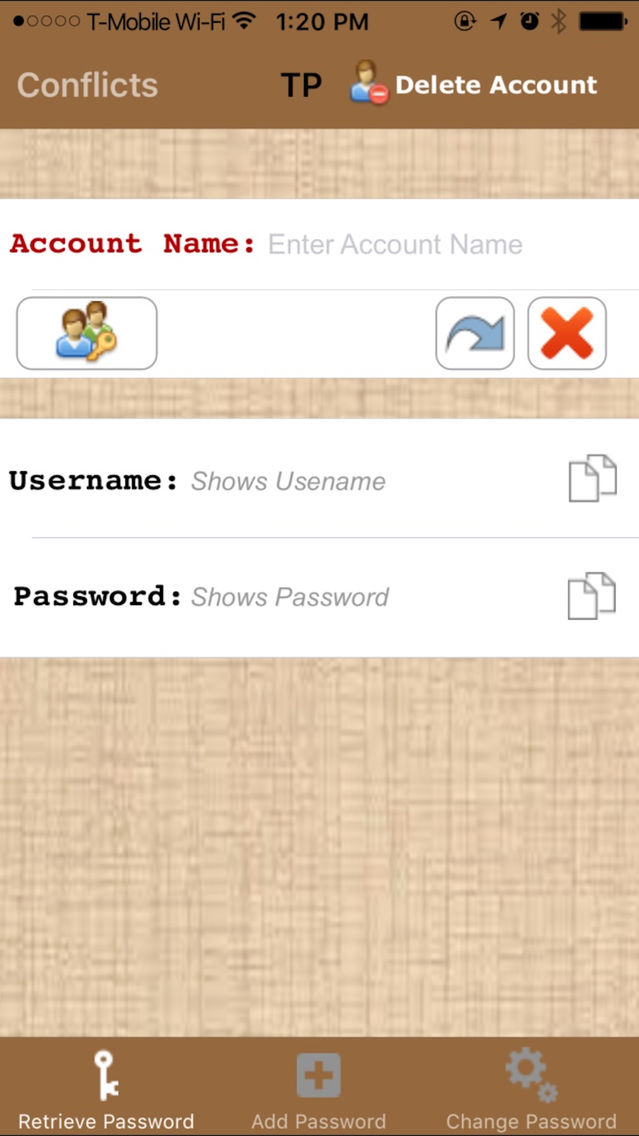
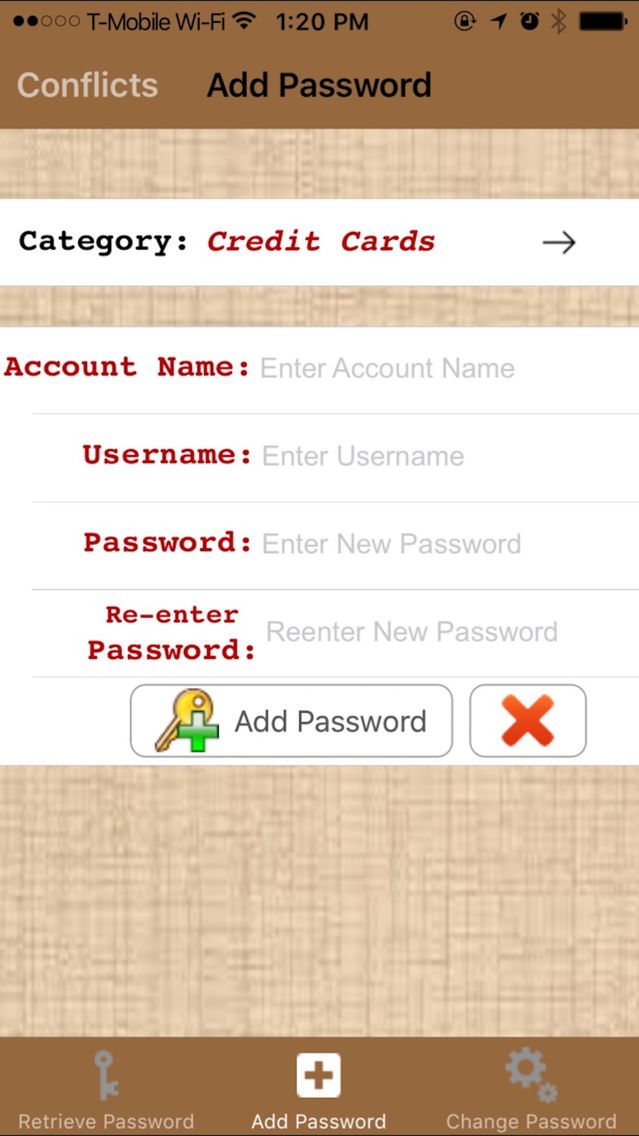
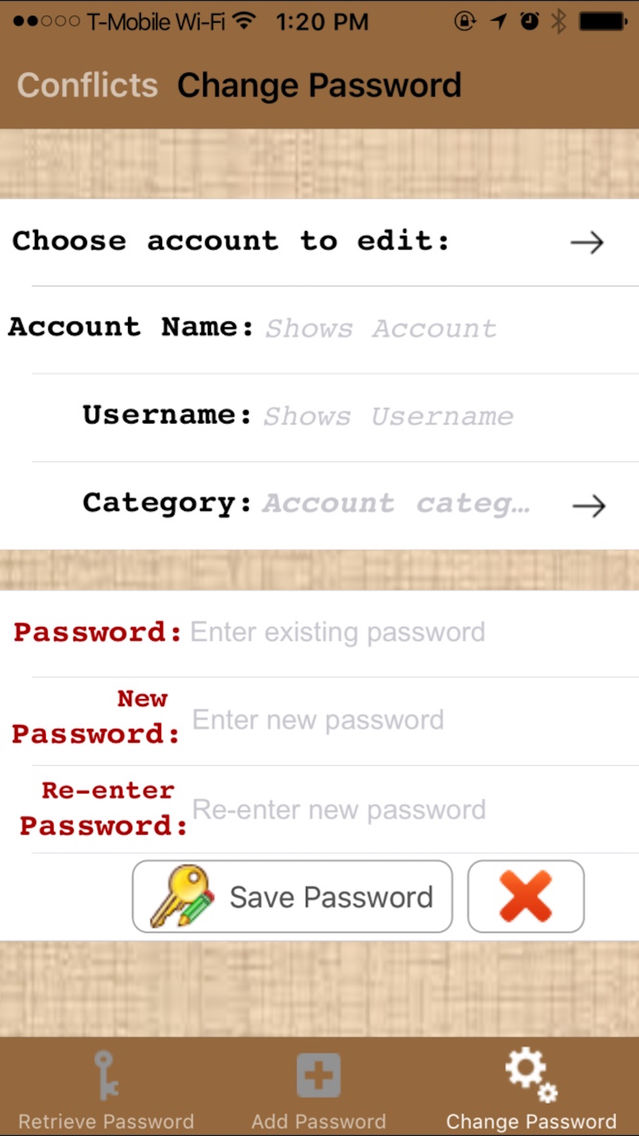
- Allows to add, edit passwords or delete account if required.
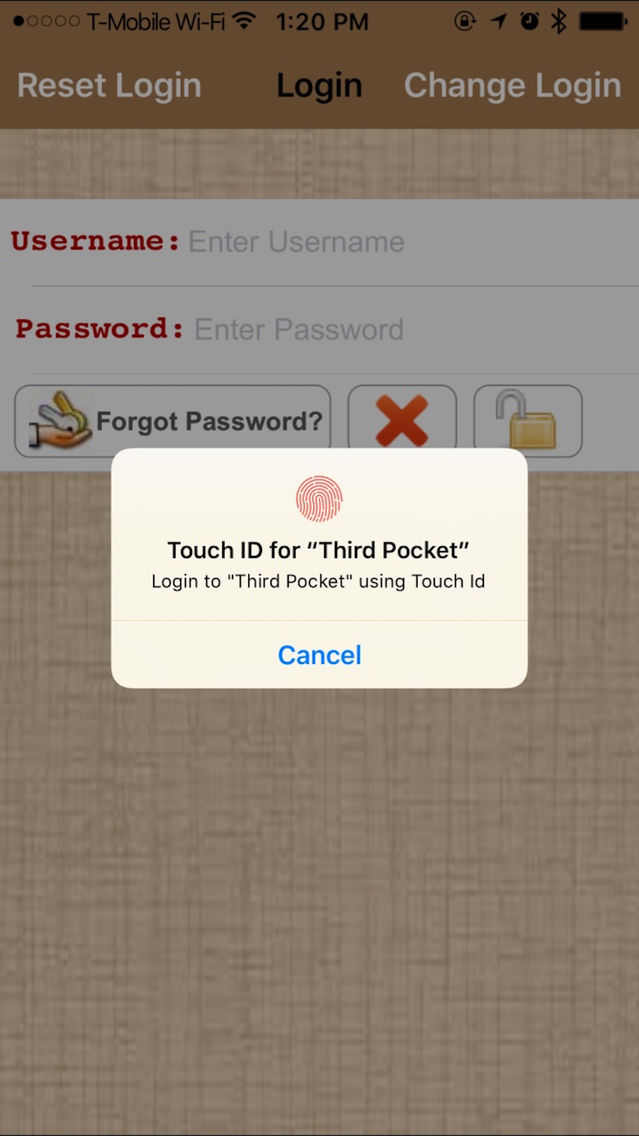
- Allows you to change initial login (authentication credentials) or retrieve password in case you forget your initial login password. In addition, reset login feature allows to erase your login information from device if required. Your information is still saved securely in iCloud and can be accessed from other devices.
Keep your information safe and feel confident to use it at your convenience using Third Pocket.

Third Pocket application provides flexibility to save information arranged by categories and allows user to change category if required. Though designed for iPhone, Third Pocket runs on iPad and iPod Touch and provides synchronization between these devices and backup using your iCloud account. It provides automatic and reliable information synchronization in case data is modified on multiple devices. In addition to automatic sync, if one of the device has a new account added, application provides easy conflict resolution by prompting intuitive user interface and letting user choose all newly added accounts or a selected version of data to add to current device. This ensures reliable data persistence and your peace of mind!
Main features of Third Pocket include:
- Secure storage for all your informant information
- Time-out auto locking feature to keep your information safe and secure
- Synchronizing information securely between your iPhone, iPad and iPod touch which have Third Pocket installed
- Allows to add, edit passwords or delete account if required.
- Allows you to change initial login (authentication credentials) or retrieve password in case you forget your initial login password. In addition, reset login feature allows to erase your login information from device if required. Your information is still saved securely in iCloud and can be accessed from other devices.
Keep your information safe and feel confident to use it at your convenience using Third Pocket.
Show More
What's New in the Latest Version 2.2
Last updated on Sep 26, 2016
Old Versions
- Bug Fixes.
Show More
Version History
2.2
Sep 26, 2016
- Bug Fixes.
2.1
Jan 27, 2016
- New touch Id authentication.
- Minor bug fixes.
- Minor bug fixes.
2.0
Nov 7, 2013
* New and improved look and feel for iOS 7 compatibility.
* Added copy/paste functionality.
* New session timeout feature (5 mins) keeps you logged into the app. User will automatically be logged out of the app for an inactivity period of more than 5 mins.
* New search feature for searching saved information.
* Added copy/paste functionality.
* New session timeout feature (5 mins) keeps you logged into the app. User will automatically be logged out of the app for an inactivity period of more than 5 mins.
* New search feature for searching saved information.
1.0
May 7, 2012
Third Pocket FAQ
Click here to learn how to download Third Pocket in restricted country or region.
Check the following list to see the minimum requirements of Third Pocket.
iPhone
Third Pocket supports English