TurnKey Cloud
Free
4.3.3for iPhone, iPad
Age Rating
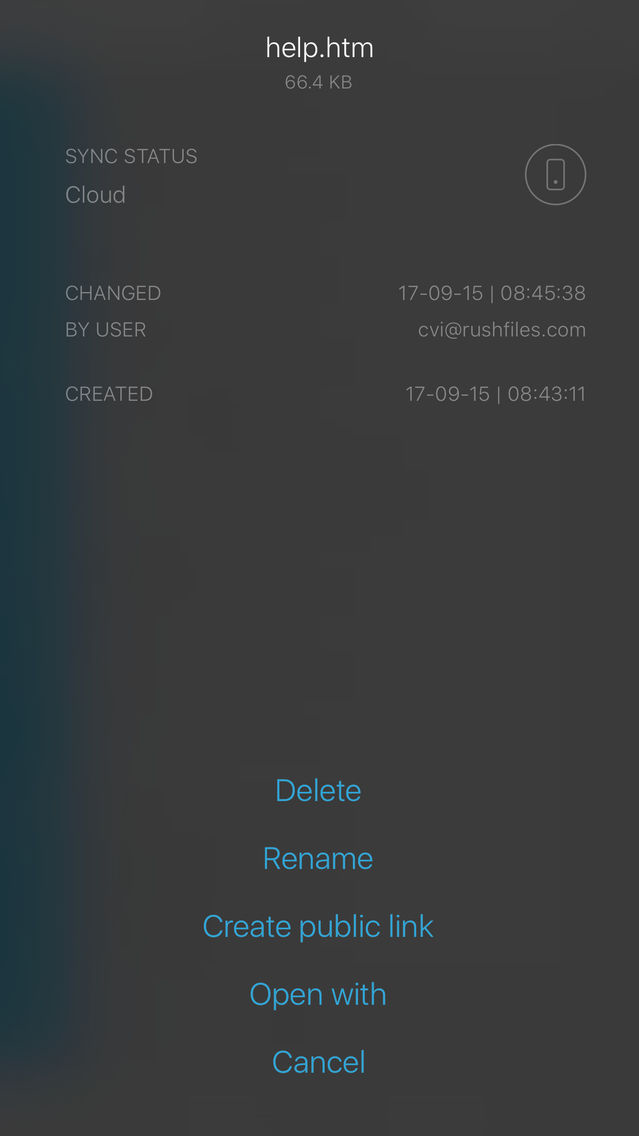
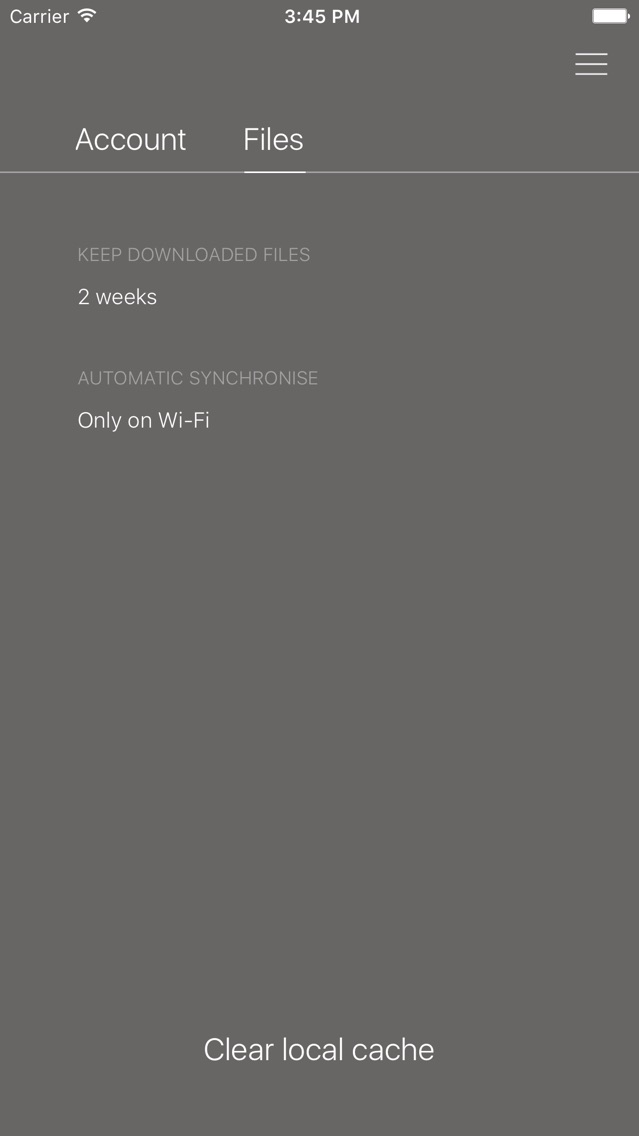
TurnKey Cloud Screenshots
About TurnKey Cloud
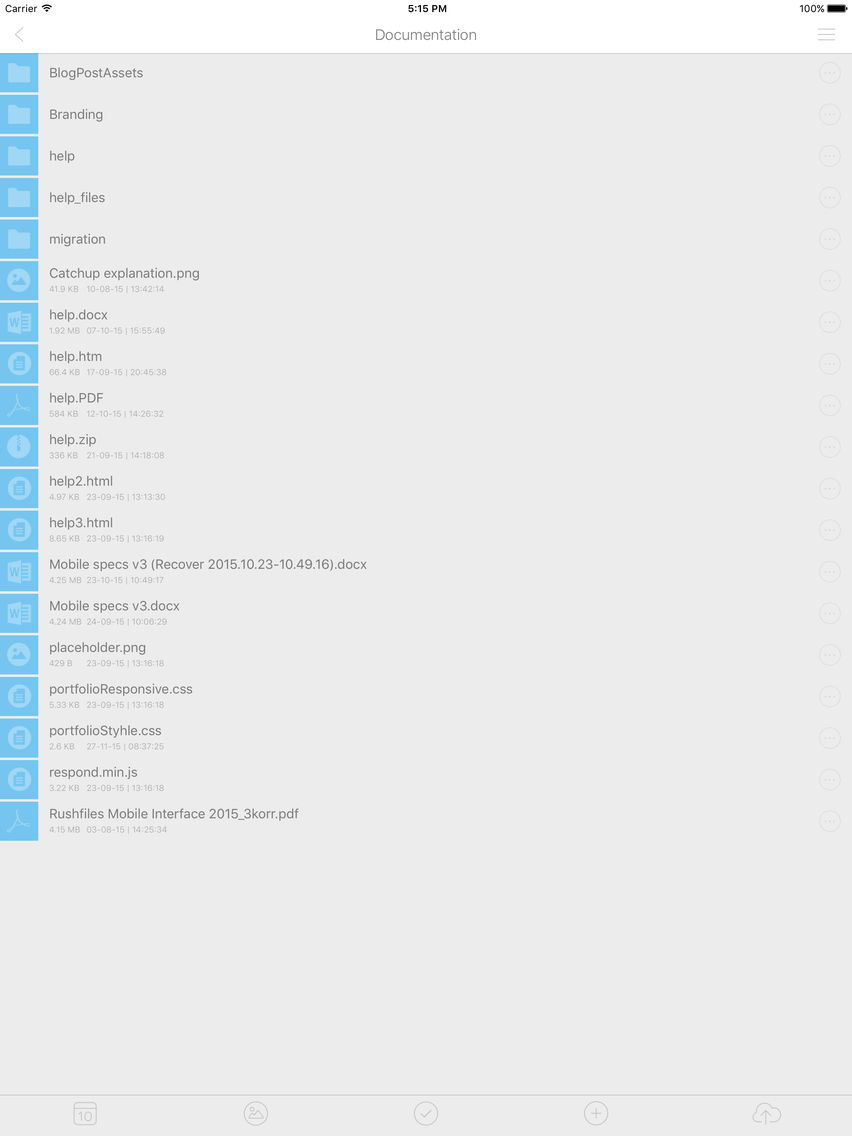
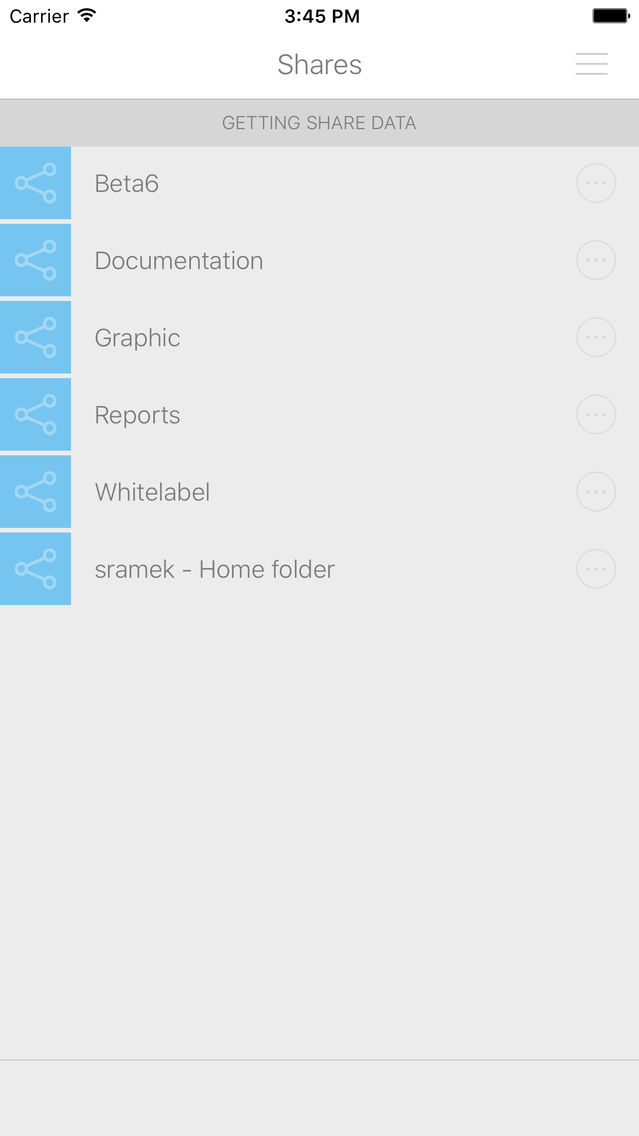
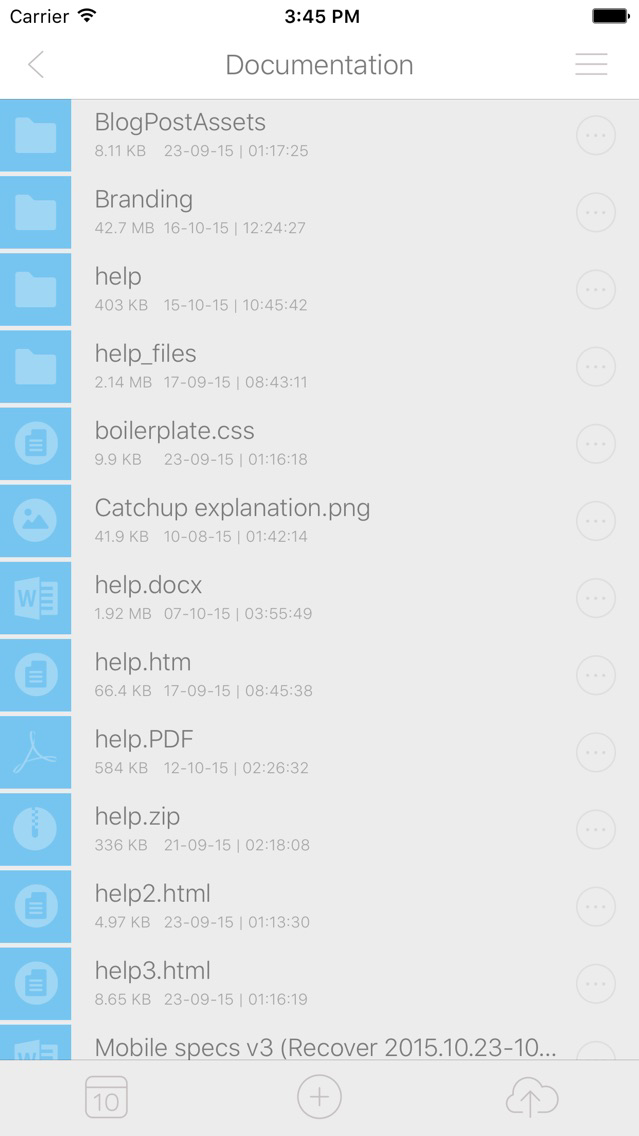
TurnKey Cloud offers a complete cloud storage solution compatible with any device or platform. Designed with security and encryption in mind, TurnKey Cloud offers unlimited storage, with no file size limits.
Access your corporate data anytime, anywhere, safely and securely.
Show More
What's New in the Latest Version 4.3.3
Last updated on Aug 30, 2017
Old Versions
- Added integration with Microsoft Office apps
- Fixed minor audio replay bug
Show More
Version History
4.3.3
Aug 30, 2017
- Added integration with Microsoft Office apps
- Fixed minor audio replay bug
4.3.2
Jul 12, 2017
- File search
- iPhone landscape orientation support
- Fixed alternative calendars support and date parser
- Fixed case insensitive sorting of shares
- Fixed occasional Share action issue
- iPhone landscape orientation support
- Fixed alternative calendars support and date parser
- Fixed case insensitive sorting of shares
- Fixed occasional Share action issue
4.3
Apr 28, 2017
- File locking support
- File/folder actions moved from Options screen into the standalone context menu
- Added "New folder” action during importing files from 3rd party app
- Make “Always available” feature more accessible
- Multiple UI improvements (more prominent bottom toolbar tint color, make toolbars more consistent across the app, ...)
- Public link now requires write access
- Fixed camera issue when double tapping on photo trigger
- Several minor fixes (camera rotation on iPad, minor status bar graphical issue on iOS 8)
- File/folder actions moved from Options screen into the standalone context menu
- Added "New folder” action during importing files from 3rd party app
- Make “Always available” feature more accessible
- Multiple UI improvements (more prominent bottom toolbar tint color, make toolbars more consistent across the app, ...)
- Public link now requires write access
- Fixed camera issue when double tapping on photo trigger
- Several minor fixes (camera rotation on iPad, minor status bar graphical issue on iOS 8)
4.2.2
Dec 30, 2016
- Subfolder sharing support
- Image gallery mode improvements (occasional crash prevented, …)
- Removed a bit confusing 'AUTO SYNCHRONIZE' option from Settings
- Other minor improvements and fixes (empty file download, memory footprint improved, …)
- Image gallery mode improvements (occasional crash prevented, …)
- Removed a bit confusing 'AUTO SYNCHRONIZE' option from Settings
- Other minor improvements and fixes (empty file download, memory footprint improved, …)
4.2.1
Nov 13, 2016
- New file operations API
- Multi-select action added into the tab bar
- Realtime synchronization fixes
- Fix occasional problem with importing files
- Login improvements and fixes (prevent failed login caused by invalid device name, …)
- Multi-select action added into the tab bar
- Realtime synchronization fixes
- Fix occasional problem with importing files
- Login improvements and fixes (prevent failed login caused by invalid device name, …)
4.1.3
Jul 29, 2016
- Read-only share access support
- Real-time synchronization - changes done by other users or on another devices are detected much faster
- Fix: Switching sheets in XLSX file preview
- Fix: 12-hour clock without AM/PM was used on the list of files, now 24-hour clock is used instead
- Real-time synchronization - changes done by other users or on another devices are detected much faster
- Fix: Switching sheets in XLSX file preview
- Fix: 12-hour clock without AM/PM was used on the list of files, now 24-hour clock is used instead
4.1.2
Jun 10, 2016
- Fixed Share action (it was not working with some 3rd party apps)
- Fixed file preview behaviour when navigated into Settings and back
- Improved memory management when a lot of assets selected for import
- Few other minor bug-fixes
- Fixed file preview behaviour when navigated into Settings and back
- Improved memory management when a lot of assets selected for import
- Few other minor bug-fixes
4.1.1
Jun 3, 2016
- Prevent occasional data sync crash
- Fixed deletion of last photo during preview
4.1
May 31, 2016
- File preview improvements (swipe between images, double-tap to zoom, fullscreen mode, bottom toolbar)
- Select multiple files by long-press, delete them or share them at once
- Added pending uploads screen and possibility to cancel scheduled uploads
- Used the date photo/video was taken instead of upload date
- Improved memory management (especially to prevent crashes by photo/video back-up)
- Improved readability of file listing
- Select multiple files by long-press, delete them or share them at once
- Added pending uploads screen and possibility to cancel scheduled uploads
- Used the date photo/video was taken instead of upload date
- Improved memory management (especially to prevent crashes by photo/video back-up)
- Improved readability of file listing
4.0.9
Apr 13, 2016
- Improved login error message in the case of connection problems
- Added Thai language
- Prevent occasional crash in the image gallery
- Prevent iPad rotation crash while taking a photo
- Fixed device recognition bug
- Added Thai language
- Prevent occasional crash in the image gallery
- Prevent iPad rotation crash while taking a photo
- Fixed device recognition bug
4.0.8
Mar 18, 2016
- Multiple improvements to image gallery mode (grouped by date, sorting, better selection, ...)
- Re-implemented picker of photos to be uploaded and added video support
- Custom audio player replaced by the built-in player
- Added logo to PIN screen to distinguish it from the built-in iOS passcode screen
- List of files is scrolled to last uploaded file, when file is added to upload queue
- Fixed PIN code bug on Settings screen
- Re-implemented picker of photos to be uploaded and added video support
- Custom audio player replaced by the built-in player
- Added logo to PIN screen to distinguish it from the built-in iOS passcode screen
- List of files is scrolled to last uploaded file, when file is added to upload queue
- Fixed PIN code bug on Settings screen
4.0.7
Jan 14, 2016
Added auto-import of photos and videos.
Added preview of all photos in the folder (image gallery).
Added possibility to zoom-in photos and documents.
Added playback of video and audio files.
Other minor improvements and bug-fixes.
Added preview of all photos in the folder (image gallery).
Added possibility to zoom-in photos and documents.
Added playback of video and audio files.
Other minor improvements and bug-fixes.
4.0.6
Dec 22, 2015
Fixed creation of public link for folders.
Fixed several minor bugs in the file download.
4.0.5
Dec 7, 2015
- Turned off compression for uploaded images.
- Fixed uploaded files compatibility with OS X Client.
- Fixed occasional crash in photo gallery.
- Fixed uploaded files compatibility with OS X Client.
- Fixed occasional crash in photo gallery.
4.0.3
Nov 12, 2015
We have updated the whole look and feel and improved the speed.

3.0.6
Jul 23, 2015
TurnKey Cloud FAQ
Click here to learn how to download TurnKey Cloud in restricted country or region.
Check the following list to see the minimum requirements of TurnKey Cloud.
iPhone
iPad
TurnKey Cloud supports Chinese, Czech, Danish, Dutch, English, Finnish, French, German, Hebrew, Italian, Japanese, Norwegian Bokmål, Polish, Portuguese, Russian, Spanish, Swedish, Thai, Turkish