

Viso Screenshots
About Viso
Viso transform your iPhone X into an amazing input device for your Mac. You're now able to control your Mac with your facial expressions and movements. Simply connect your iPhone with a cable to your Mac, launch Viso on your Mac, and it will start tracking your facial expressions and perform actions.
PLEASE NOTE:
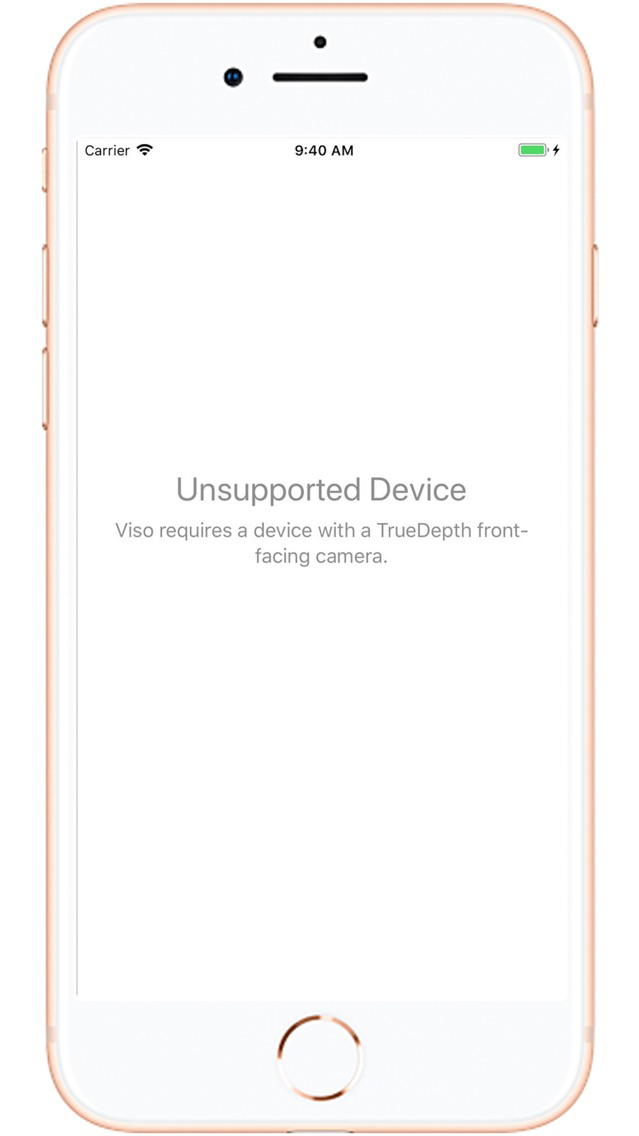
• Viso is only compatible with devices that have a TrueDepth camera (iPhone X).
• You need a Mac with macOS 10.13 High Sierra or higher and Viso for Mac, download from https://visoapp.io
START USING IT:
• Open Viso on your phone
• Connect your phone with a cable to your Mac and stabilise it on a holder or mount of any kind. Make sure the front-facing camera is not obstructed.
• Open Viso on your Mac
Viso will start automatically tracking your facial expressions and perform actions.
CONTROL YOUR MAC EASILY:
• Move your head left/right/up/down to move the mouse cursor.
• Left Kiss to perform a Left Click
• Right Kiss to perform a Right Click
• Left Kiss + head movement to perform Click & Drag
• Eyebrows up / down (frown) to scroll. You can scroll faster/slower depending on how far the eyebrows are raised or lowered.
• Close both eyes for 2 seconds to Pause/Resume the tracking.
• Tracking of face movement stops at a distance of 60 cm from the screen. This allows you to reposition your face without moving the cursor when you want to reach a corner. It’s like lifting the mouse and repositioning it.
---
Having difficulty with tracking? Make sure the iPhone front-facing camera is unobstructed and centered in front of your face. Try moving to an area with better light.
Have fun!
PLEASE NOTE:
• Viso is only compatible with devices that have a TrueDepth camera (iPhone X).
• You need a Mac with macOS 10.13 High Sierra or higher and Viso for Mac, download from https://visoapp.io
START USING IT:
• Open Viso on your phone
• Connect your phone with a cable to your Mac and stabilise it on a holder or mount of any kind. Make sure the front-facing camera is not obstructed.
• Open Viso on your Mac
Viso will start automatically tracking your facial expressions and perform actions.
CONTROL YOUR MAC EASILY:
• Move your head left/right/up/down to move the mouse cursor.
• Left Kiss to perform a Left Click
• Right Kiss to perform a Right Click
• Left Kiss + head movement to perform Click & Drag
• Eyebrows up / down (frown) to scroll. You can scroll faster/slower depending on how far the eyebrows are raised or lowered.
• Close both eyes for 2 seconds to Pause/Resume the tracking.
• Tracking of face movement stops at a distance of 60 cm from the screen. This allows you to reposition your face without moving the cursor when you want to reach a corner. It’s like lifting the mouse and repositioning it.
---
Having difficulty with tracking? Make sure the iPhone front-facing camera is unobstructed and centered in front of your face. Try moving to an area with better light.
Have fun!
Show More
What's New in the Latest Version 1.04
Last updated on Dec 3, 2019
Old Versions
- Completely new colors
- Amazing new settings
- Various bugs fixing
- Amazing new settings
- Various bugs fixing
Show More
Version History
1.04
Dec 3, 2019
- Completely new colors
- Amazing new settings
- Various bugs fixing
- Amazing new settings
- Various bugs fixing
1.03
May 22, 2018
Improved localization
Viso Price
Today:
$17.99
Lowest:
Free
Highest:
$17.99
Viso FAQ
Click here to learn how to download Viso in restricted country or region.
Check the following list to see the minimum requirements of Viso.
iPhone
Viso supports Chinese, Dutch, English, French, German, Greek, Italian, Portuguese, Russian, Spanish, Turkish


