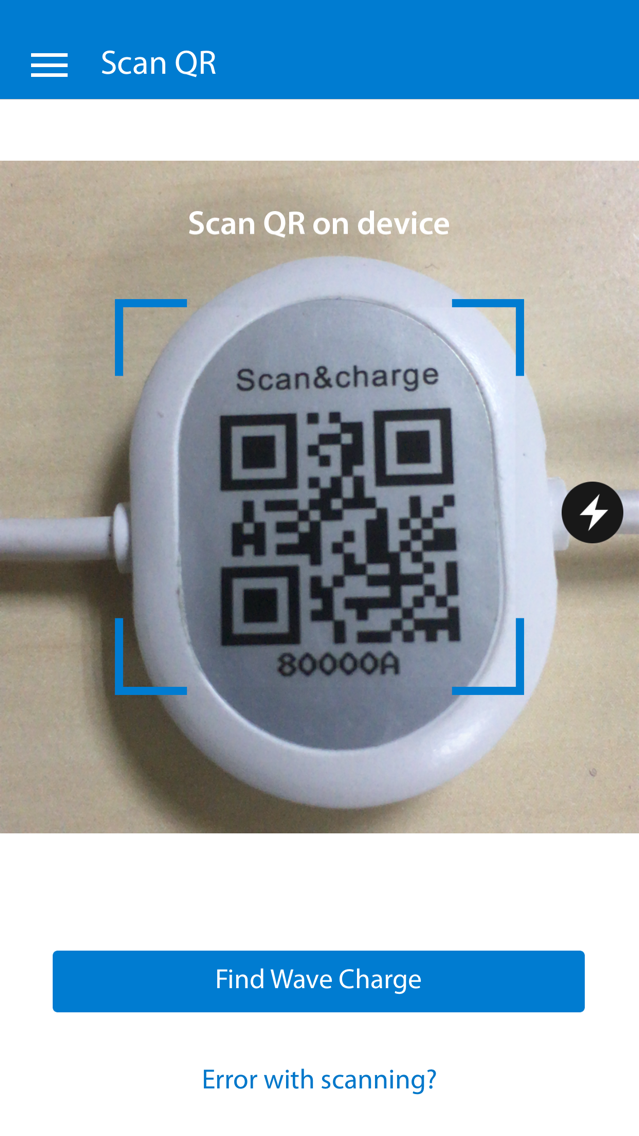
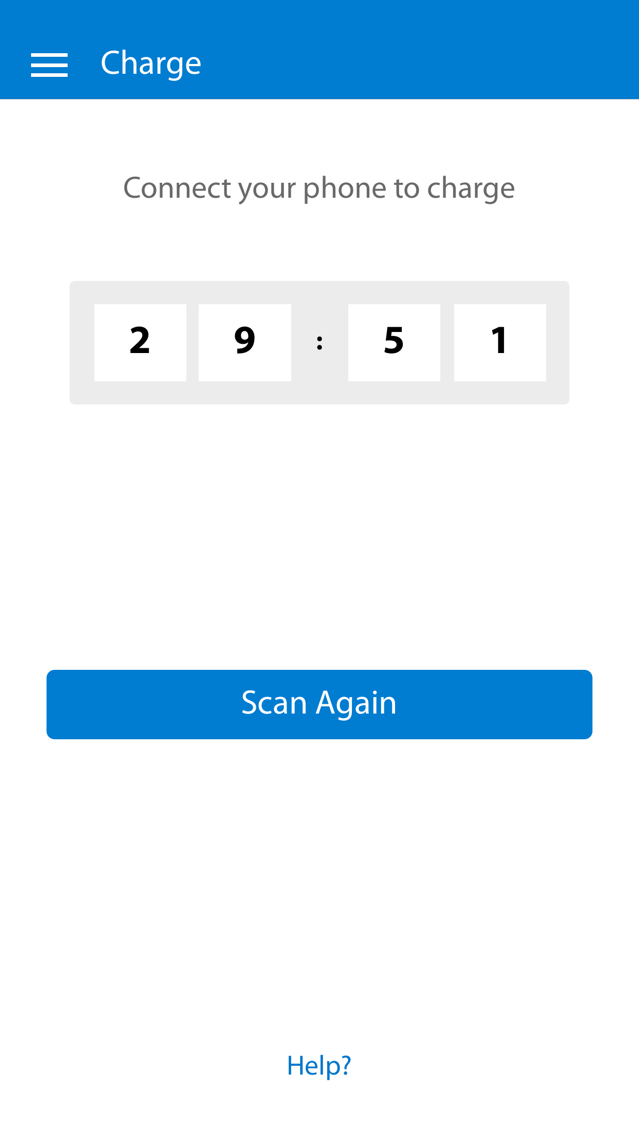
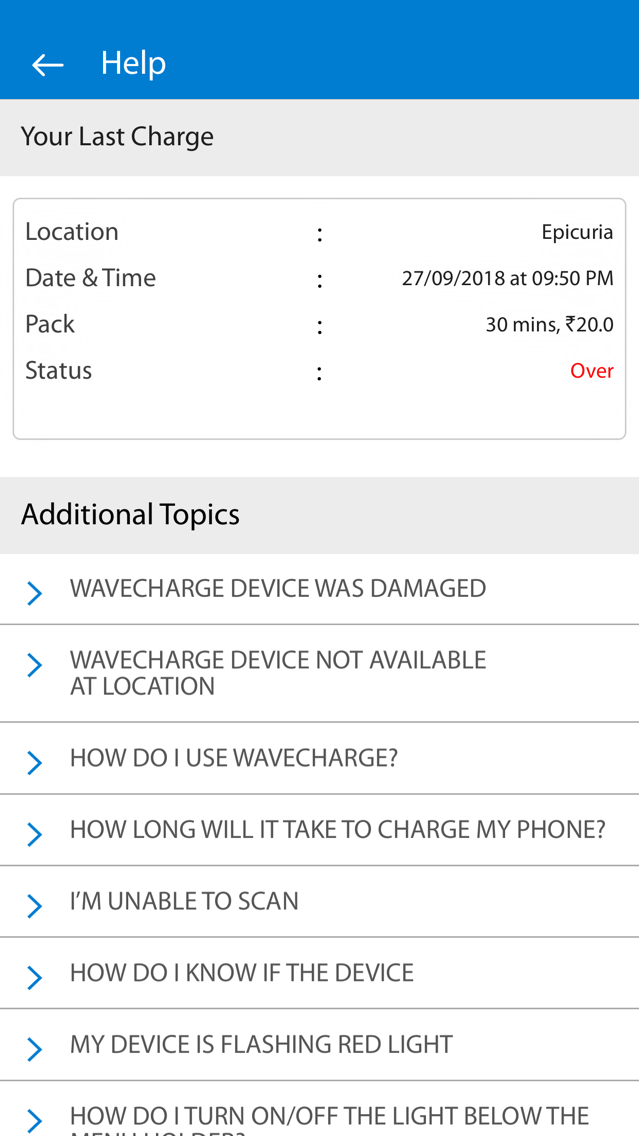
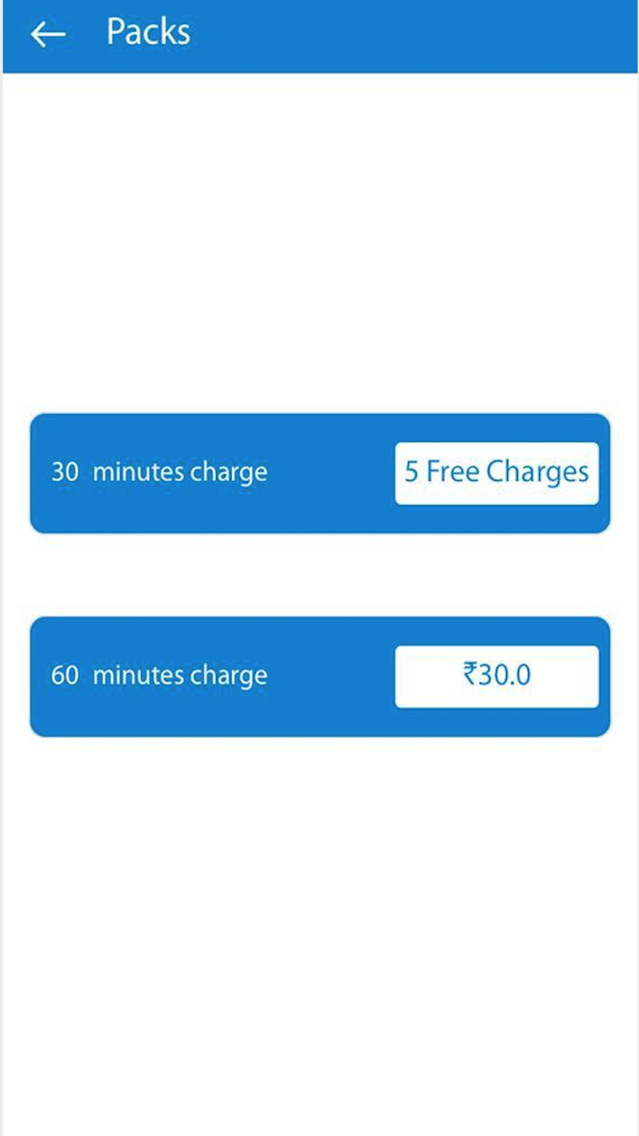
WaveCharge - Download app to keep your phone charged. WaveCharge Power banks are available at various public places like Restaurants, Cafes, Malls, etc. Scan the QR on WaveCharge Power bank with the WaveCharge app and you can charge your phone with ease and privacy. WaveCharge Power bank supports Micro USB, Type C and Lightning connectors so, you can charge any phone. Install WaveCharge app. Download the app and login. Turn ON Bluetooth, now on the homescreen you will see your camera screen, point and scan QR on WaveCharge Power bank to activate. On the top left is the Menu where you can Find and Navigate to locations where WaveCharge is available, available Packs to charge your phone, History of your usage, Help for any issues that you may face using WaveCharge and available payment options.