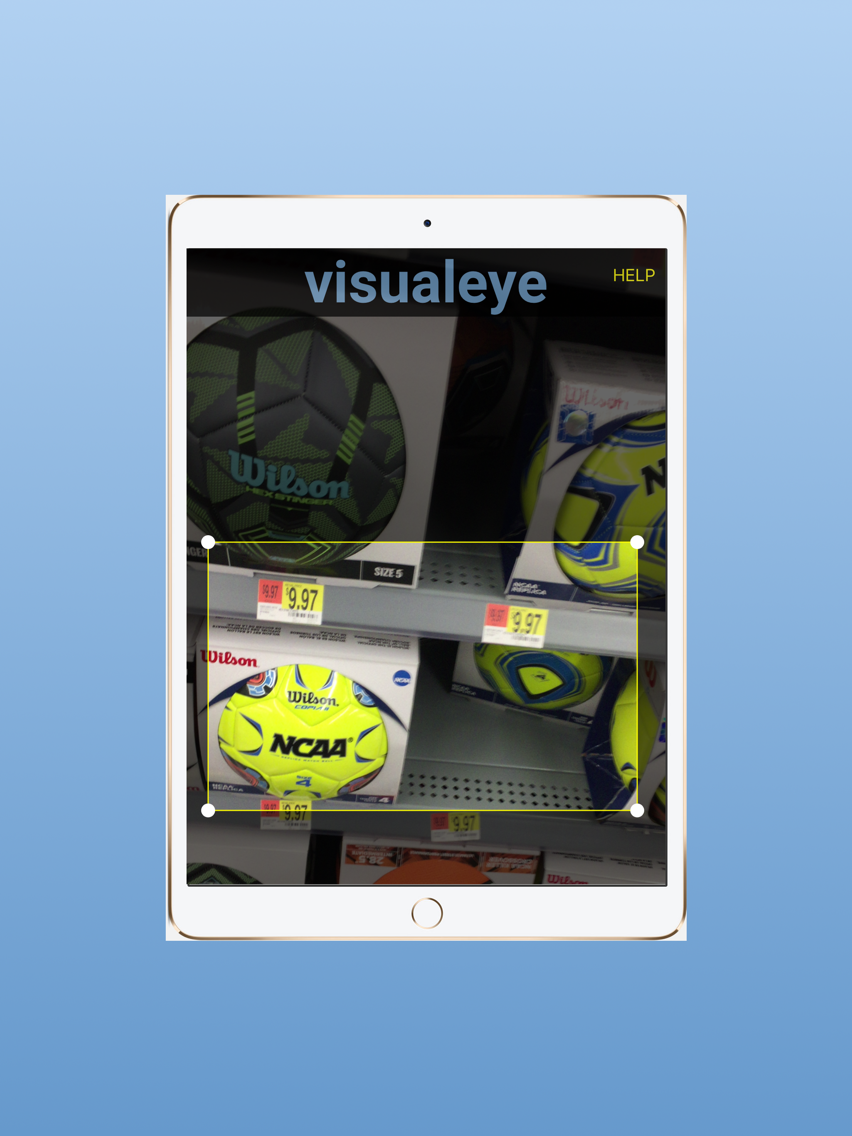
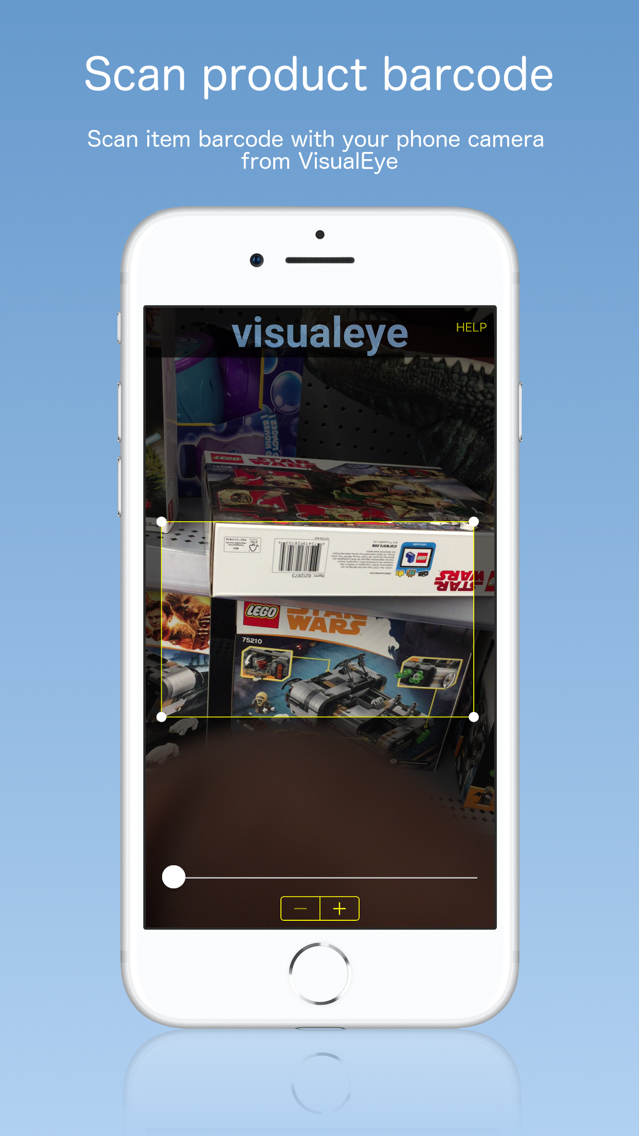
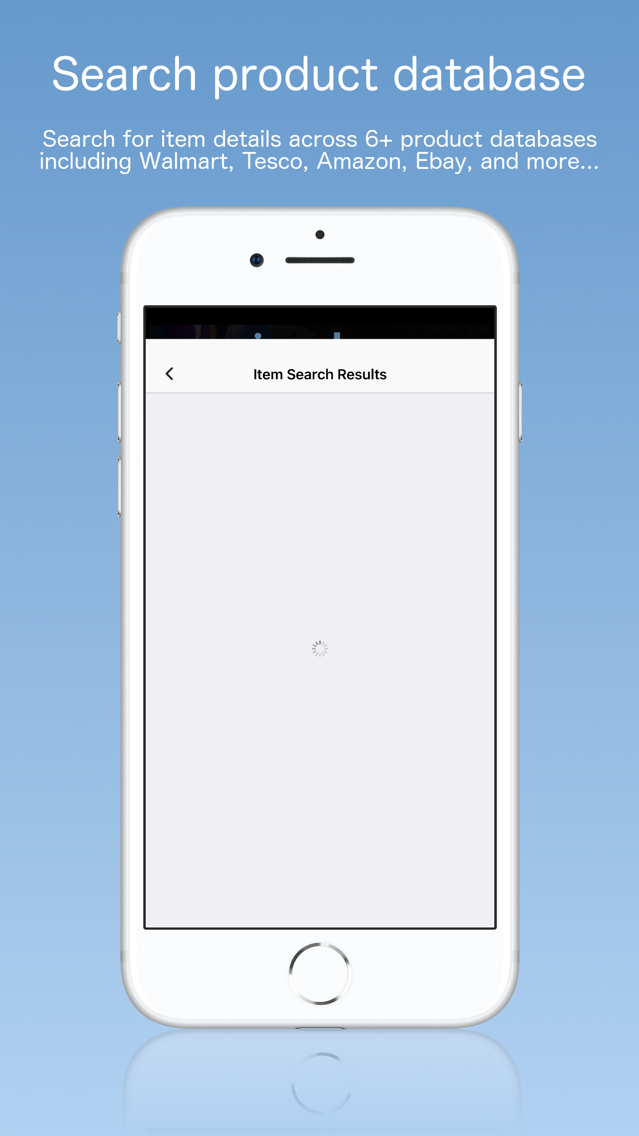
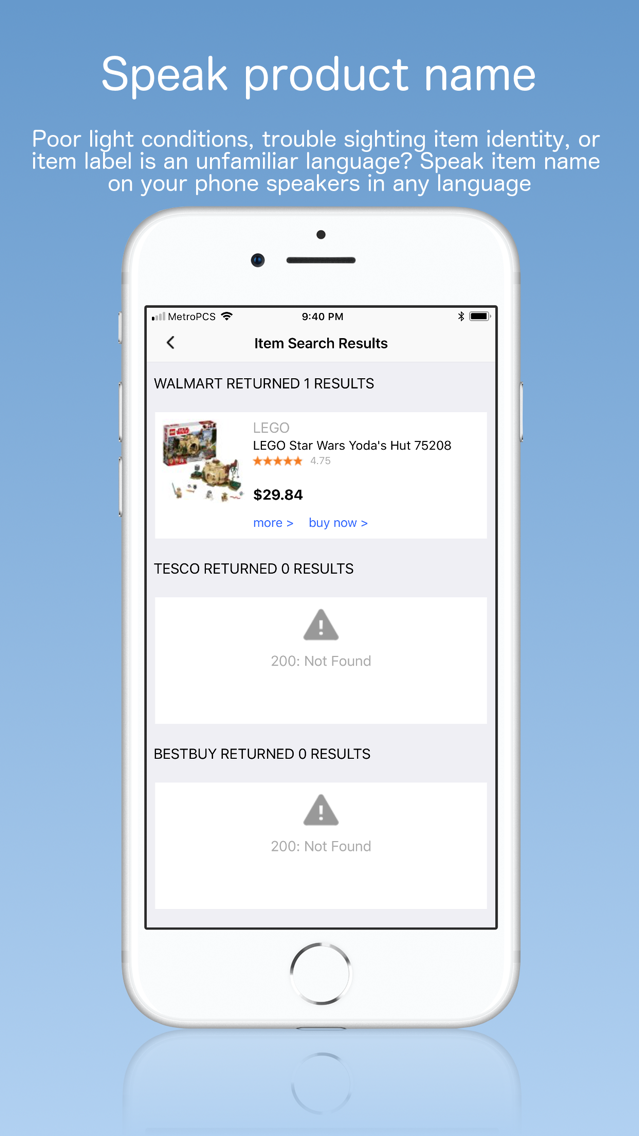
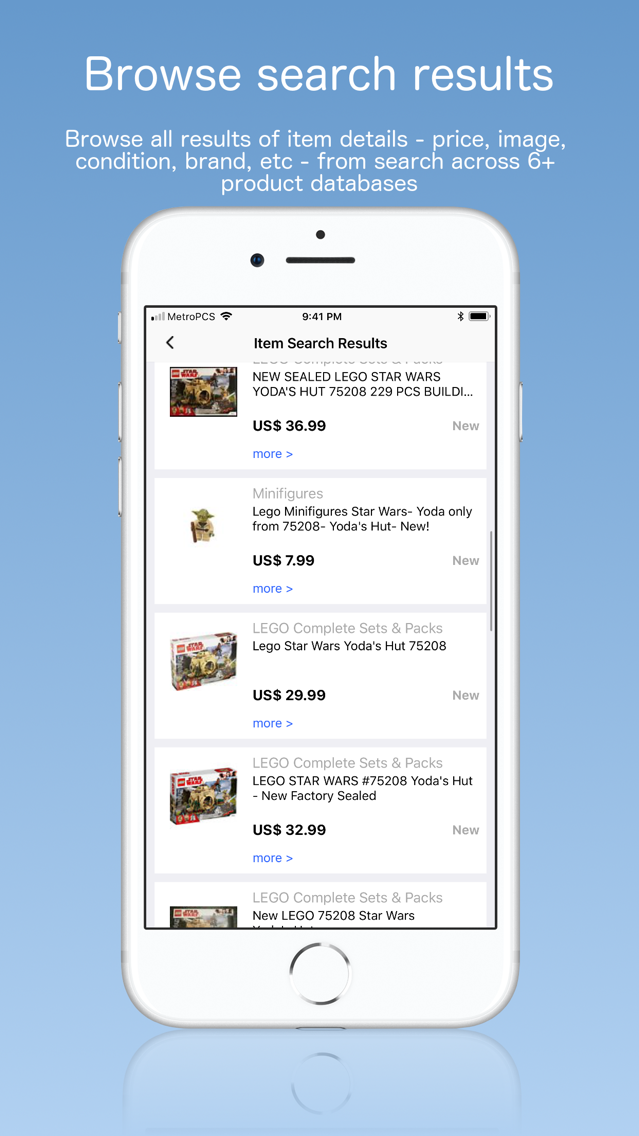
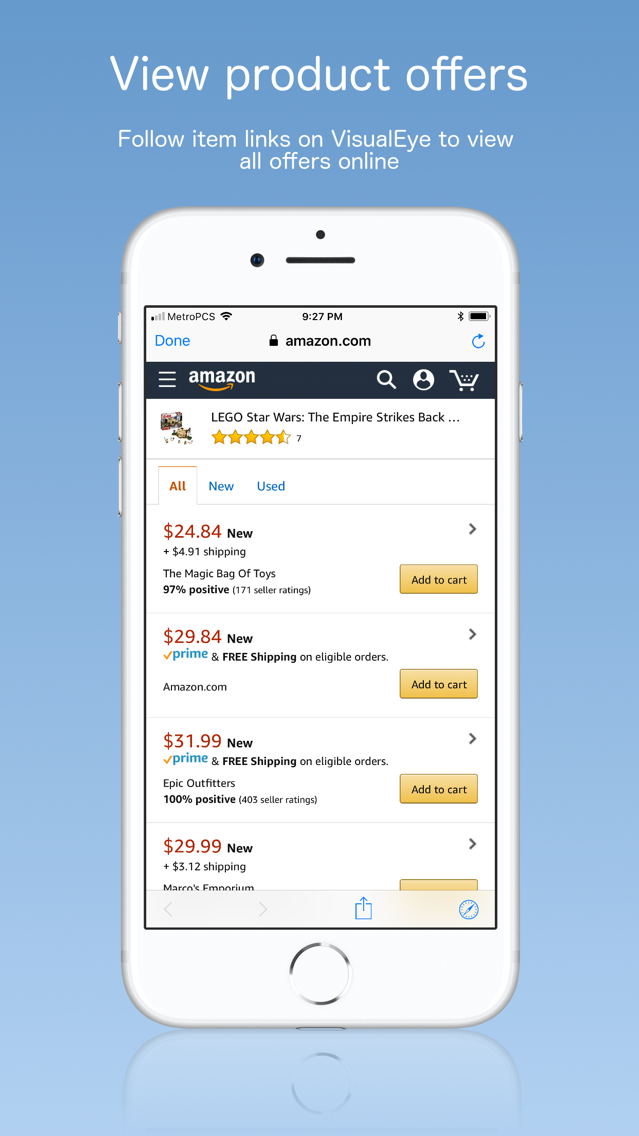
VisualEye lets you give voice to your shopping by speaking the name of your shopping items in 37+ languages. You do this by scanning the item barcode with your phone camera. VisualEye searches across 6+ product databases to find the details of a shopping item that you have scanned. Databases include Walmart, Amazon, Tesco, Ebay, Bestbuy, YouShopping, Trade Doubler and Commission Junction.
1. Scan UPC/EAN barcode while shopping
2. Search 6+ product databases
3. Speak product name in 37+ languages
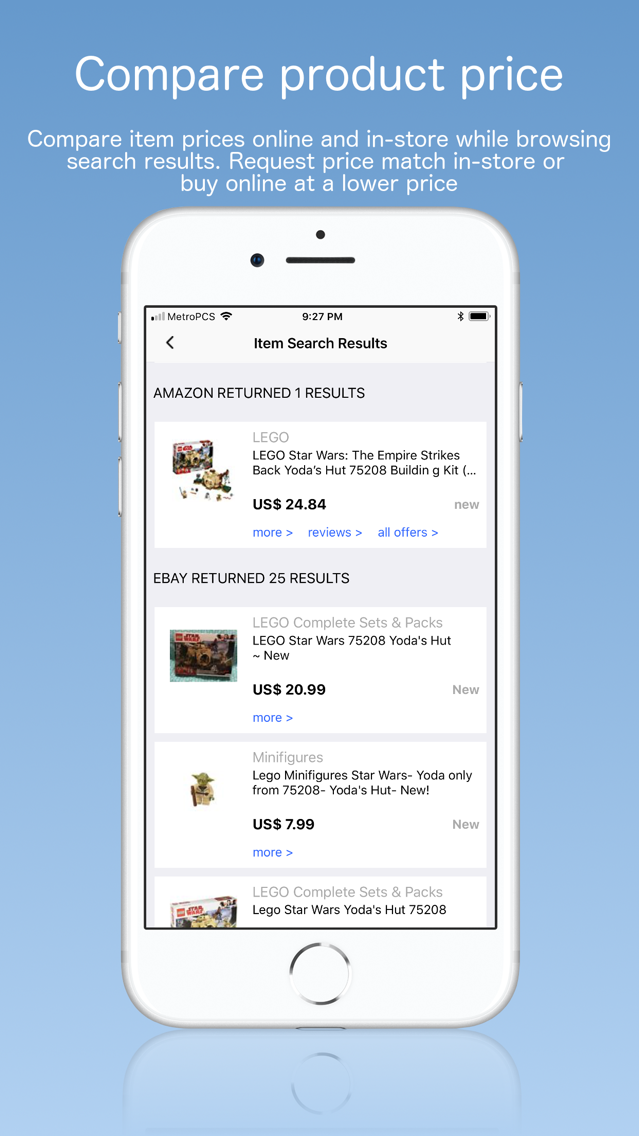
4. Browse and compare prices across 6+ databases
5. Browse and match prices while shopping in-store
6. Speak product name in your native language while traveling
7. Reinforce new language skills while shopping
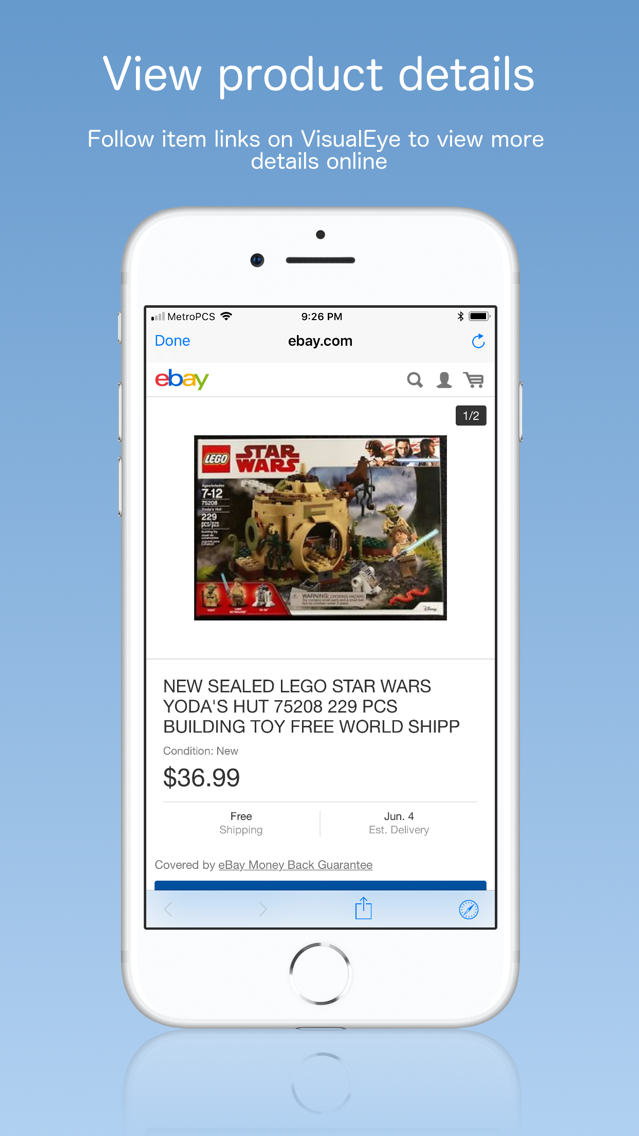
8. Get more details about your shopping items
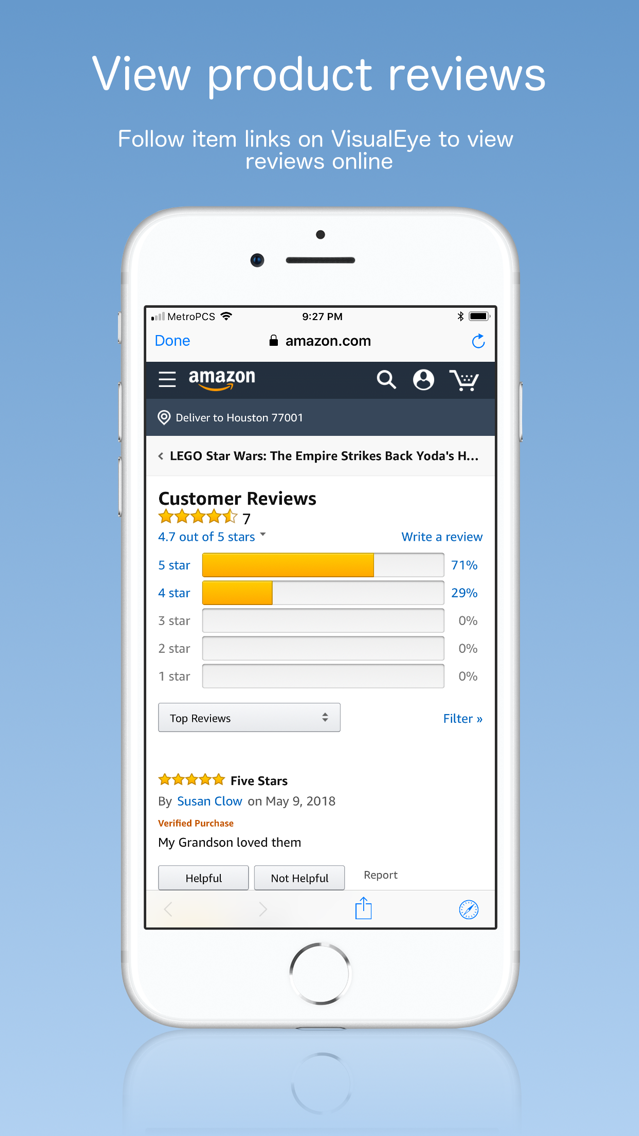
9. Read shopping item ratings & reviews online
10. Share shopping item links to your Social network
You can now shop in any language of your choice or in your native language even when visiting a different country irrespective of shopping item labelling language.
Reinforce language skills when you shop with VisualEye by speaking shopping item name in the language that you are learning.
Share links to product items from VisualEye via Airdrop, Email, Social Networks (Facebook, Twitter, LinkedIn, etc), Messaging (Whats App, Phone, etc).
VisualEye supports the following speaking languages: English (US), English (UK), English (Australia), English (Ireland), English (South Africa), Spanish (Mexico), Spanish (Spain), French (France), French (Canada), German, Italian, Japanese, Korean, Mandarin (Mainland China), Mandarin (Taiwan), Cantonese (Hong Kong), Arabic, Czech, Danish, Dutch, Finnish, Flemish (Belgium), Greek, Hebrew, Hindi, Hungarian, Indonesian, Norwegian, Polish, Portuguese, Portuguese (Brazil), Romanian, Russian, Slovak, Swedish, Thai, Turkish. We are adding more languages each day!
Documentation for learning how to use VisualEye is available online at:
http://www.visualeye.co/#about
http://www.visualeye.co/#faqs
VisualEye installs in the following default configuration:
1. Speaking language; English (US)
2. Amazon Locale: United States
3. eBay Site: United States
4. Trade Doubler Site: United Kingdom
If you are in the United States the above default configuration works fine. However, if you are elsewhere, it is advised that you configure VisualEye for your language and region.
For example if you are in the United Kingdom, you might change the above configuration to:
1. Speaking language; English (UK)
2. Amazon Locale: UK
3. eBay Site: UK
4. Trade Doubler Site: UK
Again if you are in Germany, you might change the above configuration to:
1. Speaking language; German
2. Amazon Locale: Germany
3. eBay Site: Germany
4. Trade Doubler Site: Germany
If you do not see your country while configuring VisualEye as detailed above you can select the closest country where you are likely to have similar products in the stores. For example, if you are in Belgium, you can select Germany.
You can learn how to configure VisualEye by reading our FAQs online at: http://www.visualeye.co/#faqs
Please note that VisualEye utility is only as strong as the strength of the databases used. We have used VisualEye extensively in the United States, UK and other European countries.
Your opinion matters to us. Please tell us how we can improve your VisualEye experience by giving us feedback online at: http://www.visualeye.co/#contact