Easy Backup.
Grátis
16.1.4for iPhone, iPad and more
Age Rating
Easy Backup. Capturas de tela
About Easy Backup.
Easy Backup is the easiest and fastest way to backup, restore and transfer your contacts between mobile devices!
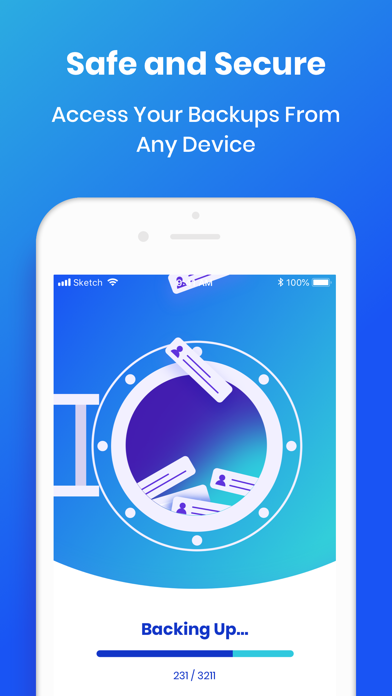
Easy Backup allows you to backup your phone’s entire contacts list with a single tap, by uploading your contacts to a secured cloud to keep them safe!
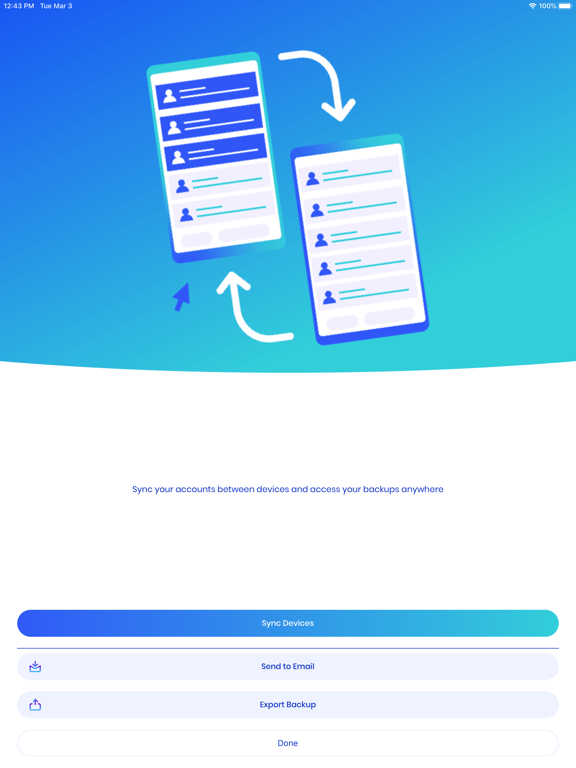
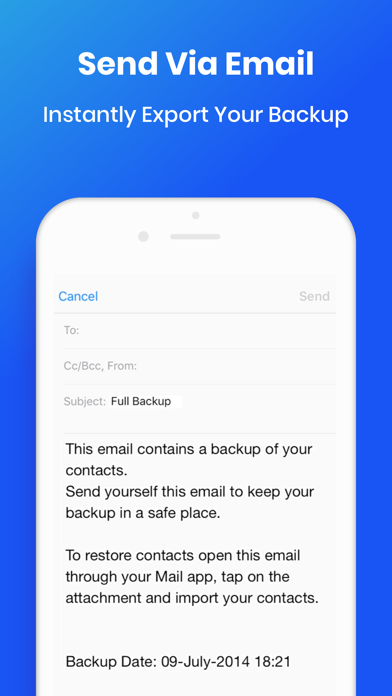
Export your contacts - you can easily send a backup .vcf file of your contacts book to any email address!
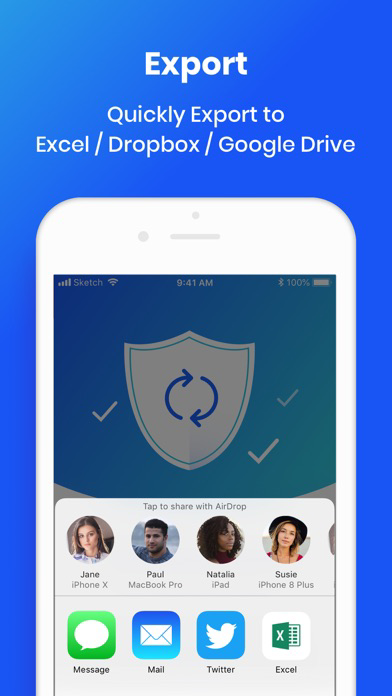
You can also send contacts via various share services to your choice!
Easy Backup is the easiest and the most efficient way to transfer and recover contact details of your friends and family if you lose your smartphone or switch to a new one!
How to backup your contacts:
1. Download Easy Backup to your phone
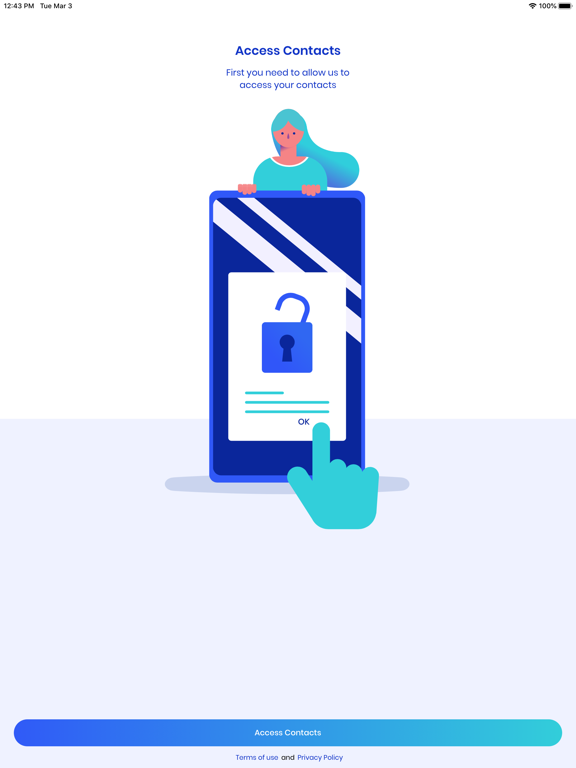
2. Allow Easy Backup to access your contacts.
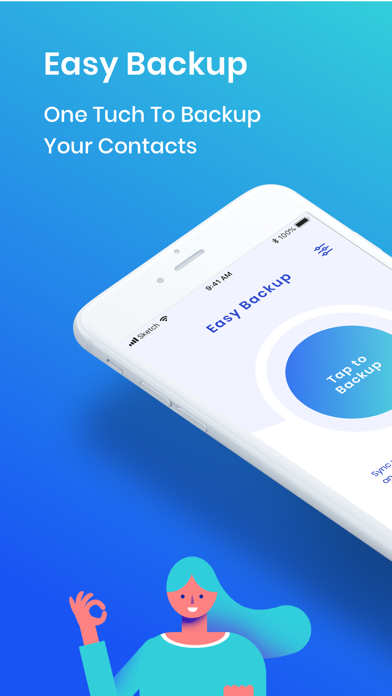
3. Hit the big “Tap to backup” button
That’s it! Your contacts are safe on our cloud
How to transfer your contacts:
1. Sign in and backup your contacts on your old device
2. Download Easy Backup on your other device
3. Sign in with the same account you did the first time (step 1)
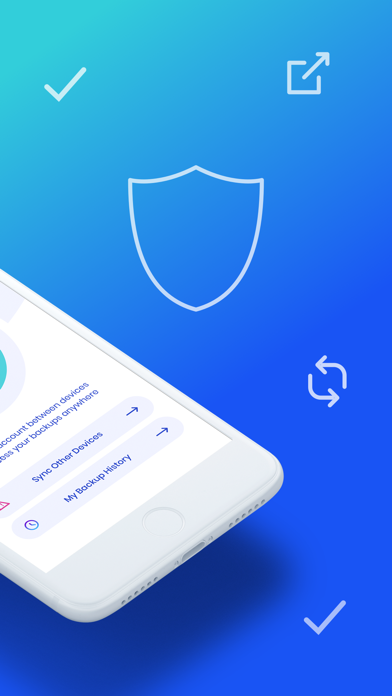
4. Hit “My Backup History” on the bottom part of your screen
Now you have access to all your cloud backups of your address book contacts!
How to restore your contacts:
1. In “My Backup History” tap the backup file you would like to restore contacts from
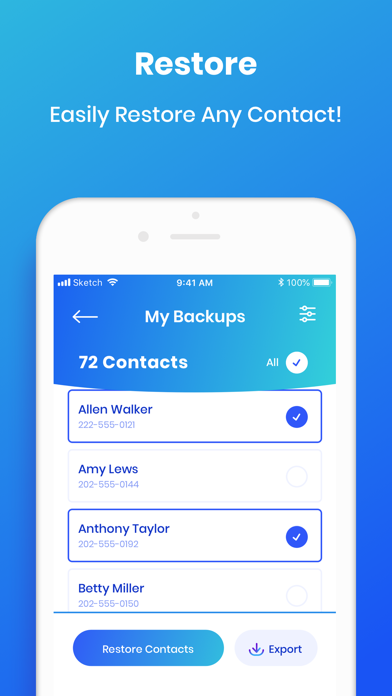
2. Select all or any contacts from the list
3. Hit “Restore Contacts”
That’s it! Your contacts have been recovered!
How to export your contacts:
1. Tap “My Backup History”
2. Choose a backup to restore
3. Select all or any contacts from the list
4. Hit “Export” to send a .vcf file by email or “Export” to choose from the many services you can upload your backups to
Easy isn’t it?
MAIN FEATURES
○ One tap to backup your contacts!
○ Transfer your contacts address book between mobile devices with ease!
○ Offline Backup. No need to sync to any server. Just email yourself the backup file.
○ Save a copy of the backup file in your Computer.
○ Backup Contacts as VCF (VCard). Quickly export your backups to any service you want.
○ Never lose your contacts again
We would love to hear your feedback
Let us know what do you think about Easy Backup:
https://www.lsmapps.com/

Easy Backup allows you to backup your phone’s entire contacts list with a single tap, by uploading your contacts to a secured cloud to keep them safe!
Export your contacts - you can easily send a backup .vcf file of your contacts book to any email address!
You can also send contacts via various share services to your choice!
Easy Backup is the easiest and the most efficient way to transfer and recover contact details of your friends and family if you lose your smartphone or switch to a new one!
How to backup your contacts:
1. Download Easy Backup to your phone
2. Allow Easy Backup to access your contacts.
3. Hit the big “Tap to backup” button
That’s it! Your contacts are safe on our cloud
How to transfer your contacts:
1. Sign in and backup your contacts on your old device
2. Download Easy Backup on your other device
3. Sign in with the same account you did the first time (step 1)
4. Hit “My Backup History” on the bottom part of your screen
Now you have access to all your cloud backups of your address book contacts!
How to restore your contacts:
1. In “My Backup History” tap the backup file you would like to restore contacts from
2. Select all or any contacts from the list
3. Hit “Restore Contacts”
That’s it! Your contacts have been recovered!
How to export your contacts:
1. Tap “My Backup History”
2. Choose a backup to restore
3. Select all or any contacts from the list
4. Hit “Export” to send a .vcf file by email or “Export” to choose from the many services you can upload your backups to
Easy isn’t it?
MAIN FEATURES
○ One tap to backup your contacts!
○ Transfer your contacts address book between mobile devices with ease!
○ Offline Backup. No need to sync to any server. Just email yourself the backup file.
○ Save a copy of the backup file in your Computer.
○ Backup Contacts as VCF (VCard). Quickly export your backups to any service you want.
○ Never lose your contacts again
We would love to hear your feedback
Let us know what do you think about Easy Backup:
https://www.lsmapps.com/

Show More
Novidades da Última Versão 16.1.4
Last updated on Nov 18, 2025
Versões Antigas
Bug Fixes and Performance Improvements
Show More
Version History
16.1.4
Nov 18, 2025
Bug Fixes and Performance Improvements
Easy Backup. FAQ
Easy Backup. está disponível fora dos seguintes países restritos:
Germany,France,Israel,Italy
Easy Backup. suporta Englisch
Clique aqui para saber como baixar Easy Backup. em um país ou região restrita.
Confira a lista a seguir para ver os requisitos mínimos de Easy Backup..
iPhone
Erfordert iOS 15.0 oder neuer.
iPad
Erfordert iPadOS 15.0 oder neuer.
iPod touch
Erfordert iOS 15.0 oder neuer.