MakerBot

MakerBot


Free

3.1.9for iPhone, iPad
4.5
33 Ratings
MakerBot Industries
Developer
May 16, 2019
Update Date
Utilities
Category
Age Rating
4+
Apps in this category do not contain restricted content.
9+
Apps in this category may contain mild or occasional cartoon, fantasy or real-life violence, as well as occasional or mild adult, sexually suggestive or horrifying content and may not be suitable for children under 9 years of age.
12+
Apps in this category may contain occasional mild indecent language, frequent or intense cartoon or real-life violence, minor or occasional adult or sexually suggestive material, and simulated gambling, and may be for children under 12 years of age.
17+
You must be at least 17 years old to access this App.
Apps in this category may contain frequent and intense offensive language; Frequent and intense cartoon, fantasy or realistic violence: frequent and intense adult, scary and sexually suggestive subjects: as well as sexual content, nudity, tobacco, alcohol and drugs, may not be suitable for children under 17 years of age.
MakerBot Capturas de tela
MakerBot CartazMakerBot CartazMakerBot CartazMakerBot CartazMakerBot Cartaz

About MakerBot

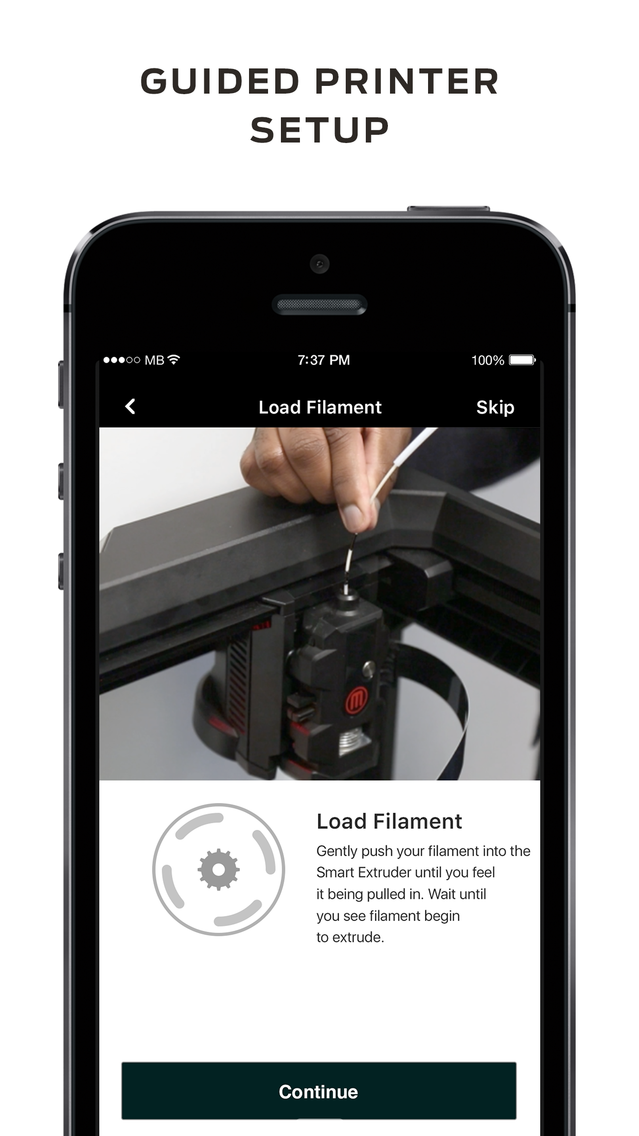
Now it’s easier than ever to set up your new MakerBot Replicator+ or Mini+ printer. Connect to Wi-Fi, load filament and get printing in 15 minutes using the guided setup!

MakerBot Mobile adds a revolutionary layer of convenience and ease to your 3D printing workflow by allowing you to access everything MakerBot from your mobile device and prepare digital designs for 3D printing.

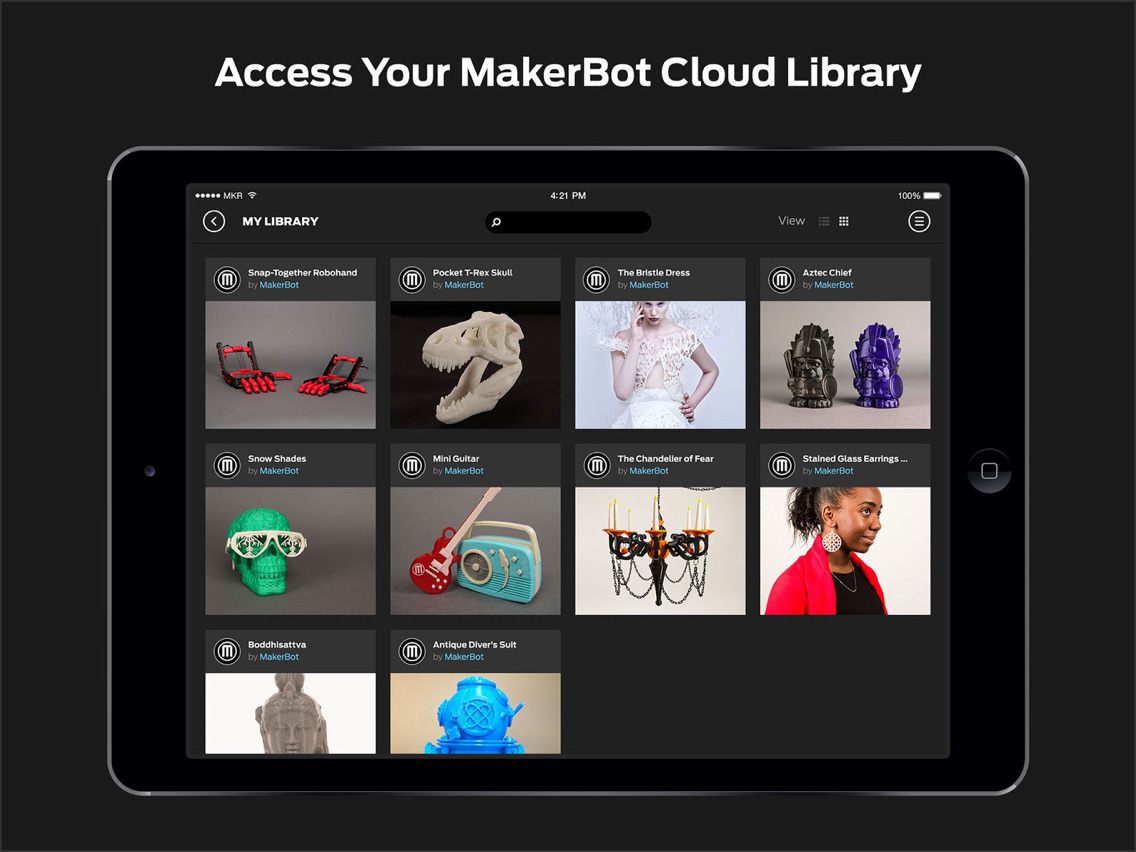
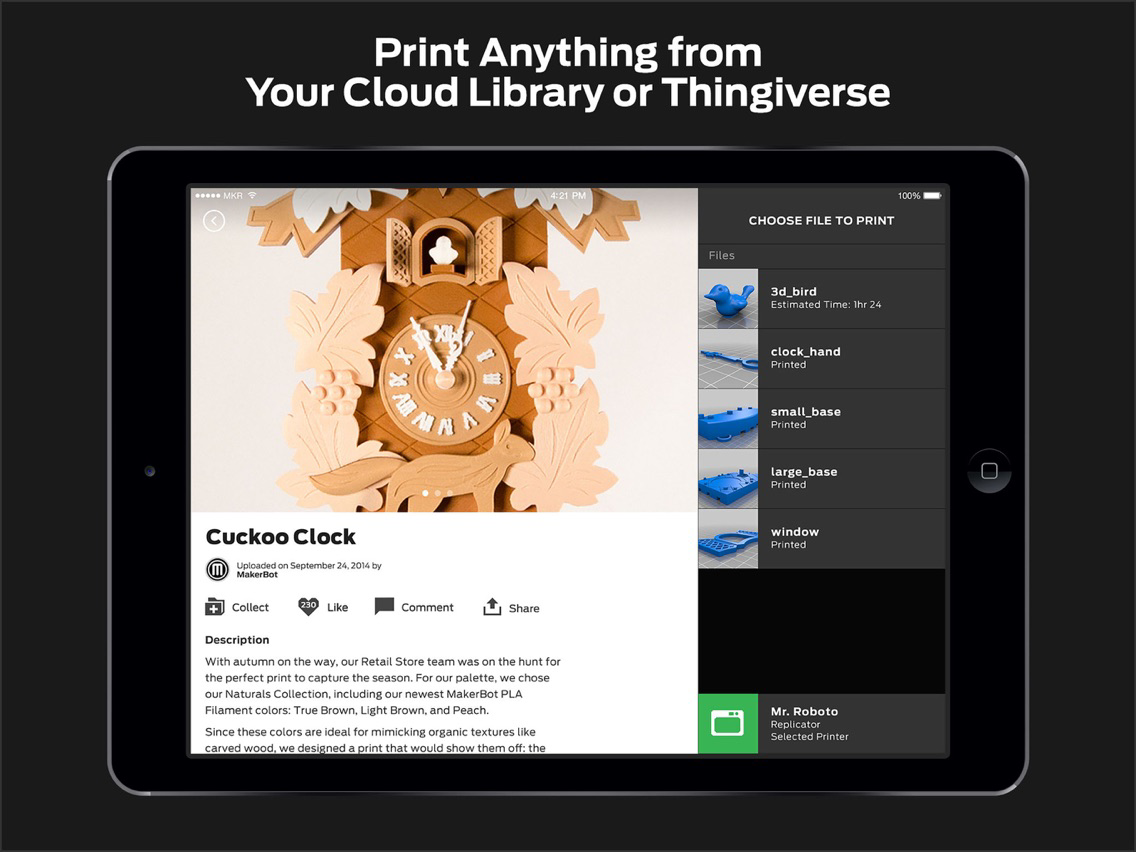
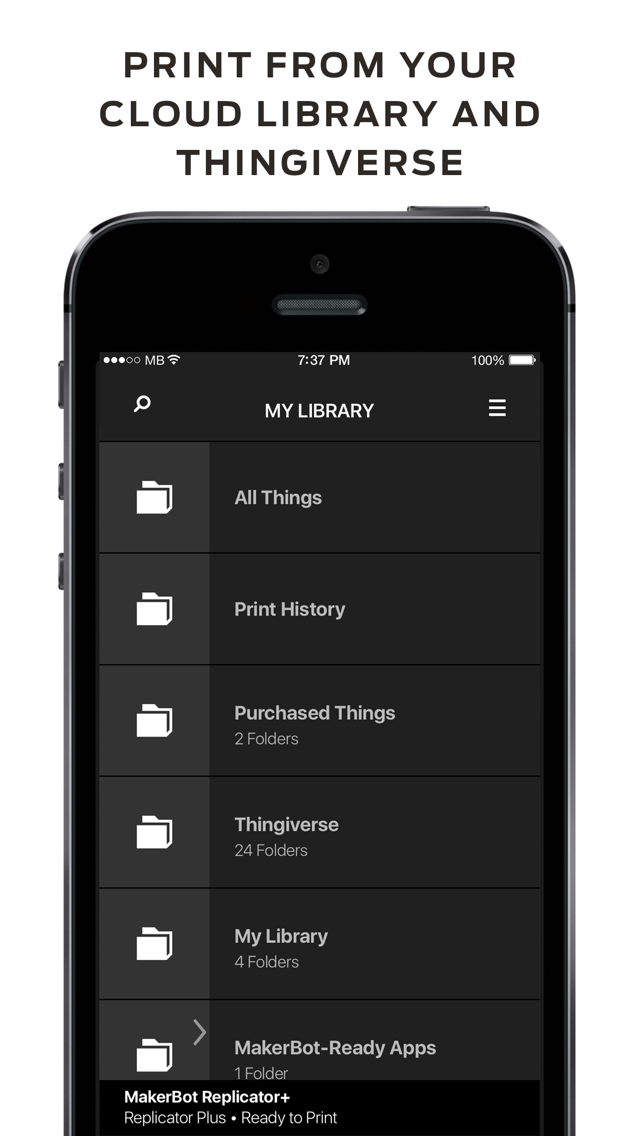
Choose a downloadable digital design from Thingiverse or any 3D model file stored in your MakerBot Cloud Library, then use MakerBot cloud servers to optimize, scale and slice your design for 3D printing, layer-by-layer. MakerBot Mobile does all the work for you so all you have to do is confirm the print on your MakerBot Replicator 3D Printer. *

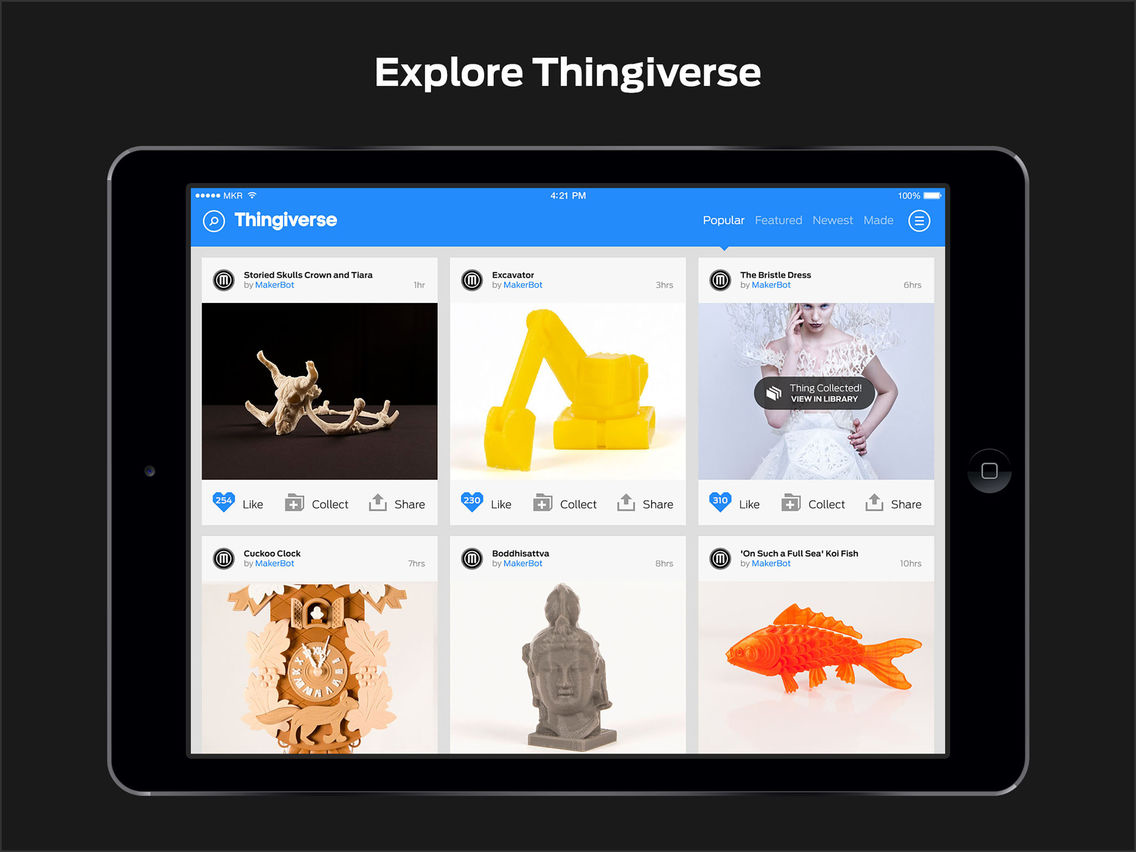
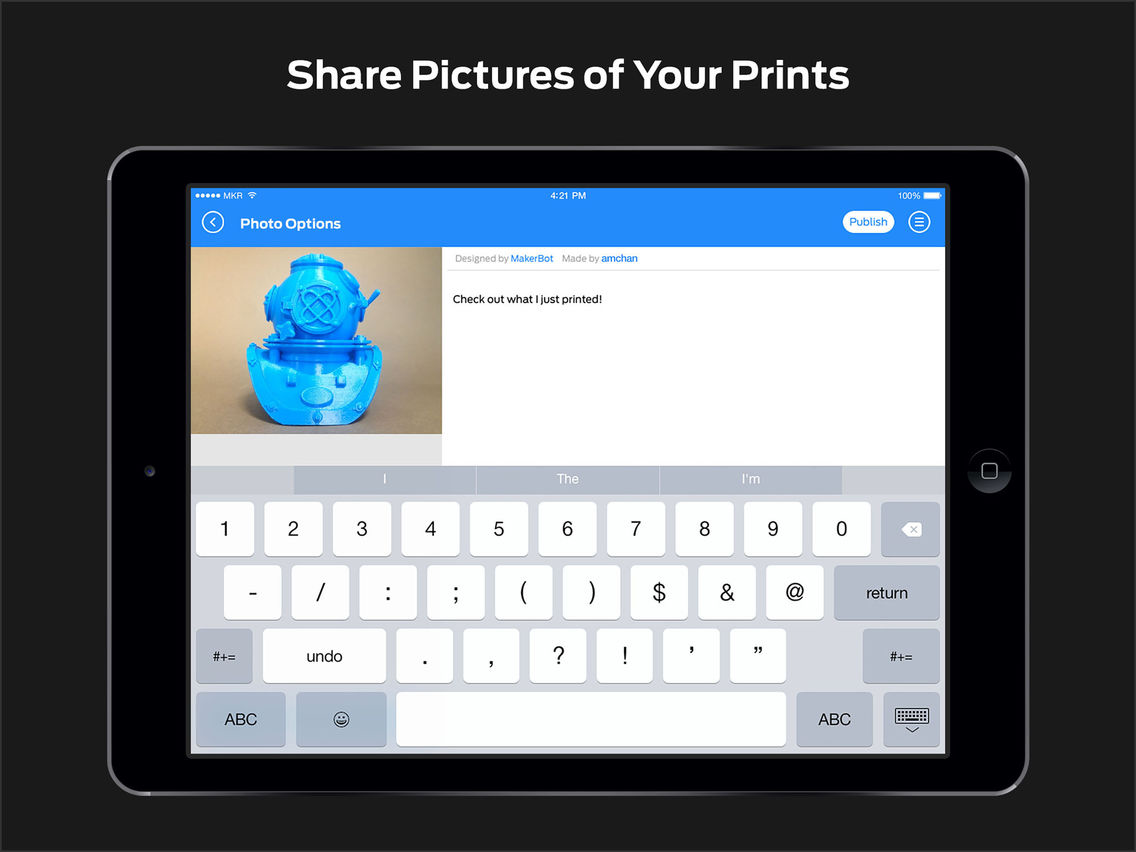
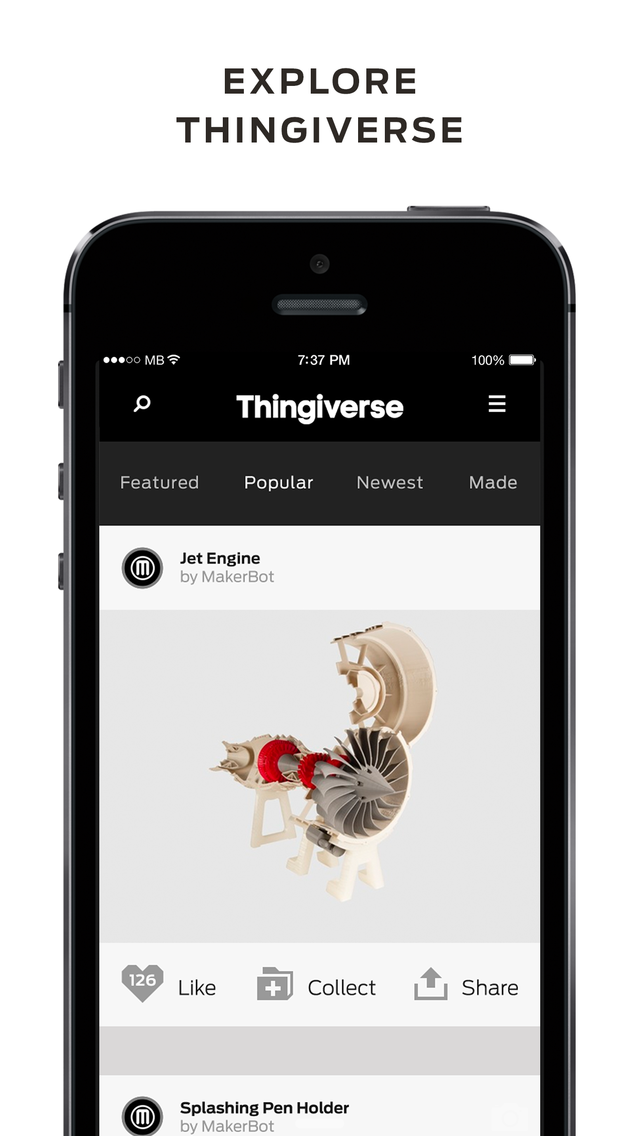
See something you want to 3D print on Thingiverse, the world’s largest 3D design community? With MakerBot Mobile, you have hundreds of thousands of 3D downloadable digital designs at your fingertips wherever you go. Add models to your collections, upload images of your prints, or share them on your social networks.

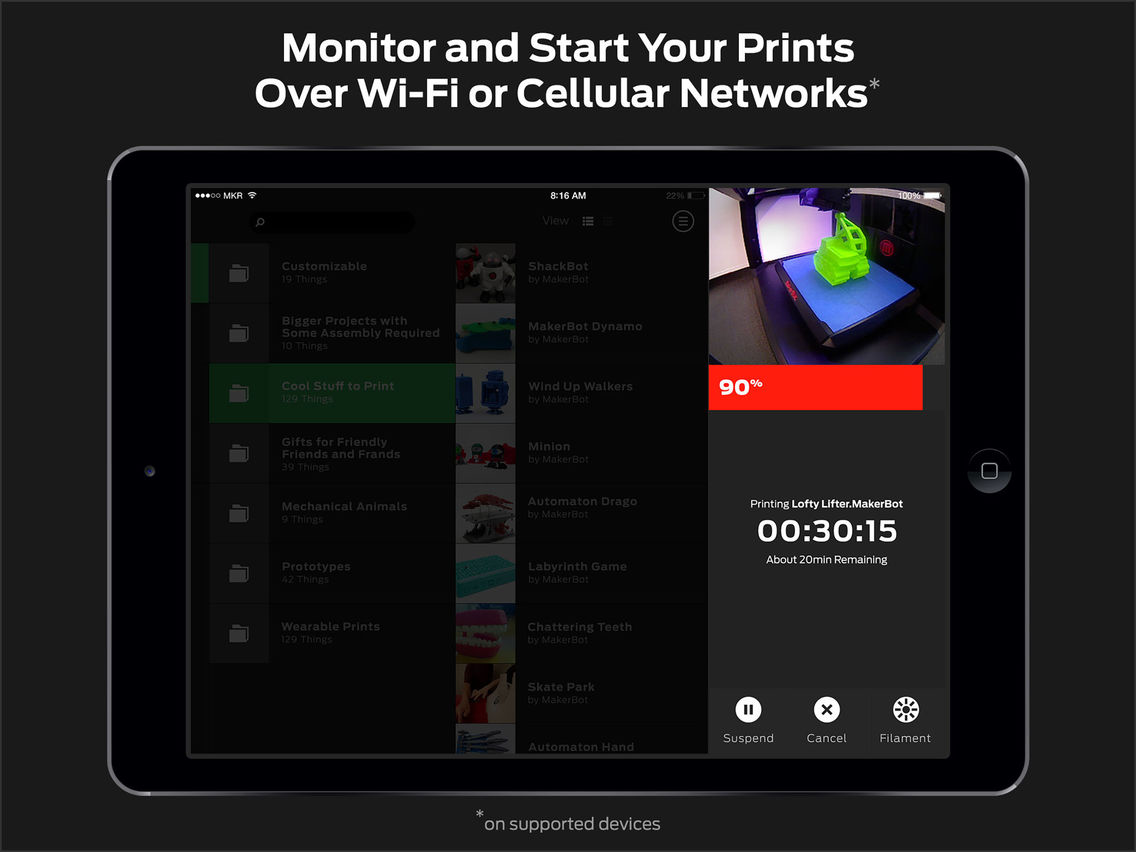
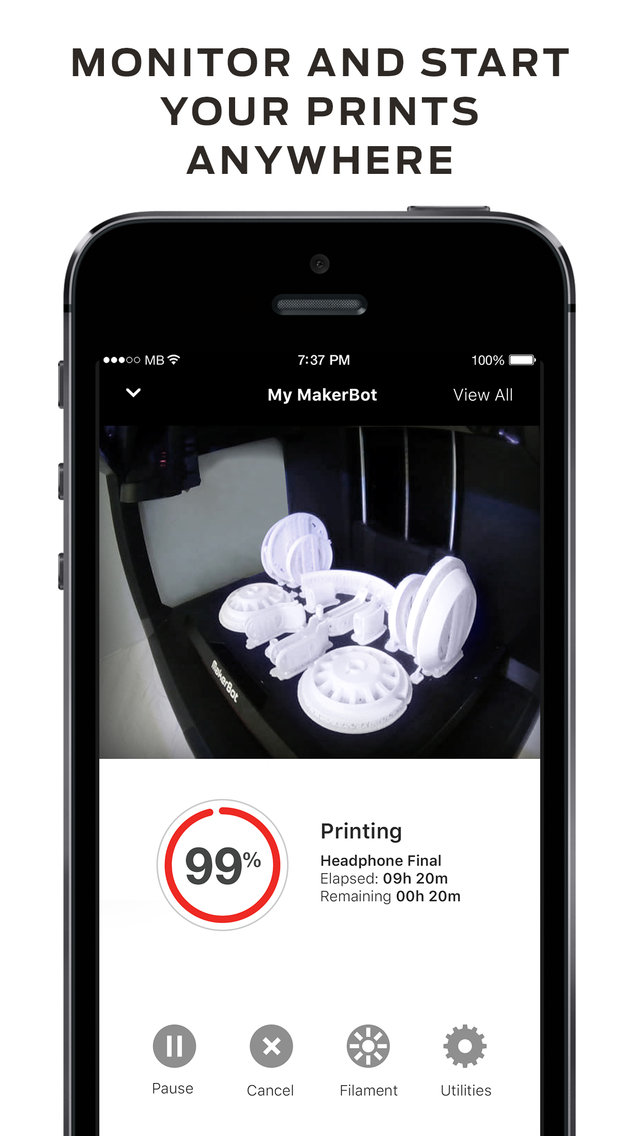
MakerBot Mobile also gives you the ability to remotely monitor your prints using your MakerBot Replicator 3D Printer’s on-board camera. You can also use MakerBot Mobile to access printer preferences, remotely print, pause prints, cancel prints and start the filament swapping and extruder attachment process.**

You can also get notifications sent to your phone whenever you get new followers on Thingiverse, when a Thingiverse user prints one of your designs, or when MakerBot cloud servers finish prepping your 3D model for printing.

* MakerBot Replicator, MakerBot Replicator+, MakerBot Replicator Mini , MakerBot Replicator Mini+ and MakerBot Replicator Z18
** Must be authenticated to your internet-connected Fifth Generation MakerBot Replicator 3D Printer via Wi-Fi to enable remote monitoring and printing.

Show More

Novidades da Última Versão 3.1.9

Last updated on May 16, 2019
Versões Antigas
iPhone X devices support added.
Show More
Version History
3.1.9
May 16, 2019
iPhone X devices support added.
3.1.4
Nov 7, 2017
Reverting previous UI changes, with Safari View Controller
3.1.1
Nov 2, 2017
New account registration flow.
3.1.0
Mar 11, 2017
New splash screen
Connectivity fixes
Bug fixes
Device registration
Offline bots
3.0.1
Sep 25, 2016
Bug fixes
3.0
Sep 20, 2016
What’s New
New guided setup for MakerBot Replicator+ and MakerBot Replicator Mini+ printers.
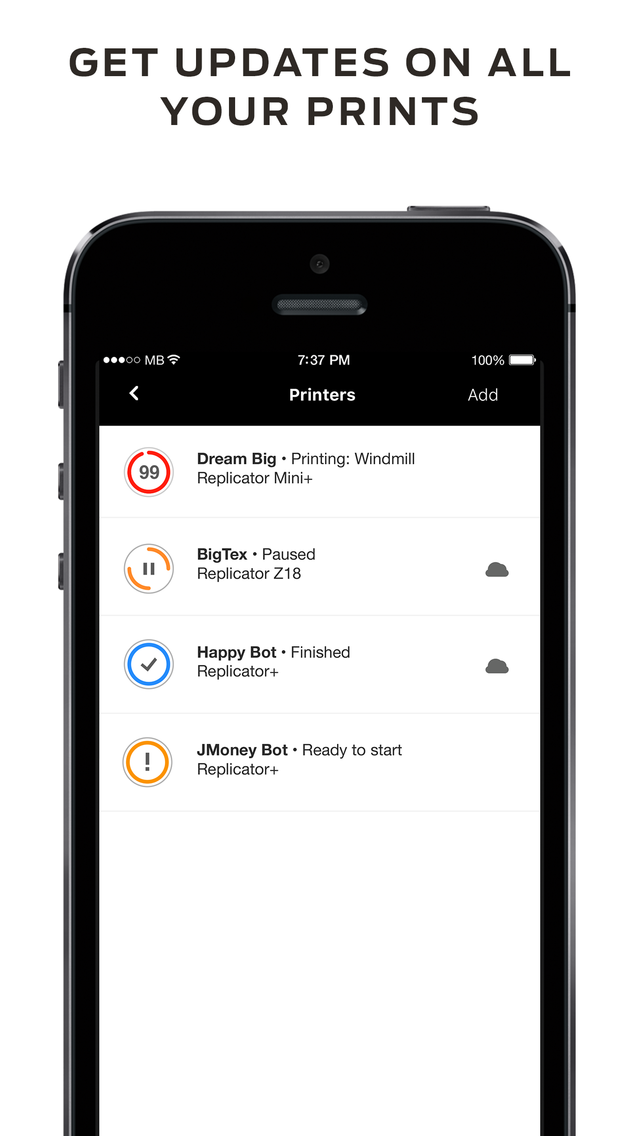
Monitor multiple printers at once without having to switch between them.
2.2.9
Aug 18, 2016
Bug fixes
2.2.8
Apr 9, 2016
Bug fixes
2.2.7
Jan 5, 2016
Bug fixes and performance improvements.
2.2.6
Oct 23, 2015
bug fixes
2.2.5
Oct 3, 2015
- Markdown and embedded media now fully integrated
- Support for the new Thing details view

We love hearing from you and appreciate your time. If you have a couple of minutes please leave us app feedback (in settings) or an App Store review. Thanks!
2.2.4
Sep 8, 2015
- 3D Printing improvements
- Bug fixes
2.2.3
Aug 15, 2015
- Bug fixes and performance improvements
2.2.2
Jul 21, 2015
- Bug fixes and performance improvements

We love hearing from you and appreciate your time. If you have a couple of minutes please leave us app feedback (in settings) or a review. Thanks!
2.2.1
Jul 10, 2015
- Bug fixes and stability improvements
2.2
Jun 25, 2015
- Added Z-Offset to the Printer Utilities list
- Improved printing experience and recovery in the event of an error
- Bug fixes and performance optimizations
2.1
May 7, 2015
- MakerBot 3D Printer Preferences
- Persistent MakerBot 3D Printer Monitoring
- Retina HD Graphics for iPhone 6 Plus
- Bug fixes and performance optimizations
2.0.1
Mar 4, 2015
bug fixes
2.0
Feb 5, 2015
- Remote Monitoring and 3D Printer control over Wi-Fi and Cellular networks
- Updated iPhone 6 and iPhone 6 Plus visuals
- Added the ability for users to provide feedback through in-app settings
- Performance optimizations and bug fixes
1.1
Nov 20, 2014
- Added iPad support for an even richer experience!
- Hands-free Print Confirmation (requires FW 1.5)
- New ways to explore Thingiverse.
- A new grid view for Library.
1.0.8
Oct 22, 2014
Bug fixes
1.0.7
Oct 11, 2014
bug fixes
1.0.6
Sep 27, 2014
bug fixes
1.0.5
Aug 27, 2014
Updates to print monitoring
New sort options for Library
Ability to search within Library folders
Bug fixes
1.0.4
Aug 11, 2014
Feature list:
Camera support for the MakerBot Replicator Z18
Ability to remove printers from authorized list
Improved printer discovery
Improved printer status accuracy
Improved filament unload routine
General bug fixes
1.0.3
Jul 27, 2014
bug fixes

MakerBot FAQ

Clique aqui para saber como baixar MakerBot em um país ou região restrita.
Confira a lista a seguir para ver os requisitos mínimos de MakerBot.
iPhone
iPad
MakerBot suporta English

Alternativa de MakerBot

Você pode gostar

Obtenha mais de MakerBot Industries