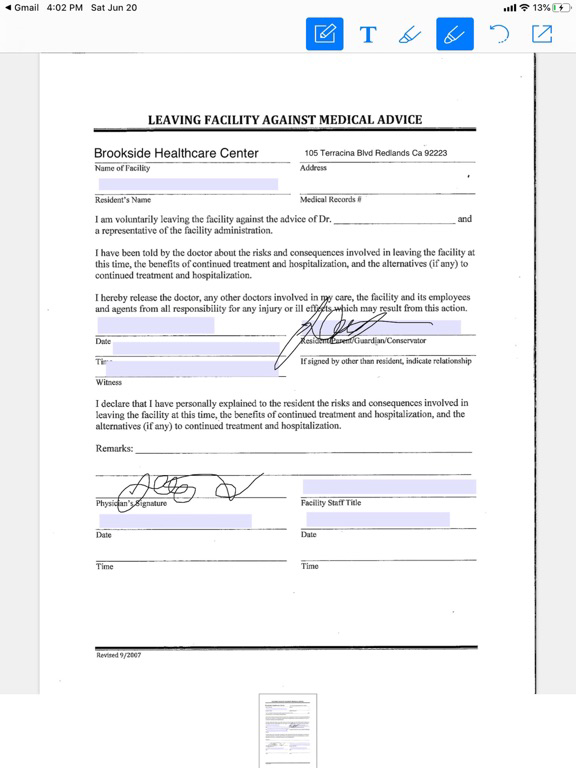
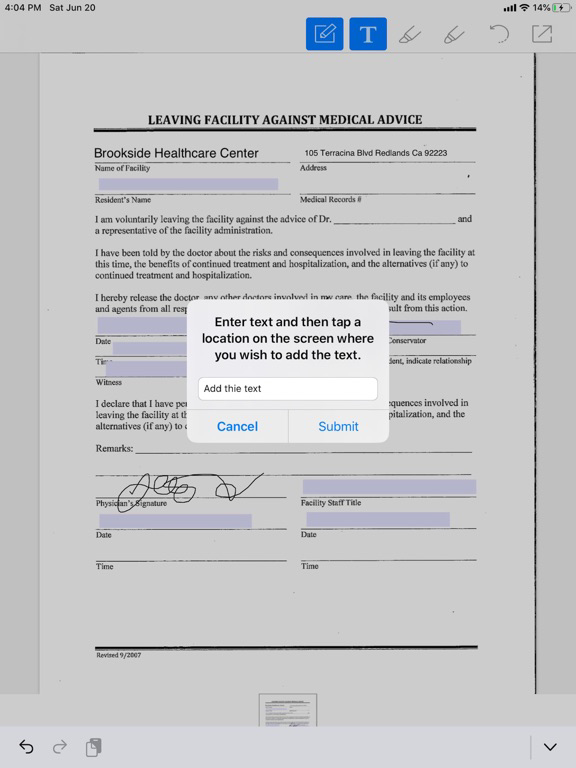
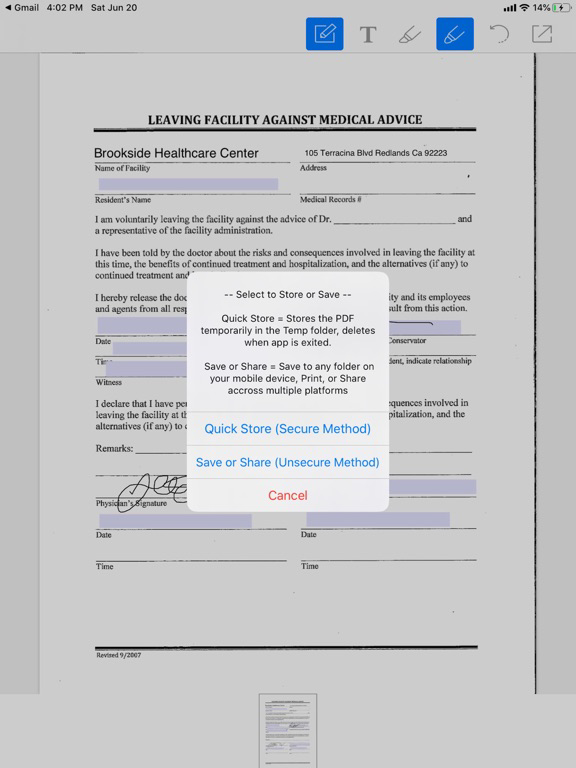
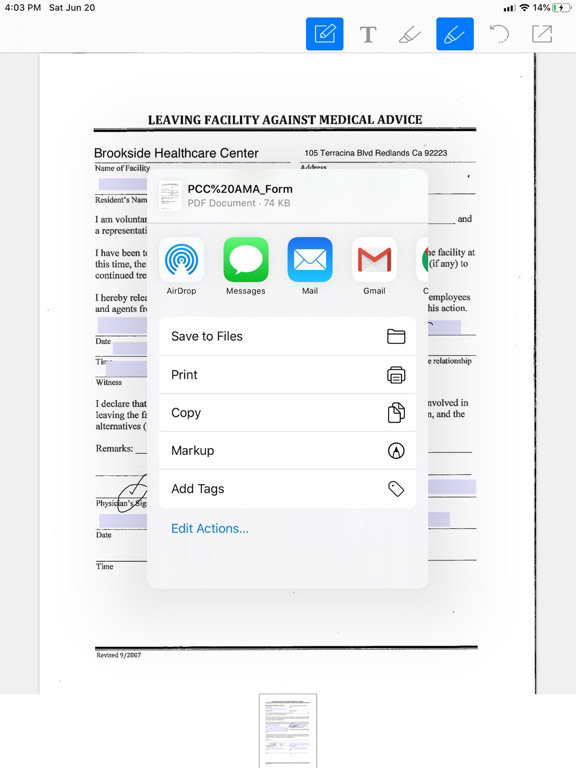
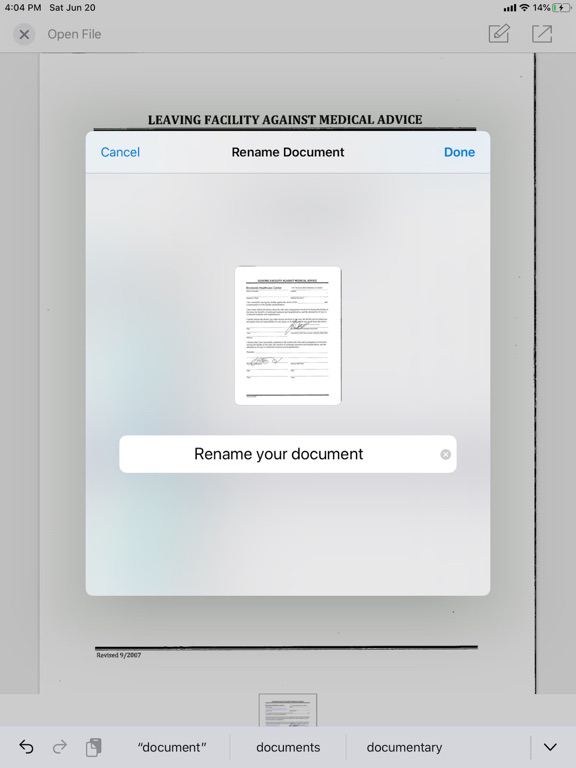
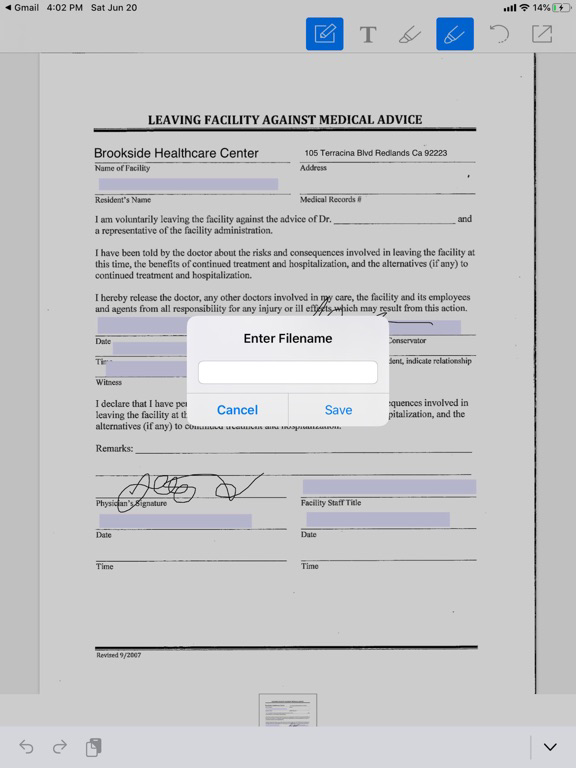
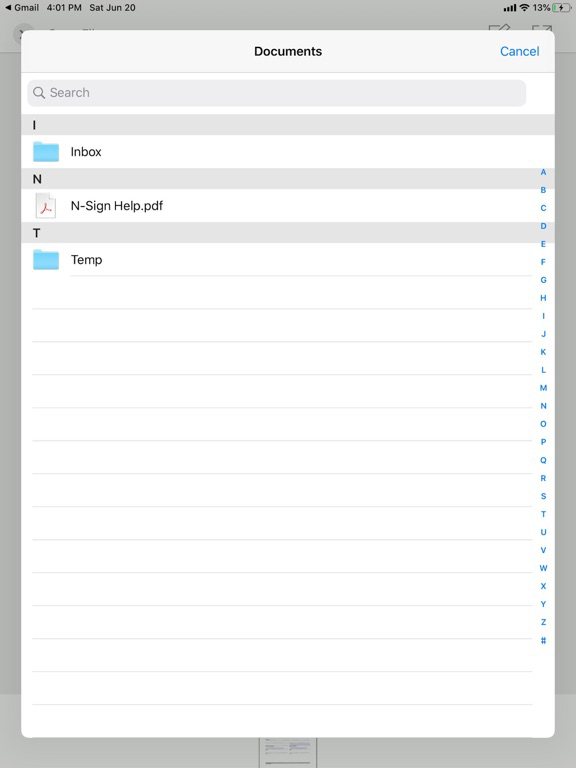
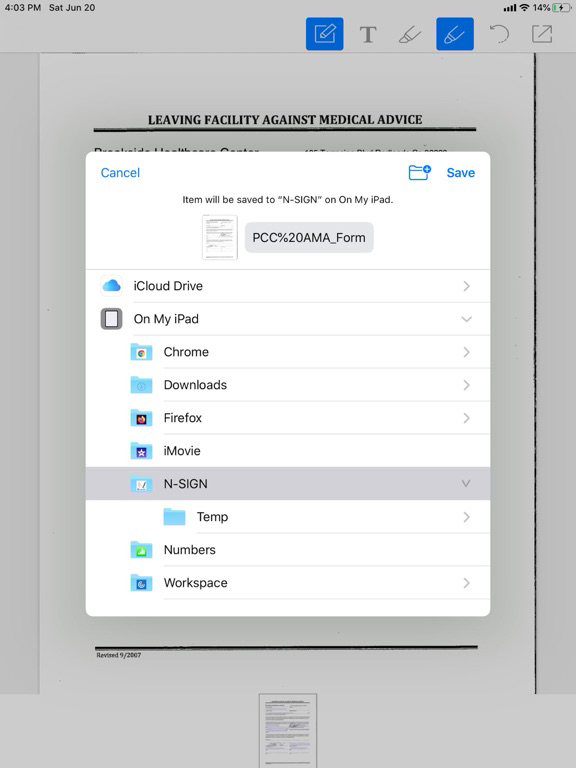
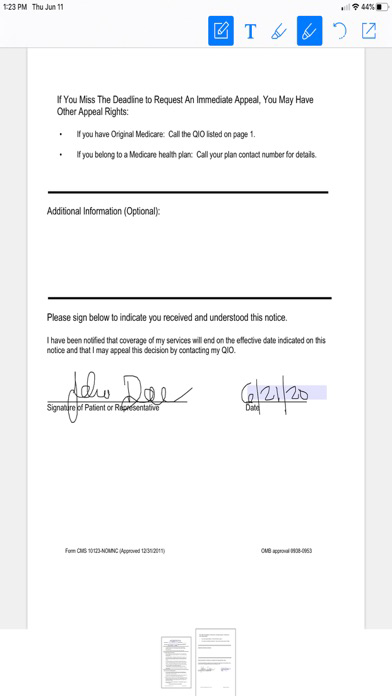
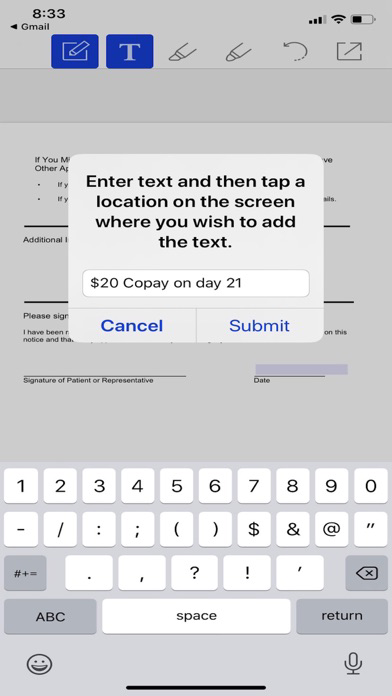
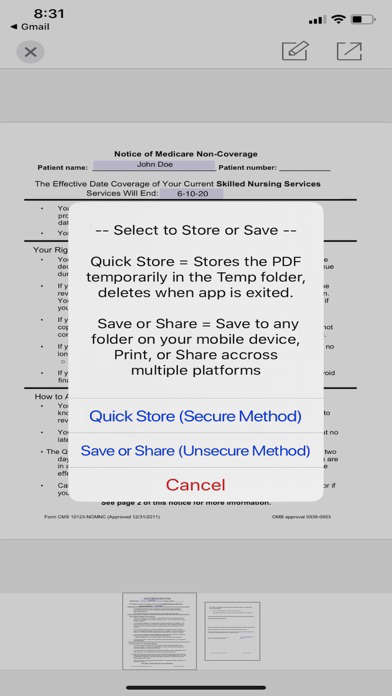
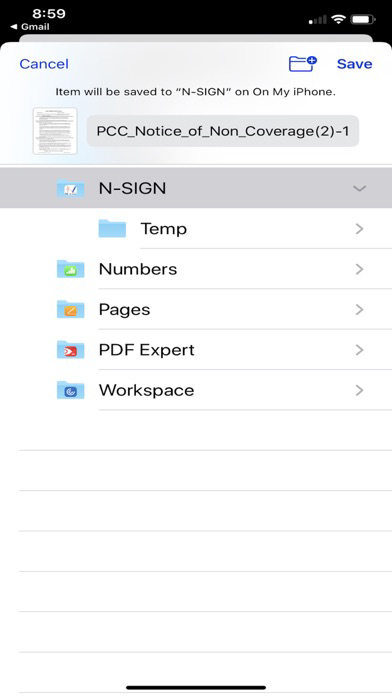
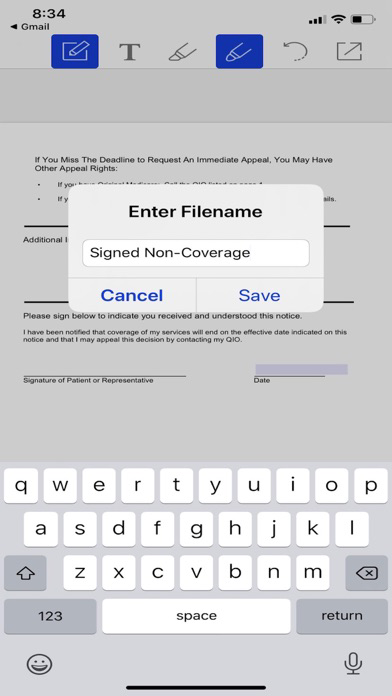
N-Sign App is a PDF Editor and your mobile solution for digitally signing and completing PDF documents. N-Sign App can open PDF's from the internet, email, text or websites. N-Sign App allows you to open, digitally sign, annotate, add text and even auto-fill any PDF document. After editing your PDF documents you can save them in the N-Sign App folder or store them in the N-Sign App "Temp" folder for security and privacy. Edited PDF documents can be saved, stored, printed or shared by email or text. You can even save files as a ".pdf" to be used later as a template.
Using the N-Sign App allows you the versatility to improve communication and customer interaction while minimizing paper and printing cost.
Imagine, opening, signing, saving and sharing PDF documents within seconds.
Data Protection Architecture: N-Sign App is designed with security in mind. Sensitive data is not stored in memory or cache and PDF files are deleted after the app is exited, protecting all personal information. N-Sign App uses Secure Sockets Layer (SSL) security for added encryption and protection, providing piece of mind for all users.
N-Sign App can be used to complete the following forms:
- Admission Agreements
- Notice of Non Coverage
- Bedhold Notification
- Notice of Proposed Discharge / Transfer
- Medical Consent Forms
- Any PDF from the Internet, email or text
Key Features:
- Works Seamlessly with internet PDF documents
- Digitally Sign PDF's from the internet, email or text.
- Add text or comments to any PDF
- Add digital notes to PDF's
- Annotate on any PDF
- Auto-Fill / Auto Populate PDF Forms (user created)
- Secure Sockets Layer (SSL) Security Encryption
- Creates a Dedicated N-Sign Folder for Ease of Use
- Creates a TEMP folder for Privacy and Security
- Auto-Deletes Temp folder contents for extra protection
- Multiple options to Share (Text, Email, Print, Save)
- Simple and Easy User Interface (UI)
- Eliminates needless Printing and Paper Cost
- Eco-Friendly / Paperless