StrongWeigh Basic
The best wireless truck scales
Grátis
2.1.1for iPhone, iPad and more
9.9
1 Ratings
Strong Industries Inc.
Developer
4,2 MB
Size
Jun 18, 2021
Update Date
Utilities
Category
4+
Age Rating
Age Rating
StrongWeigh Basic Capturas de tela
About StrongWeigh Basic
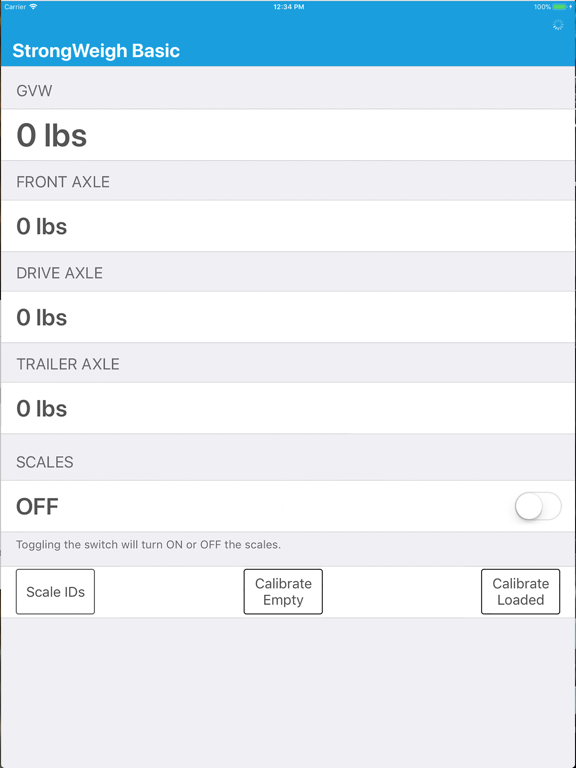
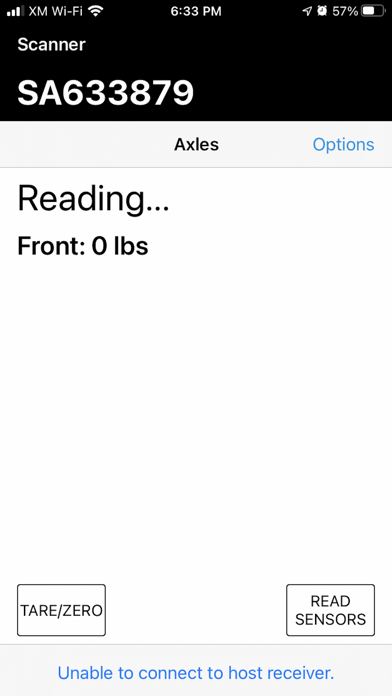
With StrongWeigh Basic you can monitor the weight of any number of axles on your vehicle.
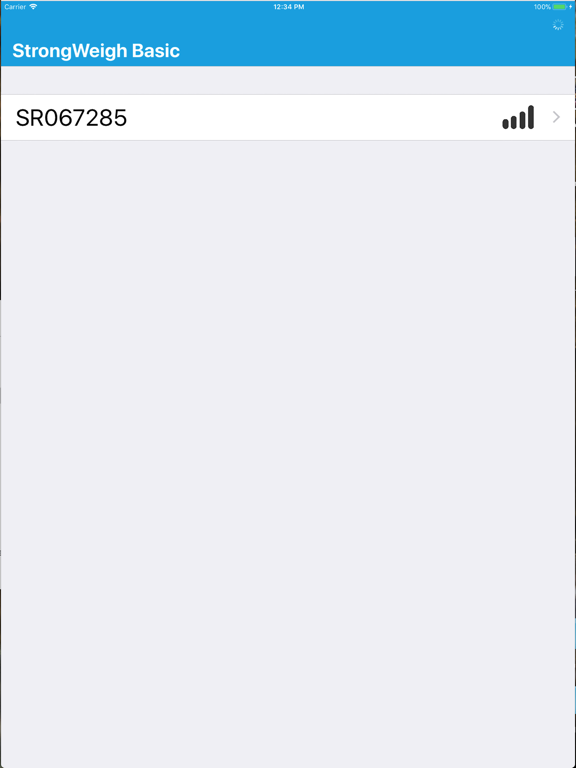
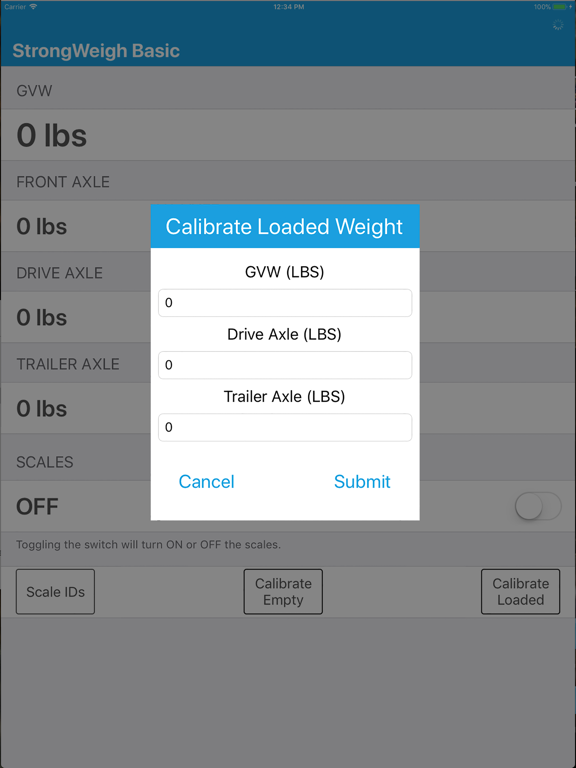
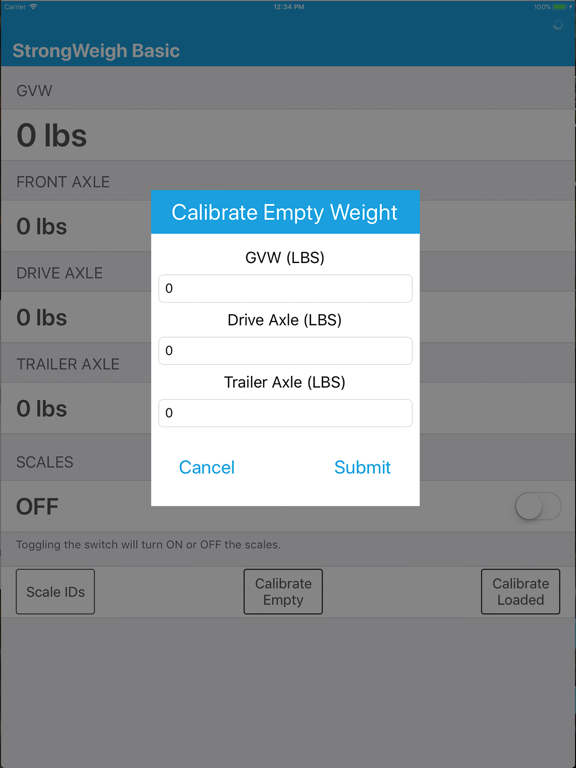
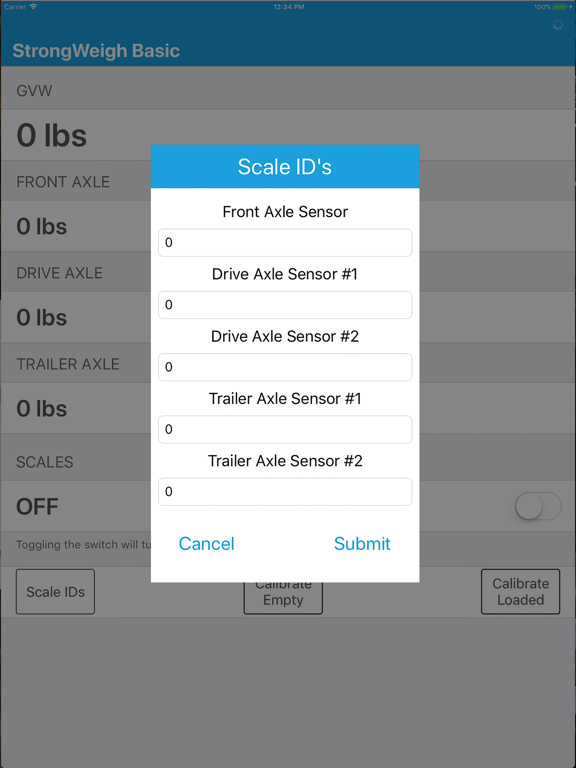
Once the scale system is installed, simply input the scale ids per their locations, and calibrate your vehicle's empty weight, and loaded weight. That's it!
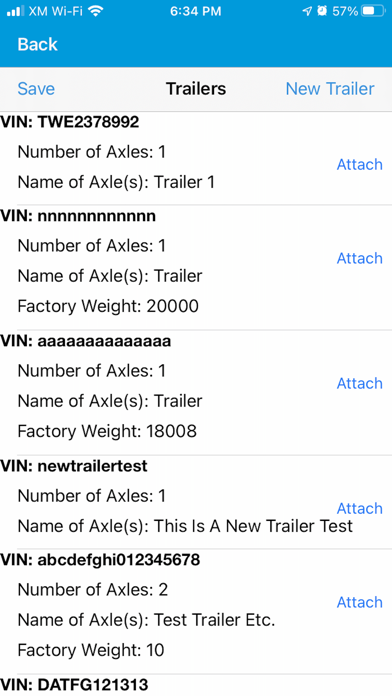
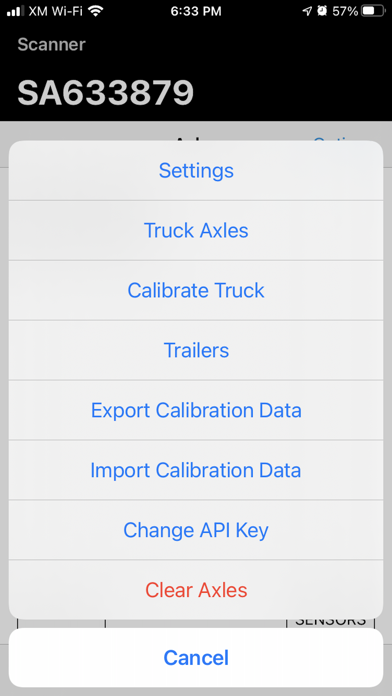
The StrongWeigh Basic scale application supports multiple trucks and trailers, and up to 255 sensors per truck. This application requires the StrongWeigh scale system to be installed on your truck. To setup all you need is to input the sensor id's for each location on the truck, and calibrate the truck empty, as well as loaded.

Once the scale system is installed, simply input the scale ids per their locations, and calibrate your vehicle's empty weight, and loaded weight. That's it!
The StrongWeigh Basic scale application supports multiple trucks and trailers, and up to 255 sensors per truck. This application requires the StrongWeigh scale system to be installed on your truck. To setup all you need is to input the sensor id's for each location on the truck, and calibrate the truck empty, as well as loaded.
Show More
Novidades da Última Versão 2.1.1
Last updated on Jun 18, 2021
Versões Antigas
• Fixed issue with improper calibration backups.
Show More
Version History
2.1.1
Jun 18, 2021
• Fixed issue with improper calibration backups.
2.1.0
May 26, 2021
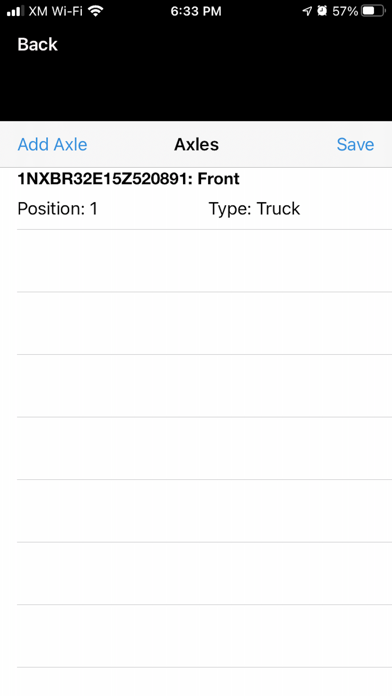
• New axle layout
• Various fixes regarding auto read, sensor error messages, and calibration calculation.
2.0.9
May 23, 2021
• Added ability to set the APN for cellular enabled hosts.
2.0.8
May 5, 2021
• Fixed an issue with RSSI and battery level on new hosts.
2.0.7
Apr 29, 2021
• Fixed a bug where the setting menu could crash.
• Added a check to make sure the sensors did not read zero on calibration.
• Improved import and export calibration
• Added a check to make sure the sensors did not read zero on calibration.
• Improved import and export calibration
2.0.6
Apr 21, 2021
• Added a check during calibration to make sure that your sensor reading between 20% to 100% is a large enough span for accurate calibration.
2.0.5
Apr 20, 2021
• User experience improvements.
• Fixed issues with calibration storage, GPS, and the read sensors button not changing to green.
2.0.4
Mar 23, 2021
• Added ability to use a headless host controller.
• User experience improvements.
2.0.3
Jan 27, 2021
• Made the layout more responsive for various phone sizes
• Added ability to lock / unlock your load value.
• Fixed issues that cant affect functionality
• Added ability to lock / unlock your load value.
• Fixed issues that cant affect functionality
2.0.2
Oct 31, 2020
• Added design changes to give the user more visual feedback
• Added ability to delete individual axles
• Fixed issues that cant affect functionality
• Added ability to delete individual axles
• Fixed issues that cant affect functionality
2.0.1
Oct 23, 2020
Version 2.0.1
• Fixed an issue which may occur during account registration.
2.0
Oct 22, 2020
Version 2.0
• Added ability to register your app.strongweigh.com account through the application.
• Drastically improved the calibration and axle setup flow.
• Added a feature to help troubleshoot and verify correct installation of the sensors.
• Added ability to register your app.strongweigh.com account through the application.
• Drastically improved the calibration and axle setup flow.
• Added a feature to help troubleshoot and verify correct installation of the sensors.
1.05
Apr 18, 2018
Fixed an issue where air pressure sensors would read incorrectly.
1.04
Apr 11, 2018
Resolved some issues.
1.03
Mar 24, 2018
StrongWeigh Basic FAQ
Clique aqui para saber como baixar StrongWeigh Basic em um país ou região restrita.
Confira a lista a seguir para ver os requisitos mínimos de StrongWeigh Basic.
iPhone
Requer o iOS 12.2 ou posterior.
iPad
Requer o iPadOS 12.2 ou posterior.
iPod touch
Requer o iOS 12.2 ou posterior.
StrongWeigh Basic suporta Inglês