LOOK NO FURTHER. Your search for a timer app is over!!!
This is the most intuitive timer app available in the app store. Make every moment count with this Visual Timer app.
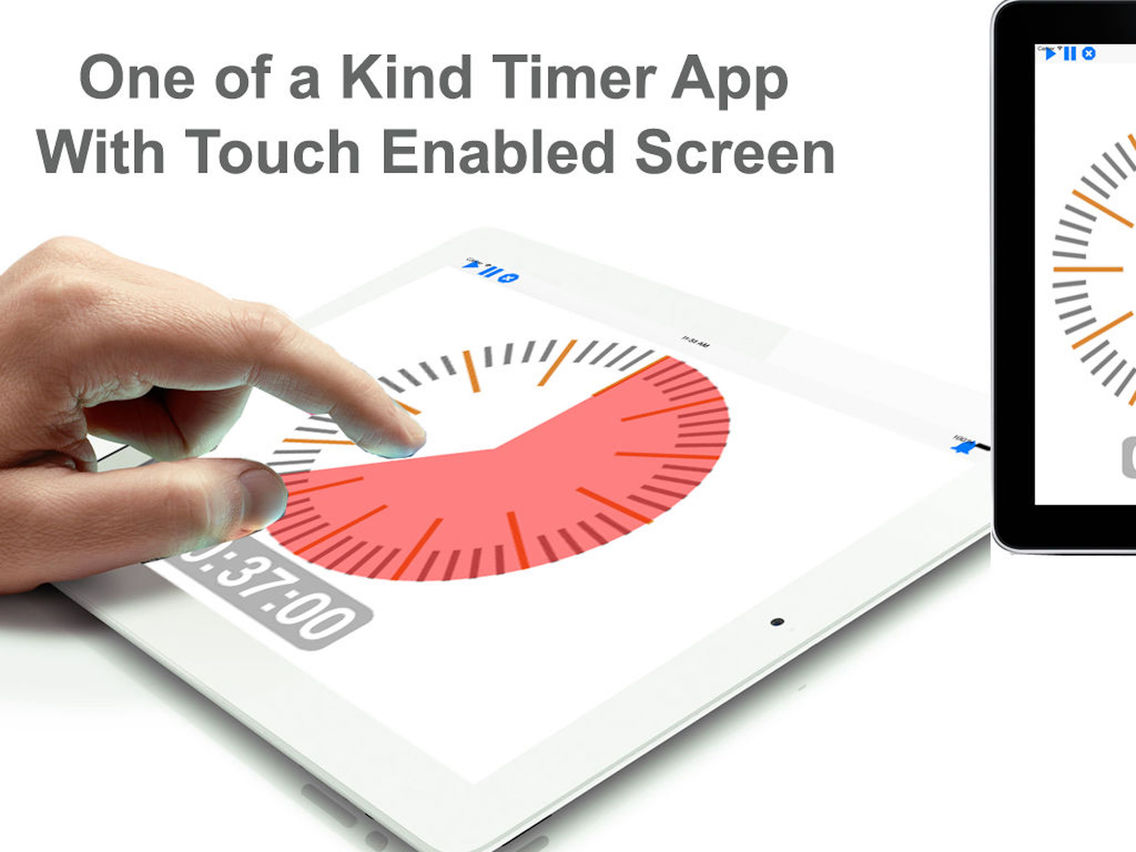
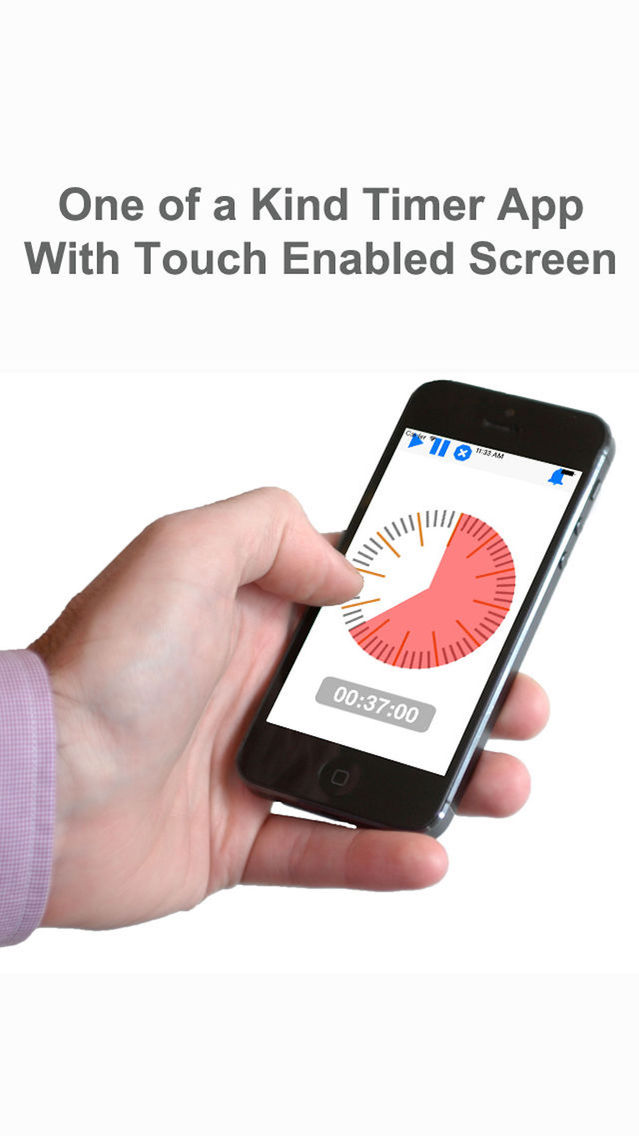
Touch the app and move your fingers in clockwise direction to set time. That's it! How simple is that? You will never look at a timer the same way again
Read Some of our reviews:
(The iPhone App Review)
"The app presents us with a very touch-oriented and quite beautiful timer for the iPad, providing us with a nifty way to quickly setup and manage basic timer functions"
(App Picker)
"My two-year-old figured this out quickly and was winding the hands around the clock to set the timer. She’d then tap it and it would start counting down. She thought this was a great game"
(Speechie Apps)
"It’s amazing how much a visual reminder of time passing/deadlines can do to increase efficiency in a way that simply looking at the clock can’t."
http://www.theiphoneappreview.com/2012/09/timer-touch-hd-ipad-app-review/
http://www.apppicker.com/reviews/23543/timer-plus-touch-hd-app-review
https://speechieapps.wordpress.com/2012/08/20/timer-touch-hd/
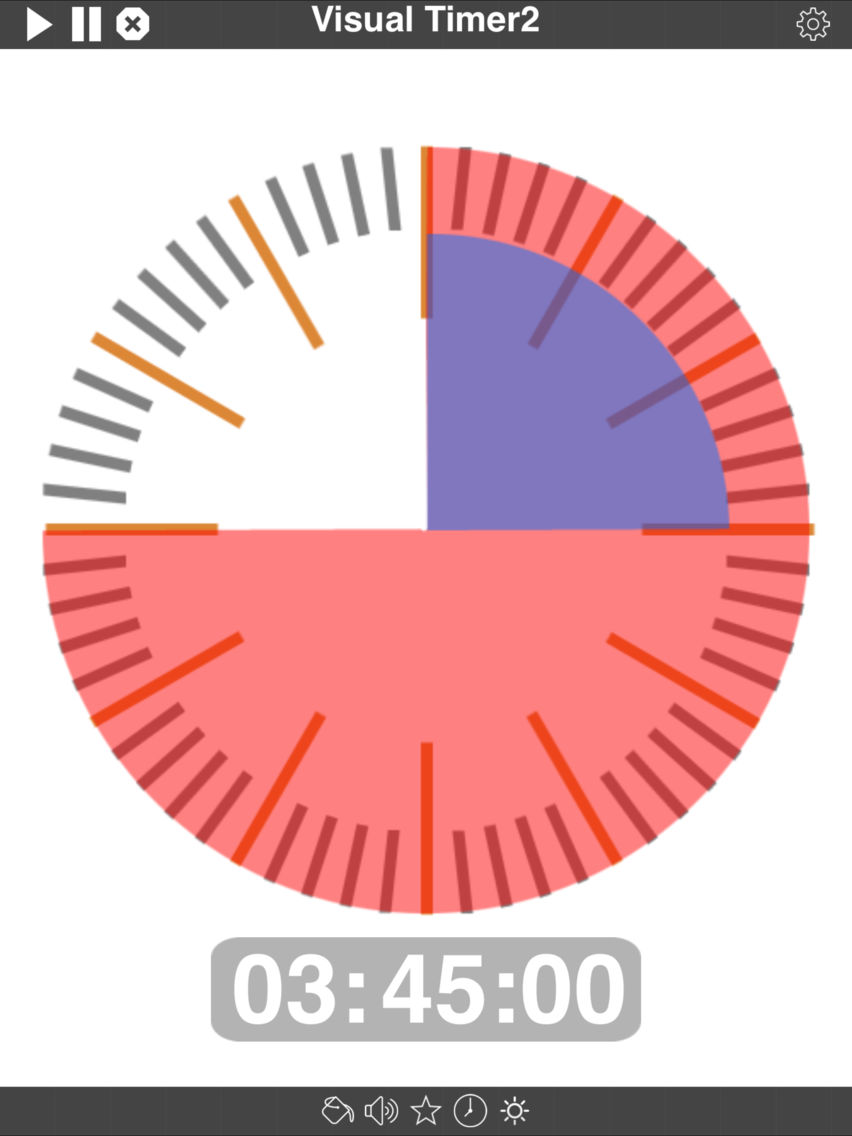
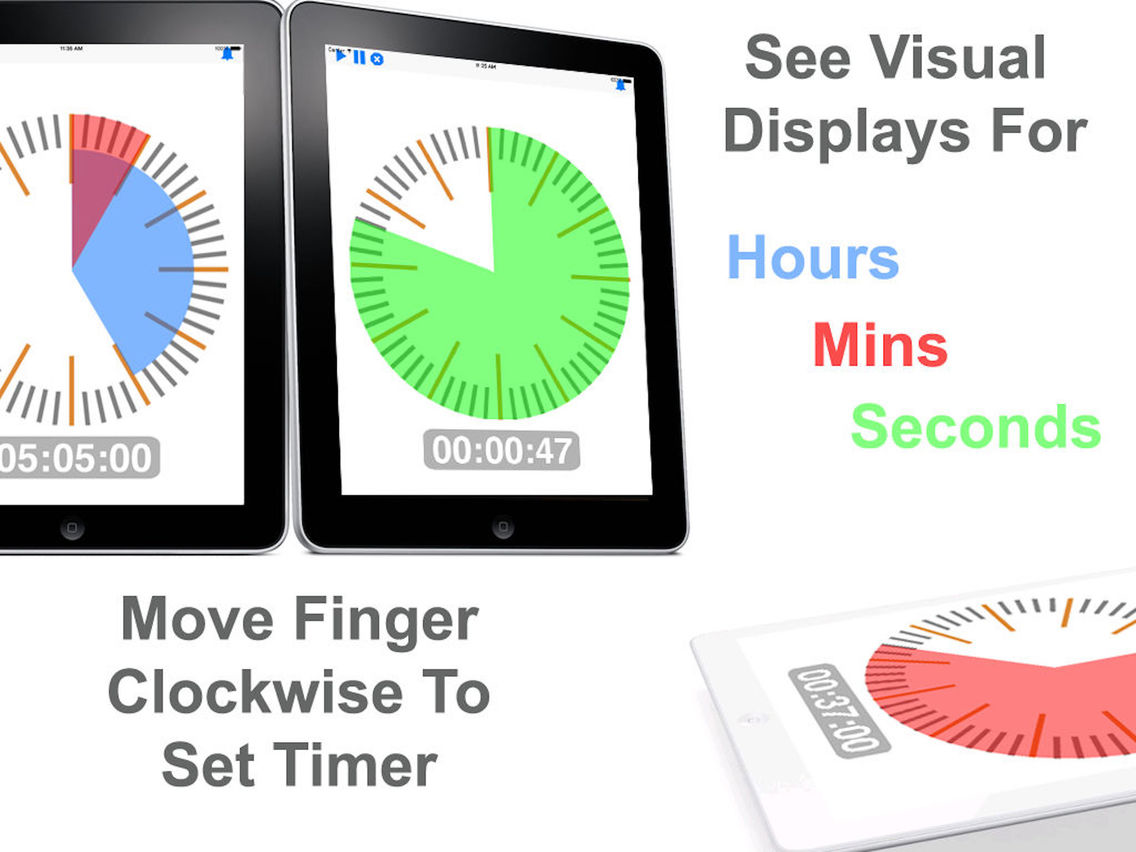
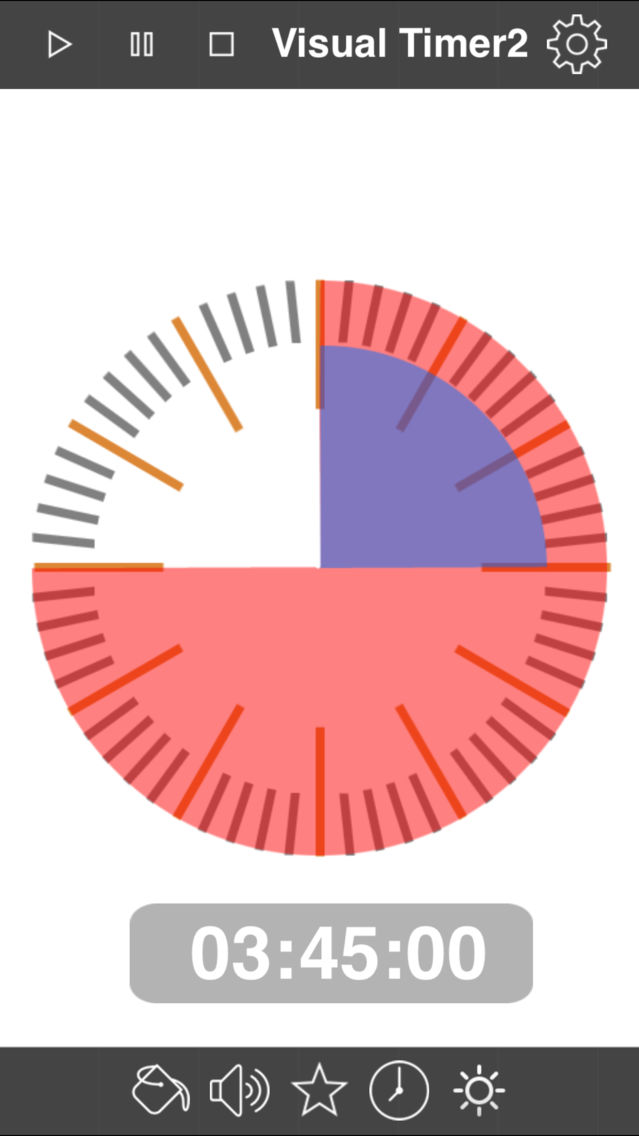
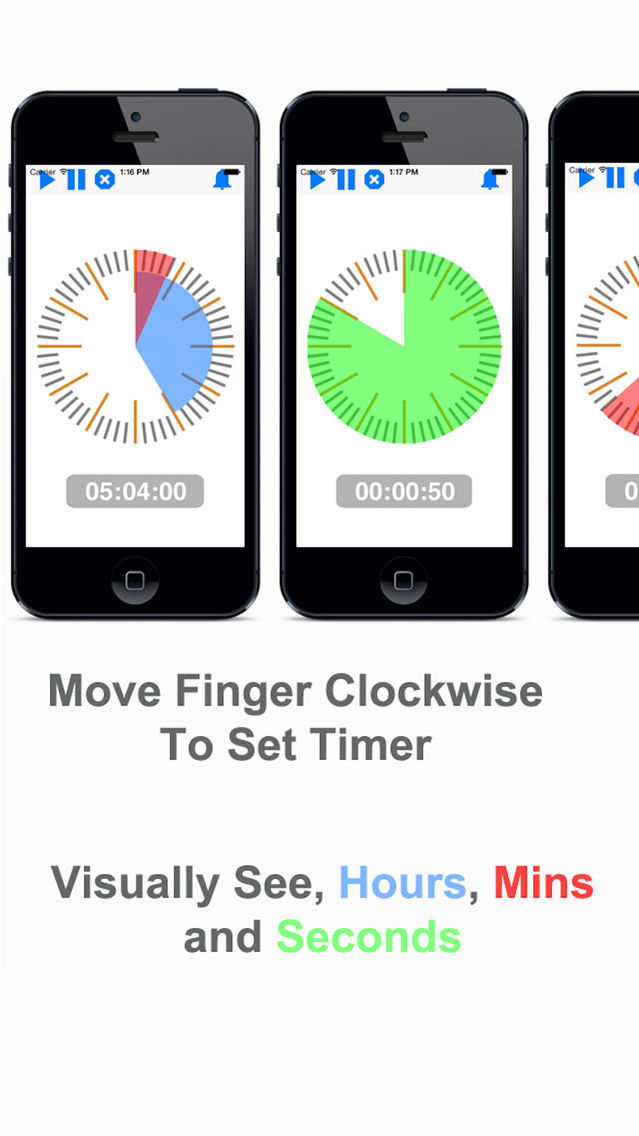
Timer is shown in different colors for
- Minutes in RED
- Hours in BLUE
- Seconds in GREEN
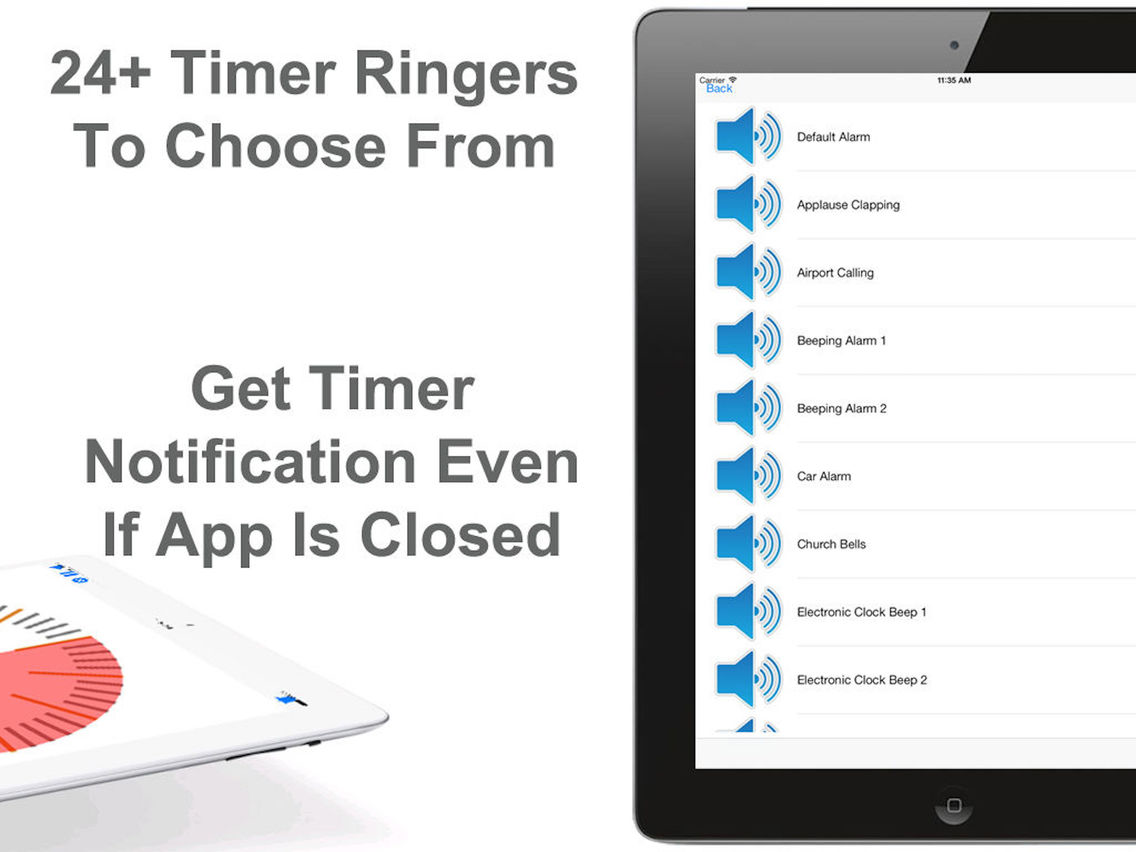
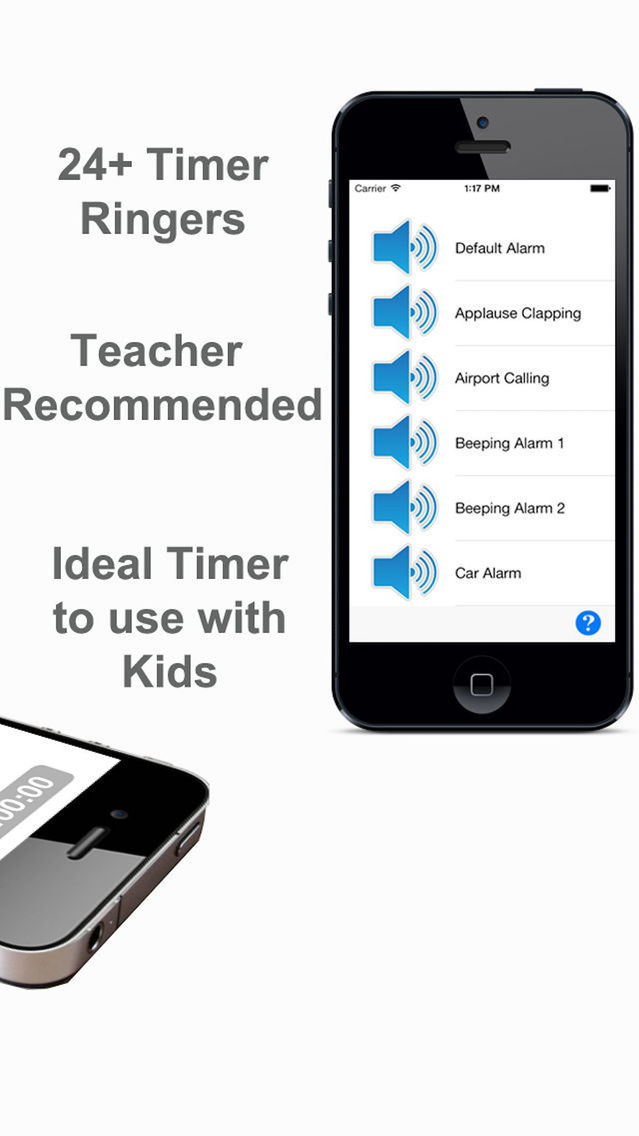
- 24+ alarm ringers to choose from!
FEATURES:
• Simple and effective and easy controls
• Touch the app and move your fingers in clockwise direction to set time.
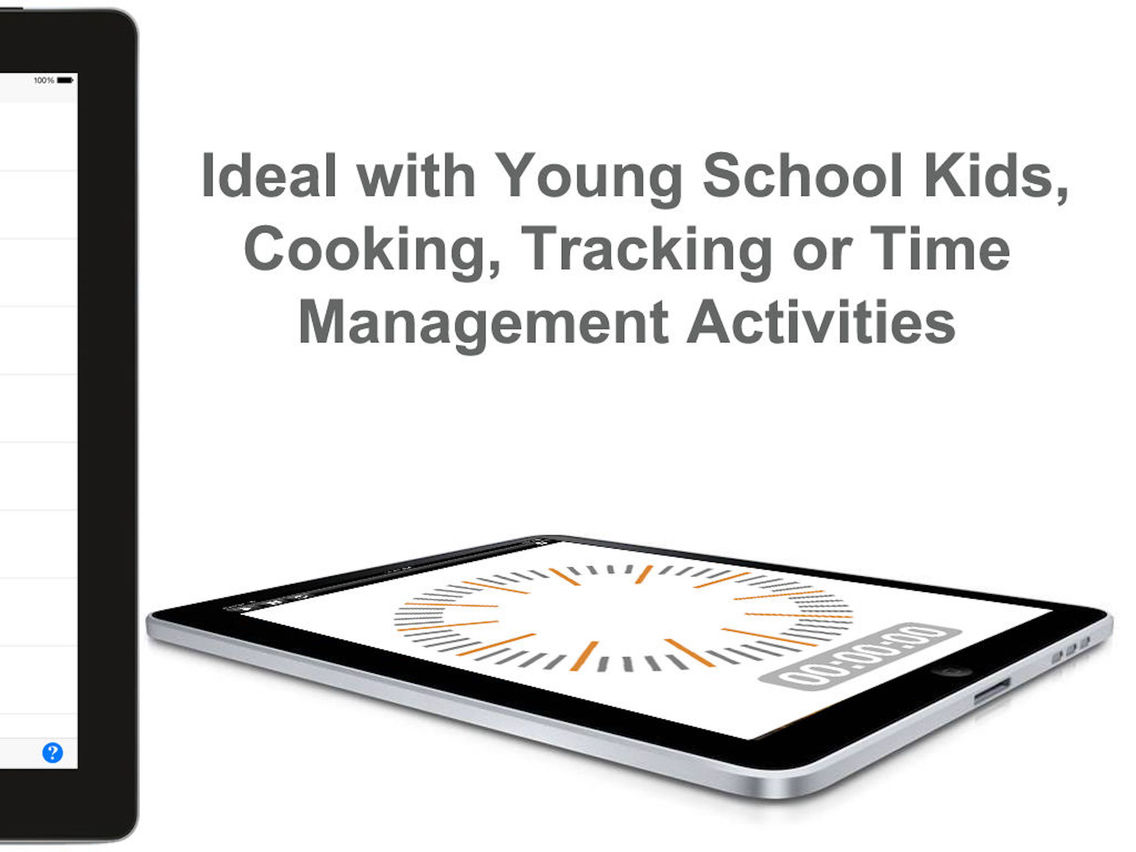
• Huge Display of clock
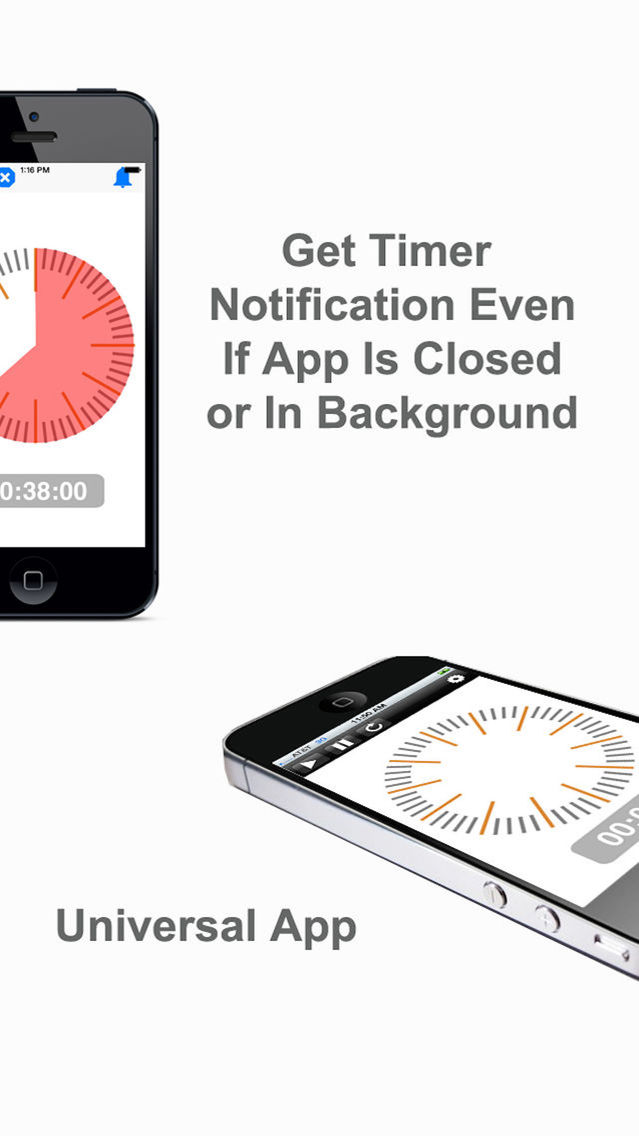
• Supports both landscape and portrait modes
• The counter keep going even if you stop the app by putting in the background or get interrupted by a phone call
• Timer sends a notification even if app is in background
• Hours are shown in blue, minutes are shown in Red, and seconds in green
• Don't like to rotate? Then select from hour / minute dial or pre-select 5 minutes increment numbers
• Adjust screen brightness
• 24+ alarm ringers to choose from!
• Set timer up to 12 hours & 59 minutes.
• See a pop-up appear when timer is up. You can turn this option on/off
• App also vibrates when timer is up. NOTE: The app has to be running in foreground for this feature to work and vibrate feature is only available on iPhone and not on iPads
• Parents love it: Your kids will finally understand what “five more minutes” really means!
• Professional Organizers love it
• Students with Special Needs love it: Visual Timer help them “own” their tasks.
• High-achievers with special needs use it for tests, therapy, college and work.
• Teachers love it: Students can plan their work without the anxiety of a numerical count down.
• So simple that even a kid can use it!
HOW TO MAKE IT WORK:
1. If you want to set time for 30 minutes then move your finger slowly over the clock in clockwise direction. If you need to set it for longer then keep rotating your finger over the clock. Hours are shown in blue.
2. Once the time is set then click on the play button on the top
3. If for some reason you need to pause timer then click on the pause time button
4. If you need to reset the timer, click on the stop timer button
5. That its! How simple is that?
Set time up to 12 hours, 59 minutes & 59 seconds
**************************
TROUBLESHOOTNG TIPS
**************************
1. Sound Problem
If you are experiencing a problem with sound then its the sound settings on your device and not the app that is the problem. Check this youtube video to troubleshoot your issue. https://www.youtube.com/watch?v=SDf1LDcE95Q
2. Still have more questions?
If you experience a problem then contact our support. Leaving a bad review helps neither you nor anyone else. We have tested this app and it works. So whatever is not working for you tell us and we can help troubleshoot the problem. Email us at simplegames732 at gmail.com