Nowsta Timeclock
Free
1.15.1for iPhone, iPad
Age Rating
Nowsta Timeclock Screenshots
About Nowsta Timeclock
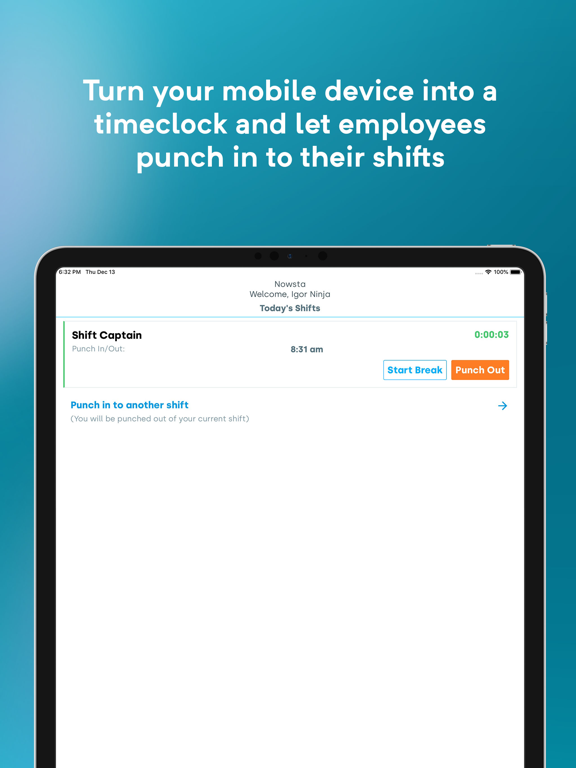
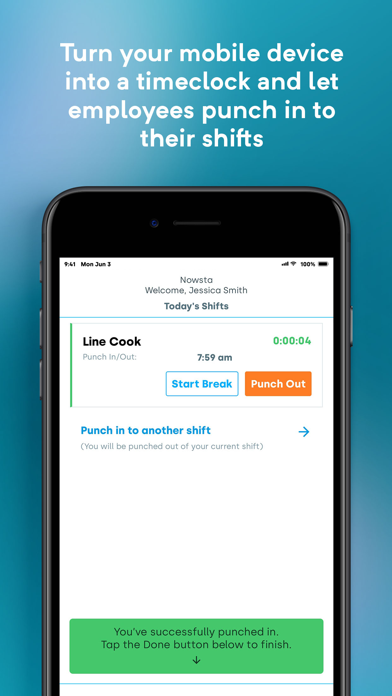
If your business uses Nowsta for employee time tracking, the Nowsta Timeclock app allows you to set up a device to serve as a stationary timeclock where staff members can check-in to scheduled and unscheduled shifts.
You can use the Timeclock in your office, kitchen, warehouse, or other facilities to track your hourly staff’s time without the supervision of a manager. You can also set up a tablet timeclock at your venues for your event staff.
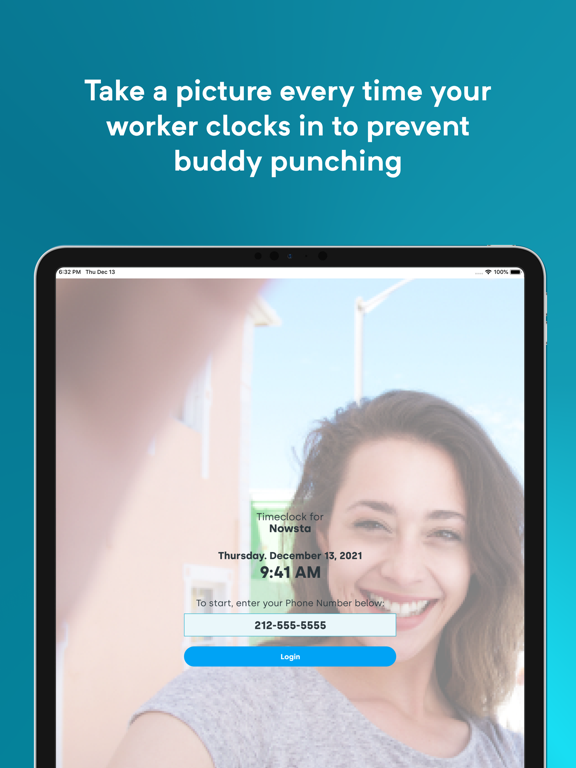
To ensure no buddy-punching or time theft occurs, the app automatically records a picture of the staff member when they clock-in and clock-out.
How does it work?
1. A manager with Tablet Manager permissions on the Nowsta platform logs into this app to set it up for the first time.
2. The tablet can be mounted on the wall at your kitchen, warehouse, or venue, and set to be locked to only display the Timeclock.
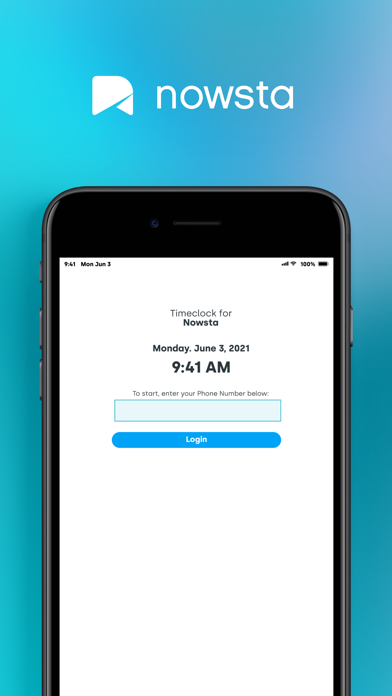
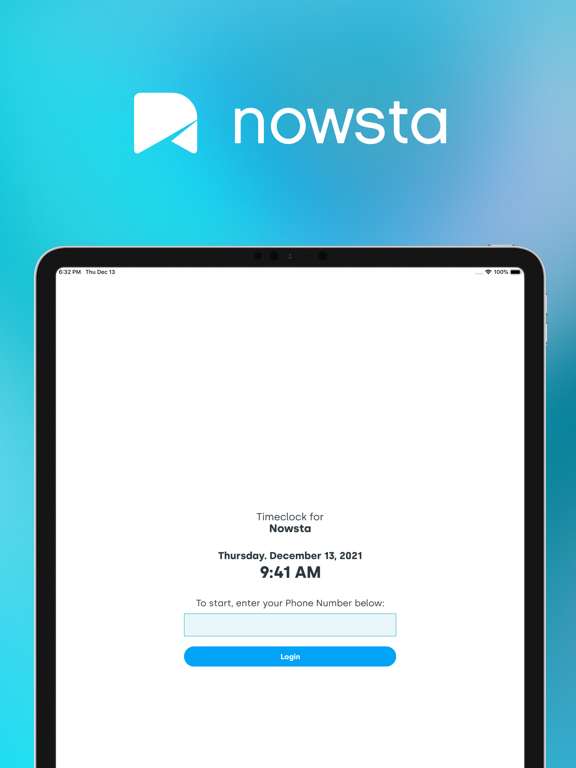
3. When a staff member is ready to clock-in, she approaches the tablet to enter her phone number. The app automatically takes her photo for verification by managers.
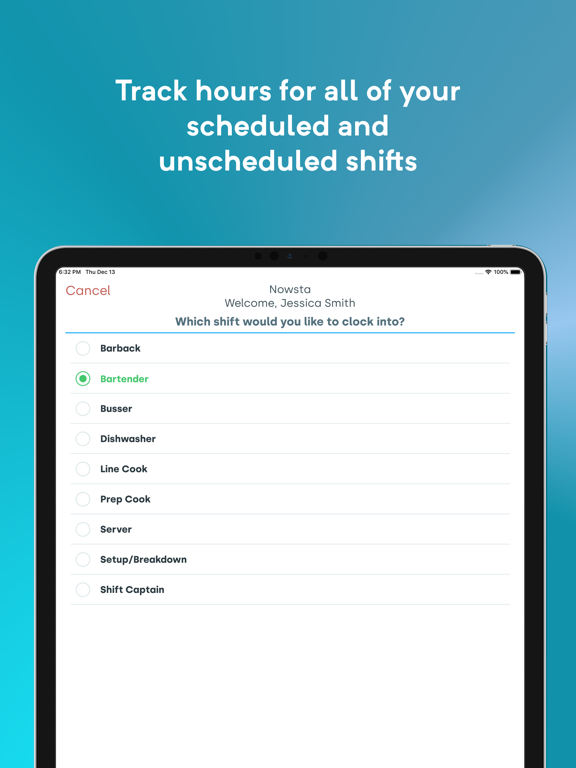
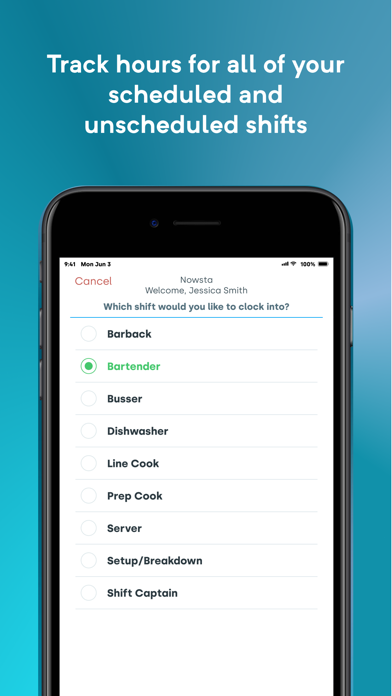
4. The employee has the option of clocking in to a scheduled or unscheduled shift, as well as record breaks and declare any tips.
5. When that employee finishes using the Timeclock, it is ready for the next employee to log in and check in or out.

You can use the Timeclock in your office, kitchen, warehouse, or other facilities to track your hourly staff’s time without the supervision of a manager. You can also set up a tablet timeclock at your venues for your event staff.
To ensure no buddy-punching or time theft occurs, the app automatically records a picture of the staff member when they clock-in and clock-out.
How does it work?
1. A manager with Tablet Manager permissions on the Nowsta platform logs into this app to set it up for the first time.
2. The tablet can be mounted on the wall at your kitchen, warehouse, or venue, and set to be locked to only display the Timeclock.
3. When a staff member is ready to clock-in, she approaches the tablet to enter her phone number. The app automatically takes her photo for verification by managers.
4. The employee has the option of clocking in to a scheduled or unscheduled shift, as well as record breaks and declare any tips.
5. When that employee finishes using the Timeclock, it is ready for the next employee to log in and check in or out.
Show More
What's New in the Latest Version 1.15.1
Last updated on Jun 21, 2023
Old Versions
Timeclock 1.15.1 is here. What's new?
- Reinstated support of landscape mode
Thanks for using Nowsta and submitting valuable feedback! We hope you are staying healthy.
- Reinstated support of landscape mode
Thanks for using Nowsta and submitting valuable feedback! We hope you are staying healthy.
Show More
Version History
1.15.1
Jun 21, 2023
Timeclock 1.15.1 is here. What's new?
- Reinstated support of landscape mode
Thanks for using Nowsta and submitting valuable feedback! We hope you are staying healthy.
- Reinstated support of landscape mode
Thanks for using Nowsta and submitting valuable feedback! We hope you are staying healthy.
Nowsta Timeclock FAQ
Click here to learn how to download Nowsta Timeclock in restricted country or region.
Check the following list to see the minimum requirements of Nowsta Timeclock.
iPhone
iPad