Age Rating
iOCR Reader PRO Screenshots
About iOCR Reader PRO
How can iOCR Reader PRO assist you?
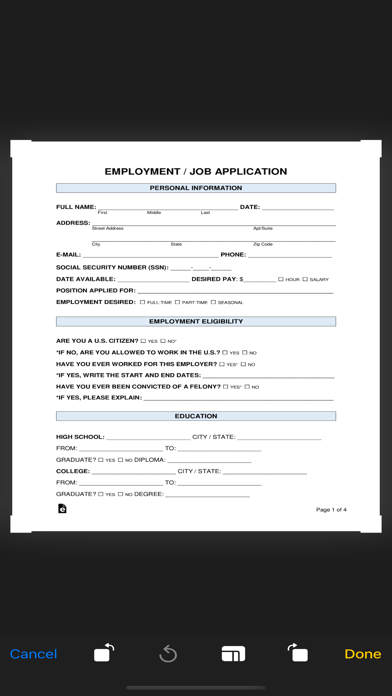
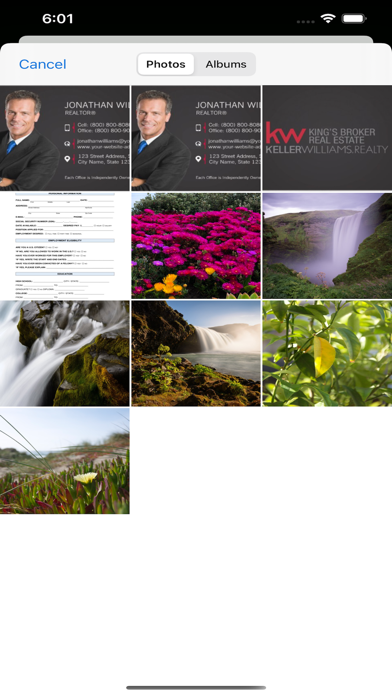
1. Scan any type of documents, (Contracts, Receipts, Business Cards, Whiteboards, Flip Chart Notes, Newspaper Articles and more.)
2. Optimize your scans for Black and White, Grayscale, and Threshold Colors.
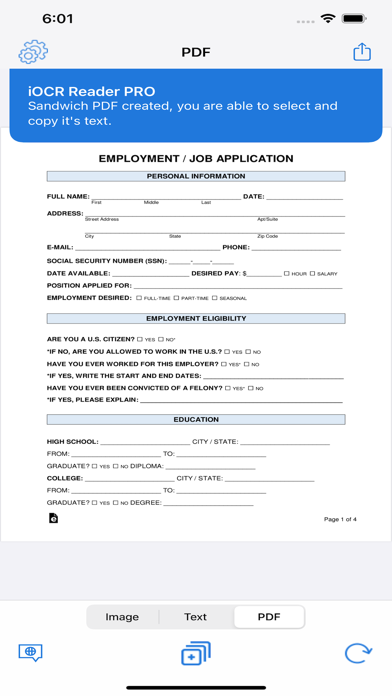
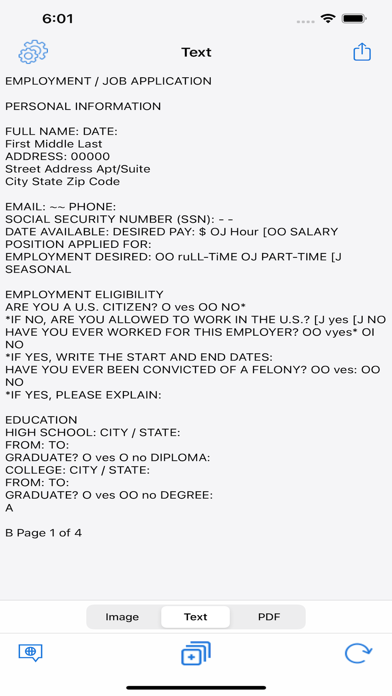
3. Cutting Edge OCR (Optical Character Recognition) technology automatically recognizes and extracts text from any document you have scanned.
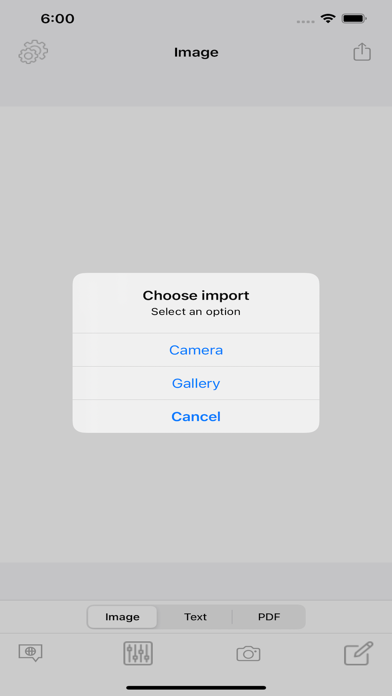
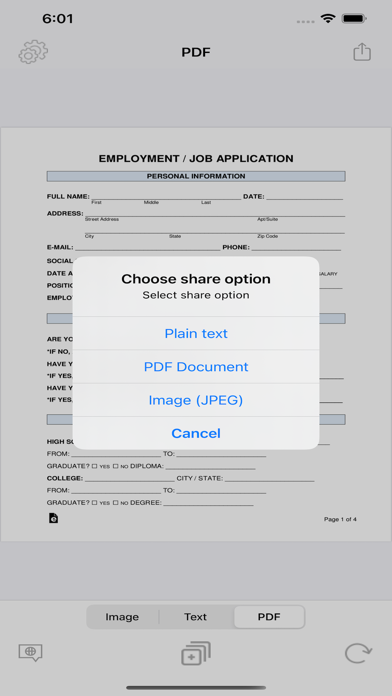
4. Just Scan your document and tap the “Share” button. Sending the scanned document is easy with all 3rd Party Applications.

1. Scan any type of documents, (Contracts, Receipts, Business Cards, Whiteboards, Flip Chart Notes, Newspaper Articles and more.)
2. Optimize your scans for Black and White, Grayscale, and Threshold Colors.
3. Cutting Edge OCR (Optical Character Recognition) technology automatically recognizes and extracts text from any document you have scanned.
4. Just Scan your document and tap the “Share” button. Sending the scanned document is easy with all 3rd Party Applications.
Show More
Was ist neu in der neuesten Version 1.0.3
Last updated on Jul 12, 2022
Alte Versionen
Minor Fixes and Improvements
Show More
Version History
1.0.3
Jul 12, 2022
Minor Fixes and Improvements
1.0.1
Apr 10, 2022
iOCR Reader PRO Preis
Heute:
0,99 €
Am günstigsten:
0,99 €
Am teuersten:
1,19 €
iOCR Reader PRO FAQ
Klicken Sie hier, um zu erfahren, wie Sie iOCR Reader PRO in eingeschränkten Ländern oder Regionen herunterladen können.
Überprüfen Sie die folgende Liste, um die Mindestanforderungen von iOCR Reader PRO zu sehen.
iPhone
Erfordert iOS 12.0 oder neuer.
iPod touch
Erfordert iOS 12.0 oder neuer.
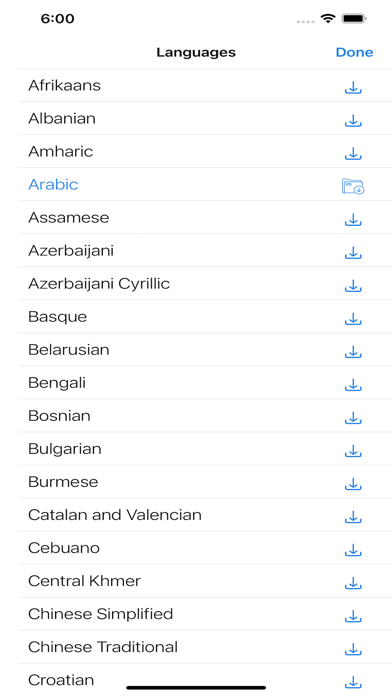
iOCR Reader PRO unterstützt Arabisch, Englisch, Türkisch