SKF Authenticate

SKF Authenticate


Gratis

2.4for iPhone, iPad
SKF
Developer
May 16, 2025
Update Date
Business
Category
Age Rating
4+
Apps in this category do not contain restricted content.
9+
Apps in this category may contain mild or occasional cartoon, fantasy or real-life violence, as well as occasional or mild adult, sexually suggestive or horrifying content and may not be suitable for children under 9 years of age.
12+
Apps in this category may contain occasional mild indecent language, frequent or intense cartoon or real-life violence, minor or occasional adult or sexually suggestive material, and simulated gambling, and may be for children under 12 years of age.
17+
You must be at least 17 years old to access this App.
Apps in this category may contain frequent and intense offensive language; Frequent and intense cartoon, fantasy or realistic violence: frequent and intense adult, scary and sexually suggestive subjects: as well as sexual content, nudity, tobacco, alcohol and drugs, may not be suitable for children under 17 years of age.
SKF Authenticate Screenshots
SKF Authenticate PlakatSKF Authenticate PlakatSKF Authenticate PlakatSKF Authenticate Plakat

About SKF Authenticate

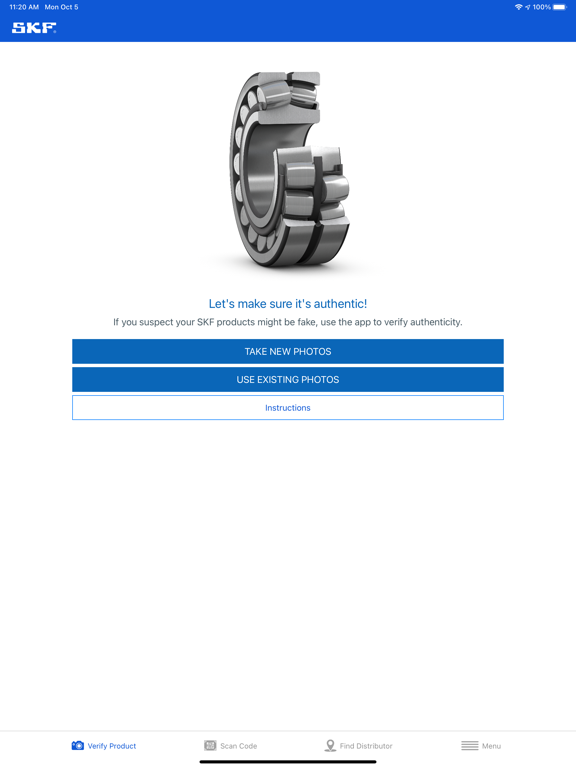
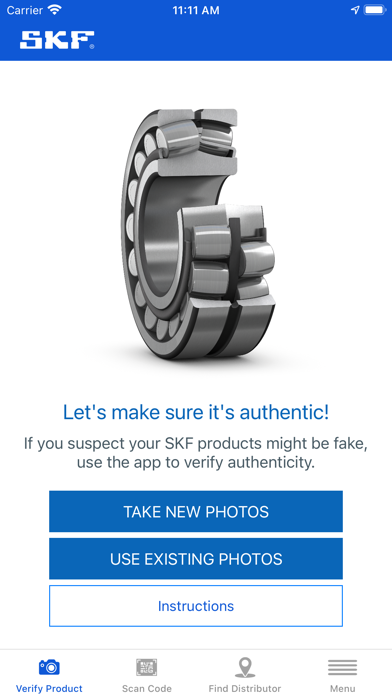
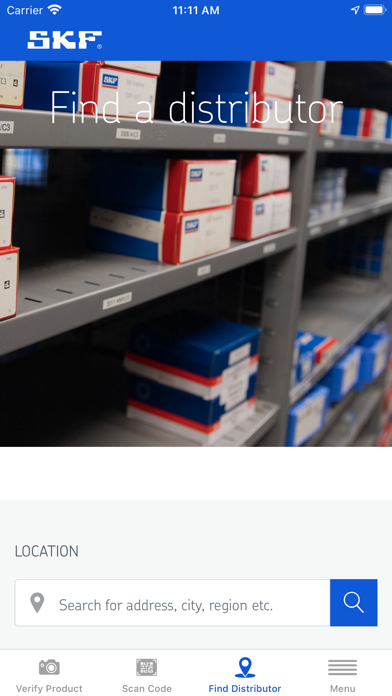
The SKF Authenticate app guides the user on how to verify the authenticity of SKF products. There are two main functionalities in the app:

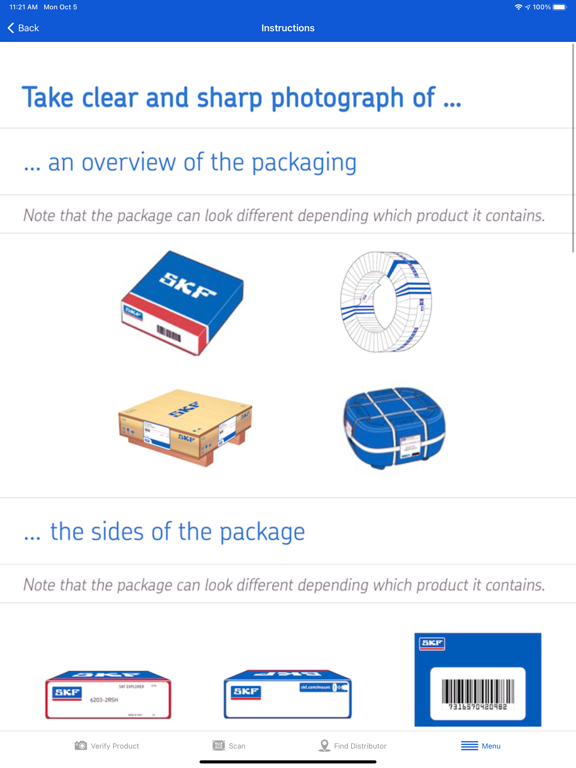
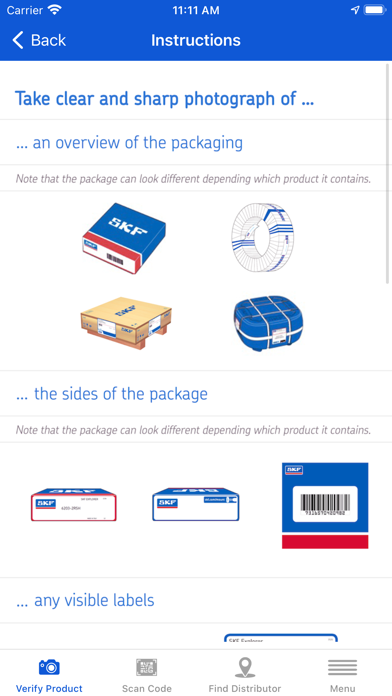
- Clear instructions on how to photograph the product and automatically submit a request, all in one process. Dedicated SKF experts then review the information, verify if the product is counterfeit, and let you know.
- Where applicable, the user can use the app to scan a code on the package and get an instant feedback on if the code is valid or not.

*Please note*

Scan result ‘Scan successful - The code is valid’ is an indication, but not a guarantee, that the product is genuine. Always send photos using the SKF Authenticate app if you need a verification.

Show More

Was ist neu in der neuesten Version 2.4

Last updated on May 16, 2025
Alte Versionen
Mandated Geolocation permission popup for a better user experience and to meet compliance requirements.
Show More
Version History
2.4
May 16, 2025
Mandated Geolocation permission popup for a better user experience and to meet compliance requirements.

SKF Authenticate FAQ

Klicken Sie hier, um zu erfahren, wie Sie SKF Authenticate in eingeschränkten Ländern oder Regionen herunterladen können.
Überprüfen Sie die folgende Liste, um die Mindestanforderungen von SKF Authenticate zu sehen.
iPhone
iPad

SKF Authenticate Alternative

Das könnte Ihnen auch gefallen

Erhalte mehr von SKF