ZeroOne Flow
Gratis
4.0for iPhone, iPad and more
Age Rating
ZeroOne Flow Screenshots
About ZeroOne Flow
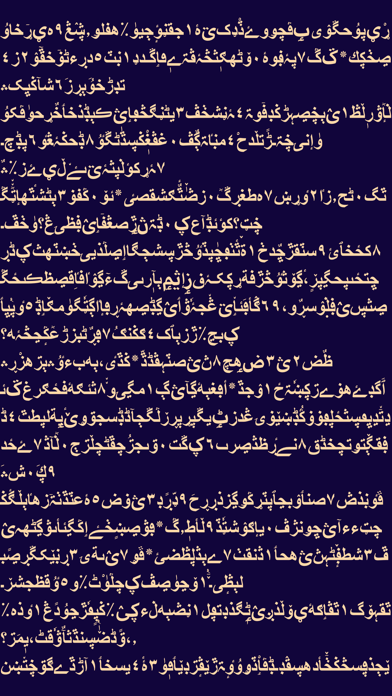
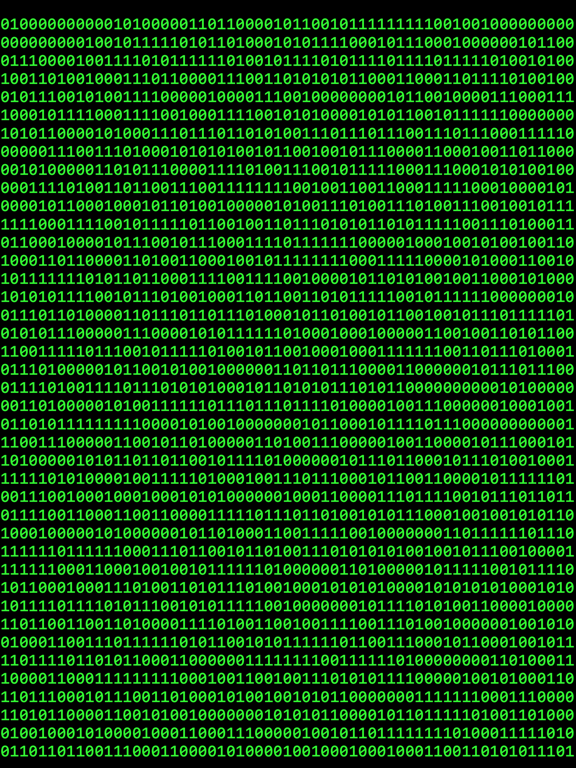
Enjoy the dynamic beauty of zero and one!
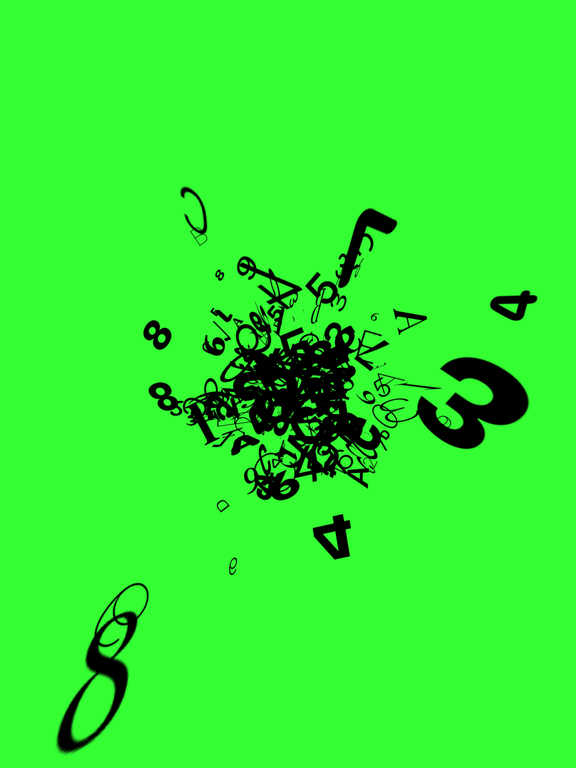
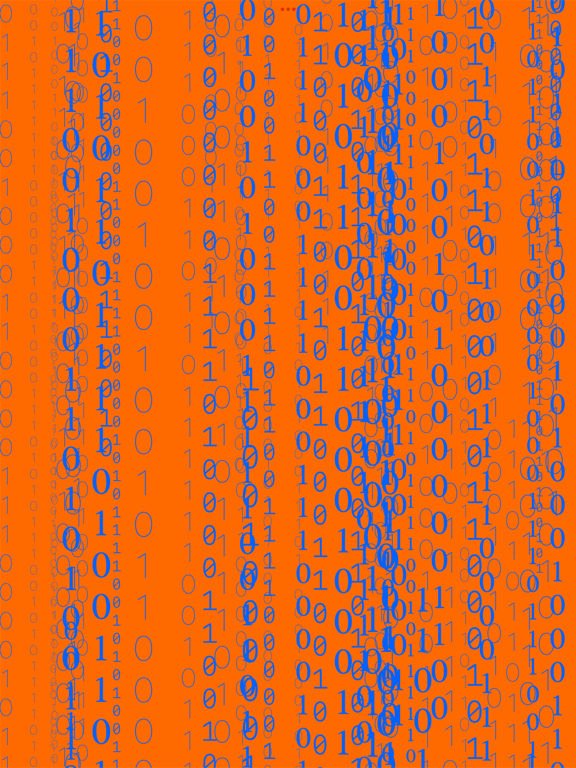
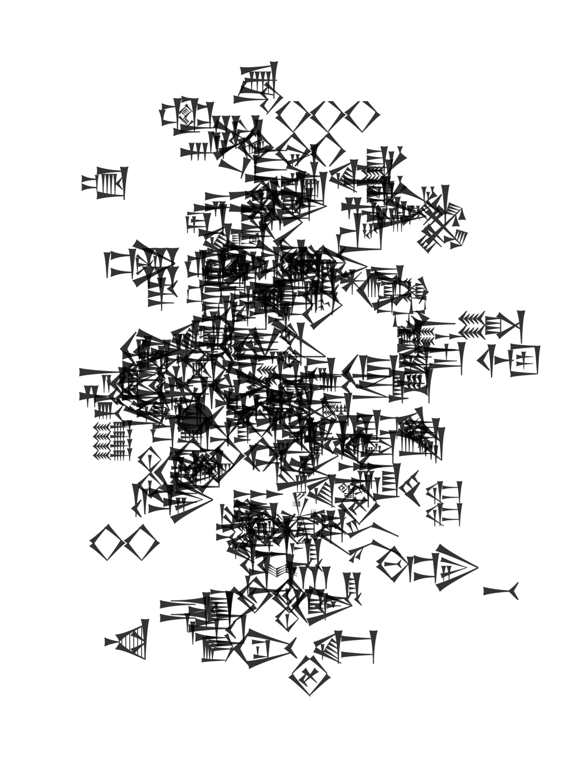
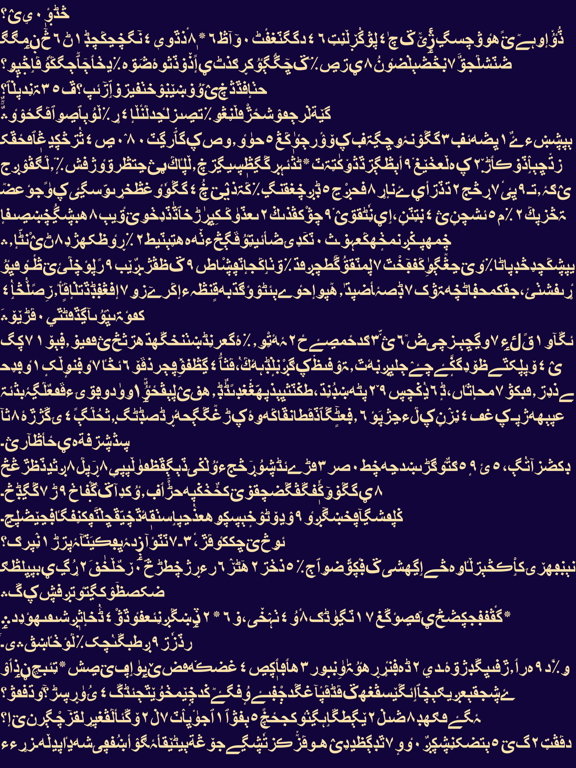
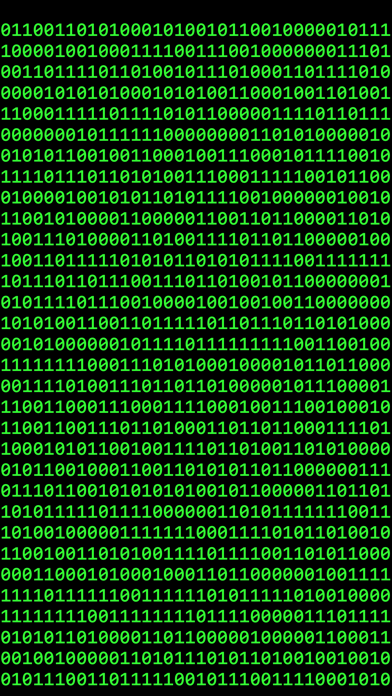
You can play a variety of flow modes and customize the parameters. Turn on the "dice" button and a random style will be generated every time you start the flow. Save it if you have found a favorite style.
FLOW MODE
- Linear
- Fly
- Tornado
- Single
- Circle
- Worm
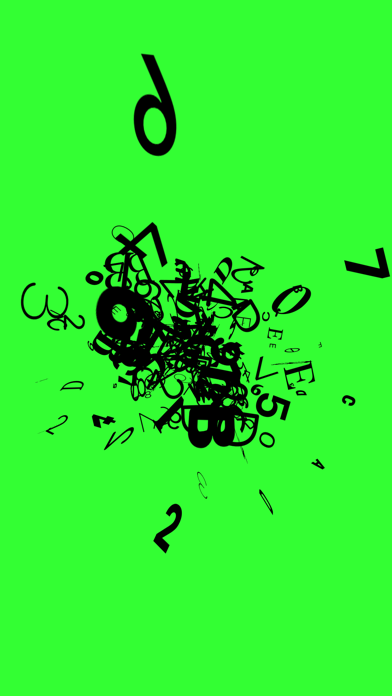
- Big Bang
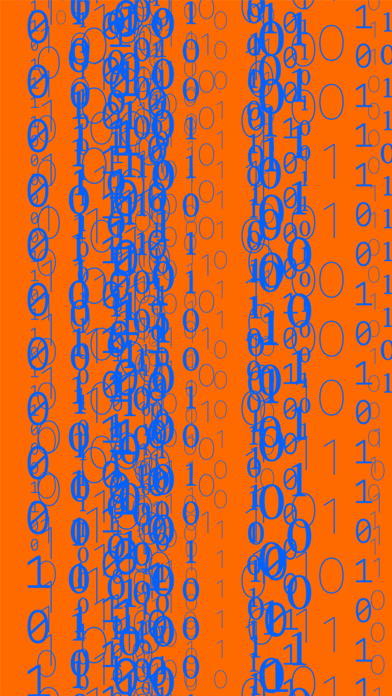
- Rain
- Snow
- Wave
CONTENT
Number
- Binary
- Octal
- Hexadecimal
Language
- Latin
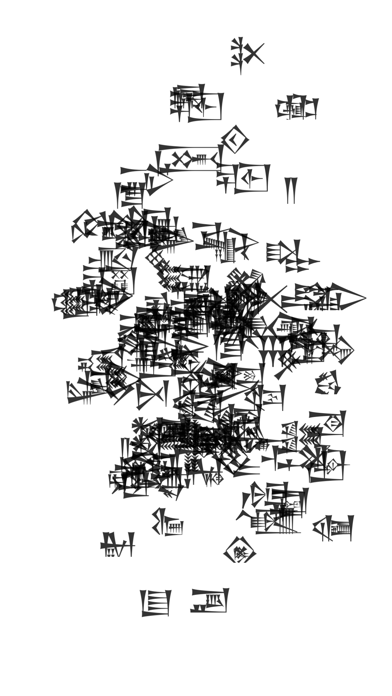
- Cuneiform
- Greek
- Hieroglyph
- Arabic
- Devanagari
- Chinese
- English
- Japanese
- Spanish
Symbol
- Box
- Currency
- Block
- Chess
- Mahjong
- Kaomoji
Custom
Enter any two strings.
Code
- COBOL
- BASIC
- C
- SQL
- HTML
You can play a variety of flow modes and customize the parameters. Turn on the "dice" button and a random style will be generated every time you start the flow. Save it if you have found a favorite style.
FLOW MODE
- Linear
- Fly
- Tornado
- Single
- Circle
- Worm
- Big Bang
- Rain
- Snow
- Wave
CONTENT
Number
- Binary
- Octal
- Hexadecimal
Language
- Latin
- Cuneiform
- Greek
- Hieroglyph
- Arabic
- Devanagari
- Chinese
- English
- Japanese
- Spanish
Symbol
- Box
- Currency
- Block
- Chess
- Mahjong
- Kaomoji
Custom
Enter any two strings.
Code
- COBOL
- BASIC
- C
- SQL
- HTML
Show More
Was ist neu in der neuesten Version 4.0
Last updated on Apr 17, 2025
Alte Versionen
App UI redesigned.
Show More
Version History
4.0
Jun 20, 2022
App UI redesigned.
3.5
May 2, 2022
- A new flow mode "Wave" available.
- App icon redesigned.
- The "Style" button moved to the trailing of the navigation bar.
- App icon redesigned.
- The "Style" button moved to the trailing of the navigation bar.
3.4
Apr 4, 2022
A new flow mode "Snow" available.
3.3.1
Jan 27, 2022
Bug fix.
3.3
Jan 5, 2022
A new content type “Code” has become available in this update.
You can flow the 5 classical programming languages: COBOL, BASIC, C, SQL and HTML.
3.2
Nov 12, 2021
App UI Redesign
- User interface fundamentally redesigned based on the standard list appearance.
- The navigation hierarchy of screens reordered.
- User interface fundamentally redesigned based on the standard list appearance.
- The navigation hierarchy of screens reordered.
3.1
Oct 24, 2021
- The flow mode "Rain" redesigned.
- The status bar would be hidden during the flow.
3.0
Oct 13, 2021
App UI Redesigned.
- Three buttons added in the tool bar.
- Random style button
- Start button
- Reset style button
- A segmented control added in the navigation bar.
- Three buttons added in the tool bar.
- Random style button
- Start button
- Reset style button
- A segmented control added in the navigation bar.
2.6
Sep 28, 2021
- A new flow mode "TRIANGLE" available.
2.5
Sep 14, 2021
App content and product page localized in Spanish, Japanese, and Chinese.
2.4
Aug 31, 2021
- A new flow mode "RAIN" available.
2.3
Aug 18, 2021
- LineFeed available in "LINEAR" mode. Random linefeeds will make the flow more dynamic and not boring.
- Home screen UI changed. The buttons to save and reset the current style have been moved to the top of the screen from the bottom.
2.2
Aug 17, 2021
- A new value type "Kaomoji" (Japanese Emoticons) added in "Symbol" category.
- A small bug fixed in "TORNADO" mode.
2.1
Aug 1, 2021
- "Random Style" available in every flow mode. You can enjoy a variety of new flow styles without customizing the parameters yourself.
2.0
Jun 28, 2021
- You can save 20 styles in each flow mode.
- A new flow mode "BIG BANG" available.
1.5
Jun 10, 2021
・A New Flow Mode "Worm"
・A New Value Type "Symbol"
1.4
May 23, 2021
2 new flow modes available:
・SINGLE
・CIRCLE
・SINGLE
・CIRCLE
1.3
May 15, 2021
In this update:
・A new value type "Script" available.
→ You can flow multiple characters from 7 languages.
・App UI redesigned.
→ "Mode Picker" available.
→ "Reset Button" red-colored.
・A new value type "Script" available.
→ You can flow multiple characters from 7 languages.
・App UI redesigned.
→ "Mode Picker" available.
→ "Reset Button" red-colored.
1.2
May 5, 2021
This update consists of 4 changes:
・A new flow mode "TORNADO" added.
・App UI redesigned.
・RGB sliders available (ColorPicker was not working very well on iPad, so I have made RGB sliders to customize the Text and Background Color).
・A small bug in the "FLY" mode fixed (One of the parameters "Number of Flies" was unable to save).
・A new flow mode "TORNADO" added.
・App UI redesigned.
・RGB sliders available (ColorPicker was not working very well on iPad, so I have made RGB sliders to customize the Text and Background Color).
・A small bug in the "FLY" mode fixed (One of the parameters "Number of Flies" was unable to save).
1.1
May 2, 2021
This update consists of 3 changes:
・A new flow mode "FLY" added.
・Screenshots totally renewed.
・App icon redesigned.

・A new flow mode "FLY" added.
・Screenshots totally renewed.
・App icon redesigned.
1.0
Apr 17, 2021
ZeroOne Flow FAQ
Klicken Sie hier, um zu erfahren, wie Sie ZeroOne Flow in eingeschränkten Ländern oder Regionen herunterladen können.
Überprüfen Sie die folgende Liste, um die Mindestanforderungen von ZeroOne Flow zu sehen.
iPhone
Erfordert iOS 15.0 oder neuer.
iPad
Erfordert iPadOS 15.0 oder neuer.
iPod touch
Erfordert iOS 15.0 oder neuer.
ZeroOne Flow unterstützt Englisch, Japanisch, Spanisch, Tradit. Chinesisch, Vereinf. Chinesisch