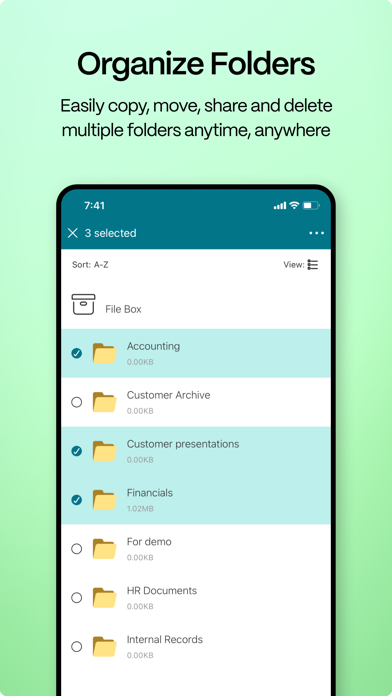
ShareFile helps people exchange files easily, securely and professionally. Designed for business, ShareFile is a file manager that offers secure data sharing and storage, customizable usage and settings, award-winning customer service and tools that allow you to collaborate more easily and get your work done from any device — anytime, anywhere. With your ShareFile account and app, you can:
Share
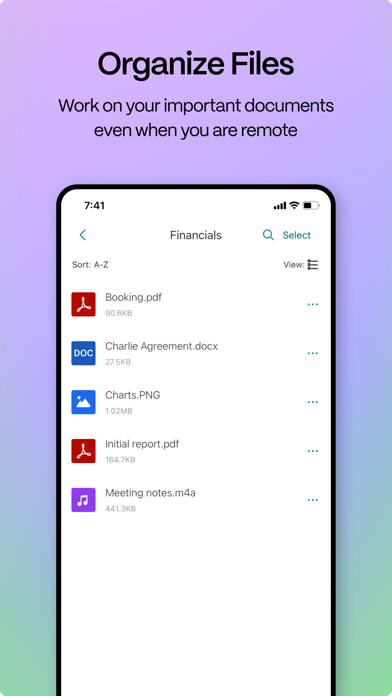
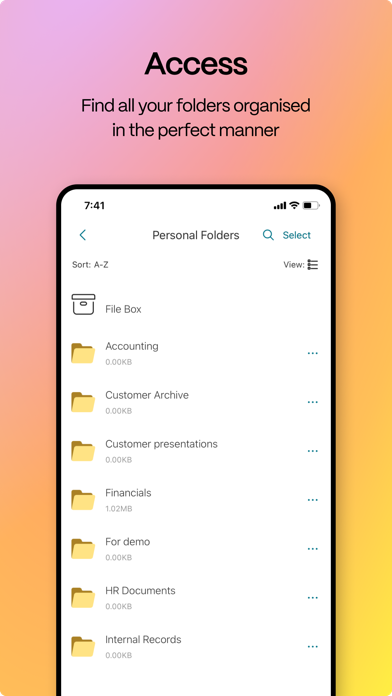
-Access files and folders located in your ShareFile account.
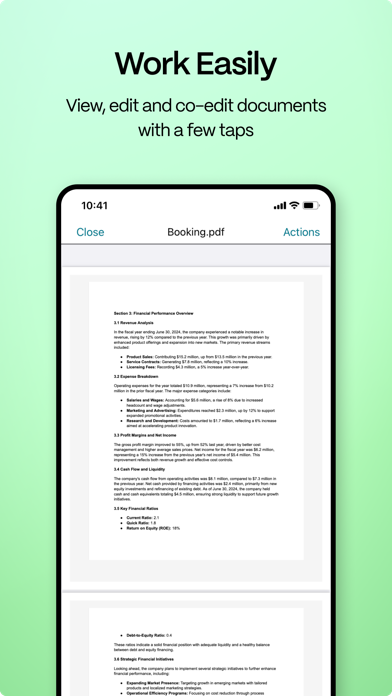
-Edit files located in your ShareFile account (not available on all plans, and O365 Licenses is required)
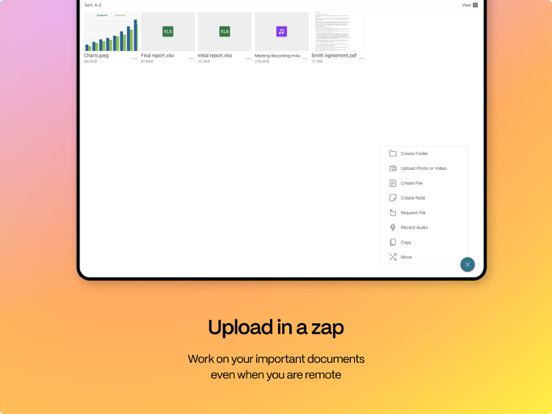
-Download and upload files between your ShareFile account and mobile device.
-Sync files in your ShareFile account from all of your devices.
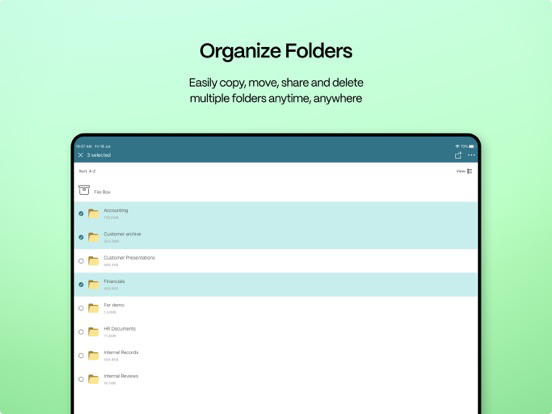
-Share or sync multiple files with multiple users at once.
-Email files from your ShareFile account, mail or Gmail apps on your mobile device.
-Request files and provide secure links for recipients to upload files to your ShareFile account.
Manage
-Set custom access permissions to files and folders for individual users.
-Specify a passcode for additional protection for your ShareFile account.
-Add users to existing folders in your ShareFile account.
-Use your ShareFile account as a secure file manager.
-Remotely wipe or lock your ShareFile account in the event of a lost or stolen mobile device.
You can access data using corporate credentials, and IT administrators can control and audit access directly from the app. ShareFile will request access to device capabilities or data to enable advanced features, including:
Contacts
This allows ShareFile to let you choose co-workers among the contacts in your phone address book.
Camera
This allows ShareFile to let you capture a photo or video for upload.
Microphone
This allows ShareFile to let you record audio for upload.
Photos and Media Library
This allows ShareFile to let you choose photos and videos from your Library to upload.