Contact Backup & Transfer

Contact Backup & Transfer


Free

5.0for iPhone, iPad
Age Rating
4+
Apps in this category do not contain restricted content.
9+
Apps in this category may contain mild or occasional cartoon, fantasy or real-life violence, as well as occasional or mild adult, sexually suggestive or horrifying content and may not be suitable for children under 9 years of age.
12+
Apps in this category may contain occasional mild indecent language, frequent or intense cartoon or real-life violence, minor or occasional adult or sexually suggestive material, and simulated gambling, and may be for children under 12 years of age.
17+
You must be at least 17 years old to access this App.
Apps in this category may contain frequent and intense offensive language; Frequent and intense cartoon, fantasy or realistic violence: frequent and intense adult, scary and sexually suggestive subjects: as well as sexual content, nudity, tobacco, alcohol and drugs, may not be suitable for children under 17 years of age.
Contact Backup & Transfer Screenshots
Contact Backup & Transfer posterContact Backup & Transfer posterContact Backup & Transfer posterContact Backup & Transfer posterContact Backup & Transfer poster

About Contact Backup & Transfer

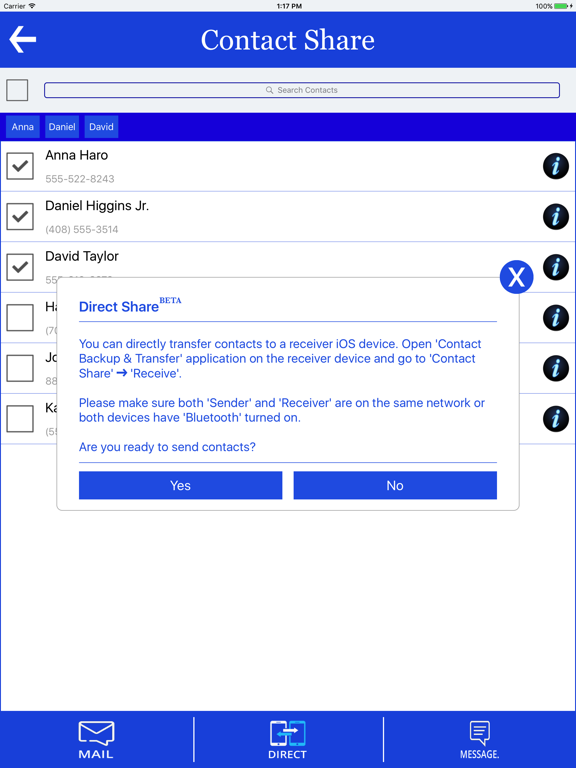
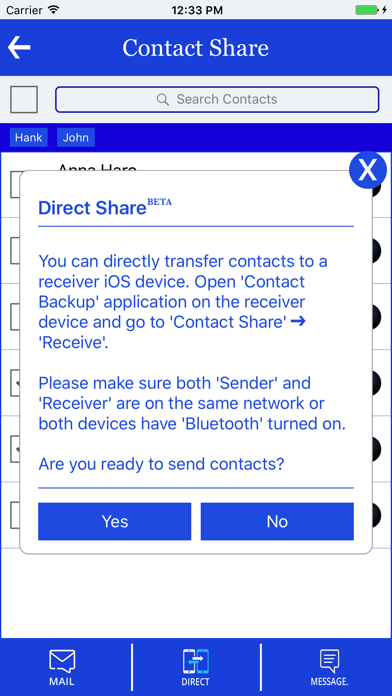
Contact Backup & Transfer now introduces BETA version to send all / selective contacts to another iOS device without internet. Best contact backup & sharing app fulfilling all your sharing needs.

Contact Backup & Transfer is providing a combined solution to transfer all your contacts from any iOS device to another iOS device directly or by using your own E-mail or Dropbox. JUST take a backup and send to your own e-mail. Open the attachment from your Android / iOS device.

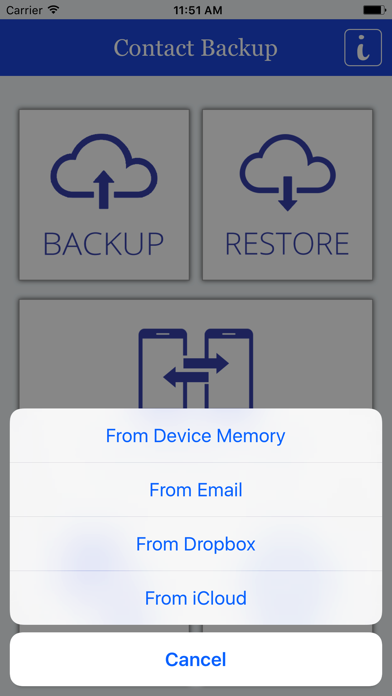
All contacts can then easily be restored any time by simply opening .vcf file in your email or by opening it with Contact Backup & Transfer App.

Features:
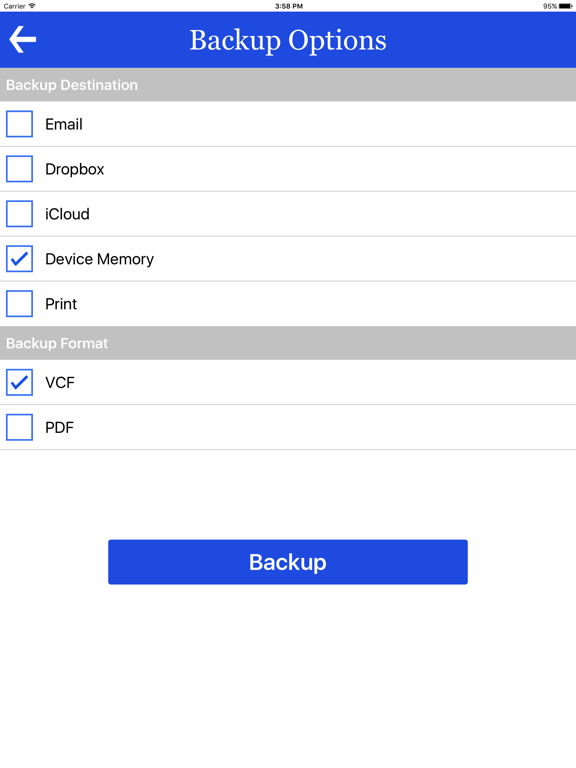
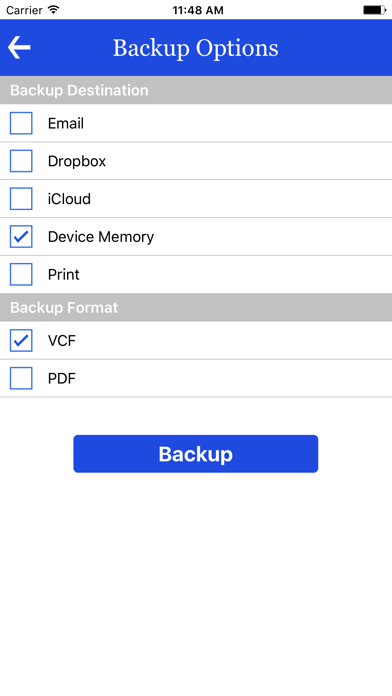
-- Backup all Contacts to another iOS device / e-mail / Dropbox.
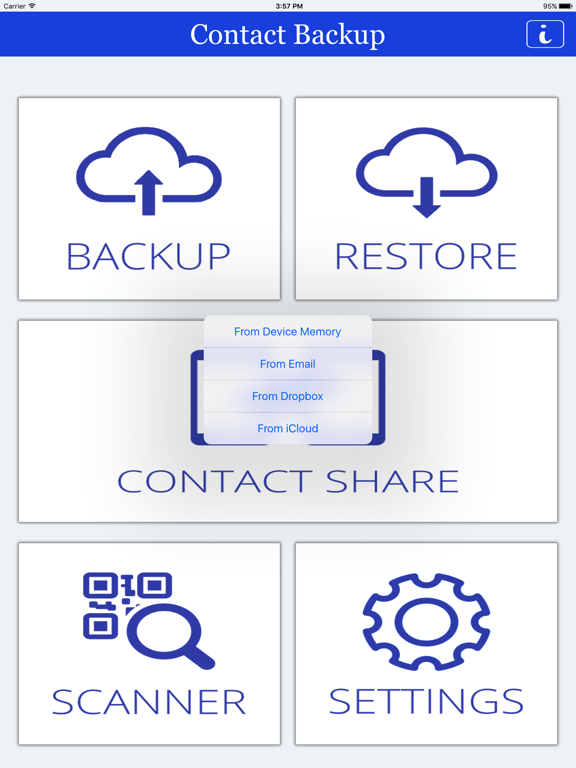
-- Restore vcf from E-mail / Dropbox without duplicate / overlapping contact.
-- Restore all information in a contact, even the images
- -User friendly user interface
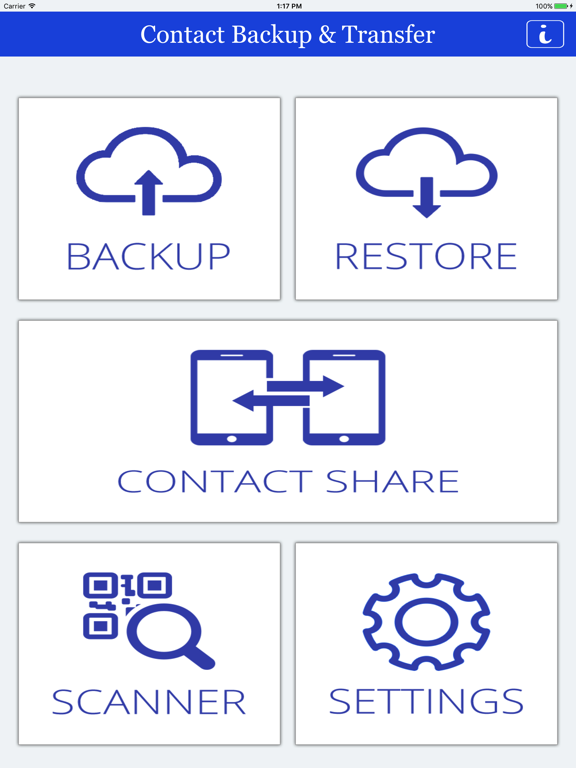
-- Backup, Restore & Transfer contacts
-- Add contacts from Business Cards with QR Scanner
-- Searching options on Contacts

Pros:
-- Offline Backup. No need to sync to any server. Just email the backup file to yourself
-- Restoring and Backing up is very easy
-- It is easy to use and Free of cost
-- The interface and design is neat and user friendly
-- Transfer your contacts easily, quickly and safely

Backup your contacts in a simple and convenient way. You can backup all your contacts to E-mail / Dropbox. All contacts are in vcf format which will be supported by most smart phones (Android, Blackberry) and iOS devices (iPhone, iPad). You can import contacts by just downloading it from your mail. As the vcf file is in your mail, your privacy is maintained.

You can SMS any selected numbers to others.

You can directly import contacts from QR code into your device.

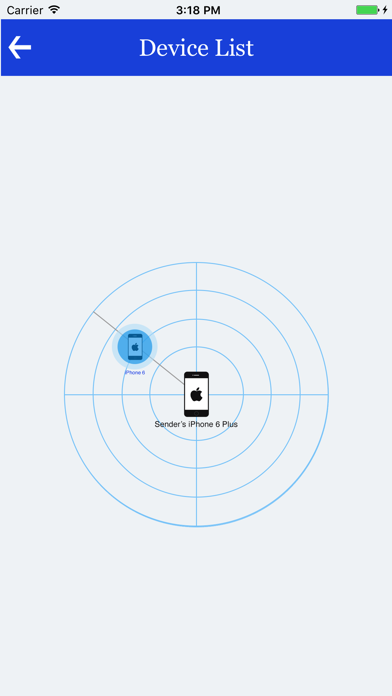
You can share contacts directly with Wifi or Bluetooth to another iOS device.

App is in English, German, Spanish, French, Malay and Indonesian.

Localizations also available for Arabic, Bengali, German, Spanish, French and Indonesian.

Play Store version is available here: https://play.google.com/store/apps/details?id=com.tos.contact

Show More

What's New in the Latest Version 5.0

Last updated on Aug 19, 2017
Old Versions
This update from Apple will improve the functionality of this app. No new features are included.

- Improved UI and Performance
- Direct Share(BETA) added for contacts
- Minor bugs fixed
Show More
Version History
5.0
Aug 19, 2017
This update from Apple will improve the functionality of this app. No new features are included.

- Improved UI and Performance
- Direct Share(BETA) added for contacts
- Minor bugs fixed

Contact Backup & Transfer FAQ

Click here to learn how to download Contact Backup & Transfer in restricted country or region.
Check the following list to see the minimum requirements of Contact Backup & Transfer.
iPhone
iPad

Contact Backup & Transfer Alternative

You May Also Like

Get more from TopOfStack Software Limited