Ez Cloud

Ez Cloud


Accounts Payable Automation


Free

1.31for iPhone, iPad and more
Ezcloud
Developer
39.2 MB
Size
Sep 30, 2022
Update Date
Business
Category
4+
Age Rating
Age Rating
4+
Apps in this category do not contain restricted content.
9+
Apps in this category may contain mild or occasional cartoon, fantasy or real-life violence, as well as occasional or mild adult, sexually suggestive or horrifying content and may not be suitable for children under 9 years of age.
12+
Apps in this category may contain occasional mild indecent language, frequent or intense cartoon or real-life violence, minor or occasional adult or sexually suggestive material, and simulated gambling, and may be for children under 12 years of age.
17+
You must be at least 17 years old to access this App.
Apps in this category may contain frequent and intense offensive language; Frequent and intense cartoon, fantasy or realistic violence: frequent and intense adult, scary and sexually suggestive subjects: as well as sexual content, nudity, tobacco, alcohol and drugs, may not be suitable for children under 17 years of age.
Ez Cloud Screenshots
Ez Cloud posterEz Cloud posterEz Cloud posterEz Cloud posterEz Cloud poster

About Ez Cloud

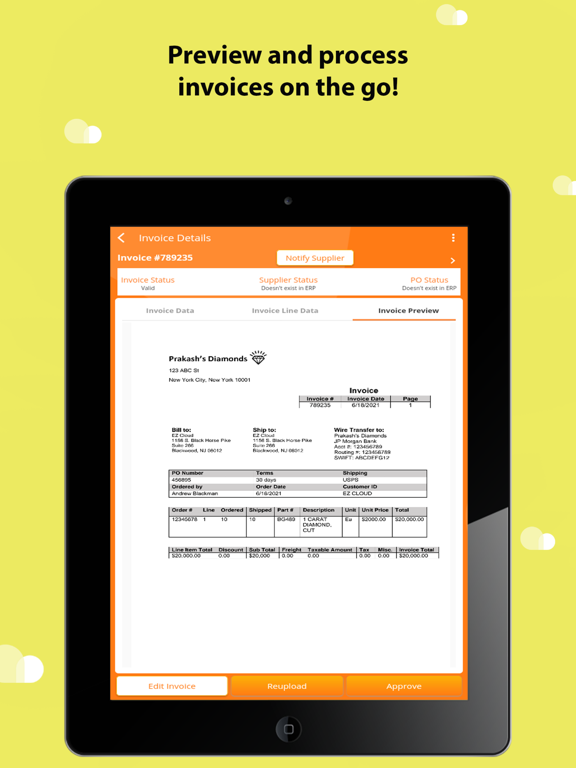
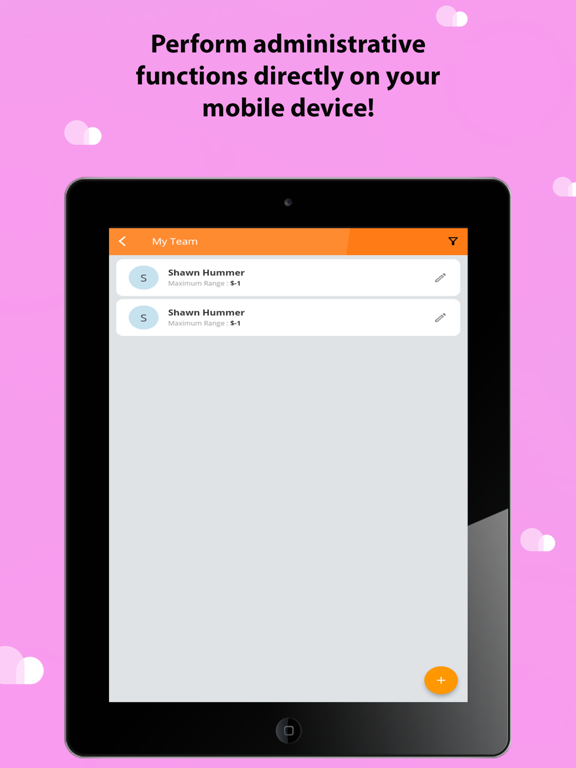
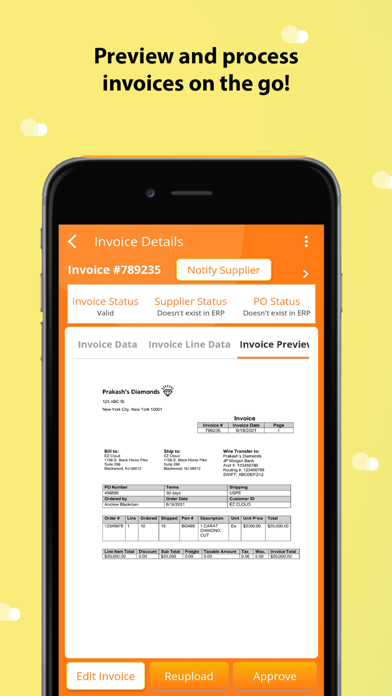
EZ Cloud is a cloud-based Accounts Payable automation solution powered by AI, Machine Learning, and additional tools, aimed at expediting the pay-to-procure process for customers. EZ Cloud mobile is completely synchronous with the EZ Cloud web application, allowing your organization to capture, process, and authorize invoices on the go.
EZ Cloud simplifies the AP process by breaking AP into three simple steps: Capture, Authorize and Pay.
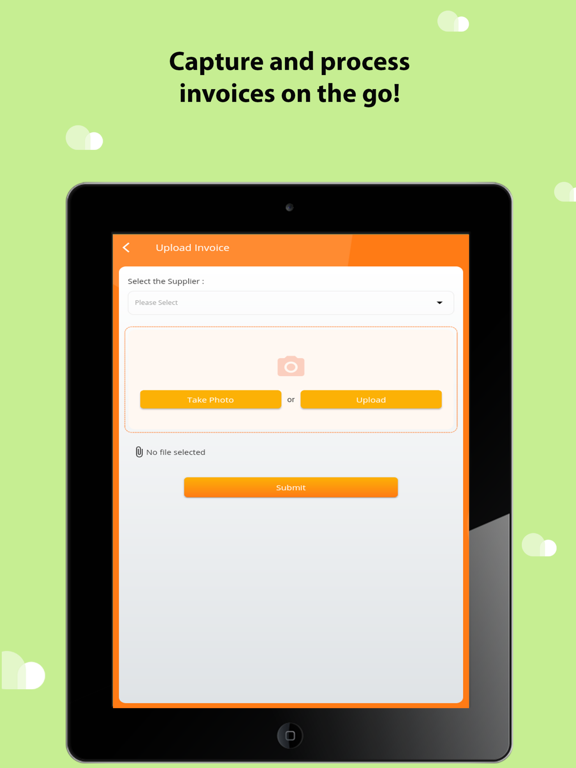
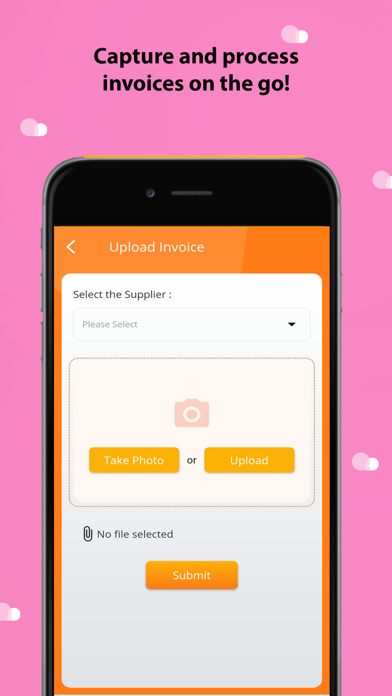
Capture— See invoices imported from the web, received via your EZ Cloud email attached to your organization, sent in via the supplier portal, or capture invoices directly in mobile by uploading from your file system or using your camera.
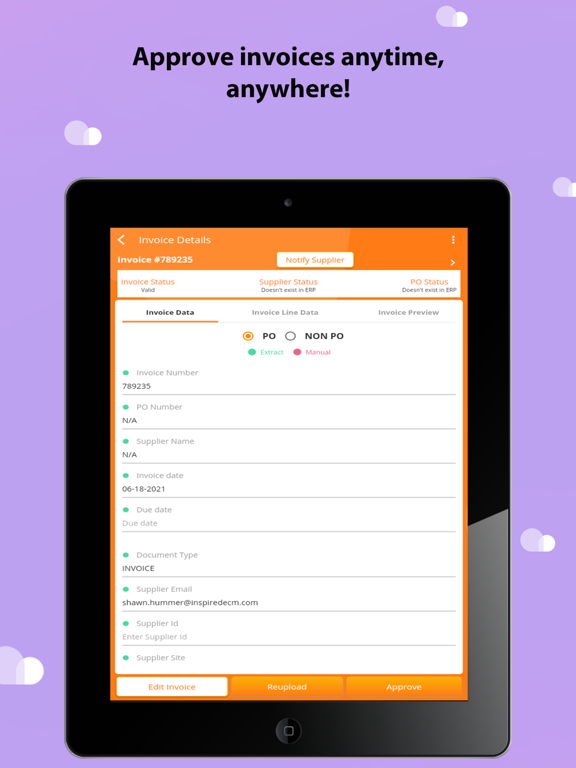
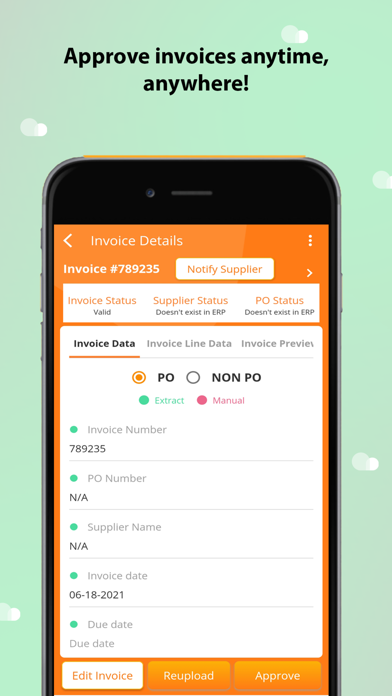
Authorize— Process, authorize, or run audits against imported invoices.
Pay— As a payment-agnostic solution, EZ Cloud performs validations against your ERP during data processing. Invoices are then imported into your ERP ready for payment.
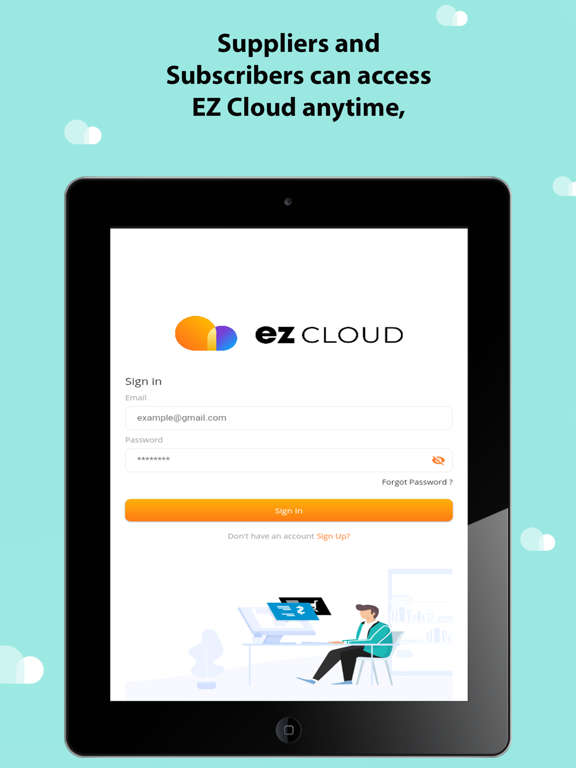
Both your organization and your suppliers can take EZ Cloud on the go with mobile.

Show More

What's New in the Latest Version 1.31

Last updated on Sep 30, 2022
Old Versions
The invoice line data tab has been reworked and now supports identified label extraction.
GL Date and Account are now visible when the invoice is flagged as a non-PO.
New UI changes have been made to support various integrations.
'Rate this App' functionality has been added.
"Supplier Refresh" functionality has been added. Dynamic invoice template-based invoice extraction is now supported on mobile.
Show More
Version History
1.31
Sep 30, 2022
The invoice line data tab has been reworked and now supports identified label extraction.
GL Date and Account are now visible when the invoice is flagged as a non-PO.
New UI changes have been made to support various integrations.
'Rate this App' functionality has been added.
"Supplier Refresh" functionality has been added. Dynamic invoice template-based invoice extraction is now supported on mobile.
1.2.1
Jun 30, 2022
Updated production environment URL in-app after performing domain migration
1.2
Jun 25, 2022
Added a way for EZ Cloud subscribers on dedicated environments to utilize the main app builds by adding the ability for subscribers to authenticate utilizing dedicated organization IDs.
Added a mechanism for subscribers to reclassify documents if they are not an invoice and store them on the supplier level.
Added machine learning line-item extraction.
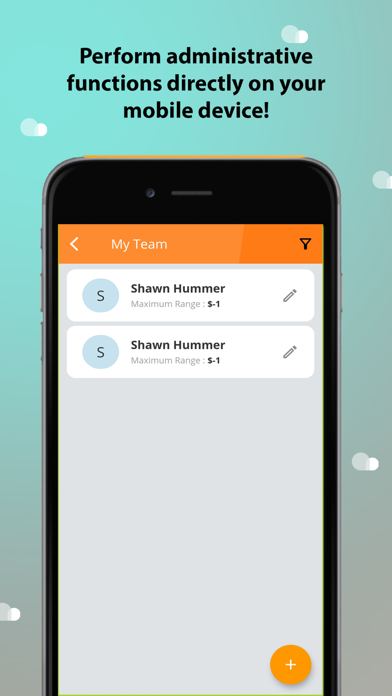
Added the ability for subscribers to restrict approval to certain users for specified suppliers.
Added new user roles for more granular permissions.
Added ‘notification’ services for approval.
Added workflows for invoice exception handling.
Several texts & aesthetic UI fixes.
1.1.2
Apr 27, 2022
Bug Fixes & Performance Improvements
1.1.1
Mar 23, 2022
Added a new feature that allows users to link their primary account to phone biometrics, allowing for a seamless biometric login experience.
Expanded invoice camera capture to support multi-page invoices. Users can now capture multiple images that can be compiled into a single invoice. Prior, only single-page invoices could be uploaded with camera capture.
1.1.0
Mar 4, 2022
New Features
• Users can now utilize device-native biometrics to sign in to their EZ Cloud account.
• Data prior was encrypted purely ‘at rest,’ and for inter-cloud app communications. Data now ‘in transit’ between the back-end app services and the user device is now fully encrypted, then decrypted client-side.
• Added a privacy policy, allowing users to understand what data we collect, how we process it, and their rights.
Bug Fixes
• Camera-native submitted invoices were being overly compressed, resulting in poor extraction, and a non-legible invoice preview. This has been corrected so that camera invoices are no longer compressed.
• Fixed a multitude of issues with date fields in the data entry page:
• After a user applied an ML tag to a date field, updated the invoice, then tried to edit the invoice details again, the date field would not accept valid date formats. This was specifically for the DD/MM/YYYY date format.
• If a user selected a date from the calendar, then applied an ML tag, the entered calendar date would be preserved.
• An issue where the field would auto correct and reformat partially entered dates has been resolved.
• An issue where the invoice date field would be reduced by 1 day due when updating due to time zone issues has been resolved.
• An issue where invalid key-value pairs would populate the date fields with incorrect dates has been resolved.
• An issue where invalid key-value pairs would prevent a user from updating an invoice, even when a valid value was input has been resolved.
• An issue where the date field would revert back to a deleted value when exiting the field has been resolved.
• An issue with suppliers confirming the connection to a subscriber organization upon invite has been resolved.
• An issue has been resolved which allowed users to click the ‘update’ or ‘approve’ buttons multiple times from the data entry page, resulting in multiple validation/approval services to be run and causing the mobile app to crash eventually.
• An issue with camera-native invoices failing to load in the invoice preview has been resolved.
• The ‘eye’ icon for viewing password fields was not showing the password when toggled off. This has now been resolved.
• An error that would occur when users spammed the ‘next’ button from the data entry page, resulting in errors has been resolved.
• A bug causing the CSV metrics export functionality to only export what was displayed to the user on the page, rather than the full query result has been resolved.
• An issue where the downloaded CSV from metrics would not appear in the file system has been resolved.
• A bug that would cause subscriber organizations to appear multiple times in the invoice mapping drop-down from the supplier portal has been resolved.
• An issue with invoice queue filtering, where the user had deleted out the invoice amount field and updated the invoice has been resolved.
• An issue with the invoice preview not showing up when using the ‘next invoice’ functionality has been resolved.
• A bug caused when a user added a line item while the invoice was still loading, causing an infinite loading loop has been resolved.
• An issue where the PDF/JSON invoice download would state ‘downloaded successfully,’ but not appear in the phone’s file system has been resolved.
• An issue allowing a user to click 2 invoices from the queue and enter them simultaneously on the app has been resolved.
• Some issues with invoice-related queries not returning results have been resolved.
• An issue with the search functionality in the invoice queue of the supplier portal has been resolved.
• An issue preventing users from changing the invoice number when a key-value pair was selected has been resolved.
• An issue allowing a user to approve an invoice multiple times has been resolved.
1.0
Feb 19, 2022

Ez Cloud FAQ

Click here to learn how to download Ez Cloud in restricted country or region.
Check the following list to see the minimum requirements of Ez Cloud.
iPhone
Requires iOS 12.3 or later.
iPad
Requires iPadOS 12.3 or later.
iPod touch
Requires iOS 12.3 or later.
Ez Cloud supports English

Ez Cloud Alternative

You May Also Like