Full Term - Contraction Timer
Free
3.7.1for iPhone
Age Rating
Full Term - Contraction Timer Screenshots
About Full Term - Contraction Timer
This application is the most convenient way to keep track of your labor contractions. I created this application for use during my own wife's labor and have paid special attention to keeping the interface as clean and clutter free as possible.
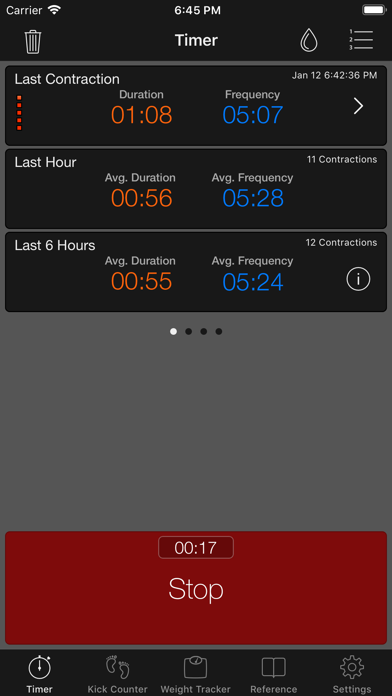
You have to tap a single button to track the start and end of each of your contractions, and "Full Term" will take care of the rest. The application is designed to keep track of the times, durations and frequency of the entire labor period.
Your full labor history and contraction progress will be saved regardless of whether you restart the application during a contraction or restart the entire device. There is no need to keep this application open the whole time. Of course, you can also email your contraction history to a health care professional or for your records.
In addition, you get a full featured Fetal Kick counter and a handy pregnancy reference section that you can use to brush up your knowledge.
To summarize, some of the features are:
Contraction Timer
* Simple interface to track each contraction
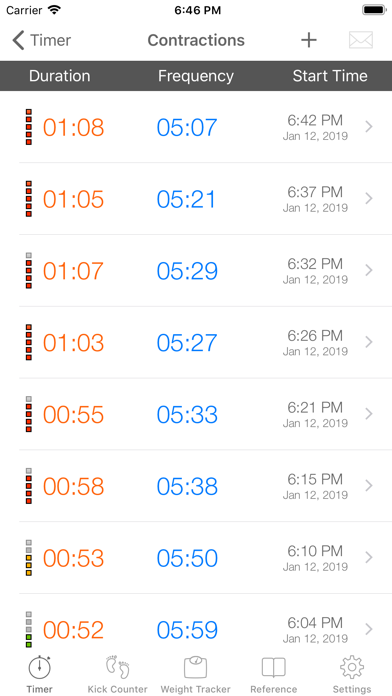
* View your complete contraction history in chronological or reverse chronological order
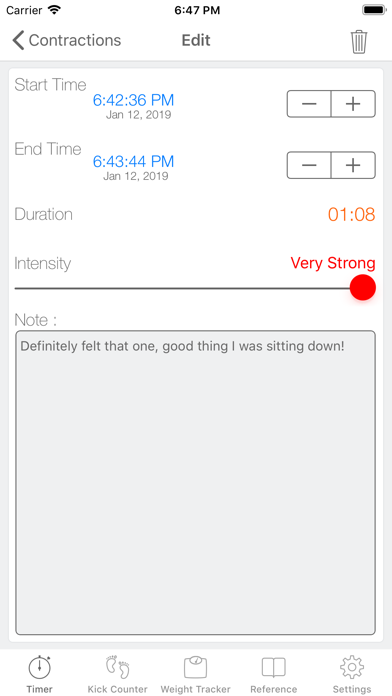
* Edit your contractions in case you forget
* Manually enter contraction entries if needed
* Undo your contractions in case you make a mistake
* Setup Contraction Alerts based on the 5-1-1 rule or customize to suit your needs
* Track breaking of waters
* Add a note to any contraction
* Specify the intensity of each contraction
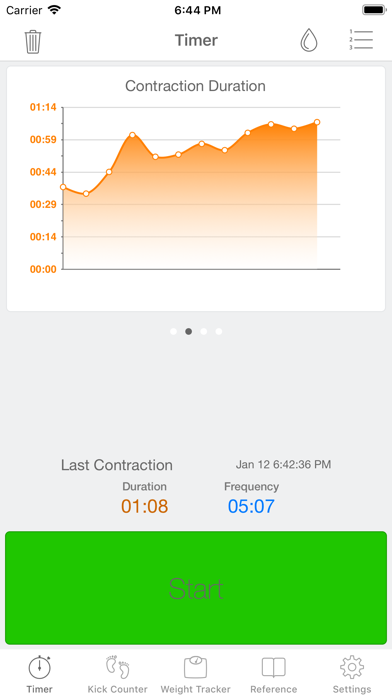
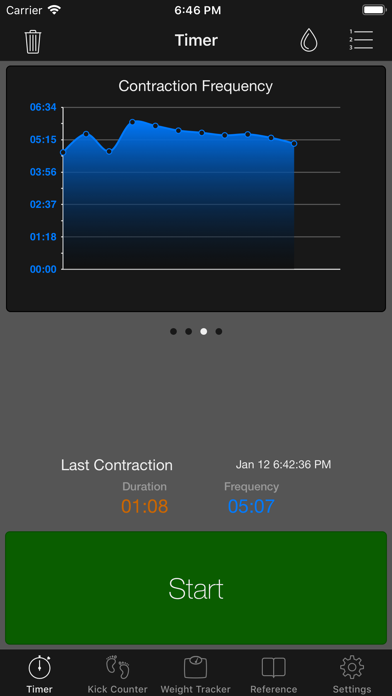
* Monitor your labor progression using the built-in graphs
* Apple Watch Support
Kick Counter
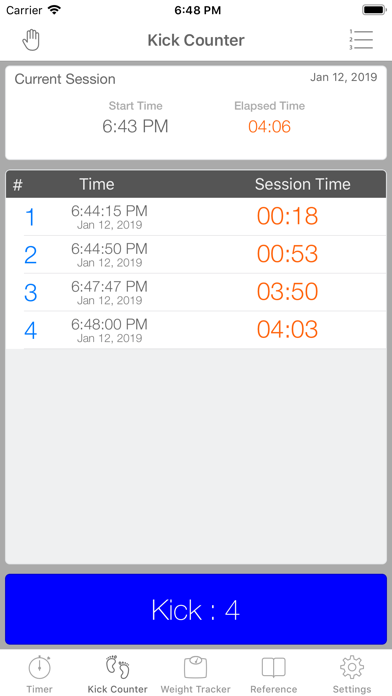
* Full Featured Kick counter
* View your complete Kick count session history
* Setup Reminders to make sure you count kicks at the same time every day!
* Email Kick counting history
* Customize the session length or the number of kicks counted per session
* Edit your Kick counting session by deleting accidental entries
* Add a note to any Kick counting session
Weight Tracker
* Track your weight gain progress through your Pregnancy
* Enter Due date information to Weight Gain for Pregnancy Week
* Attach notes to each weight entry
* Setup reminders to take your weight at the same time each week
* Great reference section included to provide pregnancy information
* Backup your history to iCloud
* Resume timing your labor on another device connected to the same iCloud account
* Configure the duration to monitor and determine trends
* Email your contraction history to anyone
* Dark Theme Mode for use in low light conditions to decrease eye strain

You have to tap a single button to track the start and end of each of your contractions, and "Full Term" will take care of the rest. The application is designed to keep track of the times, durations and frequency of the entire labor period.
Your full labor history and contraction progress will be saved regardless of whether you restart the application during a contraction or restart the entire device. There is no need to keep this application open the whole time. Of course, you can also email your contraction history to a health care professional or for your records.
In addition, you get a full featured Fetal Kick counter and a handy pregnancy reference section that you can use to brush up your knowledge.
To summarize, some of the features are:
Contraction Timer
* Simple interface to track each contraction
* View your complete contraction history in chronological or reverse chronological order
* Edit your contractions in case you forget
* Manually enter contraction entries if needed
* Undo your contractions in case you make a mistake
* Setup Contraction Alerts based on the 5-1-1 rule or customize to suit your needs
* Track breaking of waters
* Add a note to any contraction
* Specify the intensity of each contraction
* Monitor your labor progression using the built-in graphs
* Apple Watch Support
Kick Counter
* Full Featured Kick counter
* View your complete Kick count session history
* Setup Reminders to make sure you count kicks at the same time every day!
* Email Kick counting history
* Customize the session length or the number of kicks counted per session
* Edit your Kick counting session by deleting accidental entries
* Add a note to any Kick counting session
Weight Tracker
* Track your weight gain progress through your Pregnancy
* Enter Due date information to Weight Gain for Pregnancy Week
* Attach notes to each weight entry
* Setup reminders to take your weight at the same time each week
* Great reference section included to provide pregnancy information
* Backup your history to iCloud
* Resume timing your labor on another device connected to the same iCloud account
* Configure the duration to monitor and determine trends
* Email your contraction history to anyone
* Dark Theme Mode for use in low light conditions to decrease eye strain
Show More
What's New in the Latest Version 3.7.1
Last updated on Sep 25, 2019
Old Versions
- Bug fixes for iOS 13 compatibility
Show More
Version History
3.7.1
Sep 25, 2019
- Bug fixes for iOS 13 compatibility
Full Term - Contraction Timer FAQ
Full Term - Contraction Timer is available in regions other than the following restricted countries:
Romania,Luxembourg,France,Ireland,Hungary,Spain,Netherlands,Portugal,Italy,Sweden,Austria,Germany,Denmark,Poland,Latvia,Finland,Belgium,Lithuania,Cyprus,Greece,Bulgaria,Estonia,Czech Republic,Slovakia,Slovenia,Malta,Croatia
Check the following list to see the minimum requirements of Full Term - Contraction Timer.
iPhone
Click here to learn how to download Full Term - Contraction Timer in restricted country or region.