Age Rating
4+
Apps in this category do not contain restricted content.
9+
Apps in this category may contain mild or occasional cartoon, fantasy or real-life violence, as well as occasional or mild adult, sexually suggestive or horrifying content and may not be suitable for children under 9 years of age.
12+
Apps in this category may contain occasional mild indecent language, frequent or intense cartoon or real-life violence, minor or occasional adult or sexually suggestive material, and simulated gambling, and may be for children under 12 years of age.
17+
You must be at least 17 years old to access this App.
Apps in this category may contain frequent and intense offensive language; Frequent and intense cartoon, fantasy or realistic violence: frequent and intense adult, scary and sexually suggestive subjects: as well as sexual content, nudity, tobacco, alcohol and drugs, may not be suitable for children under 17 years of age.
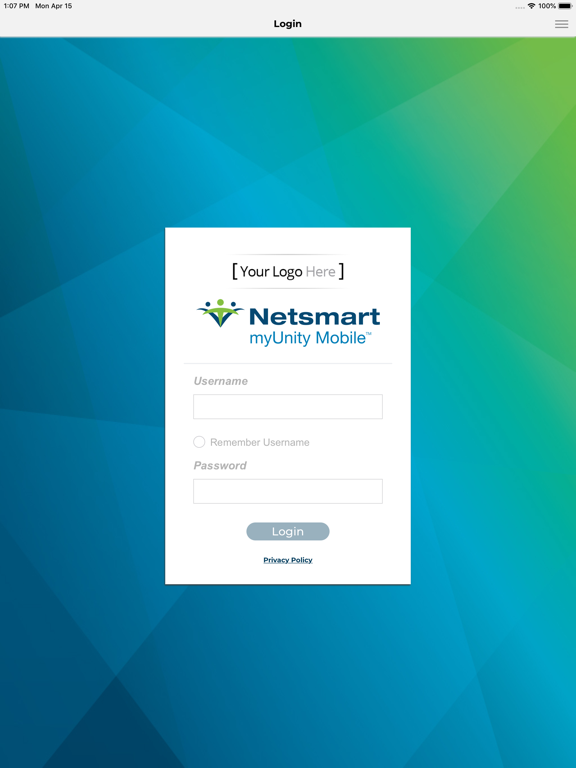
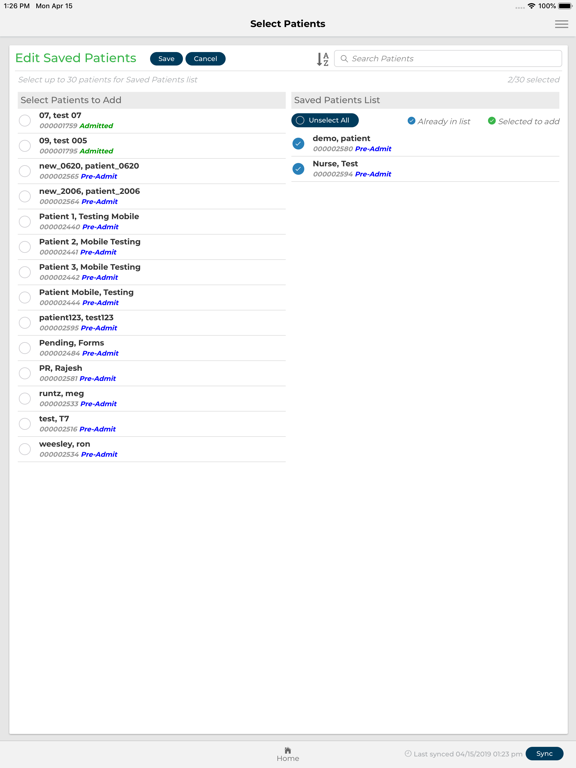
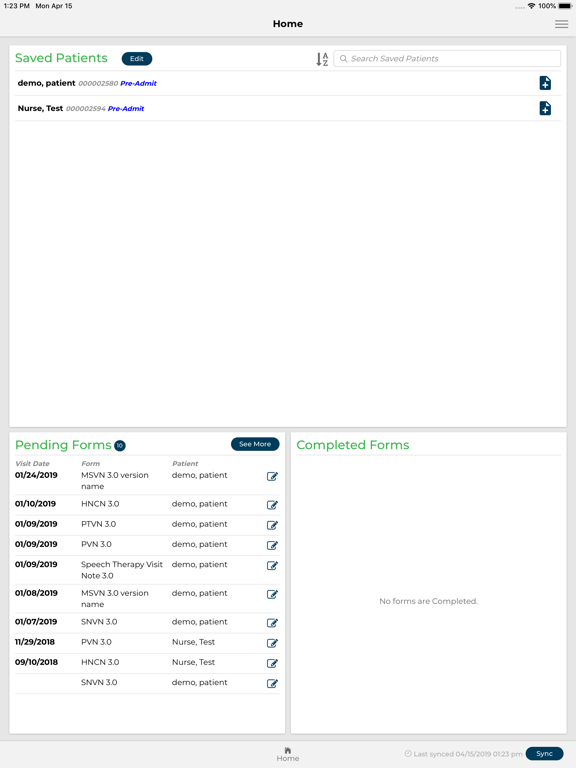
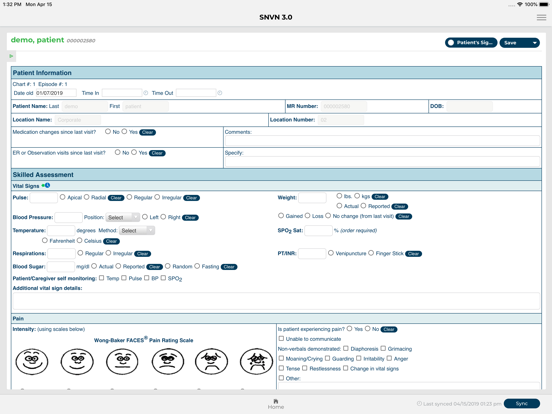
myUnity Mobile Screenshots
myUnity Mobile postermyUnity Mobile postermyUnity Mobile postermyUnity Mobile poster

About myUnity Mobile

This mobile app enables clinician's day to day activities at the point of care. The user experience, app availability, and reliability of collecting data are our primary focuses. The offline accessibility makes it possible for a care professional to still document digitally, and thus automate parts of their work, as opposed to documenting on paper and digitizing it later. A clinician's experience of documentation shall improve, and their workload in offline situations shall be reduced significantly using this app.

Show More

What's New in the Latest Version 2.3.0

Last updated on Jan 7, 2026
Old Versions
Auto-Activation of Medications - Clinicians can now activate medications directly in the app, eliminating the need to log into Back Office.
Discontinue Medications on Mobile - Easily discontinue medications within the app for faster, more efficient workflows. Includes required fields for proper documentation.
Smart Defaults for Faster Entry - “Received By” now defaults to the logged-in clinician. Ordering Physician defaults to the last-used entry for subsequent medications.
HOPE Forms Now Available Offline - HOPE forms are now fully supported and compatible with the offline mobile app, ensuring uninterrupted documentation even without connectivity.
Show More
Version History
2.3.0
Jan 7, 2026
Auto-Activation of Medications - Clinicians can now activate medications directly in the app, eliminating the need to log into Back Office.
Discontinue Medications on Mobile - Easily discontinue medications within the app for faster, more efficient workflows. Includes required fields for proper documentation.
Smart Defaults for Faster Entry - “Received By” now defaults to the logged-in clinician. Ordering Physician defaults to the last-used entry for subsequent medications.
HOPE Forms Now Available Offline - HOPE forms are now fully supported and compatible with the offline mobile app, ensuring uninterrupted documentation even without connectivity.

myUnity Mobile FAQ

Click here to learn how to download myUnity Mobile in restricted country or region.
Check the following list to see the minimum requirements of myUnity Mobile.
iPad

myUnity Mobile Alternative

You May Also Like

Get more from Netsmart Technologies