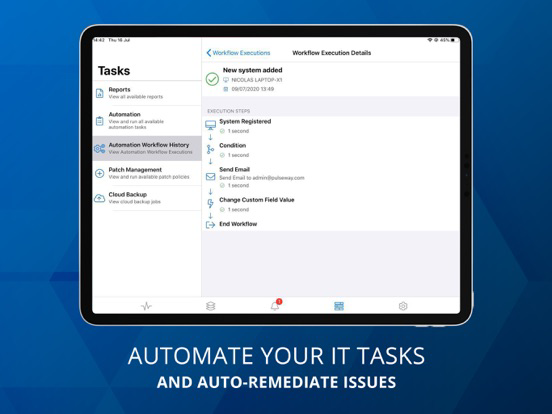
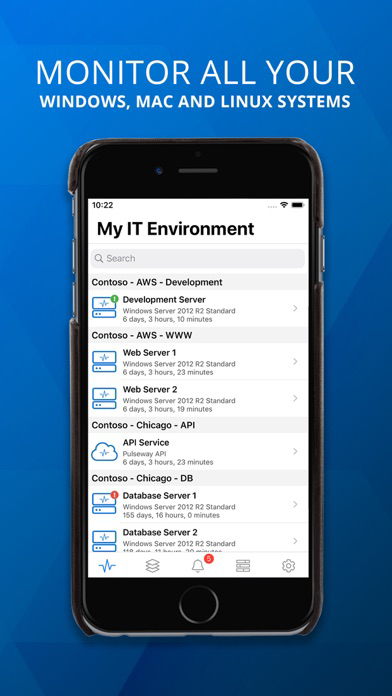
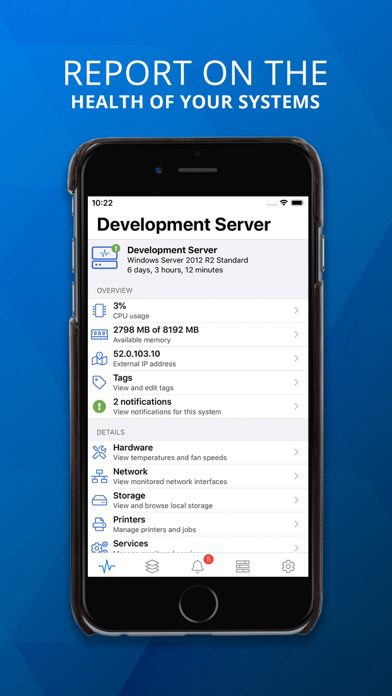
Remotely monitor and manage your IT systems securely from any smartphone or tablet. Pulseway gives you complete control of your computers and applications from anywhere, at any time.
You can monitor and control Windows, Linux and Mac Operating Systems as well as any application using the monitoring API.
Pulseway dramatically reduces the level of manual checks for support engineers and provides them with a real time status of their monitored systems. You are the first to know about any potential issues affecting your systems and can resolve those issues immediately.
*** IMPORTANT ***
• To monitor a computer, download and install the agent software from our website;
• The communication between this application and the monitored computers is always encrypted.
MONITOR:
• The status and uptime of all systems
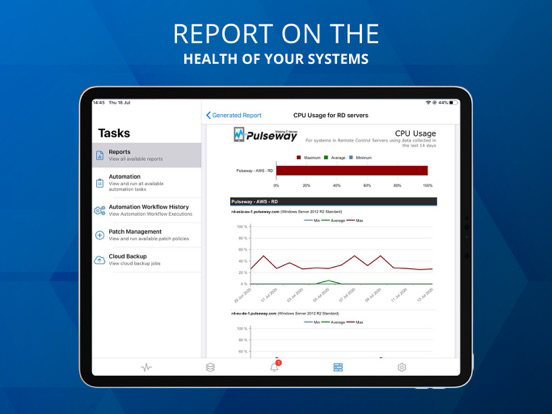
• CPU usage and usage history chart
• Current available memory and usage history chart
• External IP address and the location on the map using GeoIP
• Ping round trip response time and response time chart
• Status of local hard disks
• Services status
• Network interfaces status and traffic chart
• Running processes
• Event logs
• Scheduled tasks status
• Ports status
• Logged in users
• Hardware details
• Status of web sites and application pools in Internet Information Server
• User accounts status in Active Directory including locked user accounts
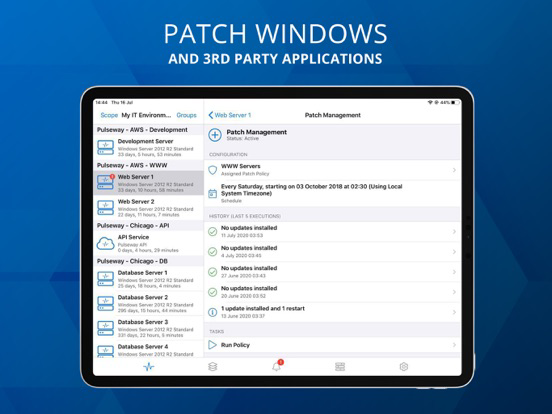
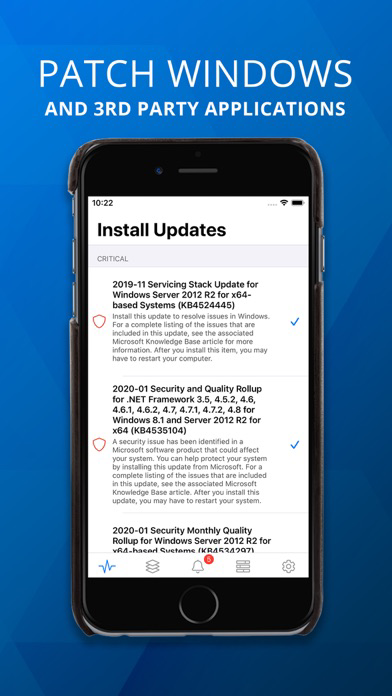
• View and manage Windows updates
• Performance counters
• ... and more
MANAGE:
• Start, pause, continue and stop a service
• Kill a process
• Start and stop a scheduled task
• Log off any logged in user
• Send a message to the logged in users
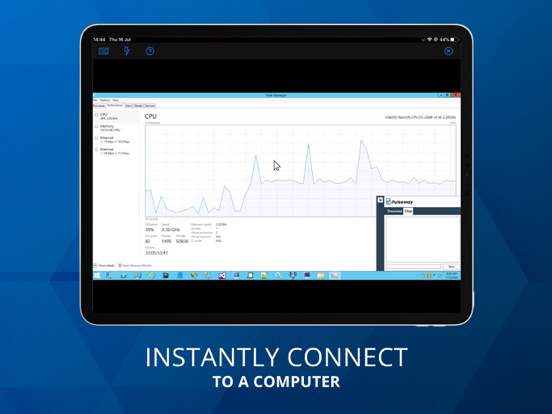
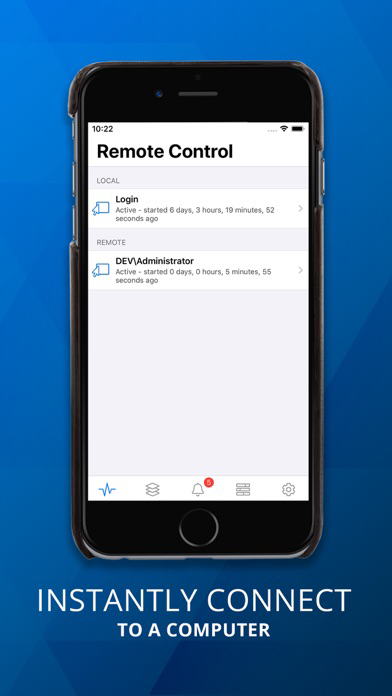
• Command prompt and PowerShell support
• Restart, wake up (Wake on WAN over Internet supported), shutdown, power off, suspend or send the computer into hibernation
• Send commands to multiple systems in the same group
• Start/stop/restart Internet Information Server web sites
• Start/stop/recycle Internet Information Server application pools
• Mobile device authorization for system commands - only selected authorized devices on your account can be allowed to send system commands
• Enable, disable, unlock and reset password for user accounts in Active Directory
• Add and remove groups for a user account in Active Directory
• Hyper-V and VMware support, start and stop virtual machines
• Run SQL Server queries
• ... and more
GET NOTIFIED:
• When a system goes offline, starts up, shuts down, suspends and resumes
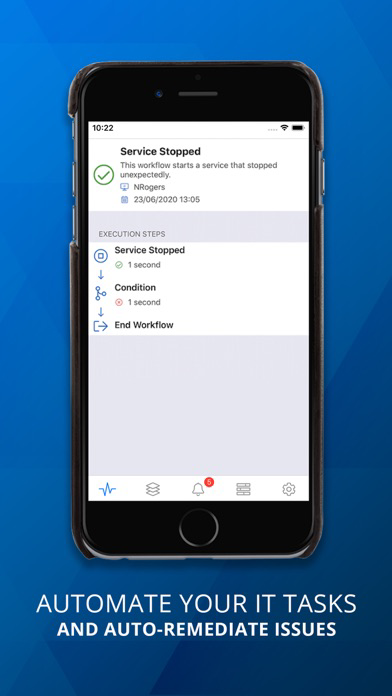
• When a monitored service stopped unexpectedly
• When the free memory is below a specified percentage
• When the processor usage is above or below a specified percentage for a specified period of time
• When the free space of a hard disk drive is below a specified percentage
• When a user logs in or logs out
• When ping round trip time is above a specified value for a specified period of time
• When a monitored port is closed
• When an event log entry is generated and it matches a specified filter (Windows only)
• When the CPU, system or HDD temperature exceeds a specified threshold
• When a web site or app pool stopped on Internet Information Server
• ... and more
The application will work even if the system cannot be directly accessed from the Internet (i.e. does not have a routable IP address or sits behind a firewall).
Operating Systems supported:
• Server: Windows 2003 or higher
• Desktop: Windows XP or higher
• Linux: All major distributions
• Mac: OS X 10.8+