SavEpal

SavEpal


Free

1.14.6for iPhone, iPad
Age Rating
4+
Apps in this category do not contain restricted content.
9+
Apps in this category may contain mild or occasional cartoon, fantasy or real-life violence, as well as occasional or mild adult, sexually suggestive or horrifying content and may not be suitable for children under 9 years of age.
12+
Apps in this category may contain occasional mild indecent language, frequent or intense cartoon or real-life violence, minor or occasional adult or sexually suggestive material, and simulated gambling, and may be for children under 12 years of age.
17+
You must be at least 17 years old to access this App.
Apps in this category may contain frequent and intense offensive language; Frequent and intense cartoon, fantasy or realistic violence: frequent and intense adult, scary and sexually suggestive subjects: as well as sexual content, nudity, tobacco, alcohol and drugs, may not be suitable for children under 17 years of age.
SavEpal Screenshots
SavEpal posterSavEpal posterSavEpal posterSavEpal posterSavEpal posterSavEpal posterSavEpal posterSavEpal poster

About SavEpal

La gestione dei pallet è diventata onerosa e complessa al punto tale che è quasi necessario dedicare una risorsa specifica per poter seguire i percorsi dei pallets all’interno di un’impresa più o meno organizzata. SavEpal è la risorsa che stai cercando.
Potrai monitorare in qualsiasi momento la situazione dei CARICHI e SCARICHI PALLET, avendo sempre sotto controllo il numero dei pallet in entrata e uscita.
Non è un gestionale articolato e complesso, ma un affidabile collaboratore rapido ed efficace nel fornirti DATI IMMEDIATI.

Come funziona?
L’Autista accede all’APP:
- Si autentica;
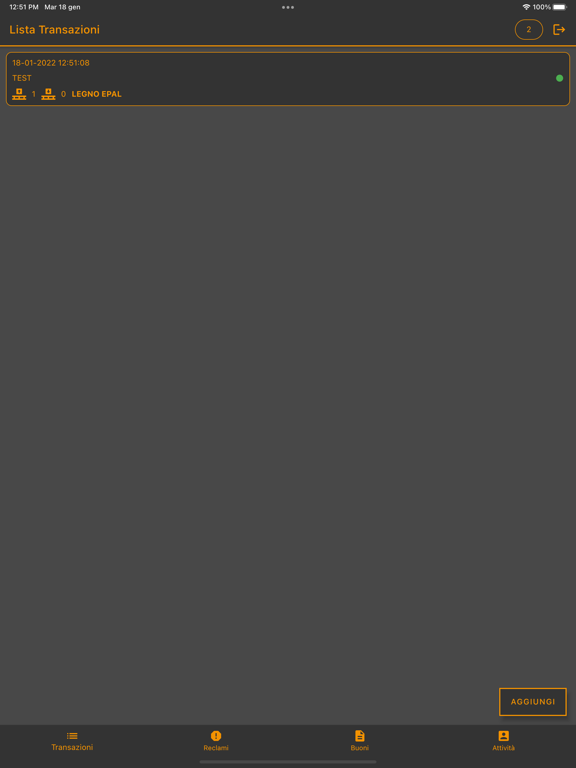
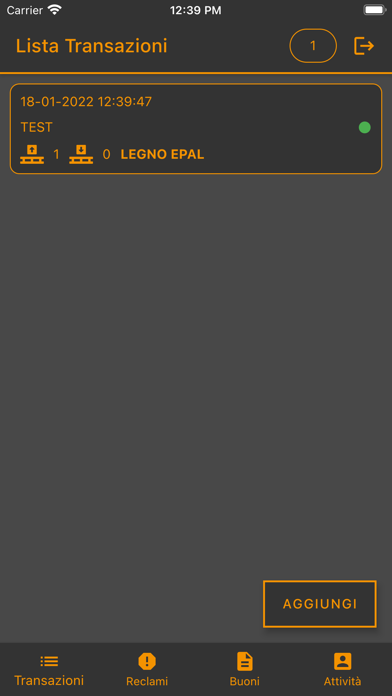
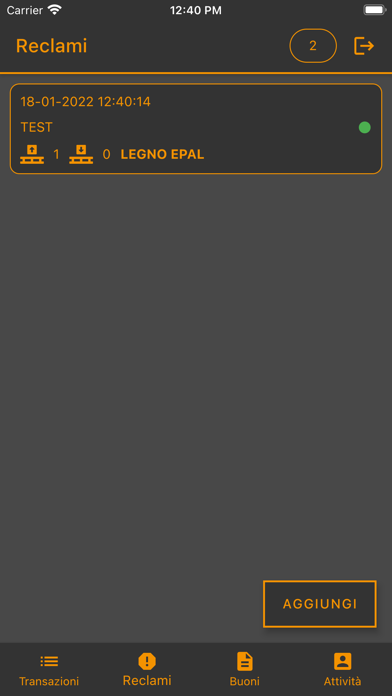
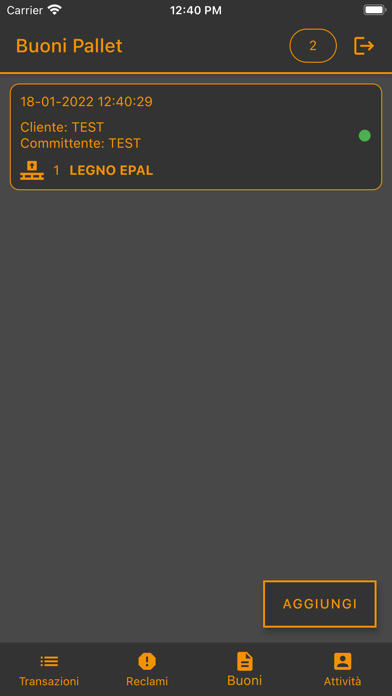
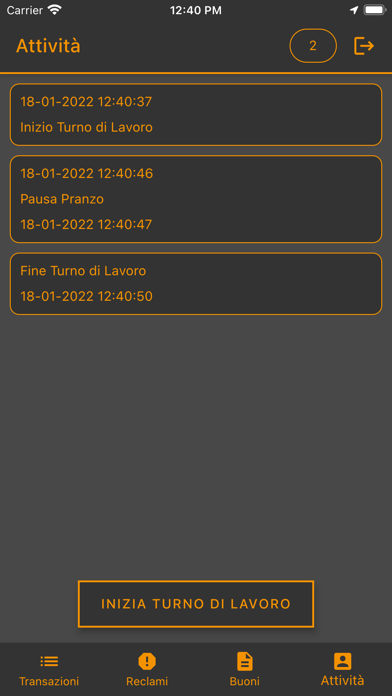
- Subito appare la lista delle transazioni (che ogni mattina parte da ZERO);
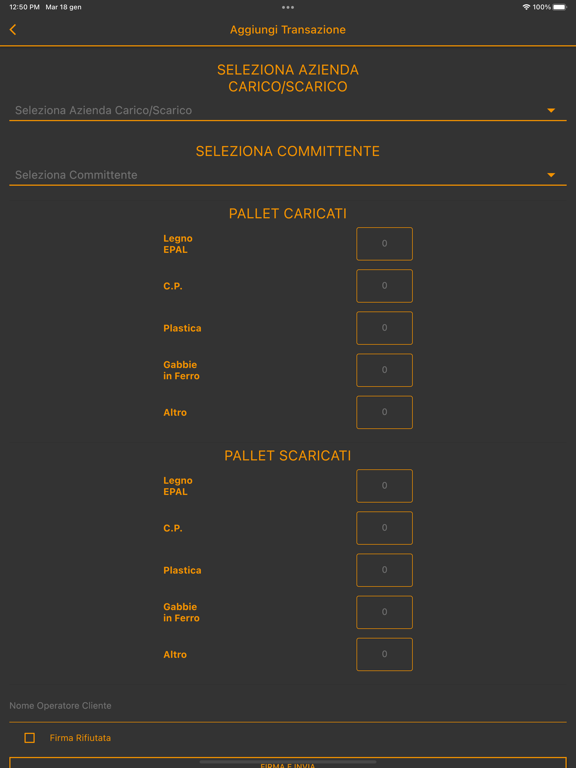
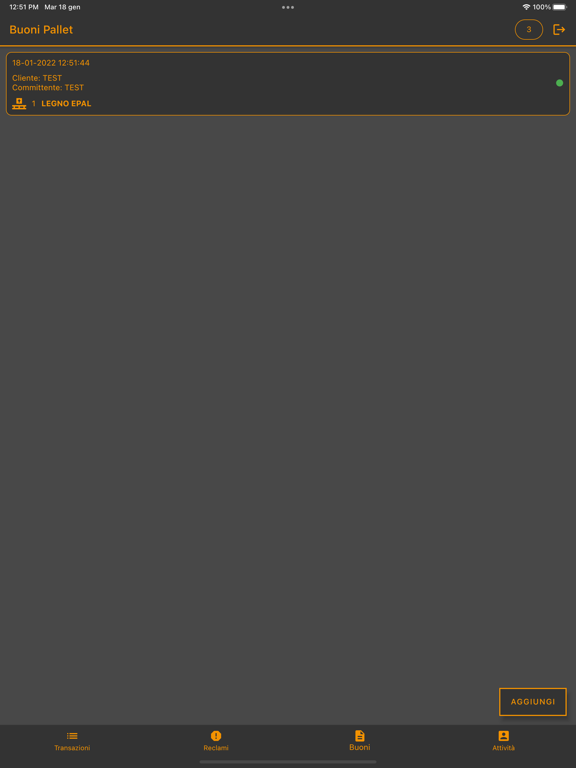
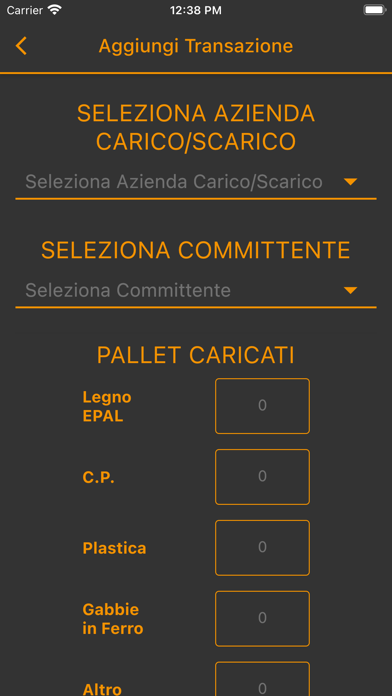
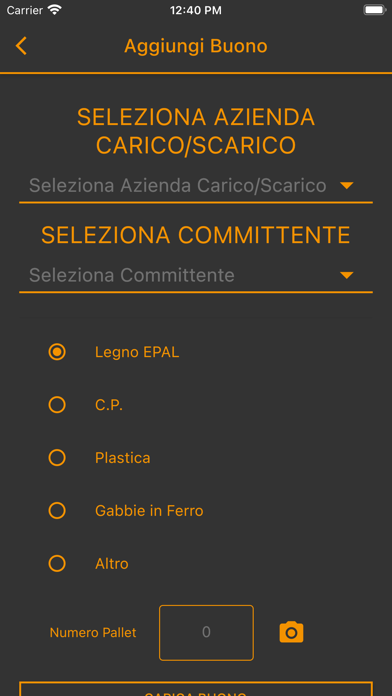
- Tramite il tasto AGGIUNGI seleziona il CLIENTE, compila il numero di PALLET CARICATI e SCARICATI, scrive il NOME del Responsabile del Magazzino e lo fa FIRMARE (opzionale);
- INVIA la transazione;
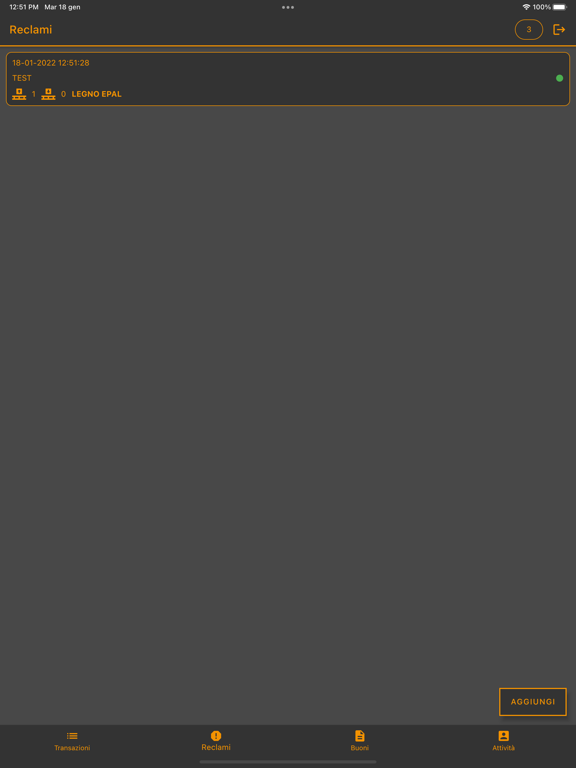
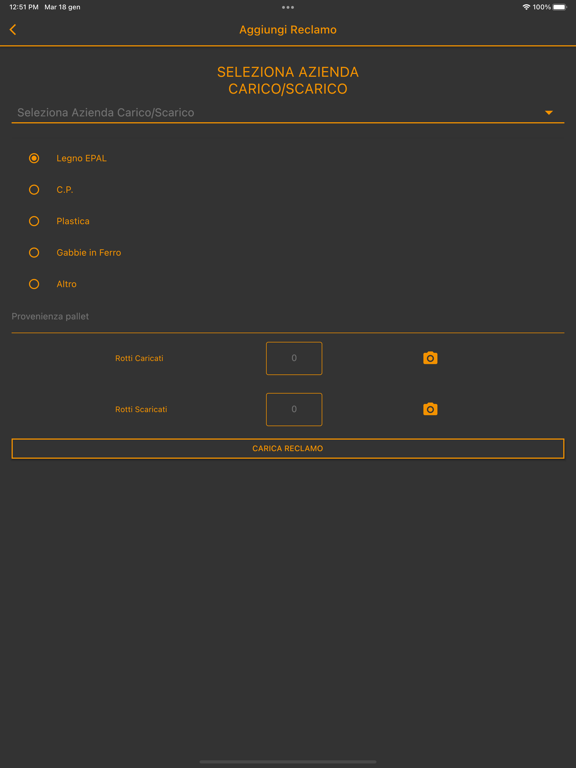
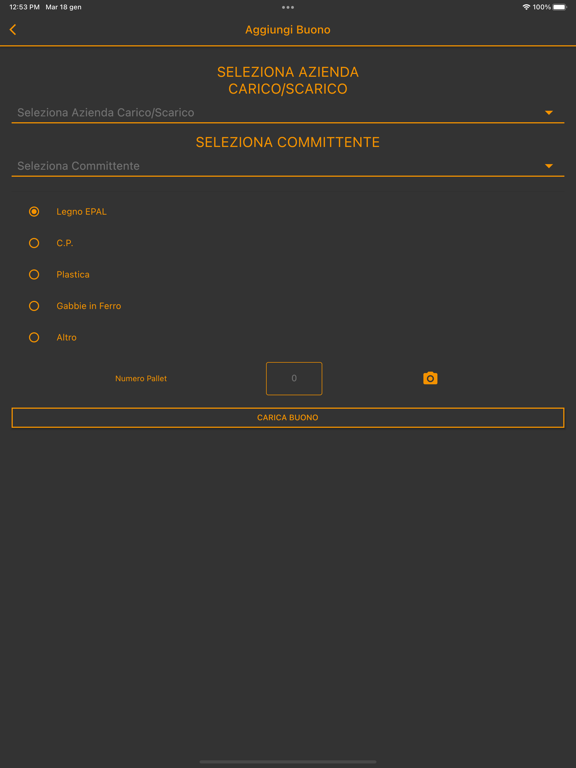
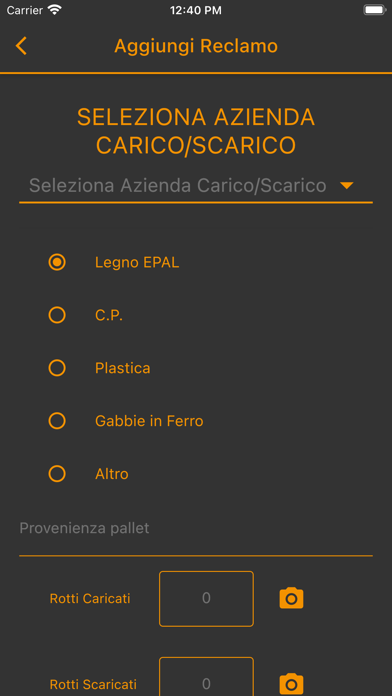
- Per le CONTESTAZIONI l’autista clicca sul tasto AGGIUNGI , seleziona IL CLIENTE, seleziona la TIPOLOGIA di pallet, scrive il NUMERO e fa la FOTO e clicca su CARICA CONTESTAZIONE.

Show More

What's New in the Latest Version 1.14.6

Last updated on Feb 6, 2023
Old Versions
Piccoli miglioramenti per migliorare l'esperienza utente.
Show More
Version History
1.14.6
Feb 6, 2023
Piccoli miglioramenti per migliorare l'esperienza utente.

SavEpal FAQ

Click here to learn how to download SavEpal in restricted country or region.
Check the following list to see the minimum requirements of SavEpal.
iPhone
iPad

SavEpal Alternative

You May Also Like

Get more from WhyB Srl