India's all in one container tracking App - Powered by FreightBro for online container tracking!
Tracking Freight : Container & Shipment tracking - Download app for a delightful tracking experience
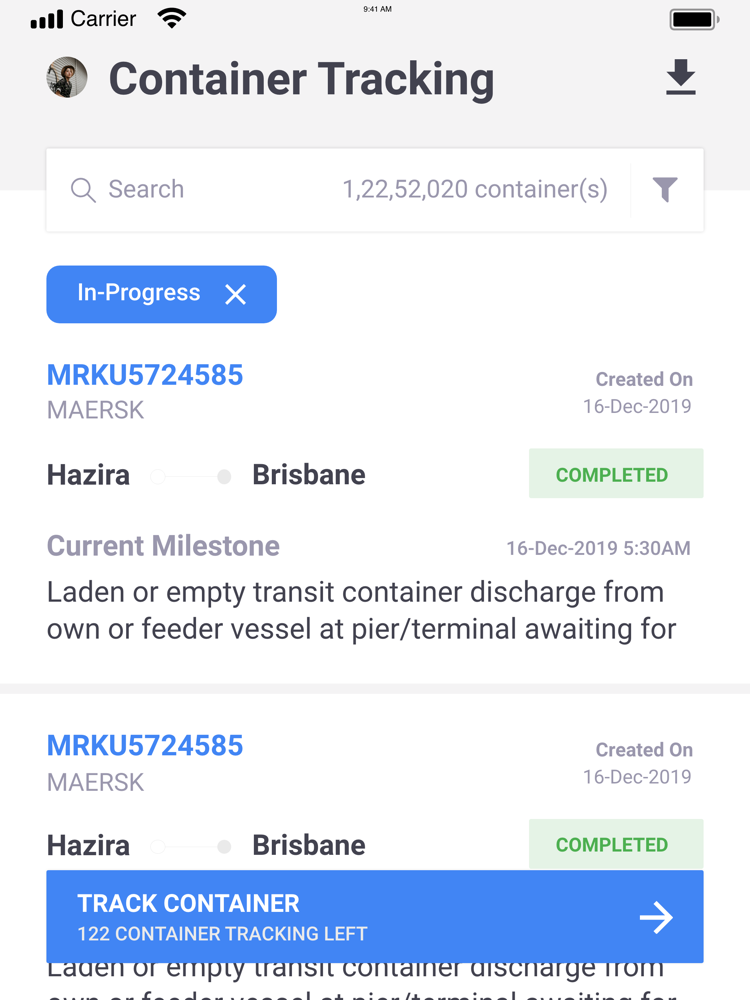
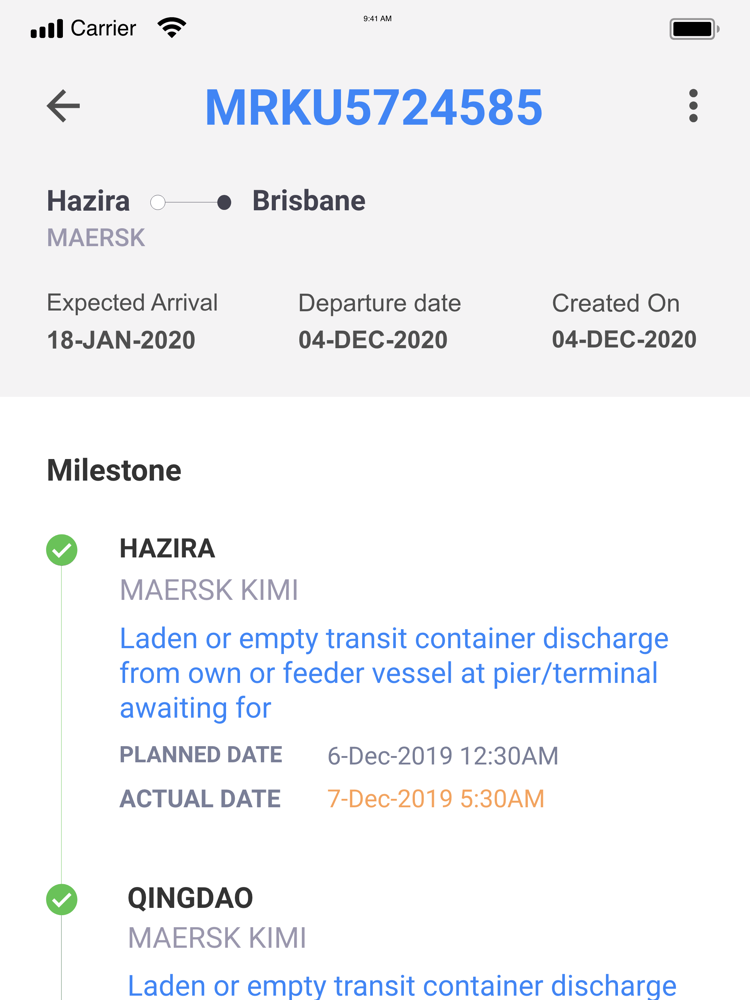
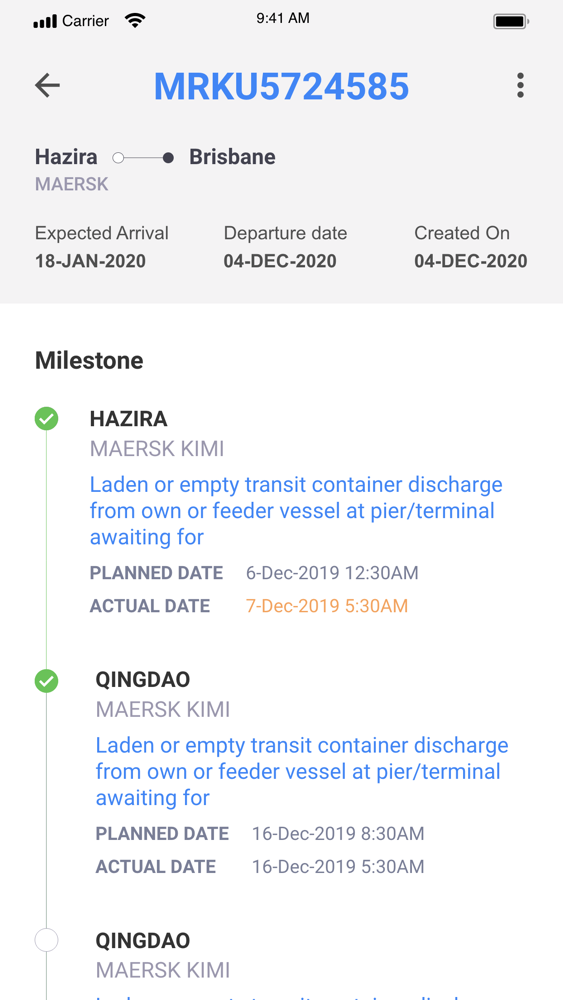
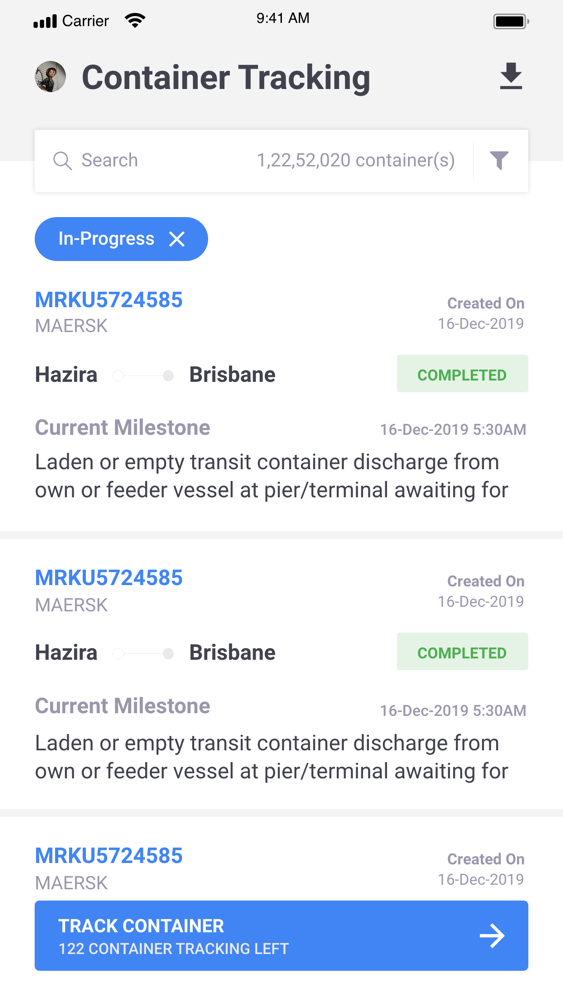
Online container tracking with Tracking Freight is very easy as you get to track ongoing shipments on the move and get updates about your cargo which is to be delivered at your desired destination. Tracking Freight app is free to download with add on packages. By downloading Tracking Freight free online container tracking app on your iPhone or iPad, you can effortlessly track containers of more than 20 shipping lines including Maersk, Safmarine, CMA CGM, Hapag Llyod, MSC, OOCL, ZIM, Evergreen, COSCO, Hamburg Sud.
_____________________________________
The features you can find on Tracking Freight container tracking app are:
•Single container tracking
•Multiple container tracking using file upload
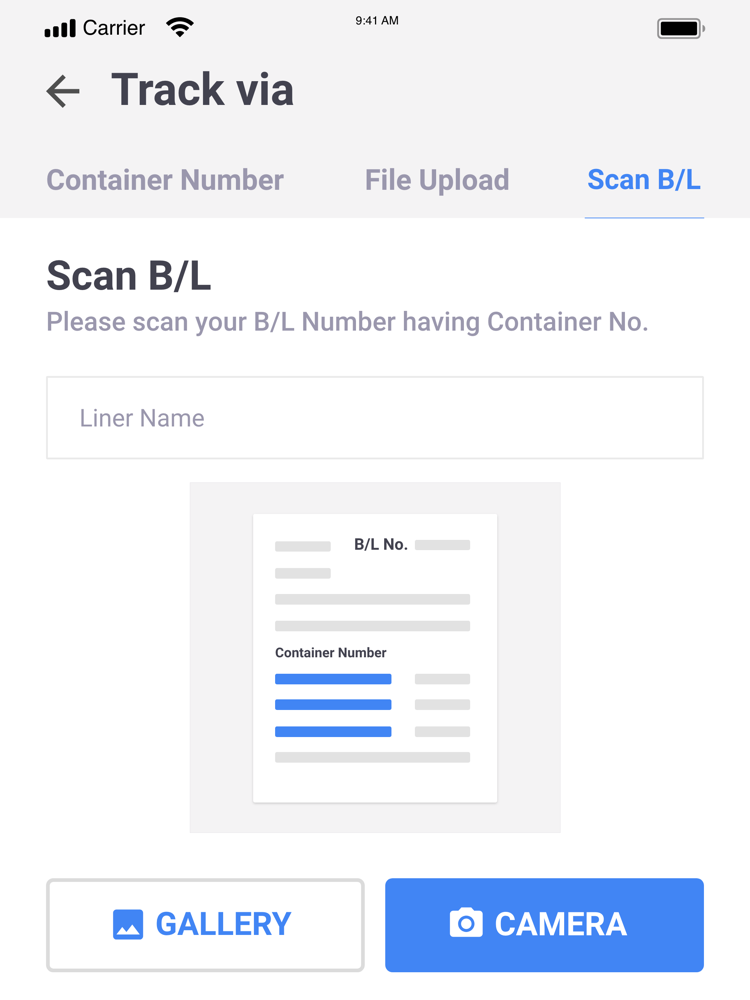
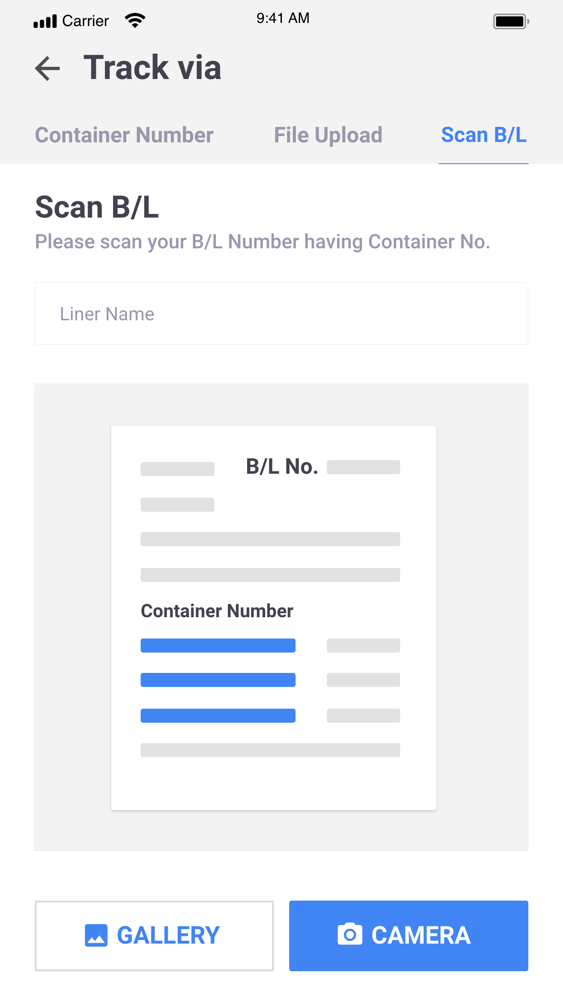
•B/L tracking by capturing photos
_____________________________________
Install Tracking Freight app for unique benefits
Simply download the tracking app on your device (iPhone or iPad) and create an account for yourself. Now, you will be taken to the Home screen where you will find track containers button provided at the bottom of the screen which will take you to options to track containers using single container tracking by container number, File upload for multiple container tracking and scan B/L for photo capture container tracking .
1. Easily select the shipping line you are looking for in the ‘Select Liner Name' in the 'Container Number' tab and provide container number & start tracking instantly
2. For multiple container tracking, upload the .xlxs file which contains all the container numbers in the 'File Upload' tab
3. To track containers by capturing photo or uploading photo of B/L or any other shipping document which has container numbers on them, use the 'Scan B/L' option from the tab
_____________________________________
Tracking Freight App is also available as website for easy access to all your ongoing shipments using a desktop or a laptop. You can contact our 24x7 customer support for any issues. Download Tracking Freight app powered by FreightBro now and start tracking!