vSphere Mobile Client

vSphere Mobile Client


Free

2.3.0for iPhone, iPad
Age Rating
4+
Apps in this category do not contain restricted content.
9+
Apps in this category may contain mild or occasional cartoon, fantasy or real-life violence, as well as occasional or mild adult, sexually suggestive or horrifying content and may not be suitable for children under 9 years of age.
12+
Apps in this category may contain occasional mild indecent language, frequent or intense cartoon or real-life violence, minor or occasional adult or sexually suggestive material, and simulated gambling, and may be for children under 12 years of age.
17+
You must be at least 17 years old to access this App.
Apps in this category may contain frequent and intense offensive language; Frequent and intense cartoon, fantasy or realistic violence: frequent and intense adult, scary and sexually suggestive subjects: as well as sexual content, nudity, tobacco, alcohol and drugs, may not be suitable for children under 17 years of age.
vSphere Mobile Client Screenshots
vSphere Mobile Client postervSphere Mobile Client postervSphere Mobile Client postervSphere Mobile Client postervSphere Mobile Client postervSphere Mobile Client postervSphere Mobile Client postervSphere Mobile Client poster

About vSphere Mobile Client

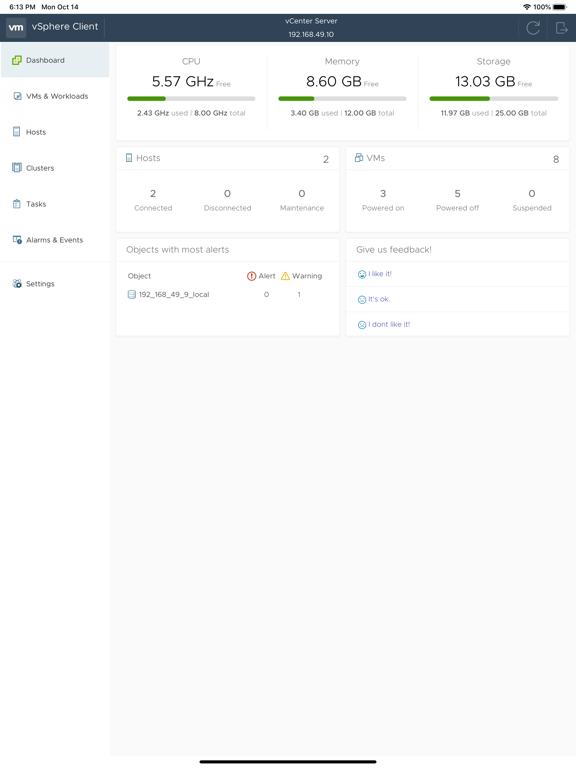
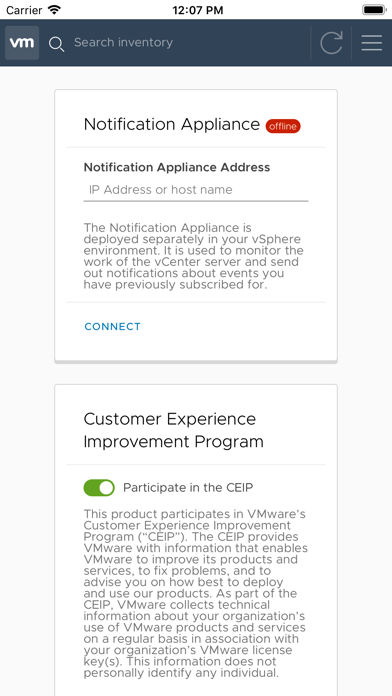
vSphere Mobile Client enables administrators to monitor and manage vSphere infrastructure directly from a mobile device (smartphone or tablet).
You can find more details about it at https://flings.vmware.com/vsphere-mobile-client.

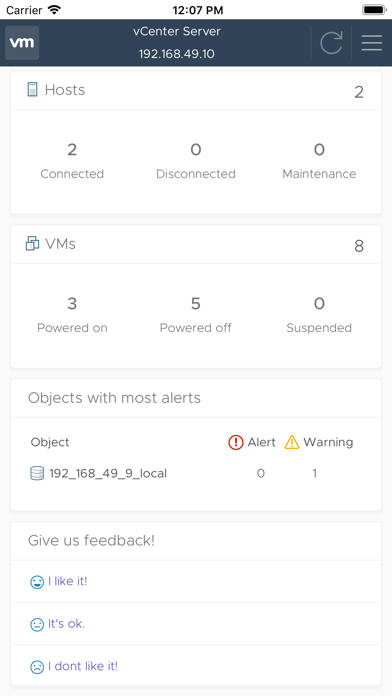
Using the client, administrators can log in to a vCenter Server and manage and monitor virtual machines, hosts and clusters. Long running tasks can also be monitored, receiving push notification upon completion.

vSphere Mobile Client brings the following capabilities to vSphere administrators on the go:
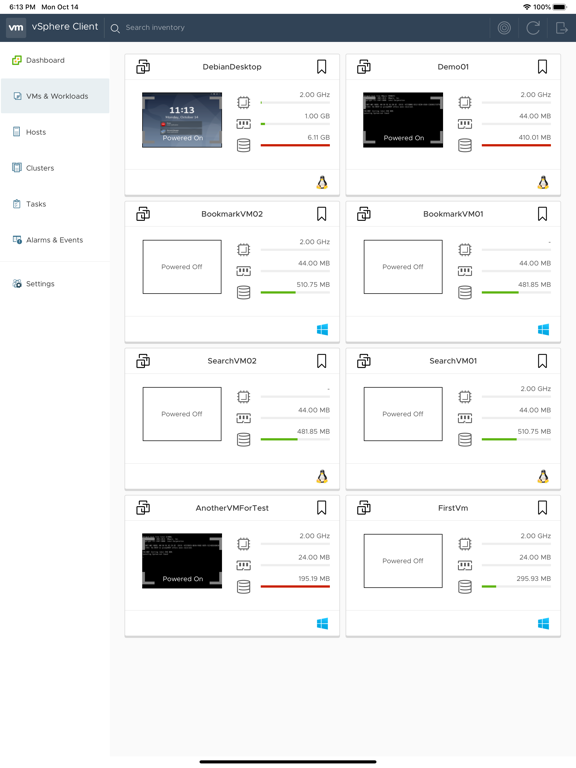
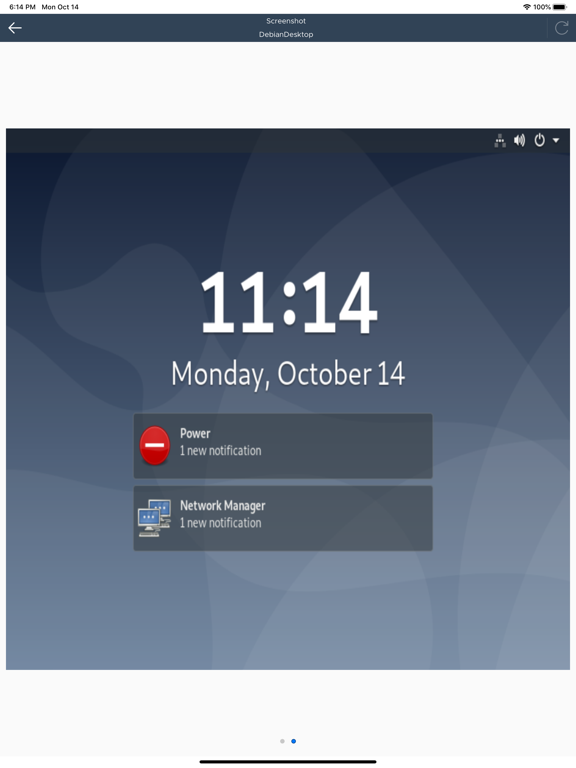
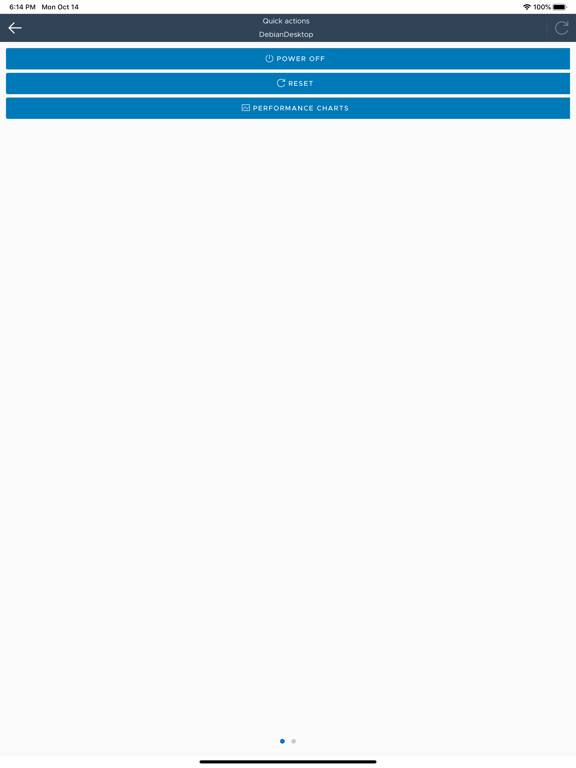
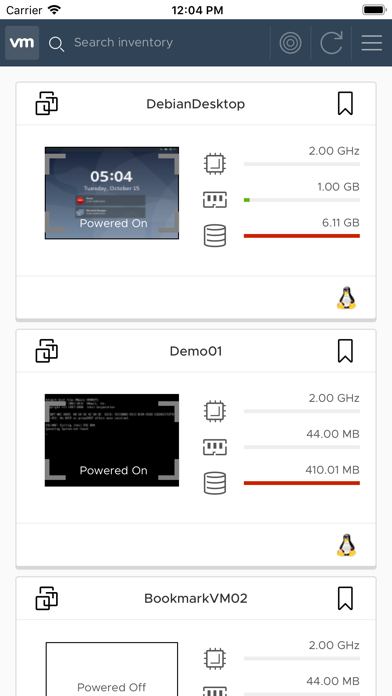
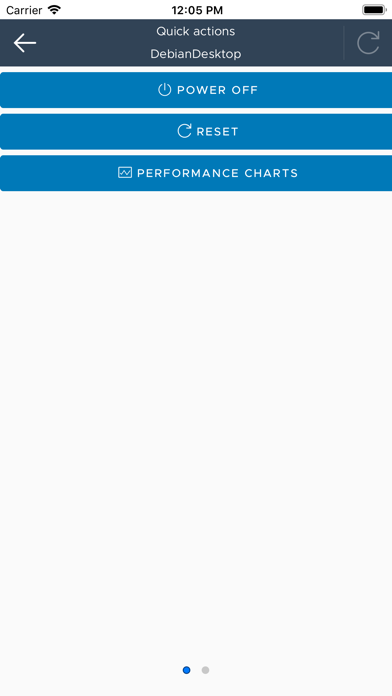
Virtual machine list with overview on resource consumption and VM details. From the VM list the user can enter the VM console or see more detailed information on the VM such as events, performance charts and also execute quick actions.
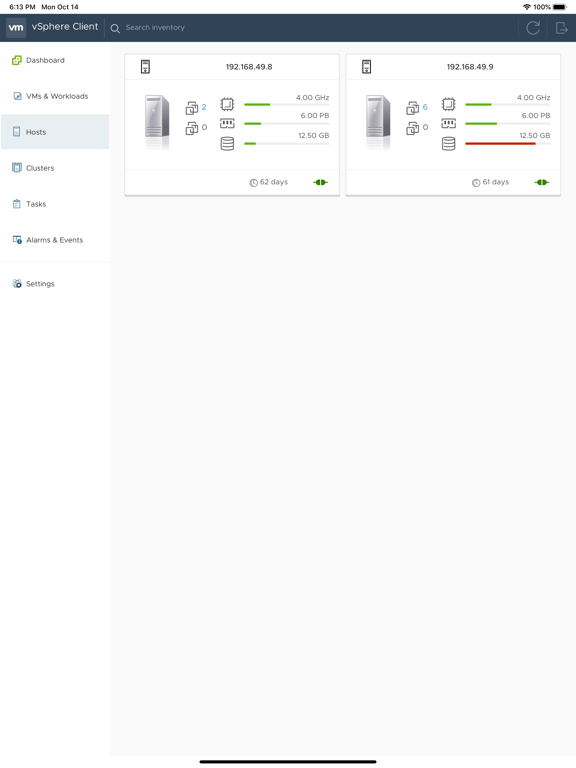
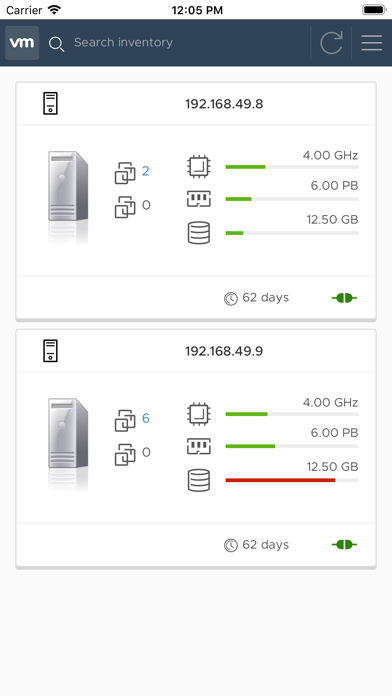
ESXi host list with overview on resource consumption and some host details like host state and uptime. From there the user can see the host details page with events and performance charts included.
Cluster list with an overview of the cluster resource consumption and configuration overview (e.g. DRS, HA and number of migrations).
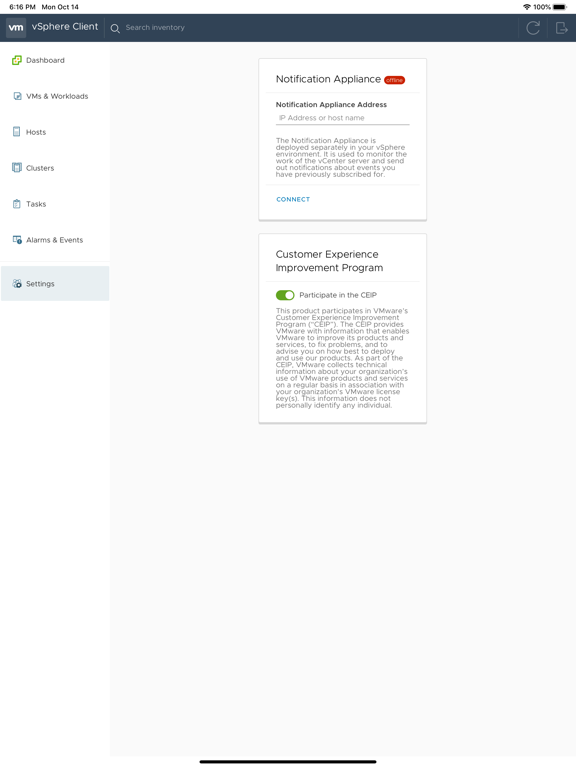
Task monitoring - subscribe to any running task and receive a notification on your mobile device upon task completion, even when your device is in-active or you have another application running on the foreground.
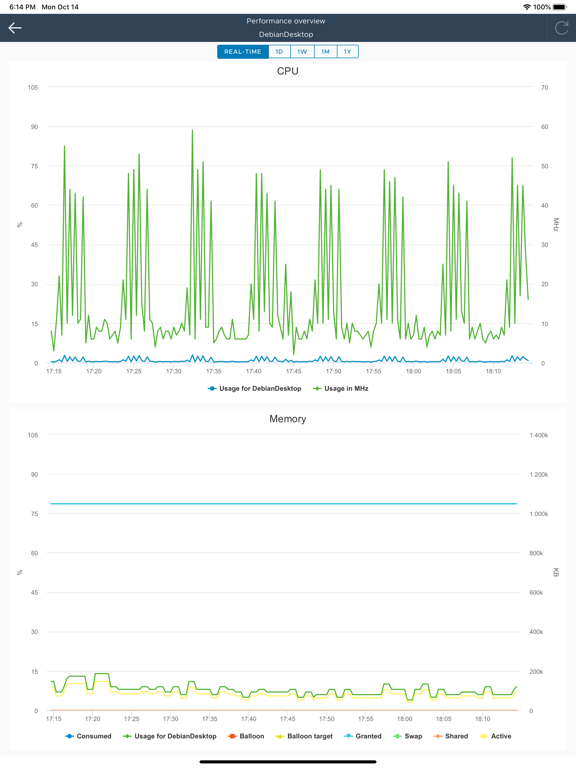
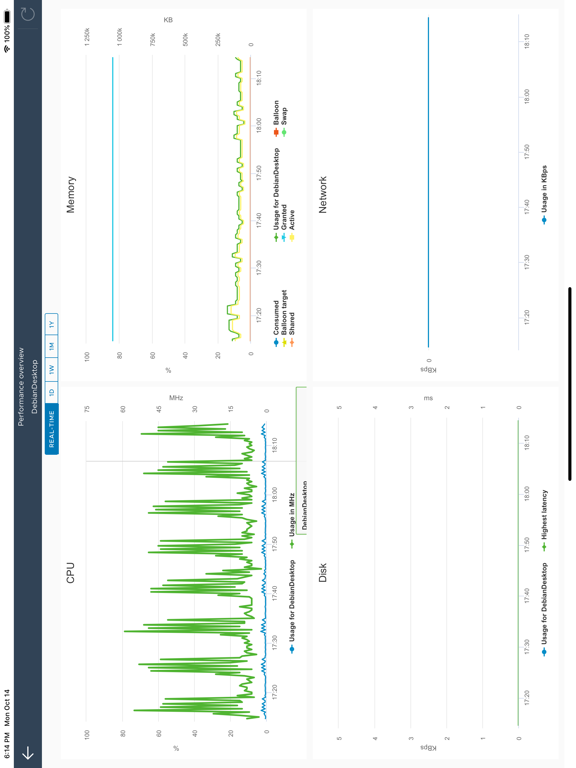
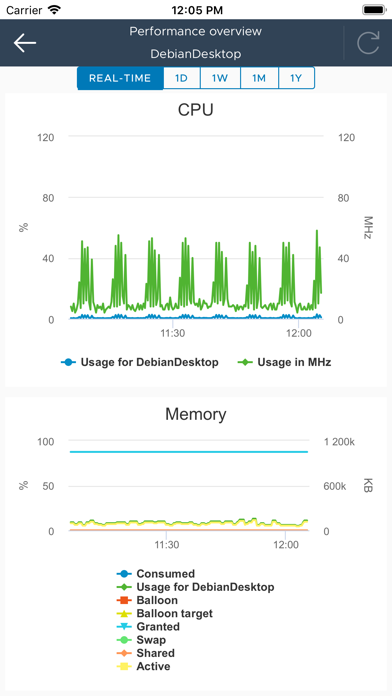
Performance charts allow to monitor the resource usage in real time or a day, week, month or year back. Counters include CPU, Memory, Storage and Network.

NOTE: The VMware vSphere Mobile Client application has been tested on vCenter server version 6.0 (and above). Access to vSphere infrastructure may require a secure access method such as VPN on a mobile device. Contact your IT department for further assistance if needed.
This is a tech preview release and as such it only has a limited subset of the intended functionality. As we release updates with new features regularly, we are looking for feedback on what features you would like to see in the application.

Show More

What's New in the Latest Version 2.3.0

Last updated on Mar 22, 2022
Old Versions
New features: Explore your Tanzu Kubernetes Grid clusters and namespaces, monitor your pods and workers and execute simple operations.
Bugfixes: Tweaks to the timeout values during login, fixed typos
Show More
Version History
2.3.0
Mar 22, 2022
New features: Explore your Tanzu Kubernetes Grid clusters and namespaces, monitor your pods and workers and execute simple operations.
Bugfixes: Tweaks to the timeout values during login, fixed typos

vSphere Mobile Client FAQ

Click here to learn how to download vSphere Mobile Client in restricted country or region.
Check the following list to see the minimum requirements of vSphere Mobile Client.
iPhone
iPad

vSphere Mobile Client Alternative

You May Also Like

Get more from VMware, Inc.