WiMouse Remote Control
Free
1.0for iPhone
Age Rating
WiMouse Remote Control Screenshots
About WiMouse Remote Control
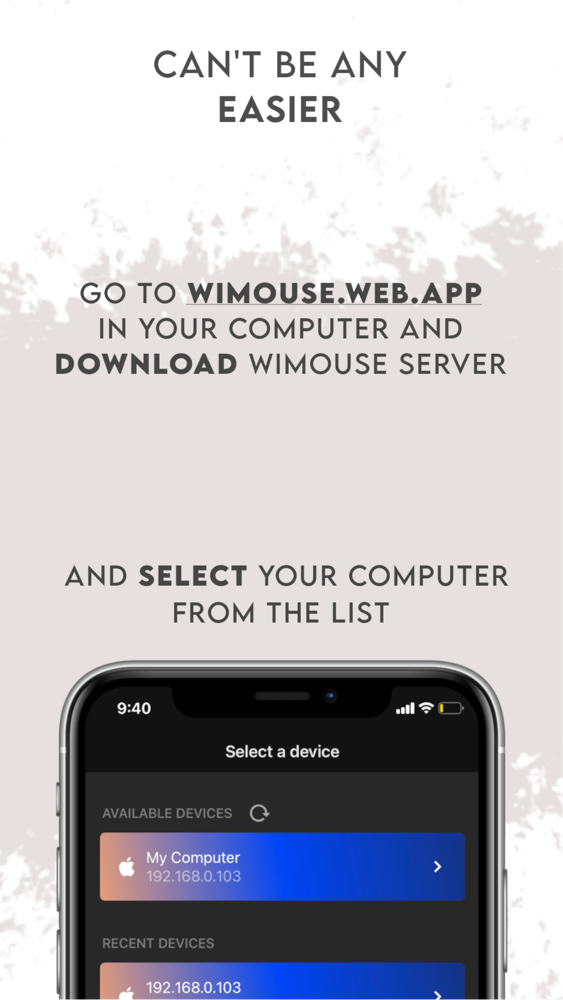
WiMouse transforms your iPhone or iPad into an all-in-one wireless controller, providing a stable and low latency connection through your local network.
Features
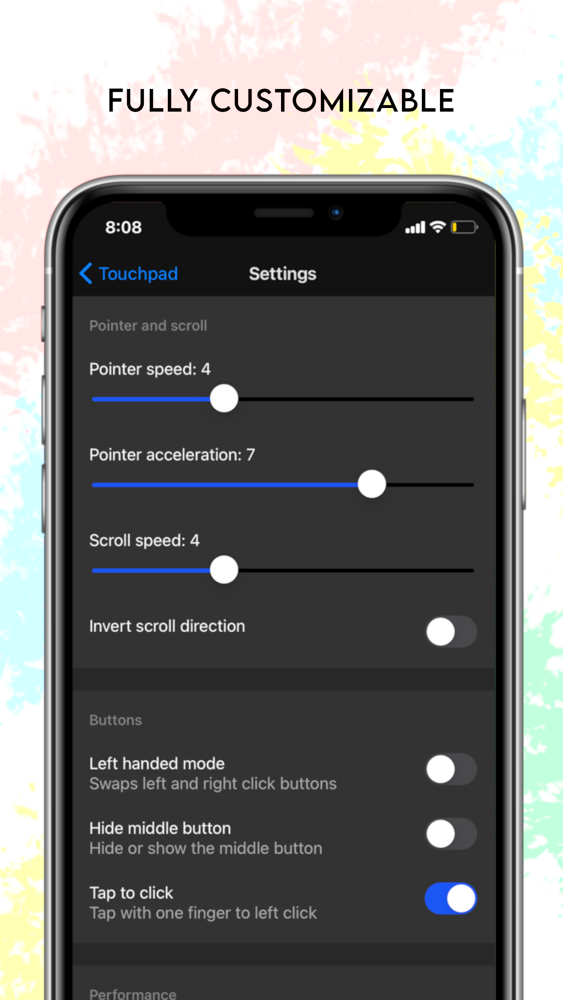
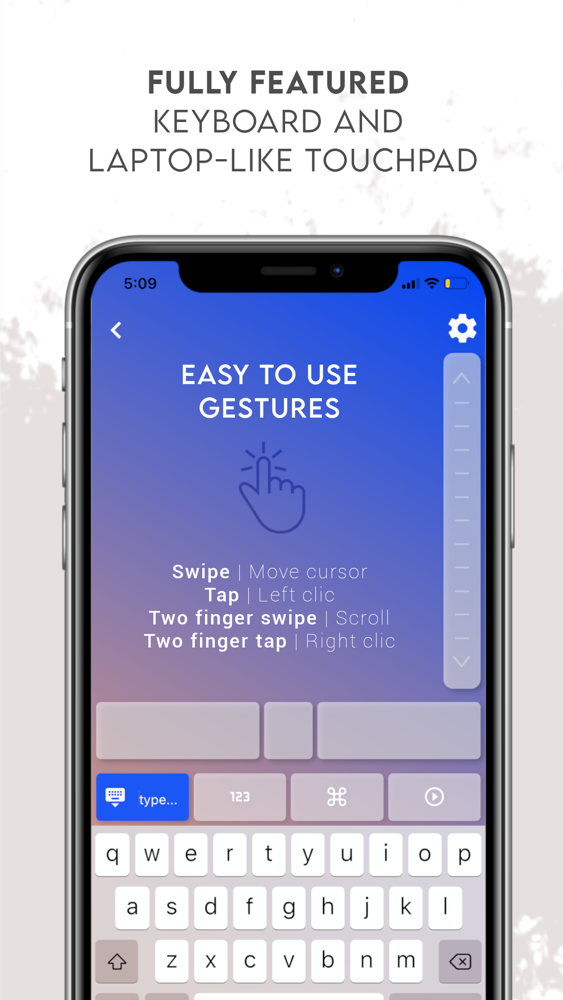
- Mouse/touchpad: the integrated touchpad provides a laptop-like experience with gesture support.
- Keyboard: type or swipe on your android keyboard to send text into your computer.
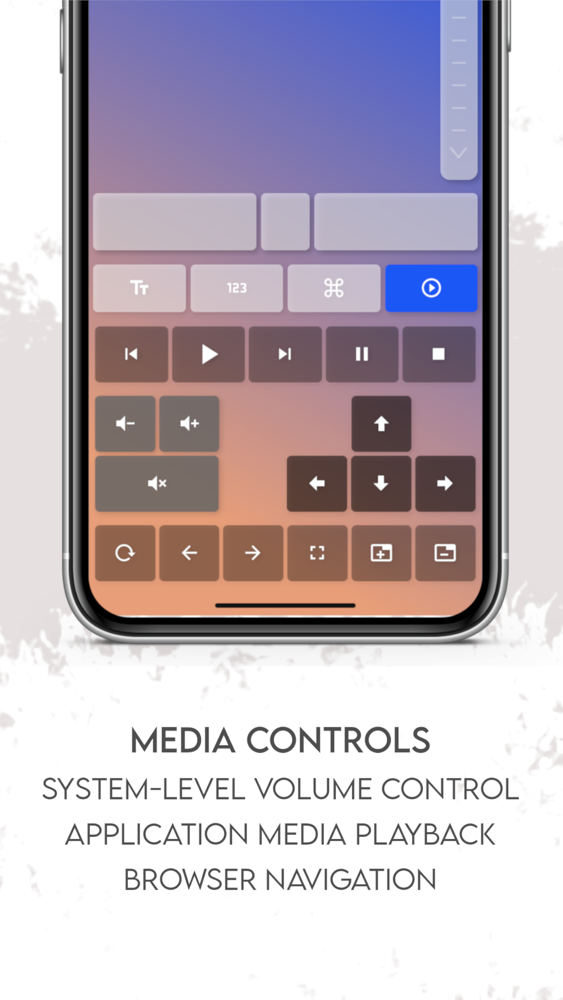
- Media control: easily change the volume, control your slideshows, browser navigation and media playback.
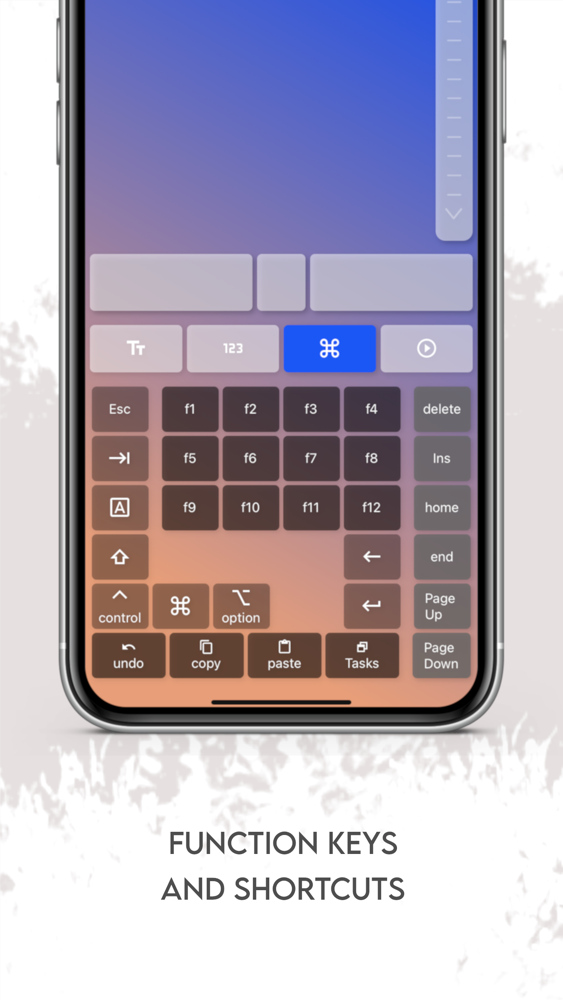
- Function keys and shortcuts (copy, paste, undo, tasks)
Media controls and Function keys features are available through a subscription.
Terms of Use: https://www.apple.com/legal/internet-services/itunes/dev/stdeula/

Features
- Mouse/touchpad: the integrated touchpad provides a laptop-like experience with gesture support.
- Keyboard: type or swipe on your android keyboard to send text into your computer.
- Media control: easily change the volume, control your slideshows, browser navigation and media playback.
- Function keys and shortcuts (copy, paste, undo, tasks)
Media controls and Function keys features are available through a subscription.
Terms of Use: https://www.apple.com/legal/internet-services/itunes/dev/stdeula/
Show More
What's New in the Latest Version 1.0
Last updated on Nov 24, 2021
Version History
1.0
Nov 24, 2021
WiMouse Remote Control FAQ
Click here to learn how to download WiMouse Remote Control in restricted country or region.
Check the following list to see the minimum requirements of WiMouse Remote Control.
iPhone
WiMouse Remote Control supports English