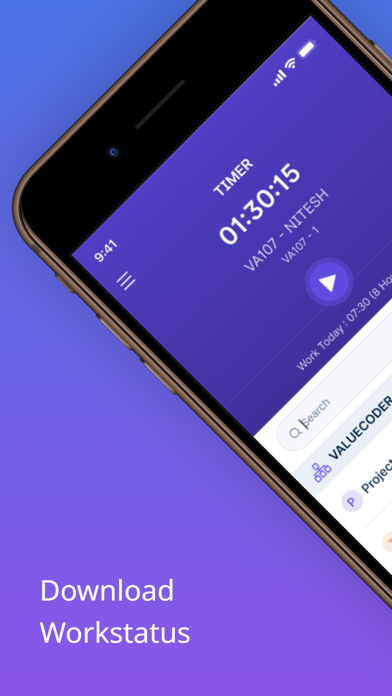
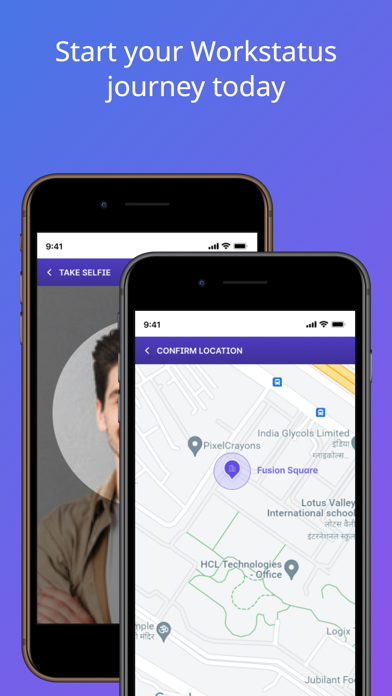
Track work hours of yourself and your team. The WorkStatus time tracking app for iOS allows you to keep track of your time along with automatically clocking you in and out of geofenced job sites.
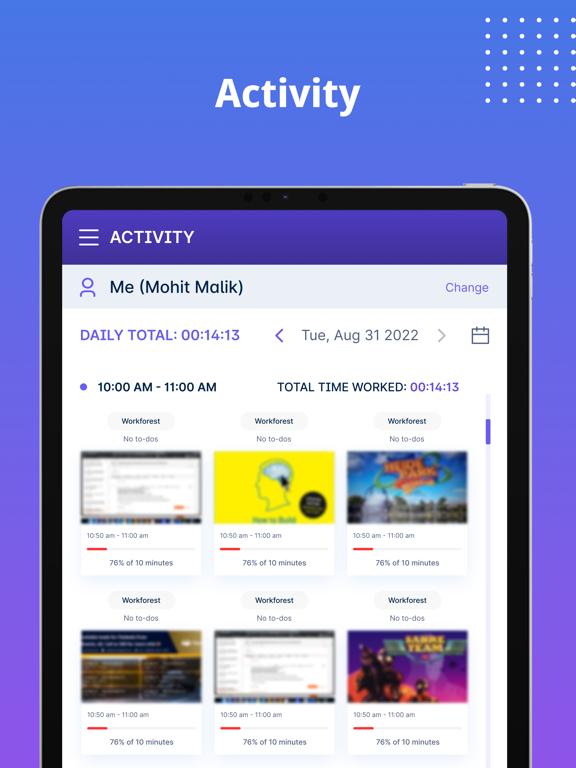
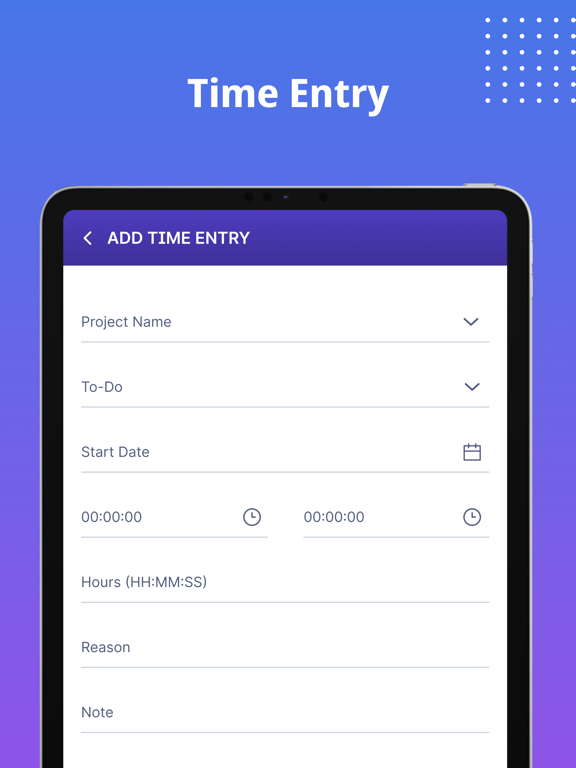
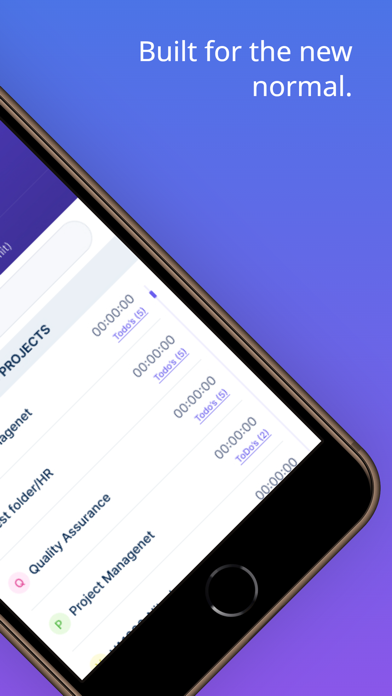
No more hassled paper timesheets and complicated employee management. Automate time tracking and employee management with Workstatus. Get access to some of the most demanded features such as time tracking, GPS tracking, Geofencing, employee monitoring, project budgeting, online timesheets, productivity measurement, employee scheduling, and exportable detailed reports.
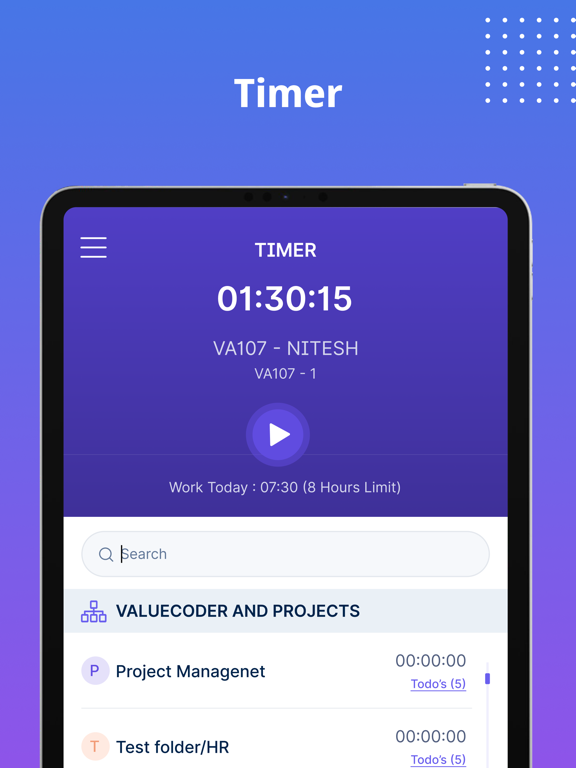
Track precisely every minute spent on projects without being to fussy about it. One button timeclock will make your entire time tracking and management more peaceful.
How it Works:
> Open the app
> Choose project
> Tap “Start”
Workstatus is now switched on and working in the backend of your device, while you’re casually conducting your everyday activities. Whenever you want to pause or stop, simply tap “pause” the Workstatus timer.
The time clock works on making life easier at work by automating the most tedious jobs of your admin.
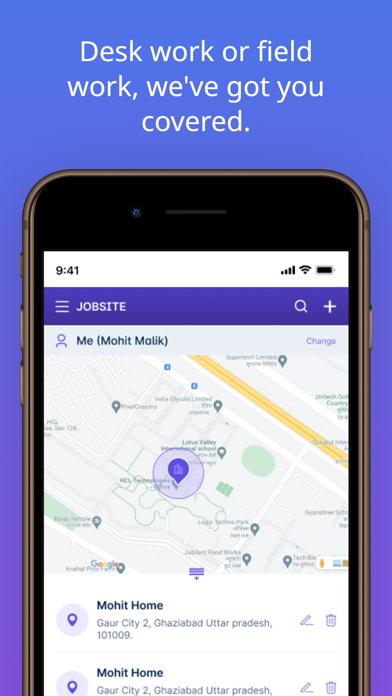
No more scare of punches. Geofence your job sites for automated punches.
Automate GPS tracking to know time spent on routes and map tracking
Track team’s location in real-time and time spent at job site.
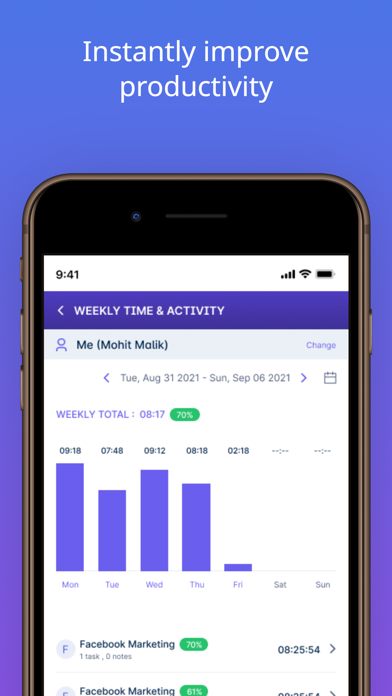
Know about your i-house team’s tasks and average daily productivity
View and export detailed/filtered reports to share with clients and teams.
Control your operations and staff from a single login.
View, control, and manage exactly like web app, in your mobile app.
Set project limits and receive notifications when near them.
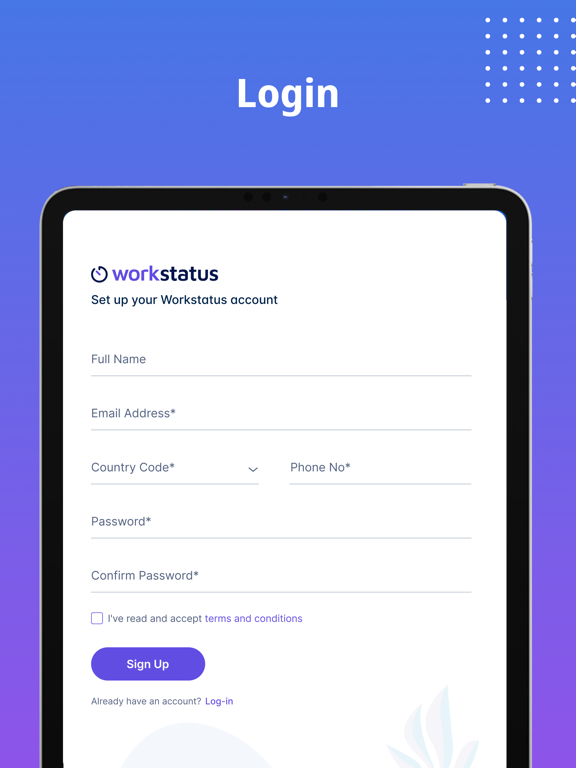
Create a Workstatus account before you log into the app for smooth access.
This application tracks your location in the background. Continued use of GPS running in the background can dramatically decrease battery life.
Terms of services- https://www.workstatus.io/terms-of-service