Fixes Free Minutes Badge
Minor bug fixes
Fixes compatibility issues with iOS 9
Stability fixes
Now requires iOS8
Other minor bug fixes
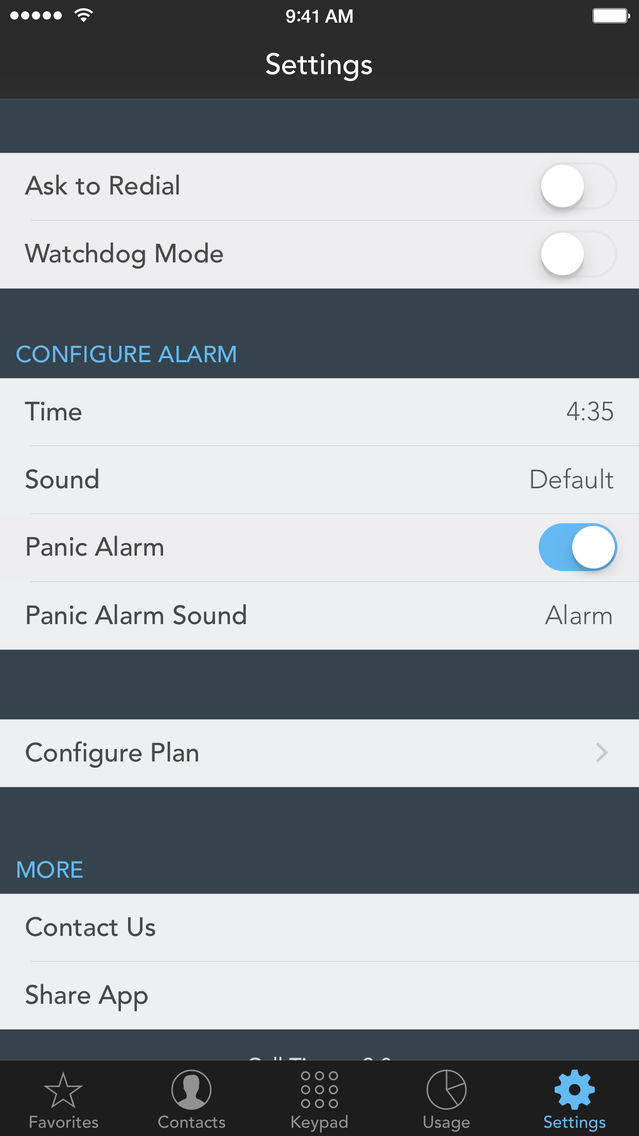
Due to compatibility problems, Watchdog Mode is currently unavailable in iOS 9.
If you enjoy using Call Timer, please leave us a positive review on the App Store. Thanks!
Free Minutes Badge option is back!
Call Log now shows if a call is on the Exclusion List
Better Exclusion tag in Contact Details
Exclusions can use a prefix or suffix (e.g. +49*)
Bug Fixes and perfomance improvements
If you enjoy using Call Timer, please take a moment to rate it.
Ready for iPhone 6 and iPhone 6+
Better iOS 8 support
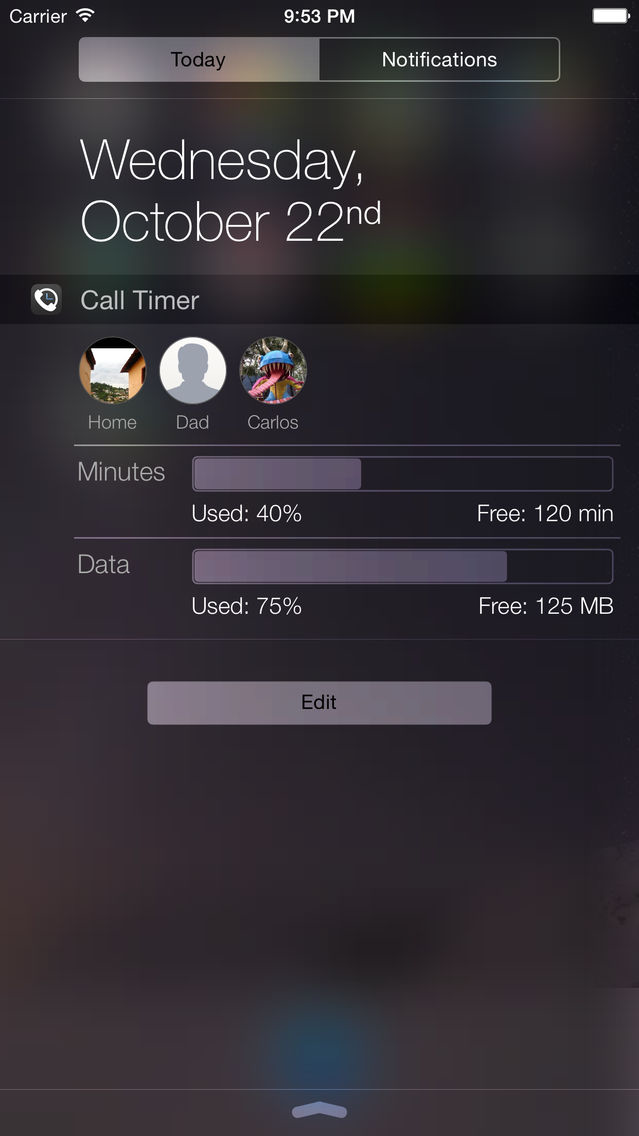
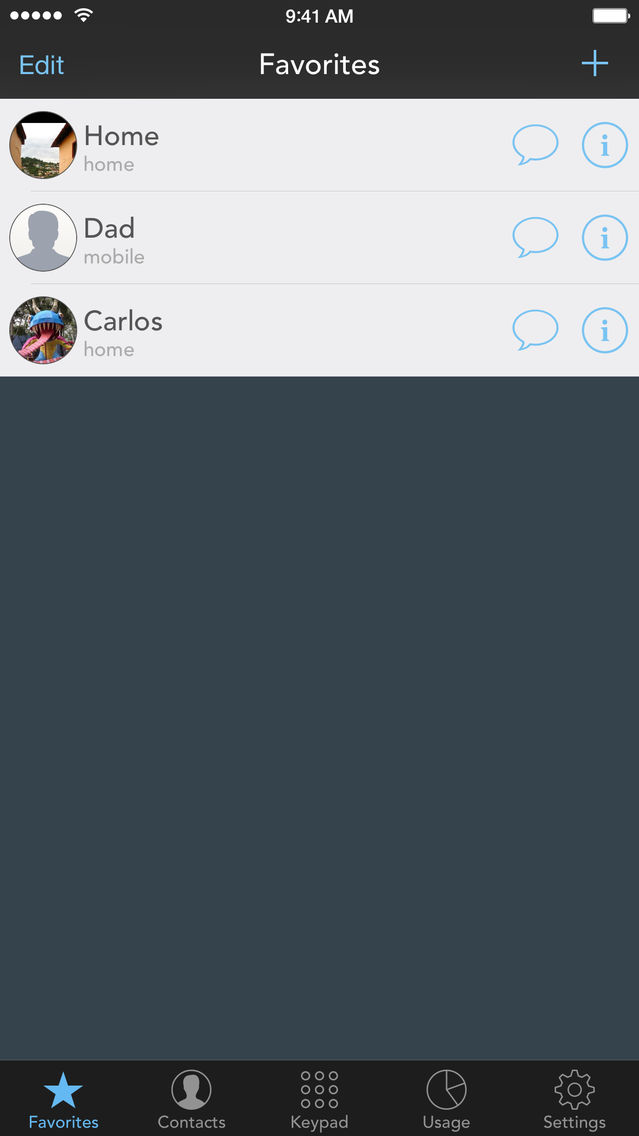
New! Today Widget with realtime usage and easy access to your favorites
Automatic Redial (iOS8 only)
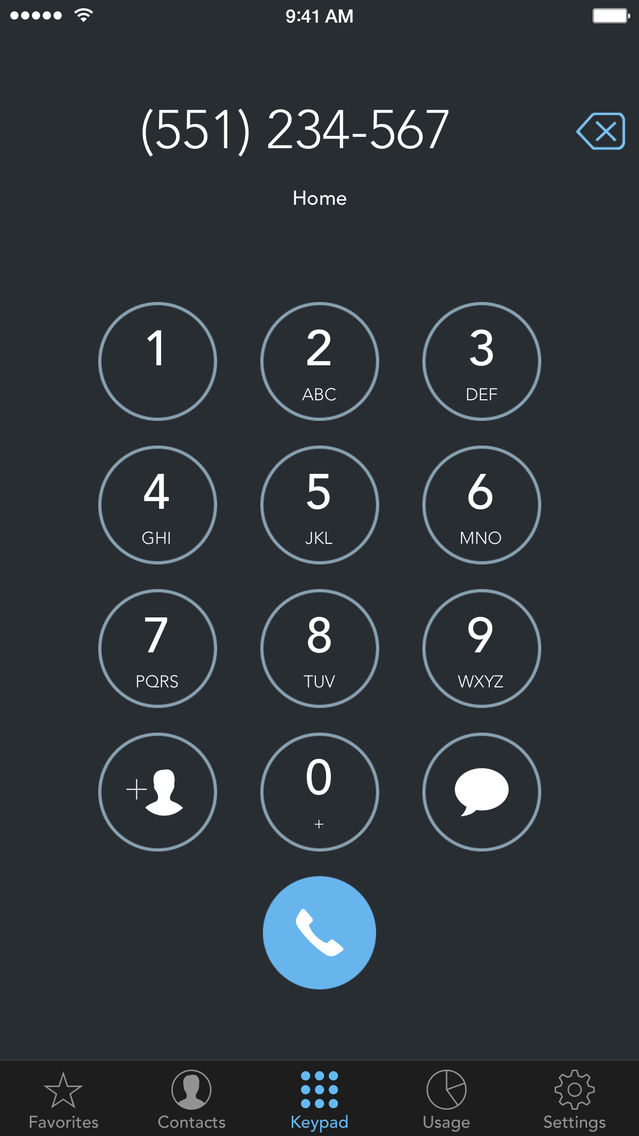
Edit typos in the Keypad
Many bug fixes and stability improvements
If you enjoy using Call Timer, please take a moment to rate it.
Ready for iPhone 6 and iPhone 6+
Better iOS 8 support
New! Today Widget with realtime usage and easy access to your favorites
Automatic Redial (iOS8 only)
Edit typos in the Keypad
Many bug fixes and stability improvements
If you enjoy using Call Timer, please take a moment to rate it.
iOS8 support
Better detection of excluded numbers
Allows group filtering in Contacts
Fixed Contact sorting
Minor UI changes
Stability and bug fixes
If you enjoy using Call Timer, please take a moment to rate it.
Stability and bug fixes for iOS 7.1
If you enjoy using Call Timer, please take a moment to rate it.
2.5.1
Minor bug fixes
Updated for iOS 7
New Exclusion List.
Numbers on this list don't count towards your total usage (previously Free Favorite)
Improved call duration tracking.
Redial now only prompts when you call your favorites.
Improved SMS usage tracking.
You can now configure SMS limits.
Improvements to data usage tracking.
Removed Location Services functionality.
Updated for iOS 7
New Exclusion List.
Numbers on this list don't count towards your total usage (previously Free Favorite)
Improved call duration tracking.
Redial now only prompts when you call your favorites.
Improved SMS usage tracking.
You can now configure SMS limits.
Improvements to data usage tracking.
Removed Location Services functionality.
Important! The "Free Minutes Badge" option can be toggled off in the app Settings.
Fixed in 2.4.1:
- Favorites Pictures overlapped text
- SMS Rotation in iOS6
- Other minor bug fixes
New in 2.4!
- The in-call alarm now works when the phone is muted.
- The in-call alarm now works in Do Not Disturb mode.
- Export Call Log to CSV.
- Show Free Minutes in app icon badge.
- Track multiple calls at once, with no limit.
- Added Vibrate only option to Alert Sounds.
- You can now edit your contacts using Call Timer.
- Better VoiceOver accessibility.
Fixes:
- Improved Call Duration monitoring.
- Improved Cellular Data monitoring.
- The Keypad now formats phone numbers and displays the contact name if found.
- Sometimes calls would be logged as "External" when calling from the app.
- Many bug fixes for overall better app performance.
New!
- The in-call alarm now works when the phone is muted.
- The in-call alarm now works in Do Not Disturb mode.
- Export Call Log to CSV.
- Show Free Minutes in app icon badge.
- Track multiple calls at once, with no limit.
- Added Vibrate only option to Alert Sounds.
- You can now edit your contacts using Call Timer.
- Better VoiceOver accessibility.
Fixes:
- Improved Call Duration monitoring.
- Improved Cellular Data monitoring.
- The Keypad now formats phone numbers and displays the contact name if found.
- Sometimes calls would be logged as "External" when calling from the app.
- Many bug fixes for overall better app performance.
iOS 6 and iPhone 5 Compatibility
Bug Fixes
Changes:
- Setting alarm to 0:00 disables it.
- Reset Log button now deletes on a month by month basis.
Note: Call Timer now requires iOS 5 or higher.
Call Timer can now track Data Usage!
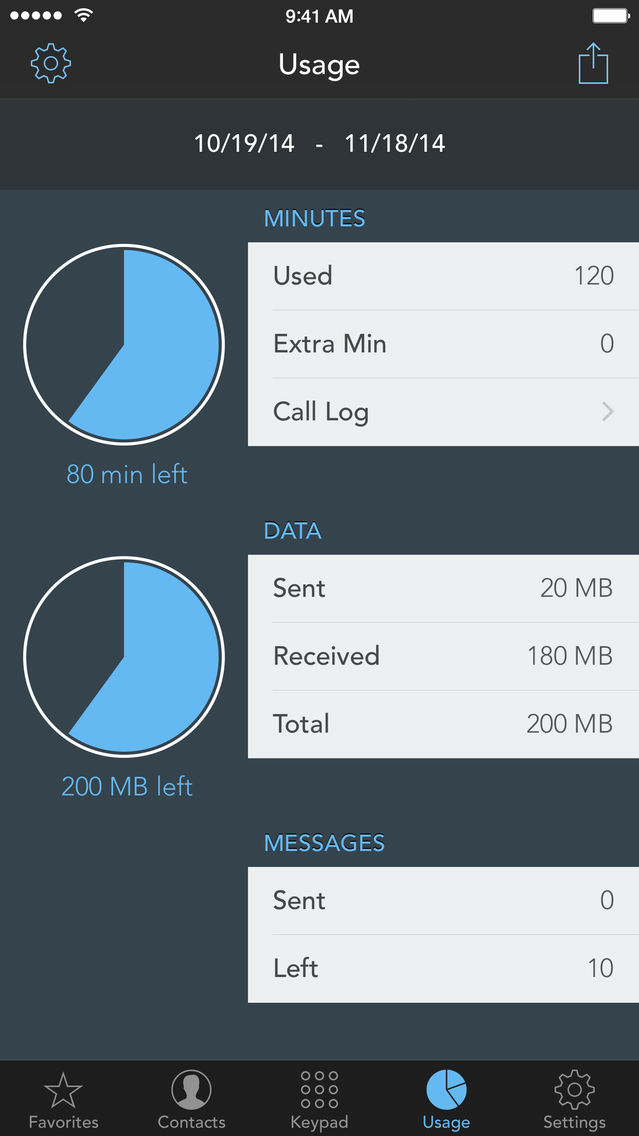
Watchdog Mode can now alert you when you are getting close to your monthly voice/data quota.
Smarter Redial.
Fixes:
- Lowered Keypad Volume
- iPhone 3G
General:
- New Icon
- Reduced app size
- Faster app start
- Interface cleanups
Usage:
- See previous months usage statistics
- Option to disable call duration rounding (Second Billing)
- You can now dial recent numbers from the Call Log
- Button to reset SMS and Call databases
- Easier entry deletion in Call Log
Other:
- Add contacts from Keypad
- Copy/Paste on Keypad
- Option to show Banners in iOS5
New! URLScheme for compatibility with other apps (e.g. Launch Center)
calltimer:// -- Open Call Timer
calltimer://5511223344 -- Dial using app settings
calltimer://5511223344&option=0 -- Dial using Auto Return (Call/Cancel prompt)
calltimer://5511223344&option=1 -- Call a number directly without prompt
New! Location based notifications
- Add notifications to your favorite contacts
- Optional call action
- Custom message for notifications
Bug fixes and stability improvements:
- SMS Button sometimes would get stuck
- Fixed background related crashes
-Version 2.0.2
Fixed Minutes input in Settings
You can now send text messages from the Contacts and Keypad tabs
-Version 2.0
Major update!
New Features include: New UI, Watchdog Mode, Usage Control, SMS
Bug Fixes:
- Contact Images are automatically updated
- Contacts with the same name are properly differentiated
- Other minor bug fixes
New Features:
- Watchdog mode:
Get alerts on ALL phone calls placed on your device, not just calls initiated inside Call Timer.
Minimal battery footprint
** Watchdog mode requires Multitasking and Location Services**
- Usage Control:
Track how many minutes you have used from your monthly quota
Record ALL calls (with Watchdog mode) and get accurate usage records
Track SMS usage (only messages sent from within the application)
View your full call log with duration
You can delete individual calls to avoid bad logs
Call Log shows where you make your calls (GPS required)
You can enable/disable favorites which have free calling and the free call duration
Note: Calls recorded using Watchdog mode will show as "External Call" due to system limitations.
Watchdog Mode and Usage Control are only available on iPhone 3GS, iPhone 4 and iPhone 4S
2.0.1 NOTE: An update is already in process to fix the usage minutes bug!
Major update!
New Features include: New UI, Watchdog Mode, Usage Control, SMS
Bug Fixes:
- Contact Images are automatically updated
- Contacts with the same name are properly differentiated
- Other minor bug fixes
New Features:
- Watchdog mode:
Get alerts on ALL phone calls placed on your device, not just calls initiated inside Call Timer.
Minimal battery footprint
** Watchdog mode requires Multitasking and Location Services**
- Usage Control:
Track how many minutes you have used from your monthly quota
Record ALL calls (with Watchdog mode) and get accurate usage records
Track SMS usage (only messages sent from within the application)
View your full call log with duration
You can delete individual calls to avoid bad logs
Call Log shows where you make your calls (GPS required)
You can enable/disable favorites which have free calling and the free call duration
Note: Calls recorded using Watchdog mode will show as "External Call" due to system limitations.
Watchdog Mode and Usage Control are only available on iPhone 3GS, iPhone 4 and iPhone 4S
- Version 2.0.1
Minor Bug Fixes
Major update!
New Features include: New UI, Watchdog Mode, Usage Control, SMS
Bug Fixes:
- Contact Images are automatically updated
- Contacts with the same name are properly differentiated
- Other minor bug fixes
New Features:
- Watchdog mode:
Get alerts on ALL phone calls placed on your device, not just calls initiated inside Call Timer.
Minimal battery footprint
** Watchdog mode requires Multitasking and Location Services**
- Usage Control:
Track how many minutes you have used from your monthly quota
Record ALL calls (with Watchdog mode) and get accurate usage records
Track SMS usage (only messages sent from within the application)
View your full call log with duration
You can delete individual calls to avoid bad logs
Call Log shows where you make your calls (GPS required)
You can enable/disable favorites which have free calling and the free call duration
Note: Calls recorded using Watchdog mode will show as "External Call" due to system limitations.
Watchdog Mode and Usage Control are only available on iPhone 3GS, iPhone 4 and iPhone 4S
Better iOS5 Compatibility
New Sounds
Important: To ensure proper functionality, please make sure the application Sounds and Banners are enabled in the Notification Center
Minor bug fixes with favorites list
1.1
Improved functionality on iPhone 3G
Improved functionality on iPhone 3G