Fixed a crash on startup that was occurring for a small percentage of users.
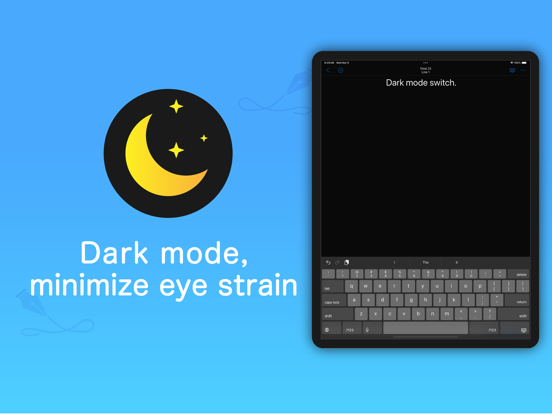
Fixed a problem in which the text on the Go to Folder screen was not visible in dark mode.
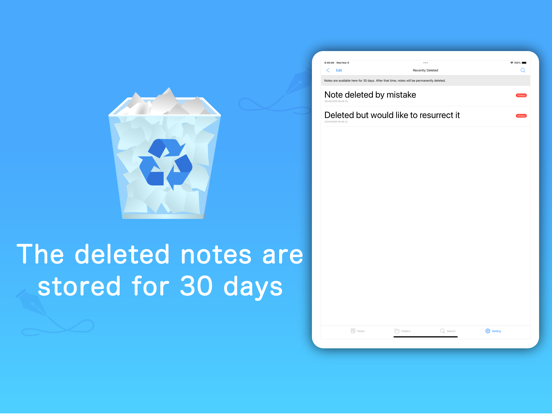
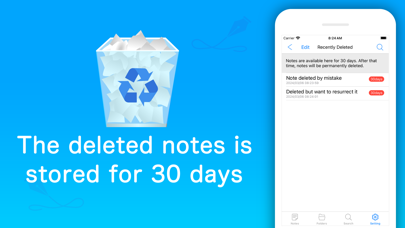
Fixed a problem in which recently deleted items were not saved correctly when a memo was deleted under certain conditions.
When the application is restarted after selecting "Notes" or "Folders" in the search tab, the last one selected will be selected as the default value.
And we fixed a bug that was happening under certain conditions.
We have made a major update. We have redesigned the most requested functions in a smart way.
The wording has been changed.
Dialogs have been reworked for easier operation.
All" tab has been changed to "Seach" tab.
Changed the settings screen (added ListView to the settings items).
Enlarged the search area and implemented a highlight function in the search function.
Renewal of some images in the application
Fixed a problem in which a dialog box would appear and freeze when scrolling to the bottom of the screen by holding down the keyboard down in the memo entry screen.
Various functional improvements are planned for the next update. We will do our best to provide them as soon as possible.
When copying a memo to the clipboard, the title was also included in the copy range, but since a certain number of users felt that the title was not necessary, the title is no longer included.
"Copy" has been added to the long press menu of the saved history list and recently deleted items list.
Minor corrections were made.
Fixed a bug in the display of support functions for category memos.
Three functions were added to the input support function in the previous version.
・Return to the previous screen
・Go to the beginning
・Move to the end
Three new functions have been added to the input support function.
・Return to the previous screen
・Go to the beginning
・Go to the end
Fixed an issue where opening the home screen while viewing a category memo would return to the previous screen.
The following features were added in the previous version.
The count setting can now be set by tapping on the character count display area (top center of the screen) on the memo input screen.
Added "Number of characters" to the count display in the count settings, and made it possible to hide the character count itself.
With the above changes, it is now easier to switch the count display according to your mood or purpose.
The count setting can now be set by tapping on the character count display area (top center of the screen) on the memo input screen.
The "Character count" has been added to the count display in the count settings, and the character count itself can be hidden.
With the above changes, it is now easier to switch the count display according to your mood or purpose.
Other minor corrections have been made.
Fixed a problem with auto-update.
Fixed a problem in which the date is updated by auto-update when the screen is shifted to the background on the memo entry screen, even though the memo content has not been changed. (Fixed the problem so that the date is automatically saved when there is a change in the memo content.)
Other internal updates were made.
The following swipe deletion processes have been reviewed to improve performance and stability
Memo list, memo details, category list, subcategory list
The following screens have been reviewed for selective deletion processing, and performance has been greatly improved when processing deletions.
Simple memo, category memo, memo in category, memo history, and recently deleted items.
Fixed an issue where widgets are not displayed on iOS17 or later.
Even though there are no major differences in appearance, we have made a number of improvements throughout the interior to enhance operability.
Please take a moment to review some of the changes.
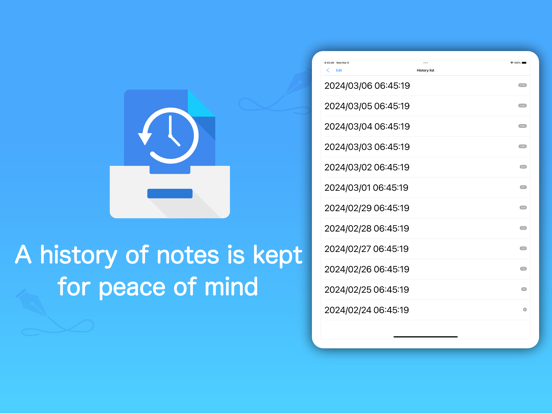
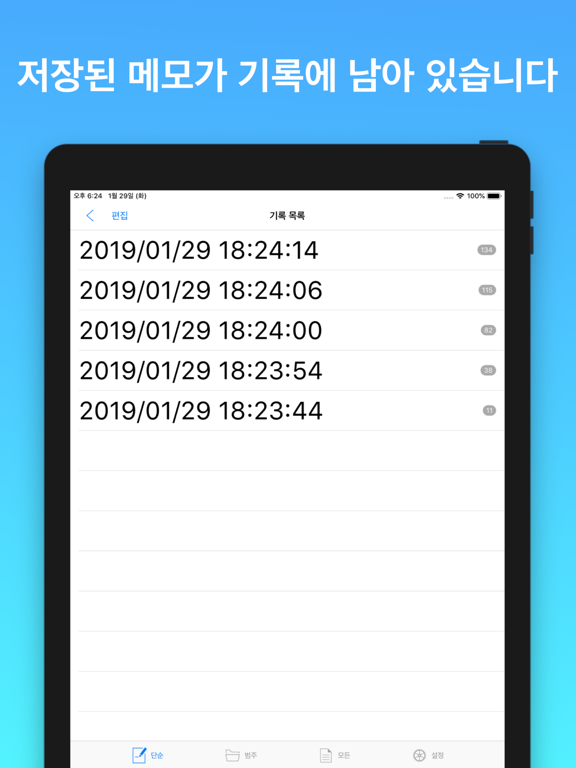
We have added and improved the functionality of the save history. This makes it easier to delete all saved histories.
A delete all button has been placed in the lower right corner of all saved history.
When you update a memo and save it, if the history has 0 items, it will save 2 items in the history, one before the change and one after the change.
The performance of all saved histories has been greatly improved, and the limit of the number of histories displayed (100) has been removed.
Other
When moving from category to subcategory, if the number of subcategories is 0, it automatically moves to the input screen for immediate input, reducing the number of operation steps.
When deleting history, if there are no entries in the history, it will automatically move to the previous screen to reduce the number of steps.
Review of the design that looks uncomfortable
Internal updates
Fixed a category memo bug that occurs under certain conditions.
Also, we made an internal update.
Improved operability, optimized dark mode, added text description, and made internal updates.
Minor wording corrections were made.
Fixed an issue where titles in category memos were not visible under certain conditions.
Renewed UI of some screens.
Minor corrections were made.
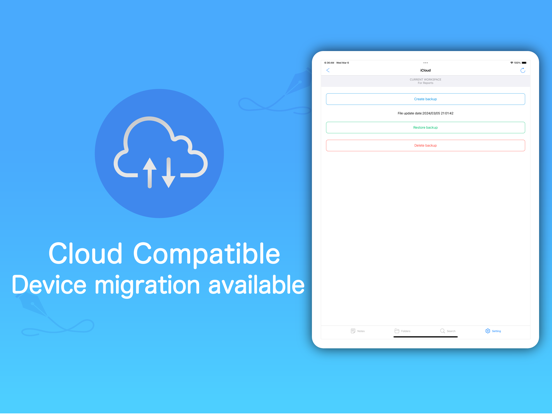
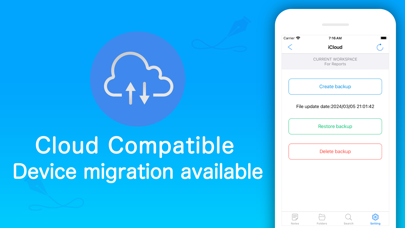
Zip support for iCloud backup.
The process of obtaining workspace backups has been corrected.
When restoring various types of backup data, message information including the date is now displayed in the confirmation dialog if the file date is a past date.
Other internal improvements have been made.
Fixed processing around font acquisition.
Data for Google backup and automatic backup is now compressed and decompressed by zip file.
This change speeds up backups and reduces memory load, resulting in more stable operation.
When a cell on each screen is tapped, the appropriate highlight color is displayed for the displayed color, making it easier to tell which cell was tapped.
Fixed a bug with automatic backups. Changed the screen transition destination after duplicating a workspace and made internal updates.