Sage Expense Management
Gratuit
10.7.0for iPhone
Age Rating
Sage Expense Management Captures d'écran
About Sage Expense Management
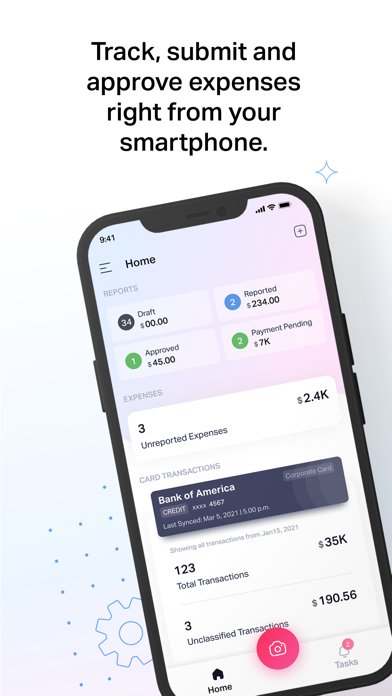
With the Sage Expense Management (formerly Fyle) mobile app, you can capture receipts, track, manage, and submit expense reports in seconds. Built for employees and finance teams alike, it helps you stay compliant and makes expense reporting effortless.
Here’s what you can do:
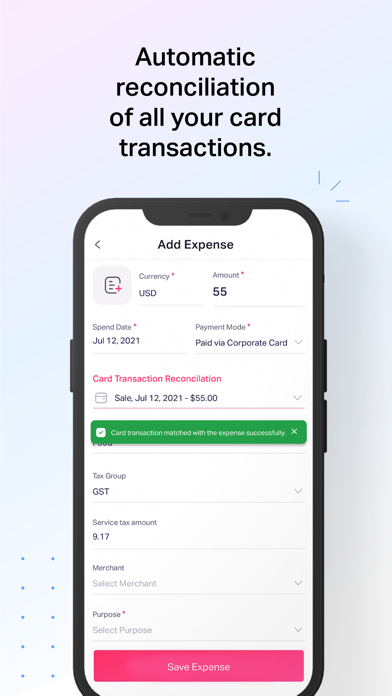
- Sync your cards: Connect your corporate or business card and let Sage Expense Management auto-import every transaction.
- Instant receipt capture: Snap a photo of your receipt, and our AI automatically extracts the date, amount, and vendor details.
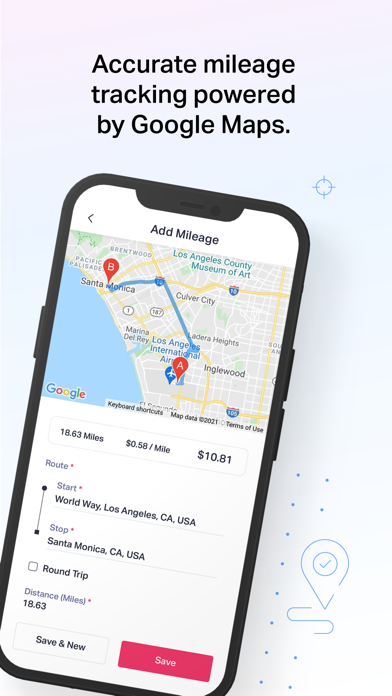
- Track mileage with ease: Use GPS or enter distances manually for automated, quick mileage reporting.
- Travel globally: Log expenses in multiple currencies with automatic conversion.
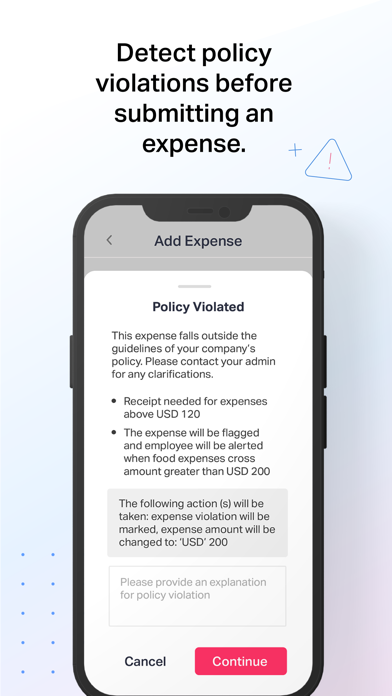
- Stay compliant: Get instant alerts for out-of-policy expenses before you submit.
- Work anywhere: Capture and save expenses offline, everything syncs automatically when you’re back online.
- Stay updated: Get real-time notifications for approvals, submissions, and reimbursements
For finance teams:
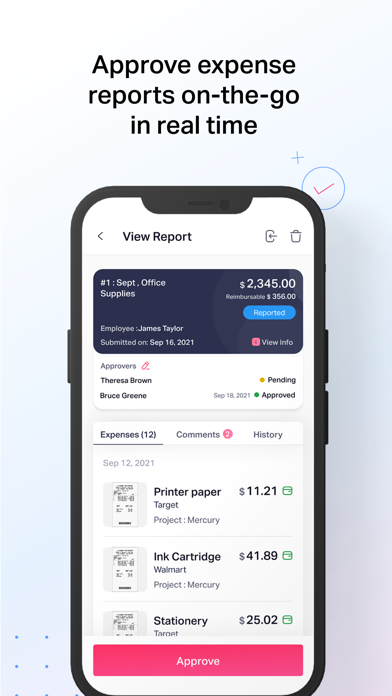
- Approve on the go: Review and approve expense reports directly from your mobile app
- Maintain control: Monitor spend in real time across departments, projects, and employees.
- Stay audit-ready: Every approval, expense, and policy check is tracked automatically.
- Enterprise-grade security: Built with SOC 2 Type I & II, PCI DSS, and GDPR compliance.
Sage Expense Management takes the hassle out of expense reporting — so you can focus on work, not your paperwork.
Note: You’ll need a Sage Expense Management account from your organization to use the app.

Here’s what you can do:
- Sync your cards: Connect your corporate or business card and let Sage Expense Management auto-import every transaction.
- Instant receipt capture: Snap a photo of your receipt, and our AI automatically extracts the date, amount, and vendor details.
- Track mileage with ease: Use GPS or enter distances manually for automated, quick mileage reporting.
- Travel globally: Log expenses in multiple currencies with automatic conversion.
- Stay compliant: Get instant alerts for out-of-policy expenses before you submit.
- Work anywhere: Capture and save expenses offline, everything syncs automatically when you’re back online.
- Stay updated: Get real-time notifications for approvals, submissions, and reimbursements
For finance teams:
- Approve on the go: Review and approve expense reports directly from your mobile app
- Maintain control: Monitor spend in real time across departments, projects, and employees.
- Stay audit-ready: Every approval, expense, and policy check is tracked automatically.
- Enterprise-grade security: Built with SOC 2 Type I & II, PCI DSS, and GDPR compliance.
Sage Expense Management takes the hassle out of expense reporting — so you can focus on work, not your paperwork.
Note: You’ll need a Sage Expense Management account from your organization to use the app.
Show More
Quoi de neuf dans la dernière version 10.7.0
Last updated on Jun 3, 2026
Vieilles Versions
Some bug fixes and performance enhancements
Show More
Version History
10.7.0
Jun 3, 2026
Some bug fixes and performance enhancements
Sage Expense Management FAQ
Cliquez ici pour savoir comment télécharger Sage Expense Management dans un pays ou une région restreints.
Consultez la liste suivante pour voir les exigences minimales de Sage Expense Management.
iPhone