Linux Cert Exam Prep. - LIte
Linux Certification Exam Preparation - Lite Version
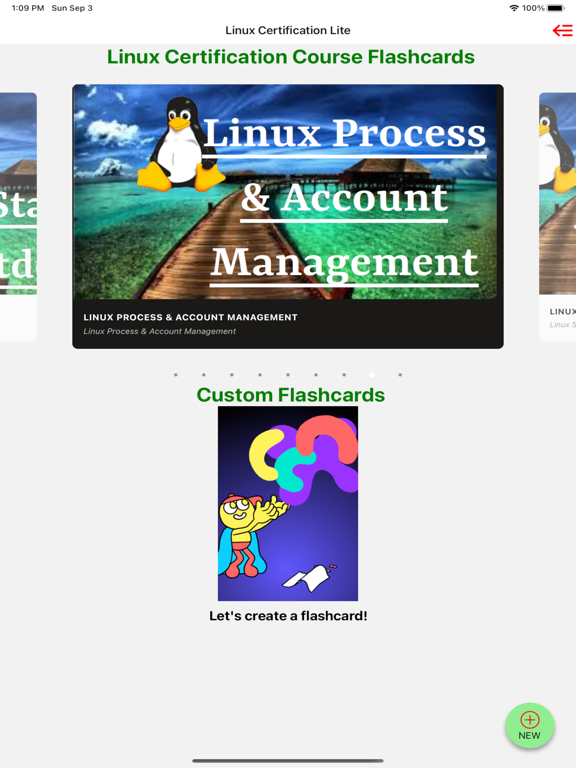
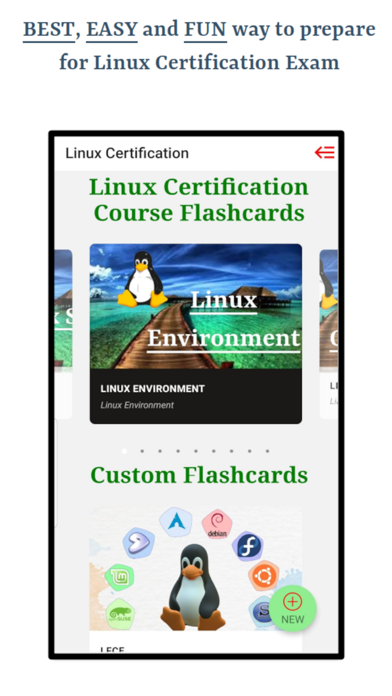
Linux Certification is required for anyone who's interested in having a carrier in System Administration and Linux Engineering. If you're preparing for Red Hat Certified Engineer (RHCE), Red Hat Certified System Administrator (RHCSA), Linux Foundation Certified Engineer (LFCE) or Linux Foundation Certified System Administrator (LFCS), this app is going to help you a lot preparing for your exams. This app covers complete material taught for Linux Certifications. The chapters included in the app are following.
ENVIRONMENT
1. Linux Environment - Beginner
2. Linux Environment - Medium
3. Linux Environment - Advanced
COMMANDS
4. Linux Commands - Beginner
5. Linux Commands - Medium
6. Linux Commands - Advanced
7. Linux Commands - Expert
FILE MANAGEMENT
8. Linux File Management - Beginner
9. Linux File Management - Medium And Advanced
FILE TYPES
10. Linux File Types
FILE PERMISSIONS
11. Linux File Permissions - Beginner
12. Linux File Permissions - Medium And Advanced
13. Linux File System Overview
STARTUP AND SHUTDOWN
14. Linux Startup & Shutdown
MANAGEMENT
15. Linux Process Management
16. User Account Management
SHELL
17. Linux Shell Programming
18. Linux Shell Environment - Beginner
19. Linux Shell Environment - Medium And Advanced
20. Linux Shell Redirection
21. Shell Special Symbols
SEARCH
22. Linux Search Pattern
FUNCTIONS AND VARIABLES
23. Linux Shell Functions
24. Linux Shell Variables
BASH
25. Bash Arithmetic Expression
----------------------------------
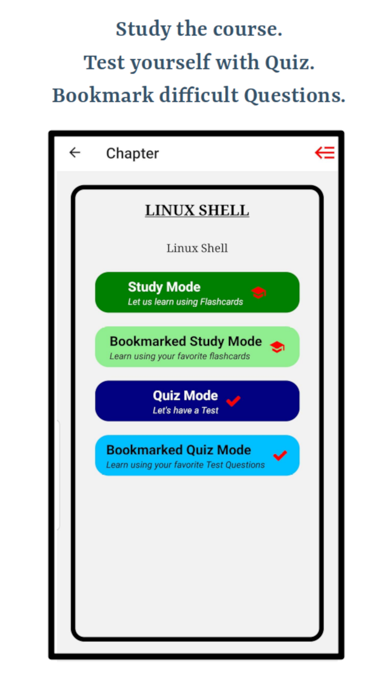
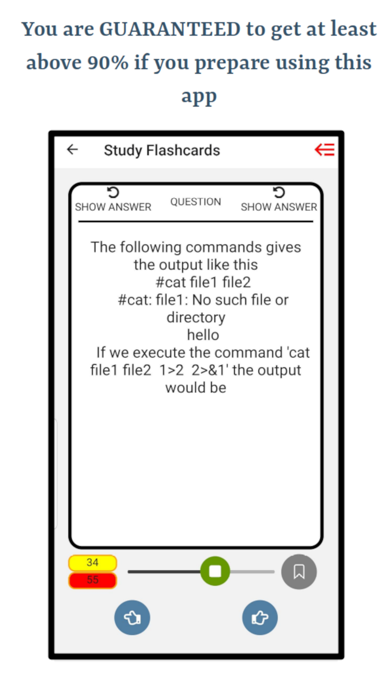
This app uses the state of art methodology to prepare students for the exam. You start preparing using flashcards, where answers are provided on the back of the flashcards. Then you can bookmark flashcards which you feel difficult and think that you don't know the answer that well. You can access the bookmarked flashcards in a different section so that you don't have to go through the list of questions.
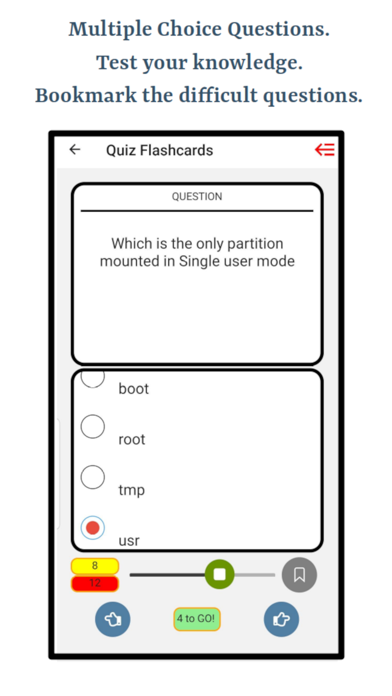
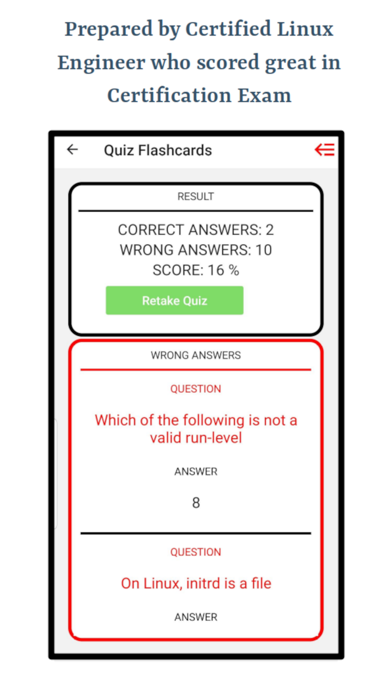
You can test your knowledge using in-built quizzes. You can create your own quizzes by customizing it by bookmarking quiz questions. Once you submit the Quiz/Test you'll be provided with your result and you can take tests unlimited number of times. Other than telling your score, test results also show the list of problems with their answers which you answered wrong, that way you can perform better next time.
This app is also equipped with creating your own course material and notes. Suppose your want to add some extra questions or if you are using another text book, this app will help you by creating custom flashcards. You are able to create custom chapters and flashcards with questions, answers and options. For custom flashcards, you are able to attach images to your flashcards. Following is the description how to attach images to your custom flashcards.
----------------------------------
LEARN HOW TO ATTACH IMAGES
You can attach up to 5 different images in a single custom flashcard using '[attach1]', '[attach2]', '[attach3]', '[attach4]' and '[attach5]' anywhere in question, answer or any of the wrong options. Once you write these keywords, upload attachment buttons will start enabling where you can upload an image from your phone. Uploading an attachment needs to be in sequence meaning you can't enable '[attach2]' before '[attach1]'. Example: Question: What is happening in the picture? [attach1].
----------------------------------