SnipCode
6,99 €
3.0.7for iPhone
Age Rating
SnipCode Captures d'écran
About SnipCode
SnipCode is a powerful productivity tool designed to help you store, organize, and retrieve snippets of code, notes, and ideas with exceptional speed. Its clean interface keeps everything simple while giving you instant access to the pieces of information you use most.
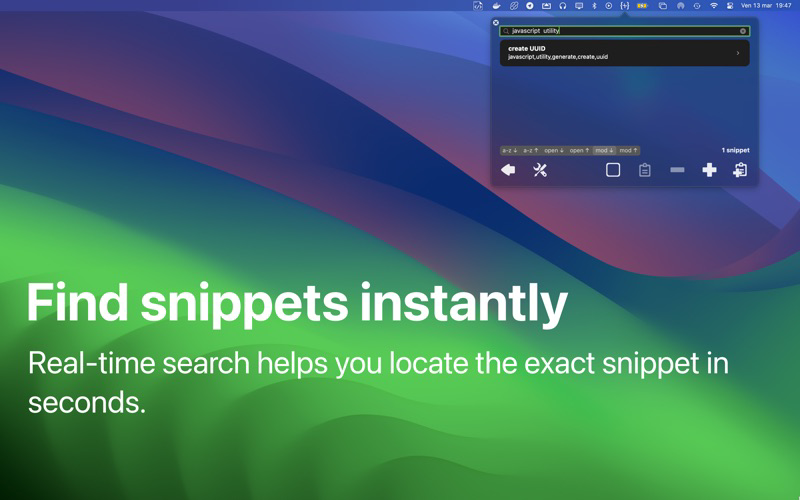
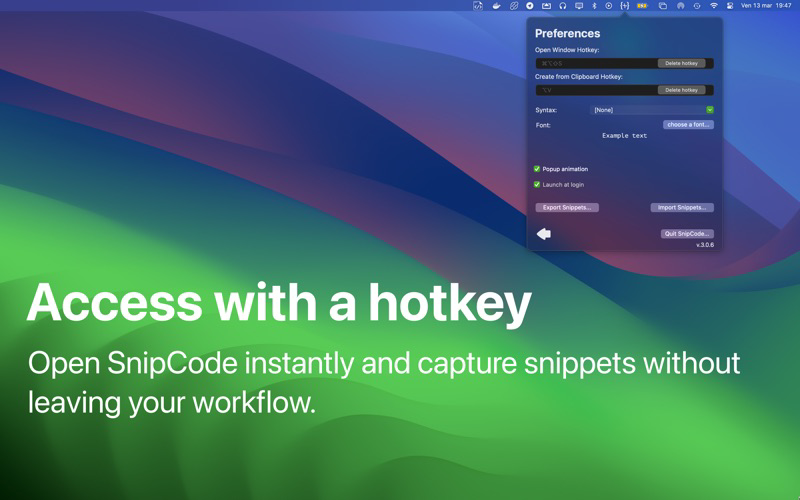
Open SnipCode with a customizable hotkey, type what you’re looking for, and find your snippet immediately with real-time search. Need to save something quickly? Copy it from any app and create a new snippet instantly using a second hotkey. When you're done, pressing the hotkey again brings you right back to the app you were using.
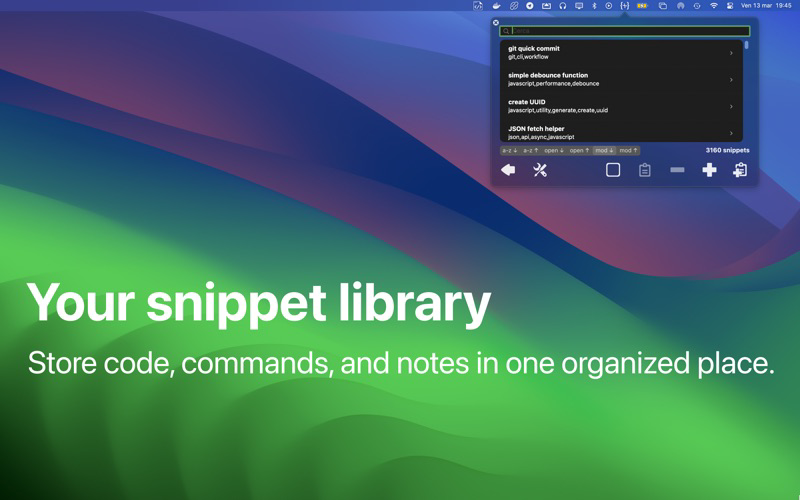
Whether you're collecting code fragments, useful commands, or quick notes, SnipCode keeps everything organized and ready whenever you need it.
Main features
• Customizable hotkey to open the snippet popup
• Create a new snippet directly from the clipboard with a hotkey
• Fast, simple, and elegant interface
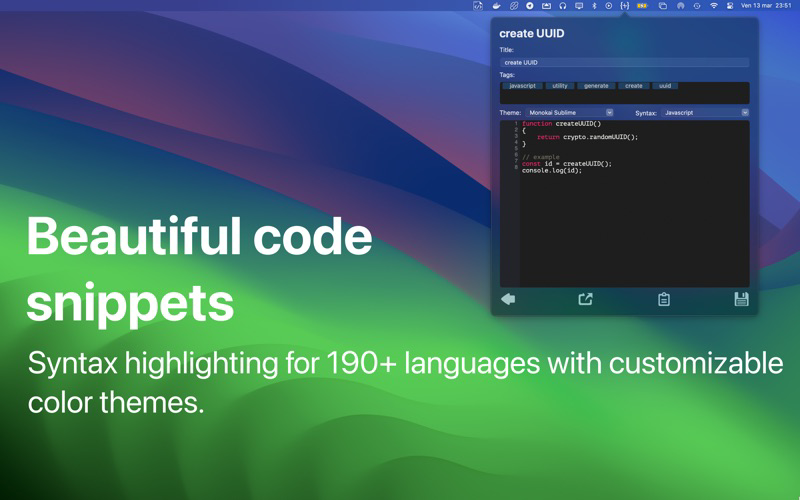
• Add titles, tags, syntax highlighting, and content to every snippet
• Real-time smart search to find snippets instantly
• Syntax highlighting for more than 190 programming languages
• Over 260 syntax color themes
• Drag snippets directly into your editor or copy them with Command-C
• Export and import your snippet database
• Switch seamlessly between popup and window while editing
• Full Light and Dark mode support

Open SnipCode with a customizable hotkey, type what you’re looking for, and find your snippet immediately with real-time search. Need to save something quickly? Copy it from any app and create a new snippet instantly using a second hotkey. When you're done, pressing the hotkey again brings you right back to the app you were using.
Whether you're collecting code fragments, useful commands, or quick notes, SnipCode keeps everything organized and ready whenever you need it.
Main features
• Customizable hotkey to open the snippet popup
• Create a new snippet directly from the clipboard with a hotkey
• Fast, simple, and elegant interface
• Add titles, tags, syntax highlighting, and content to every snippet
• Real-time smart search to find snippets instantly
• Syntax highlighting for more than 190 programming languages
• Over 260 syntax color themes
• Drag snippets directly into your editor or copy them with Command-C
• Export and import your snippet database
• Switch seamlessly between popup and window while editing
• Full Light and Dark mode support
Show More
Quoi de neuf dans la dernière version 3.0.7
Last updated on Mar 14, 2026
Vieilles Versions
- fixed small ui issue in preferences window
Show More
Version History
3.0.7
Mar 14, 2026
- fixed small ui issue in preferences window
SnipCode FAQ
Cliquez ici pour savoir comment télécharger SnipCode dans un pays ou une région restreints.
Consultez la liste suivante pour voir les exigences minimales de SnipCode.
iPhone