Timerable
Free
2019.1for iPhone, iPad
Age Rating
Timerable Captures d'écran
About Timerable
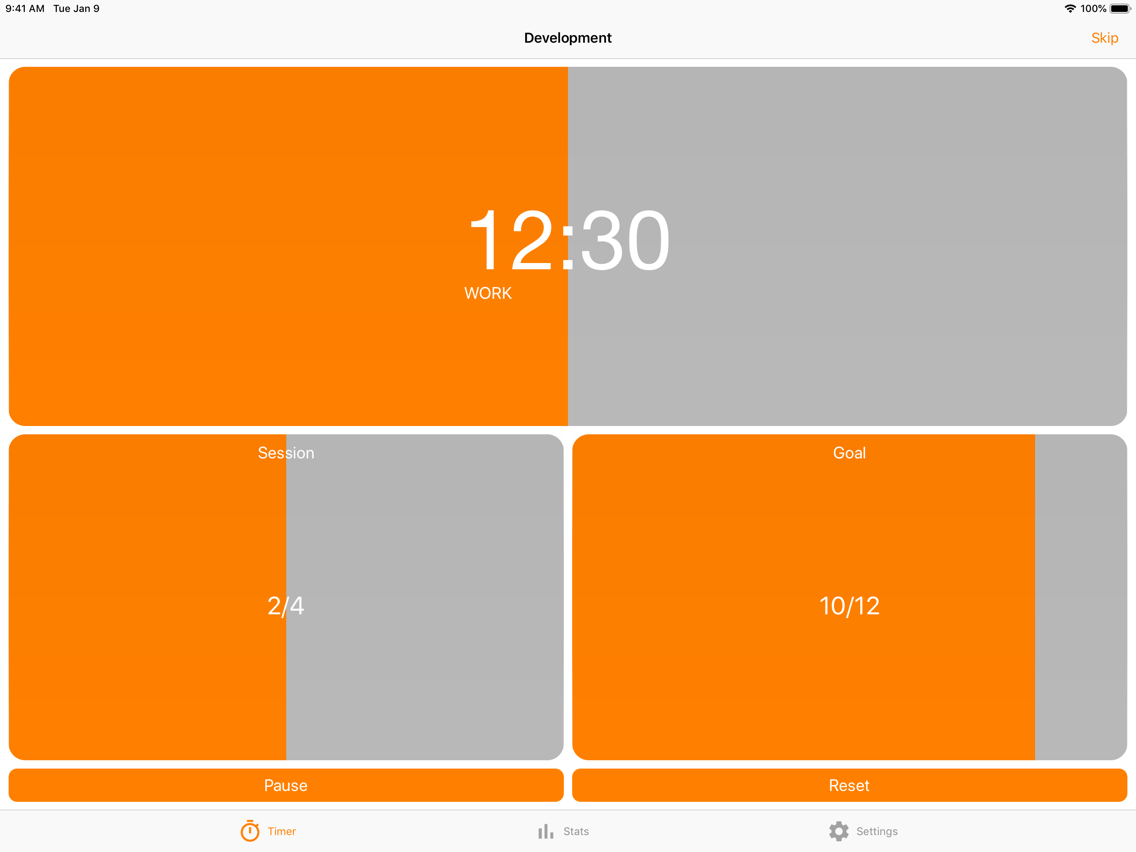
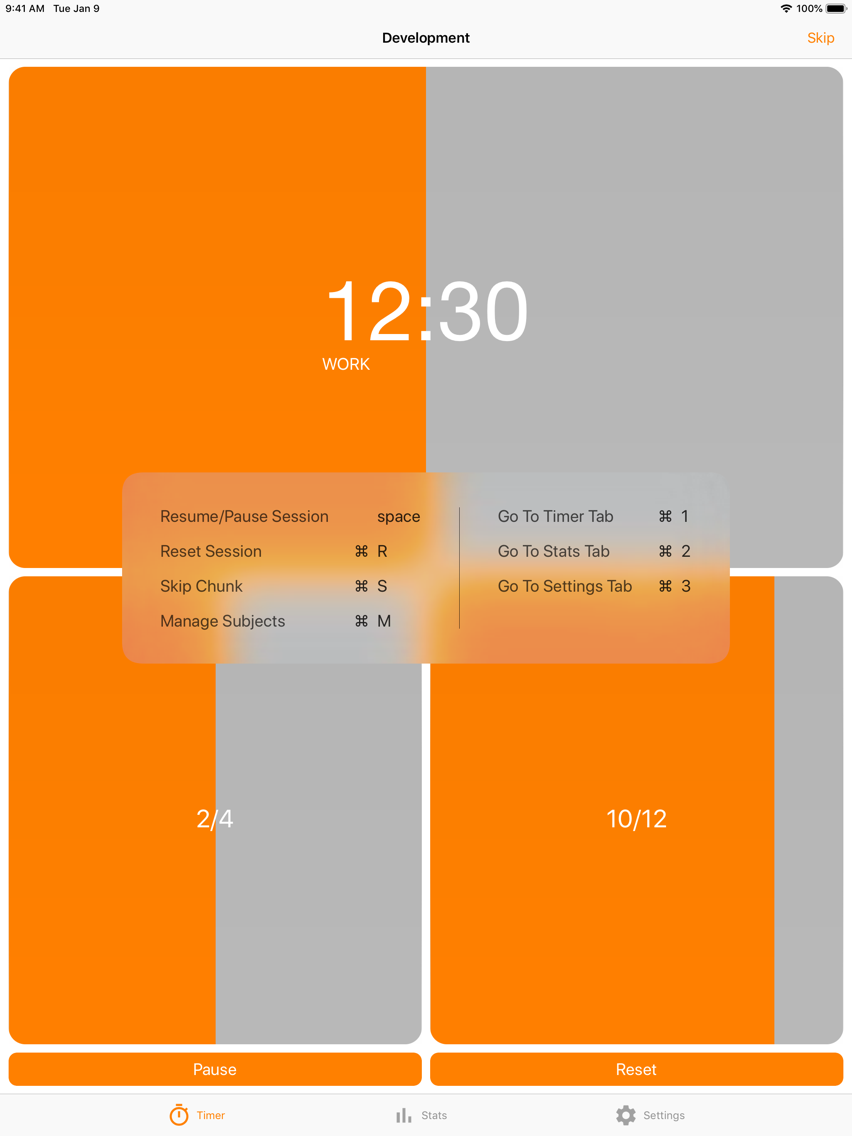
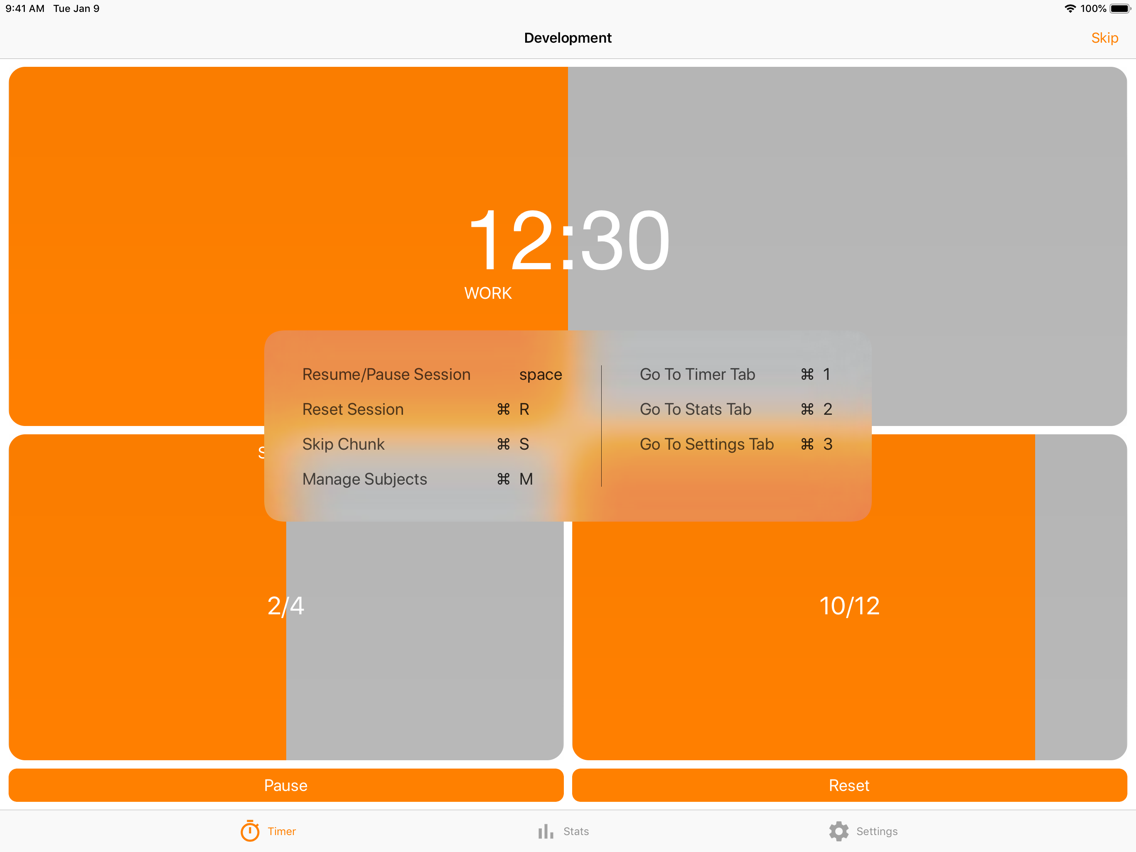
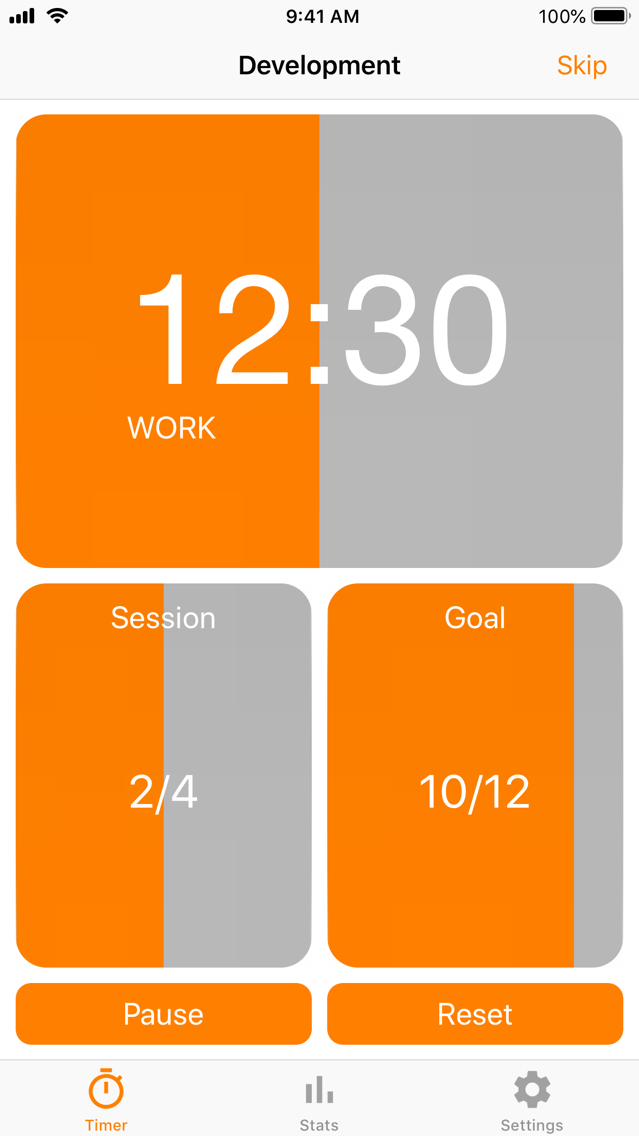
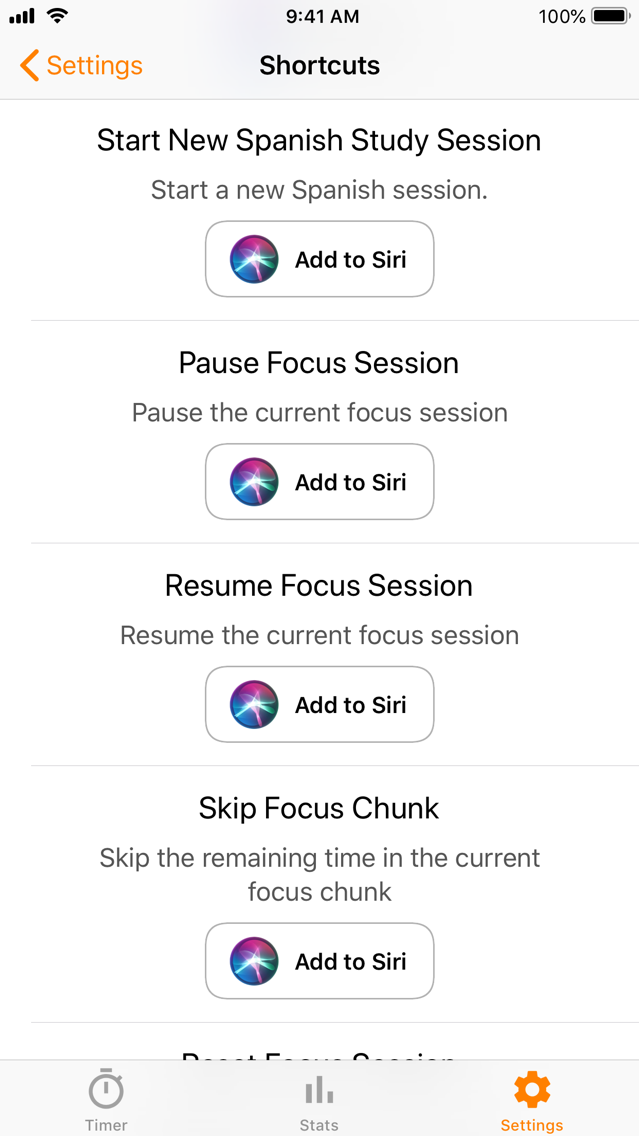
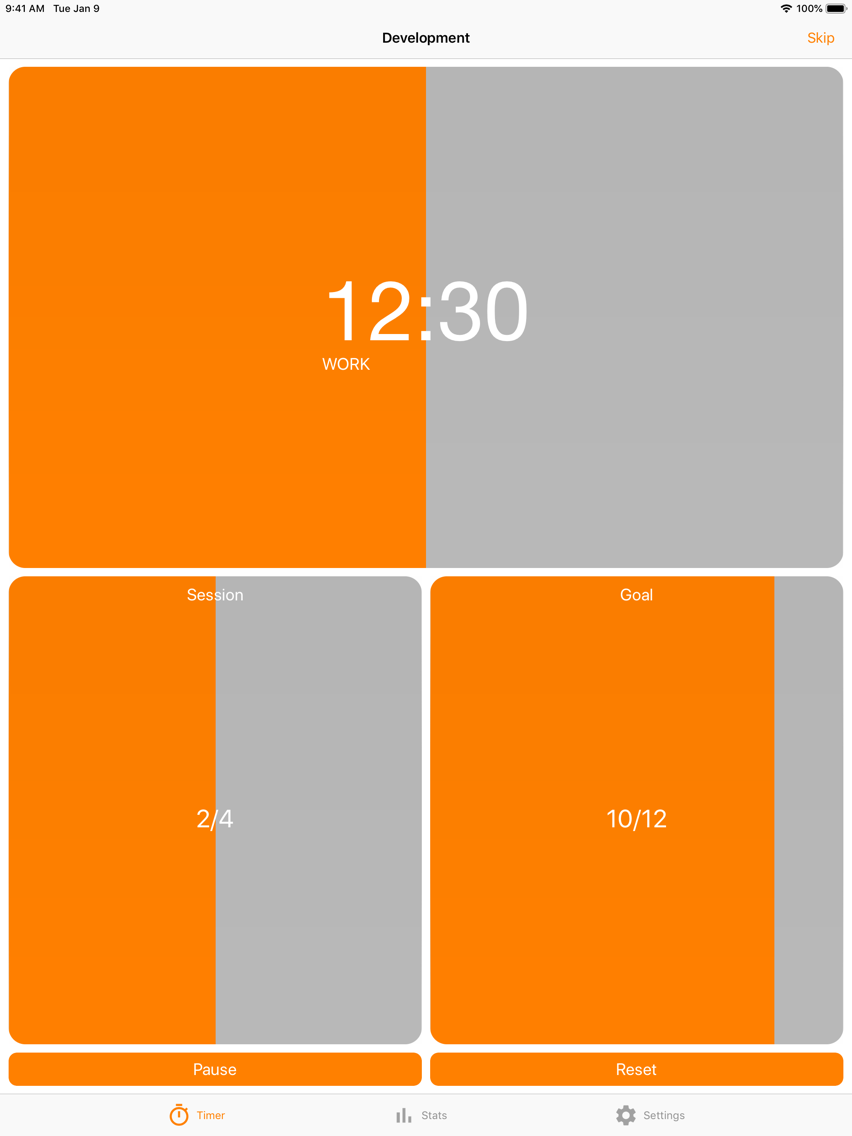
How does it work? You choose a subject you want to work under and then the timer will start for 25 minutes, and you'll work on that task. Then a 5-minute break to procrastinate. After 4 of these focused work sessions a longer break of 30 minutes to help reduce burnout and retain your focus on busy days. Control the app using Siri, to make studying easier!
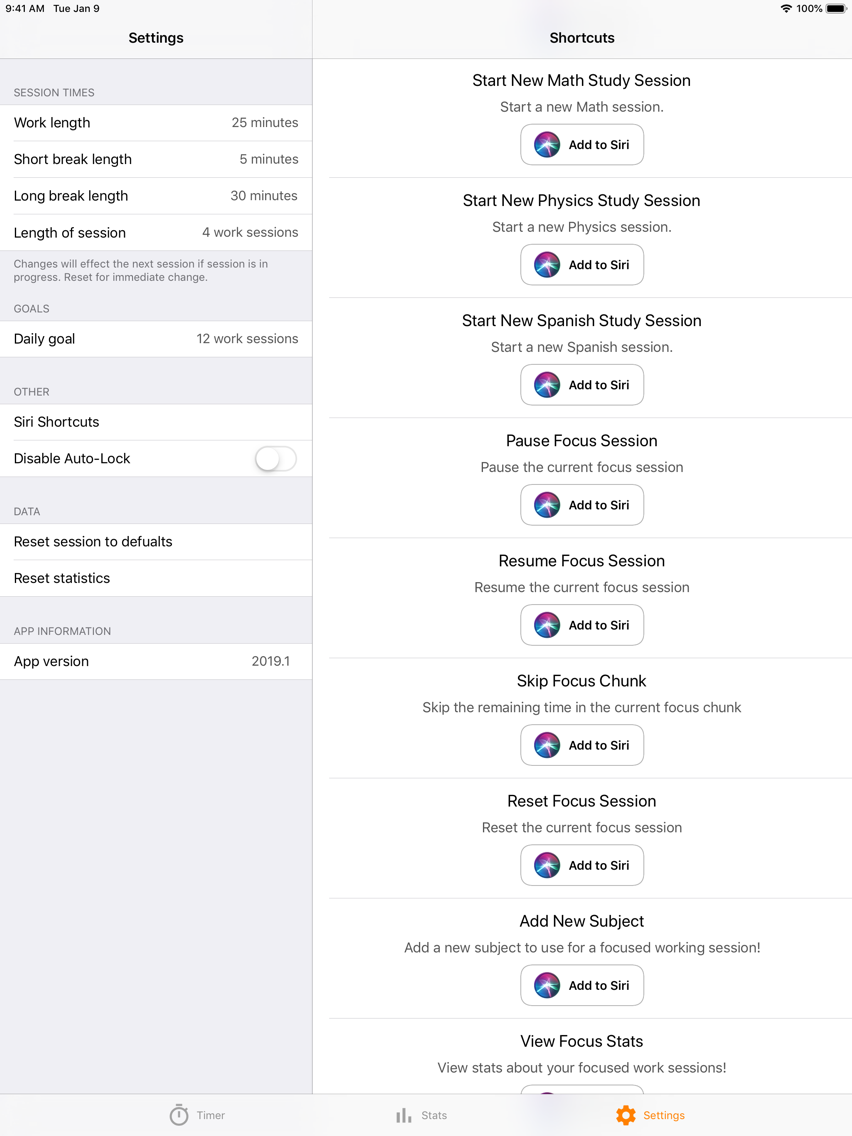
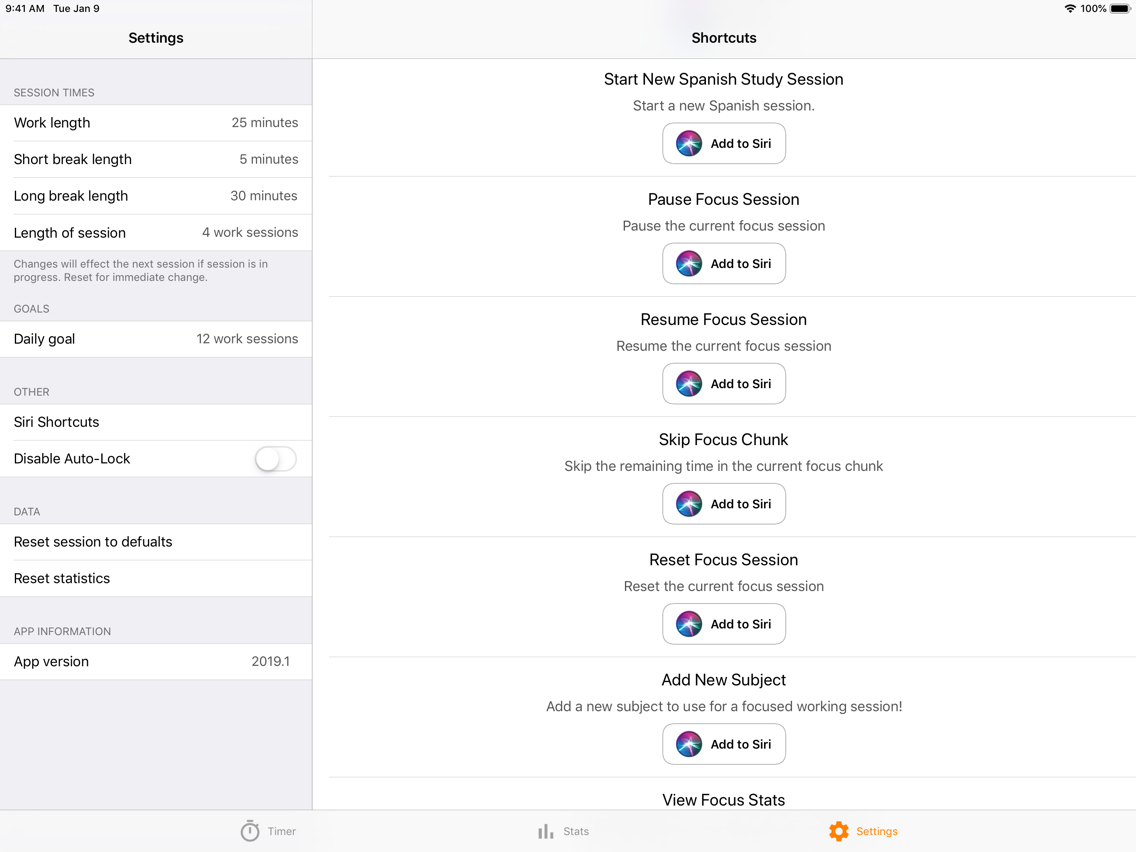
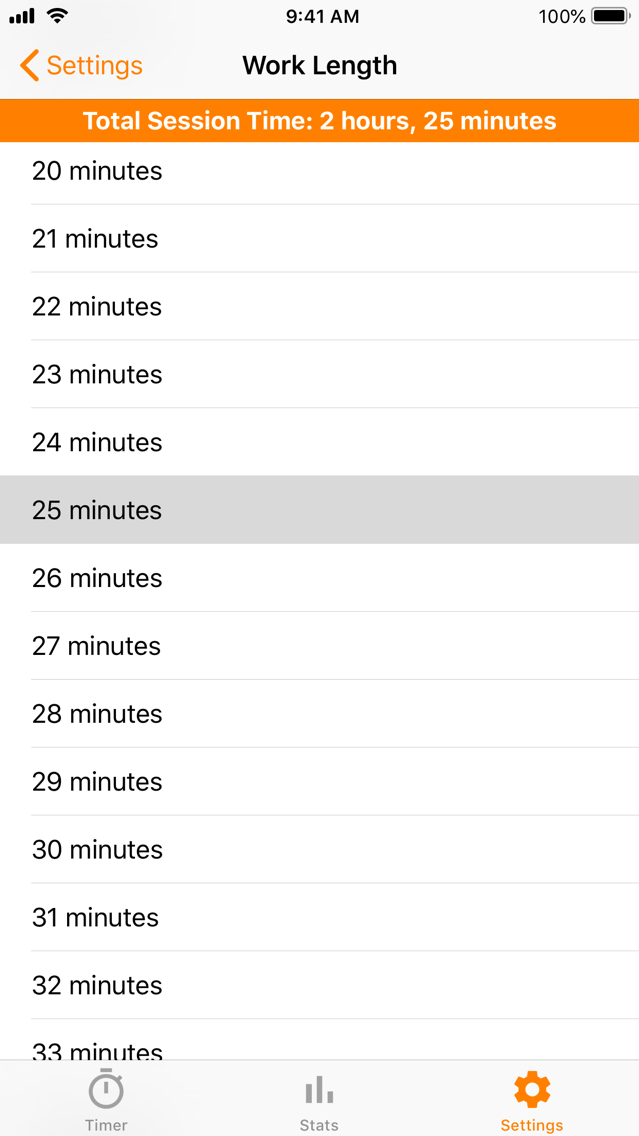
The app offers complete customisation. All of the timings, the session length and your daily goal can all be changed to your liking. The defaults are just a recommendation, use what works for you!
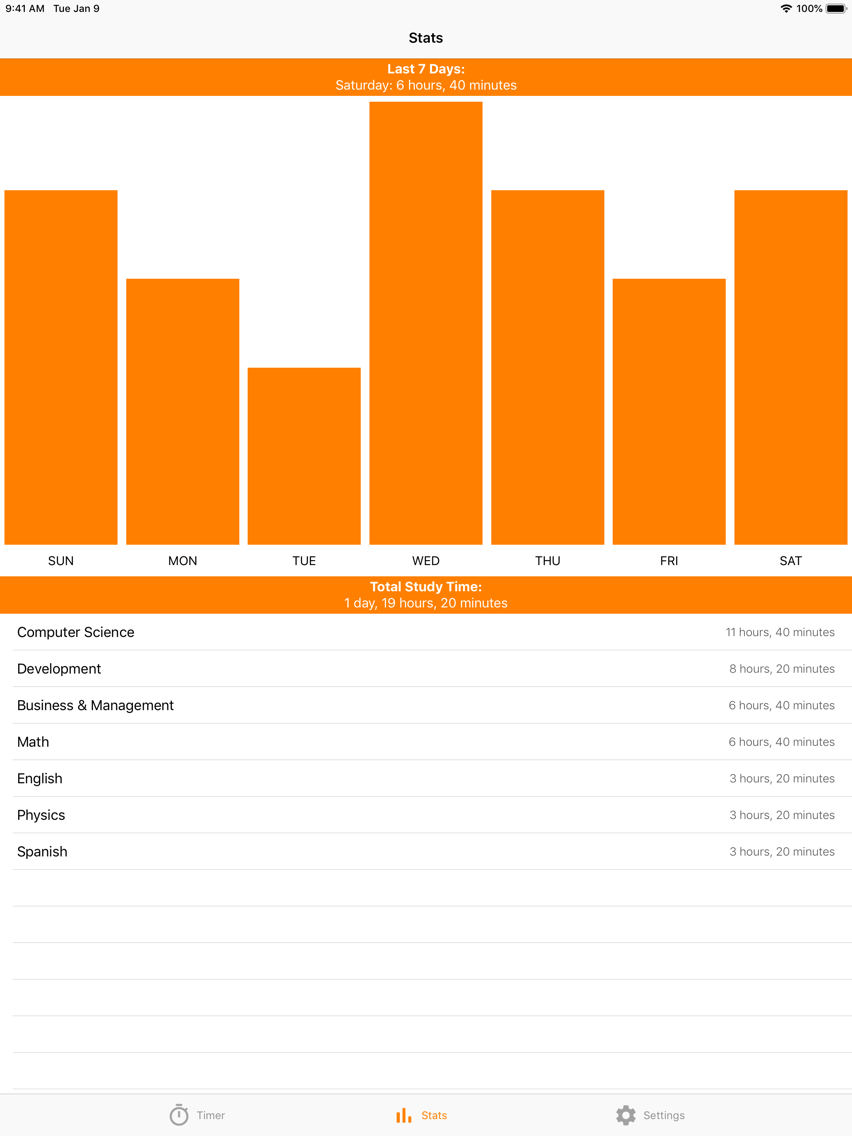
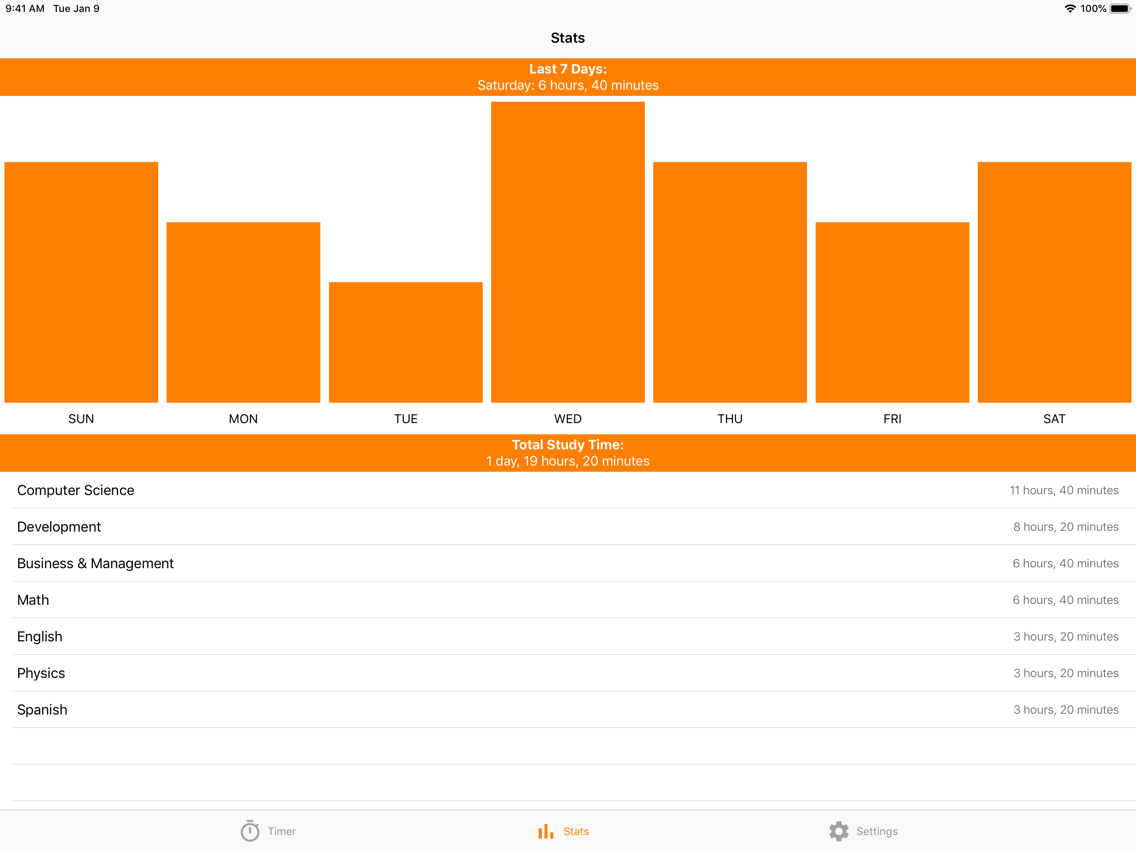
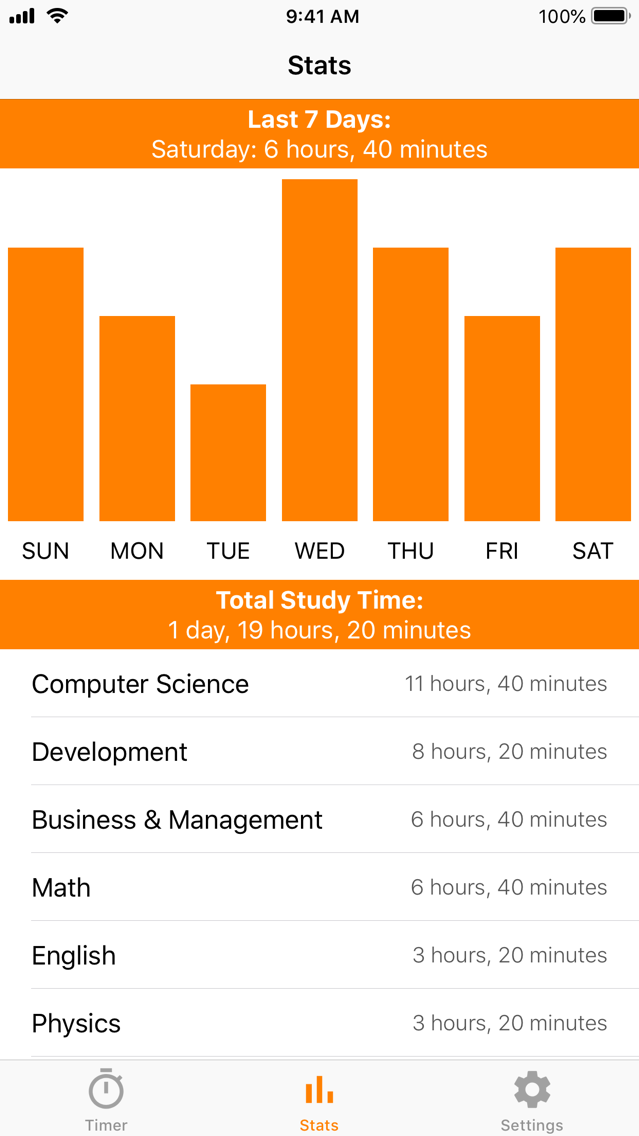
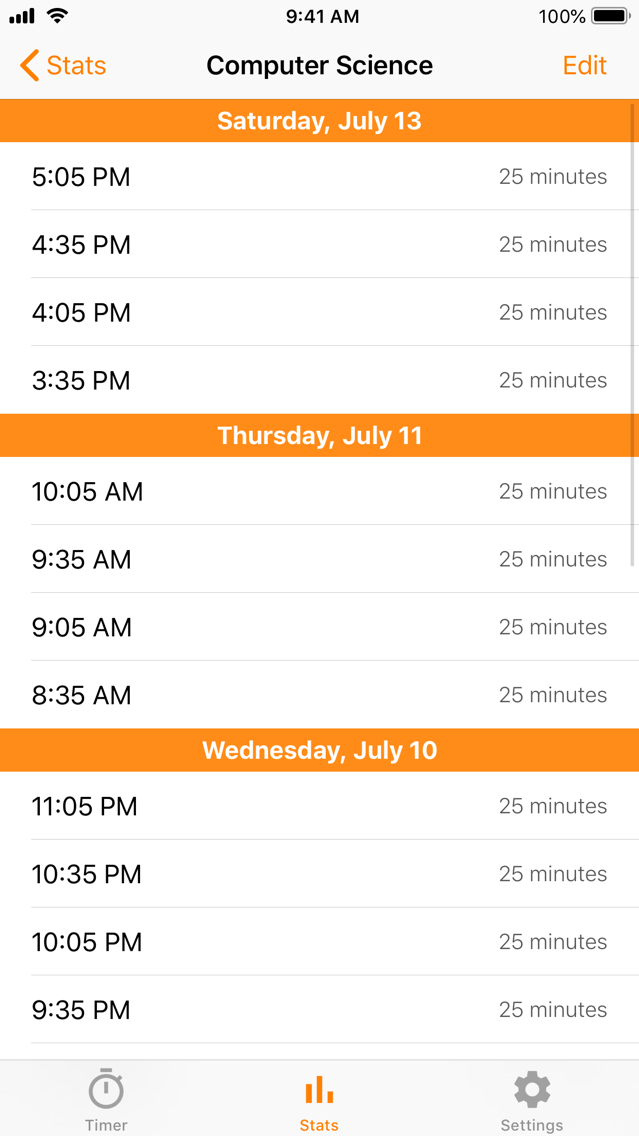
Stat tracking helps you understand how you're spending your focused work time, and when you're working. Also, you can totally use it to brag about how hard you worked.
Privacy is important, all data is kept on your device. Notifications are locally generated and the app contains no ads, so there are no creepy stats or trackers. Nothing is ever transmitted.
Dynamic Type and VoiceOver are both supported.

The app offers complete customisation. All of the timings, the session length and your daily goal can all be changed to your liking. The defaults are just a recommendation, use what works for you!
Stat tracking helps you understand how you're spending your focused work time, and when you're working. Also, you can totally use it to brag about how hard you worked.
Privacy is important, all data is kept on your device. Notifications are locally generated and the app contains no ads, so there are no creepy stats or trackers. Nothing is ever transmitted.
Dynamic Type and VoiceOver are both supported.
Show More
Quoi de neuf dans la dernière version 2019.1
Last updated on Aug 22, 2019
Version History
2019.1
Aug 22, 2019
Timerable FAQ
Cliquez ici pour savoir comment télécharger Timerable dans un pays ou une région restreints.
Consultez la liste suivante pour voir les exigences minimales de Timerable.
iPhone
iPad
Timerable prend en charge English