GoodSync
Free
12.9.28for iPhone, iPad
Age Rating
GoodSync Screenshots
About GoodSync
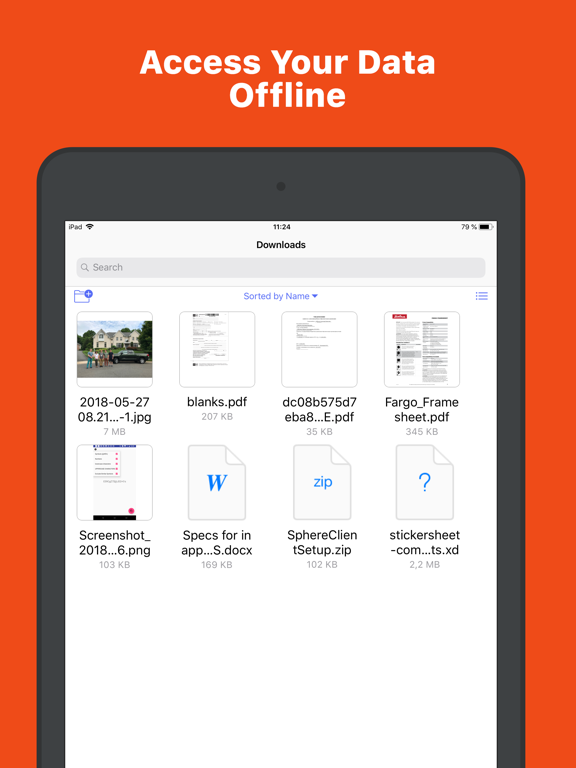
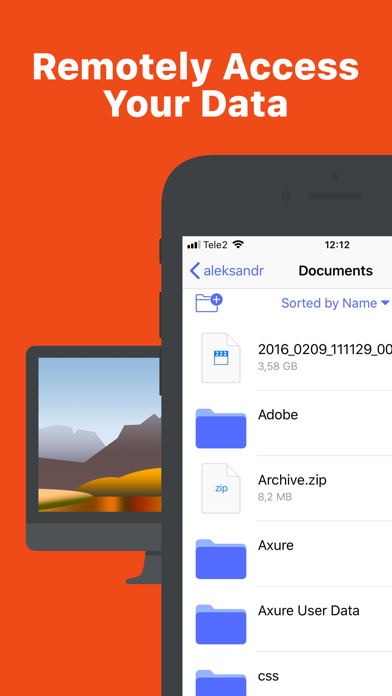
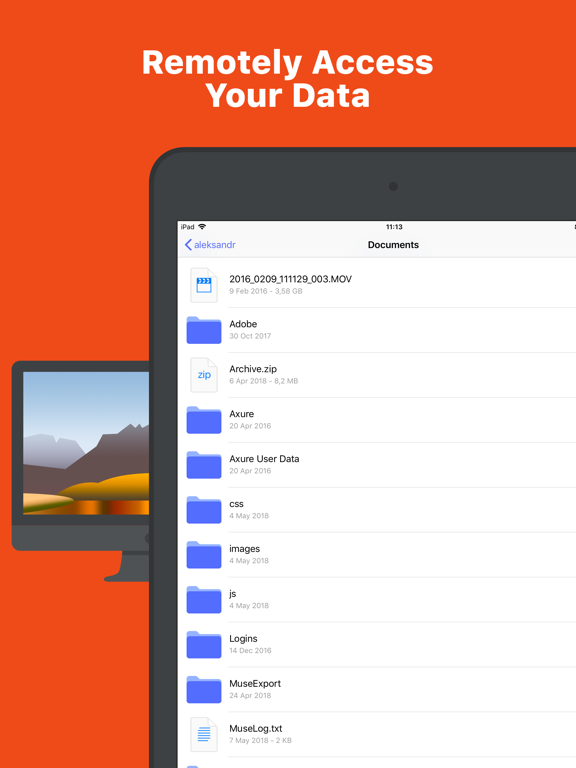
Explore, View, Download files from your desktop computers running GoodSync Connect.
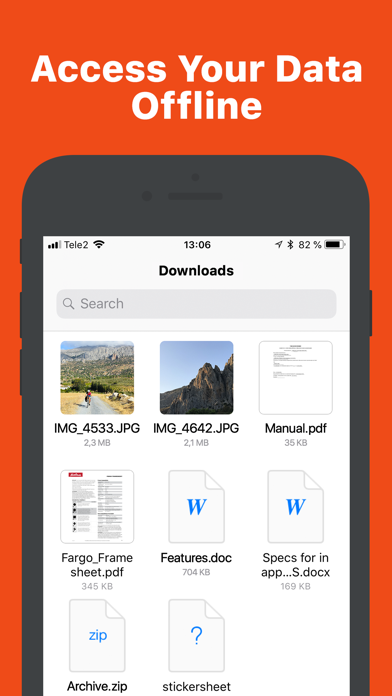
Upload files and entire folders from desktop to your device.
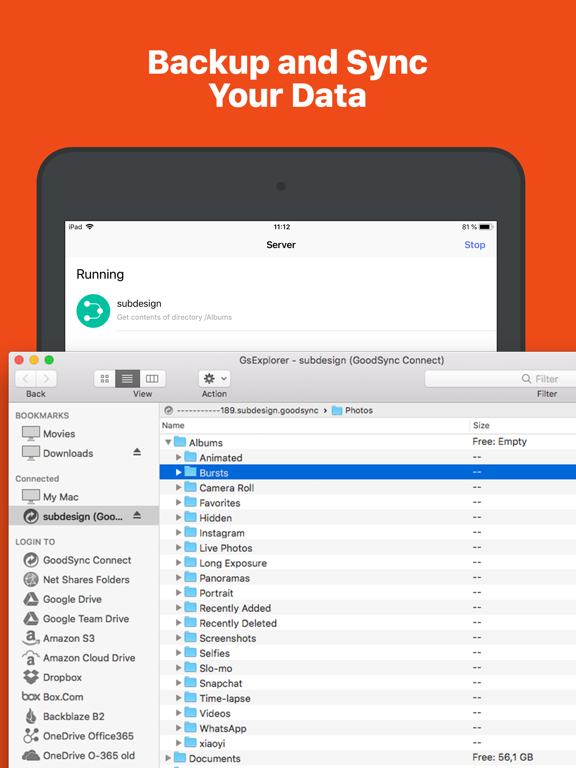
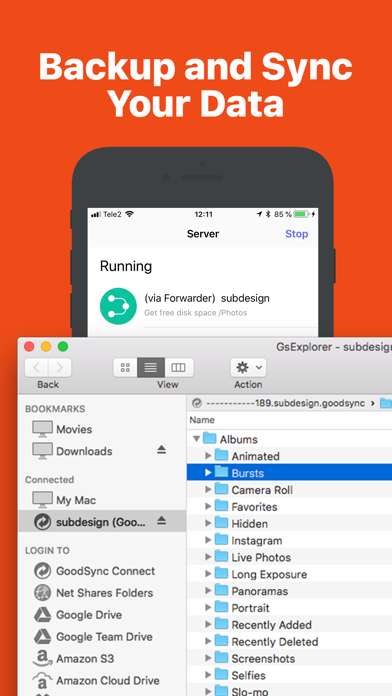
Using included Server, you can also make files on your phone
accessible to GoodSync and GoodSync Explorer on desktop.
File transfer works via WiFi or cellular network,
automatically selecting the fastest path.
Uses:
• Client: View and Download files located on any of your Mac or Windows desktops.
• Client: Desktops must be running GoodSync Connect.
• Server: Backup important files from desktop to iPhone/iPad.
• Server: Use iOS device to carry and sync files between several desktops.

Upload files and entire folders from desktop to your device.
Using included Server, you can also make files on your phone
accessible to GoodSync and GoodSync Explorer on desktop.
File transfer works via WiFi or cellular network,
automatically selecting the fastest path.
Uses:
• Client: View and Download files located on any of your Mac or Windows desktops.
• Client: Desktops must be running GoodSync Connect.
• Server: Backup important files from desktop to iPhone/iPad.
• Server: Use iOS device to carry and sync files between several desktops.
Show More
What's New in the Latest Version 12.9.28
Last updated on May 6, 2026
Old Versions
・Fixed server startup for some conditions.
Show More
Version History
12.9.28
May 6, 2026
・Fixed server startup for some conditions.
GoodSync FAQ
Click here to learn how to download GoodSync in restricted country or region.
Check the following list to see the minimum requirements of GoodSync.
iPhone
iPad