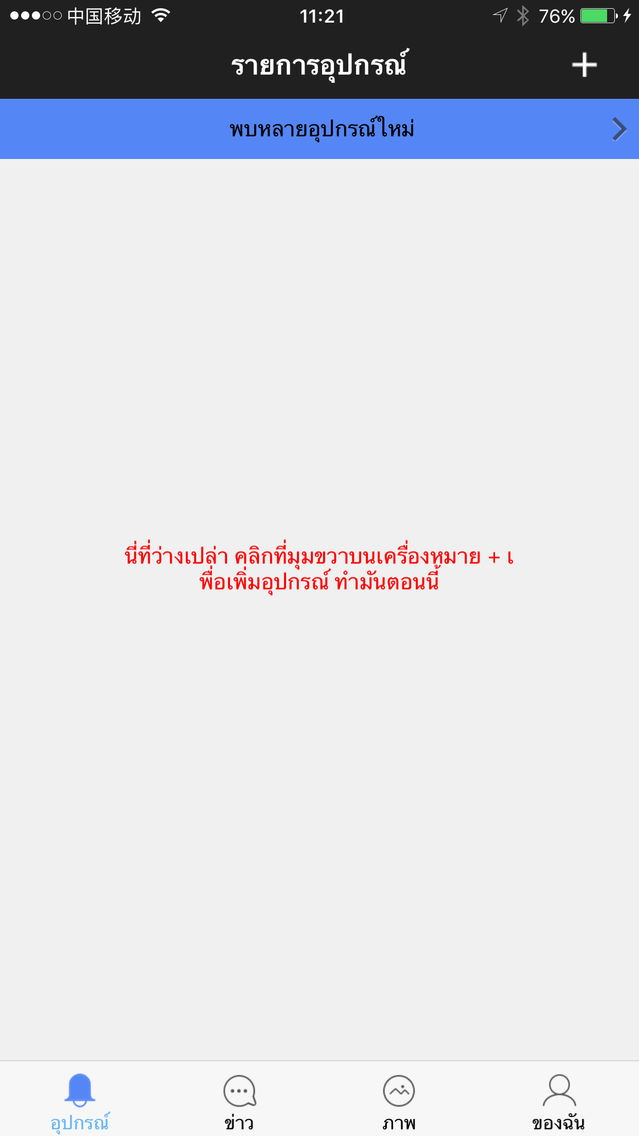
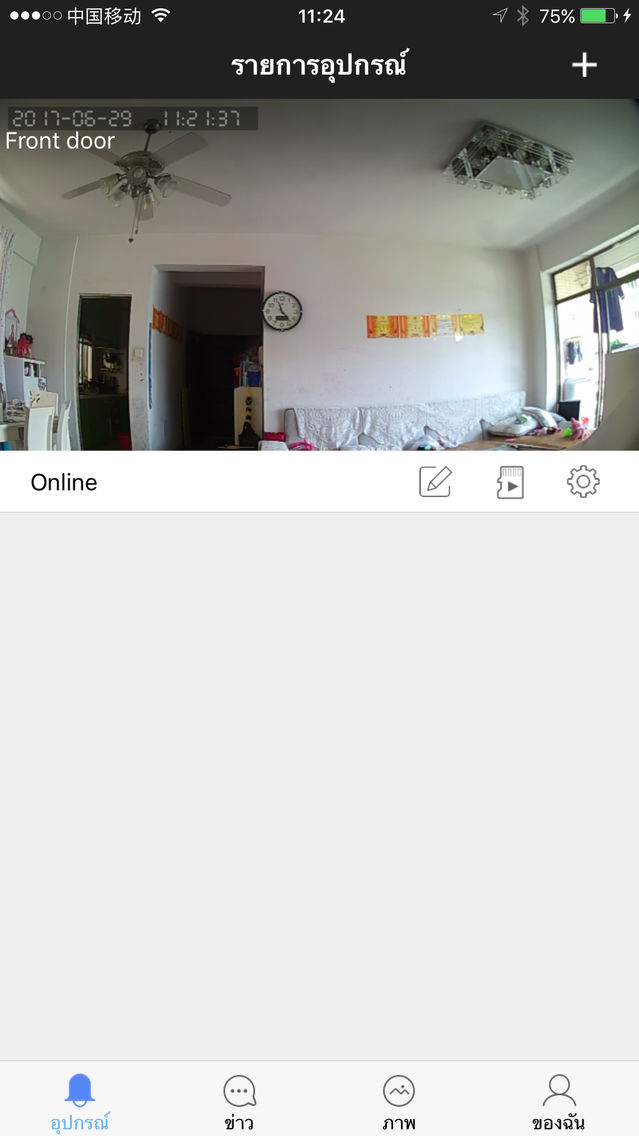
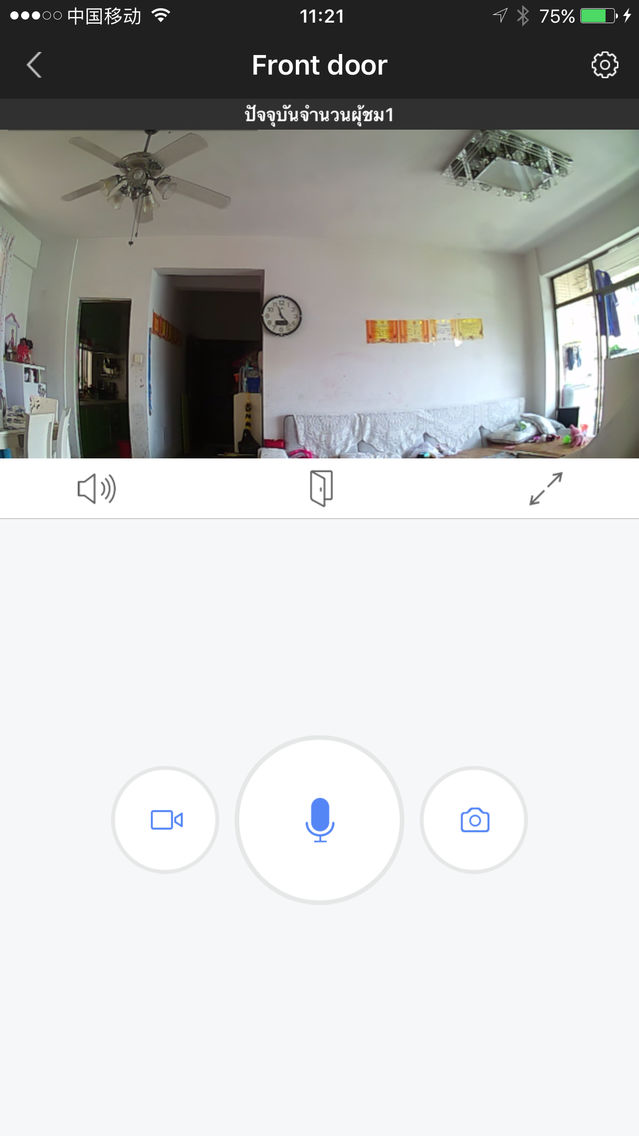
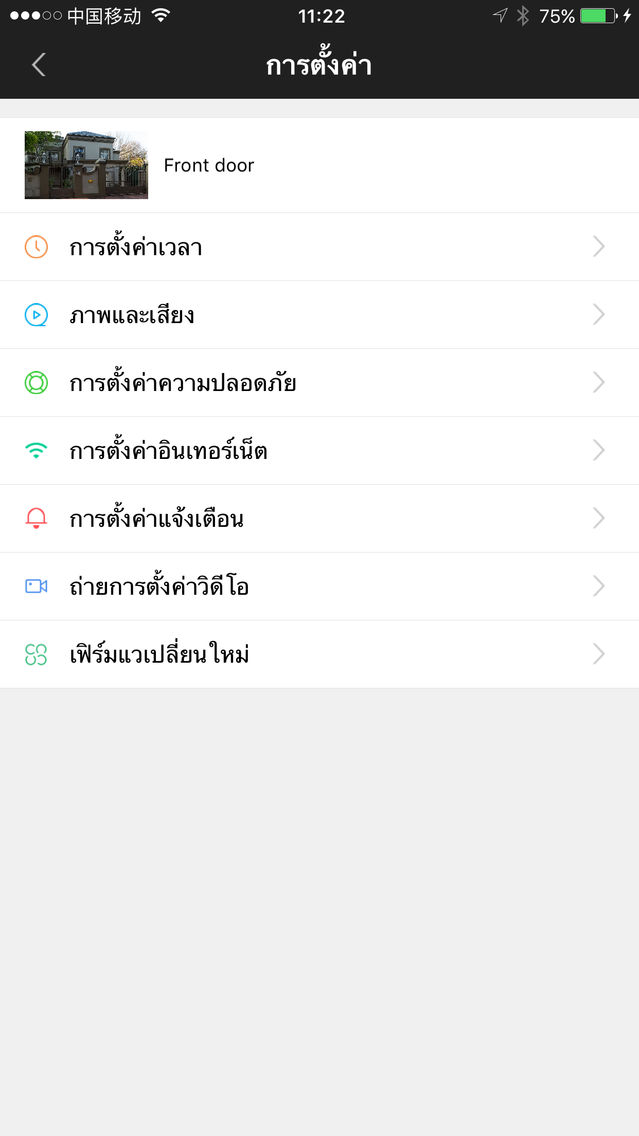
eCloud Bell
Free
1.0for iPhone, iPad
Age Rating
eCloud Bell Screenshots
About eCloud Bell
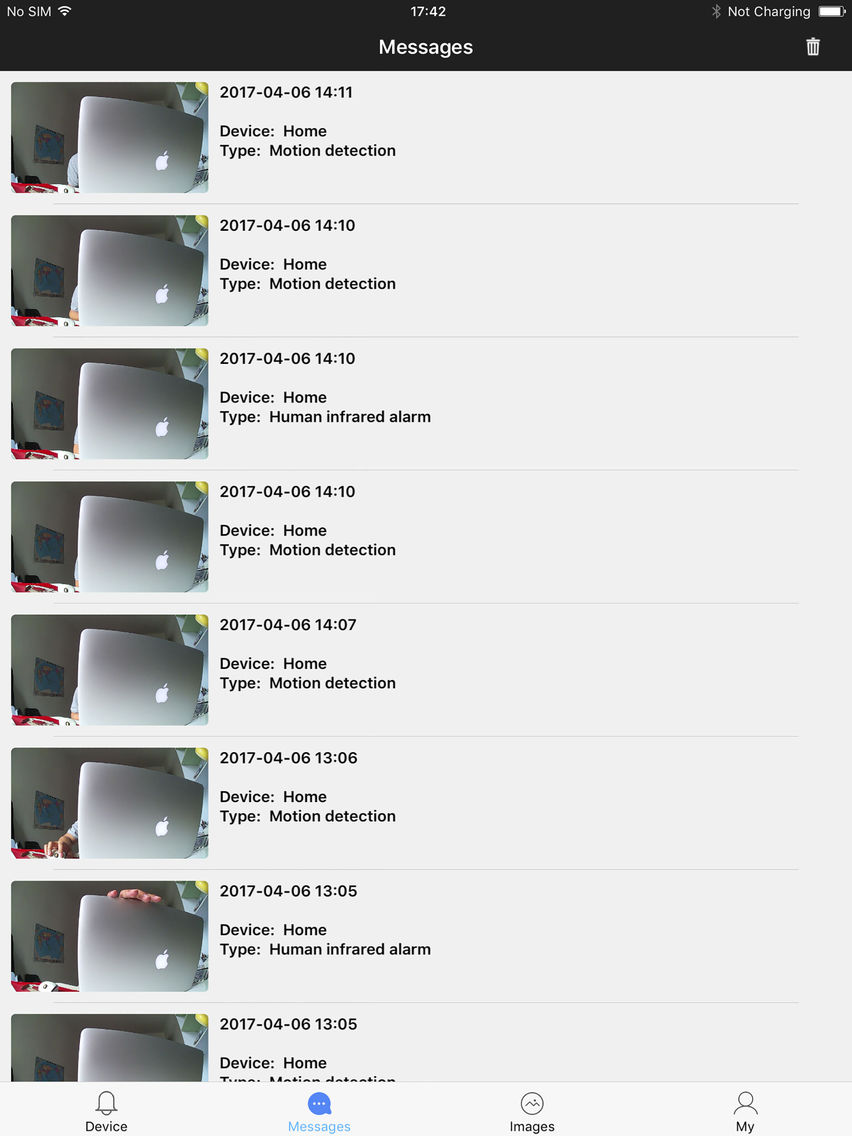
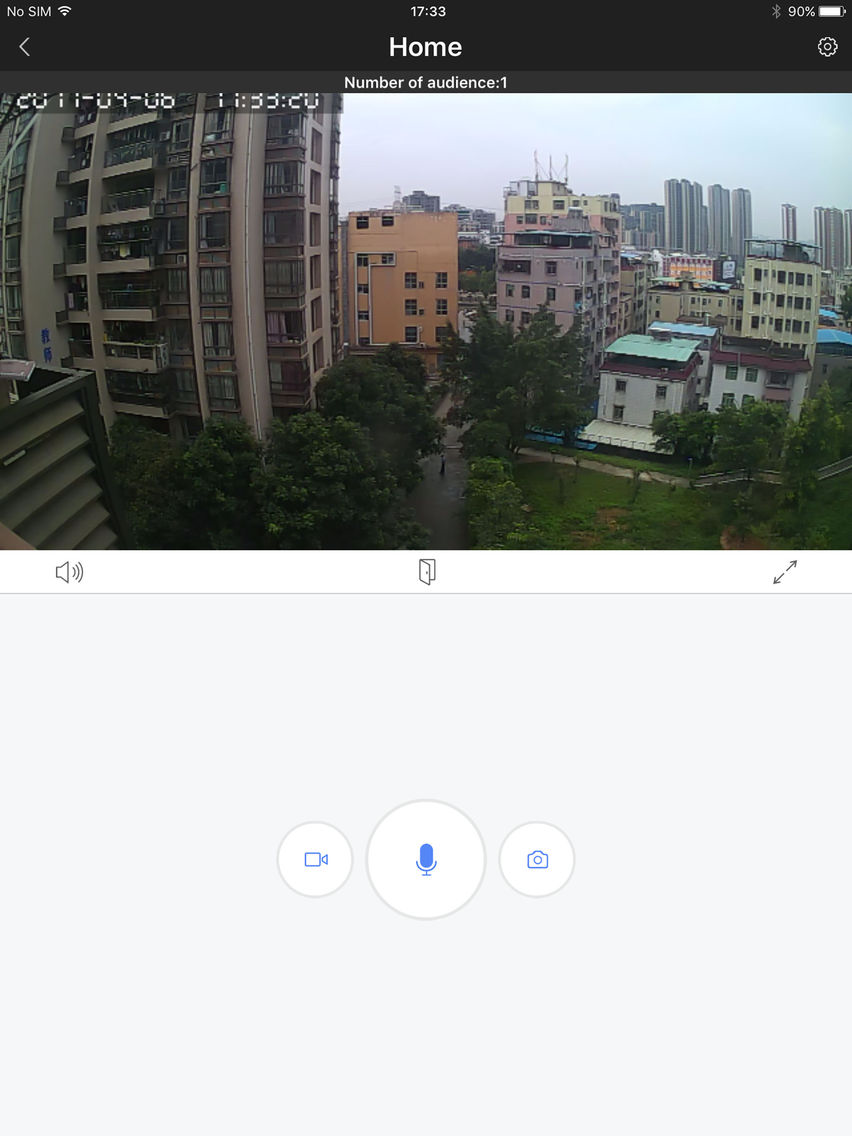
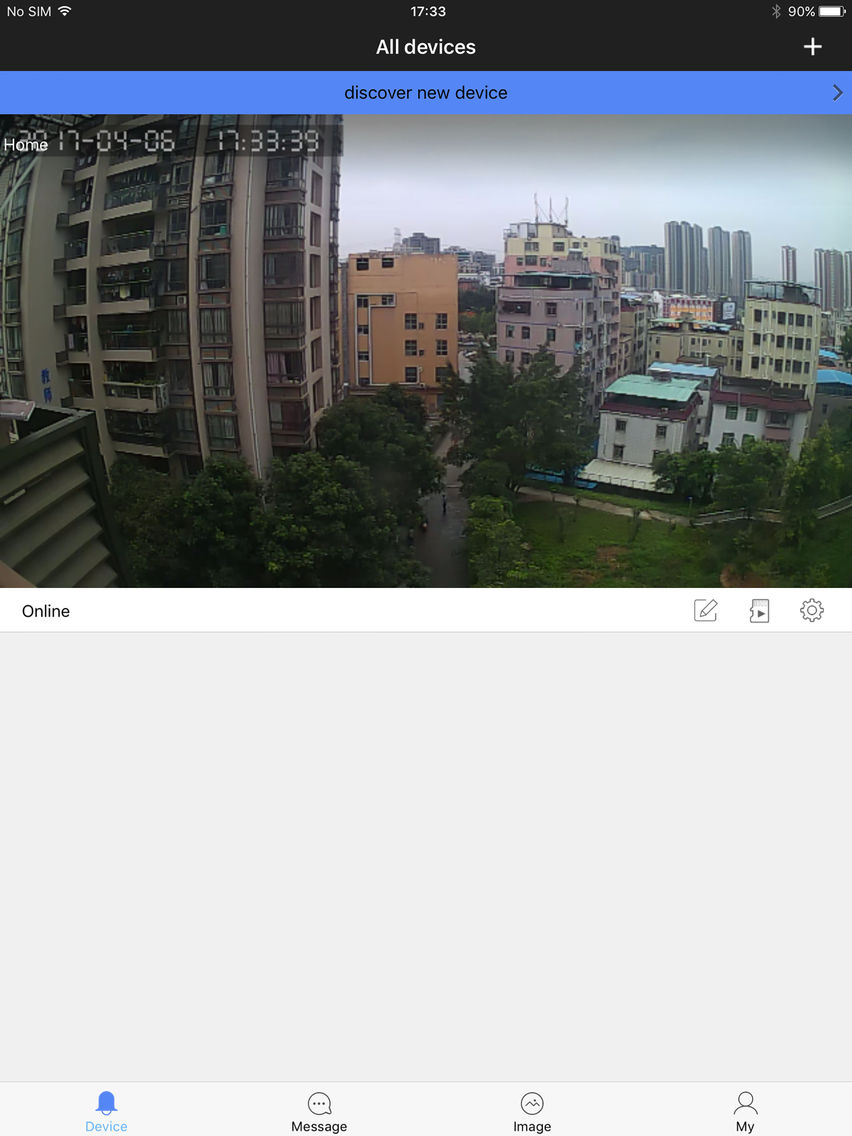
The smart doorbell can be connected via WiFi or cat5e LAN Cable.
When the visitor presses the button on the doorbell, your smart device interacts
with the doorbell:
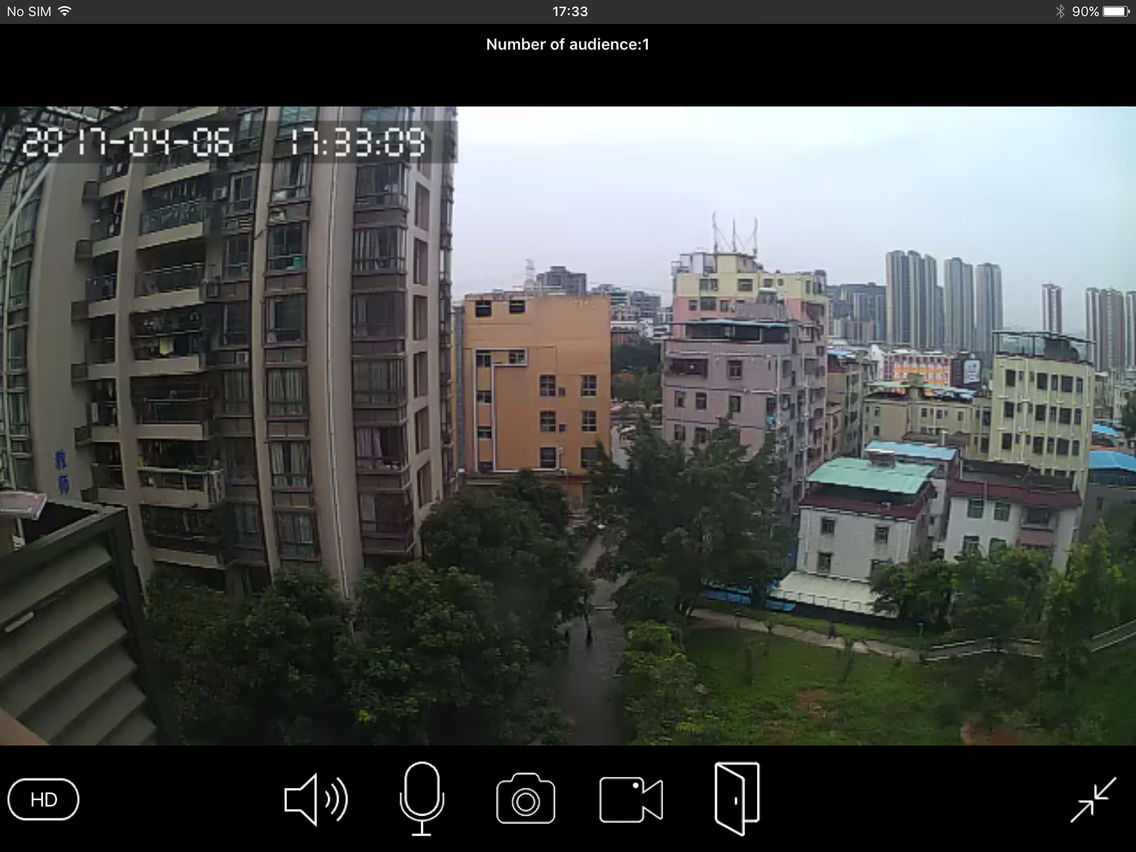
o via real time video and full duplex talk
o take photo screenshots that save directly to your smart device and
record videos that save directly to MicroSD card of doorbell
o activates your indoor chime with preset melodies and volume control
Further features include unlocking and locking of gate or door via smart device
whilst on a call, as well as RFID card access for 5 users.

When the visitor presses the button on the doorbell, your smart device interacts
with the doorbell:
o via real time video and full duplex talk
o take photo screenshots that save directly to your smart device and
record videos that save directly to MicroSD card of doorbell
o activates your indoor chime with preset melodies and volume control
Further features include unlocking and locking of gate or door via smart device
whilst on a call, as well as RFID card access for 5 users.
Show More
What's New in the Latest Version 1.0
Last updated on Jul 28, 2017
Version History
1.0
Jul 28, 2017
eCloud Bell FAQ
Click here to learn how to download eCloud Bell in restricted country or region.
Check the following list to see the minimum requirements of eCloud Bell.
iPhone
iPad
eCloud Bell supports Chinese, English, French, German, Italian, Japanese, Korean, Polish, Portuguese, Russian, Spanish, Thai, Vietnamese