Age Rating
4+
Apps in this category do not contain restricted content.
9+
Apps in this category may contain mild or occasional cartoon, fantasy or real-life violence, as well as occasional or mild adult, sexually suggestive or horrifying content and may not be suitable for children under 9 years of age.
12+
Apps in this category may contain occasional mild indecent language, frequent or intense cartoon or real-life violence, minor or occasional adult or sexually suggestive material, and simulated gambling, and may be for children under 12 years of age.
17+
You must be at least 17 years old to access this App.
Apps in this category may contain frequent and intense offensive language; Frequent and intense cartoon, fantasy or realistic violence: frequent and intense adult, scary and sexually suggestive subjects: as well as sexual content, nudity, tobacco, alcohol and drugs, may not be suitable for children under 17 years of age.
LOGR Screenshots
LOGR posterLOGR posterLOGR poster
LOGR posterLOGR posterLOGR posterLOGR poster

About LOGR

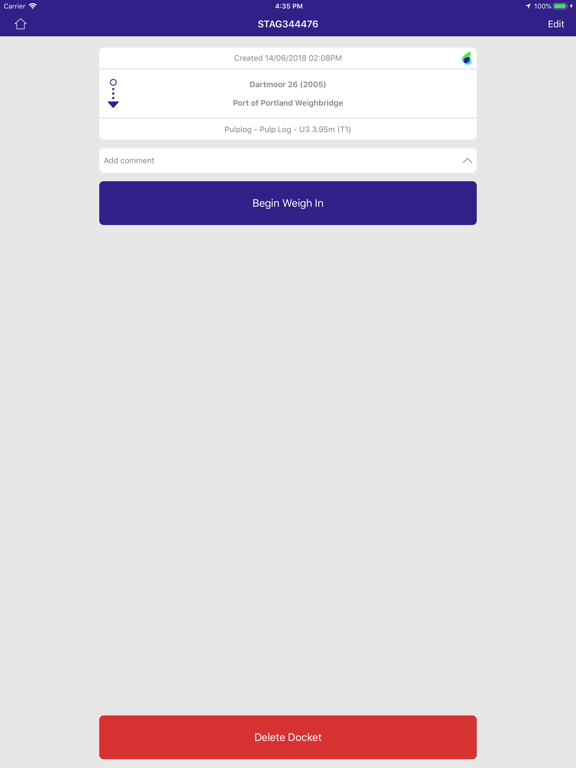
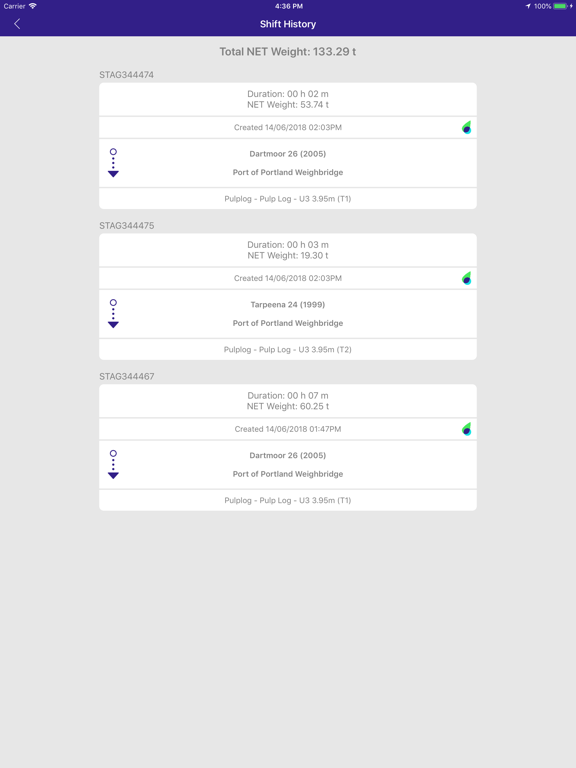
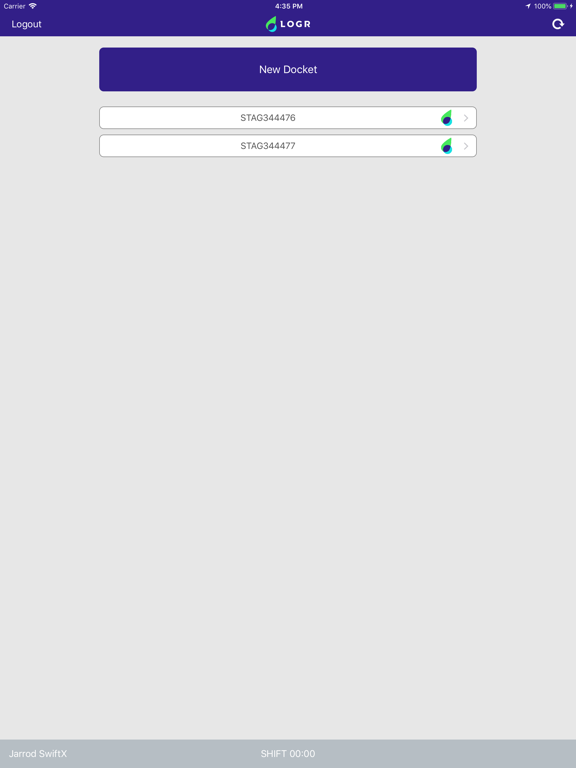
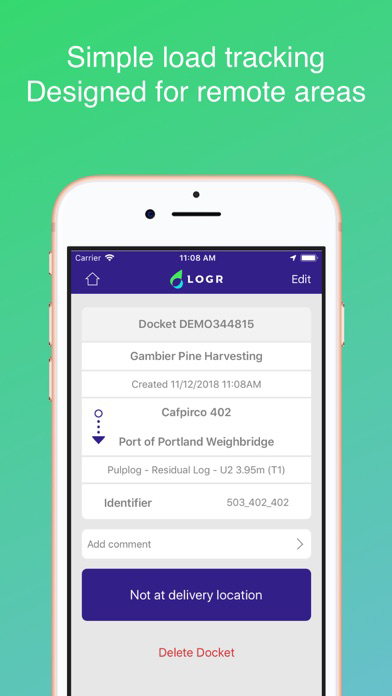
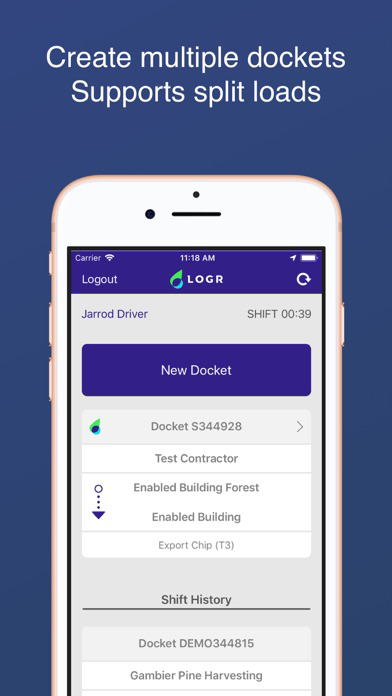
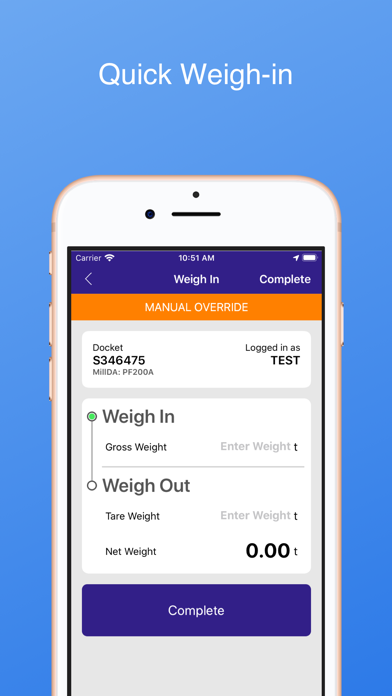
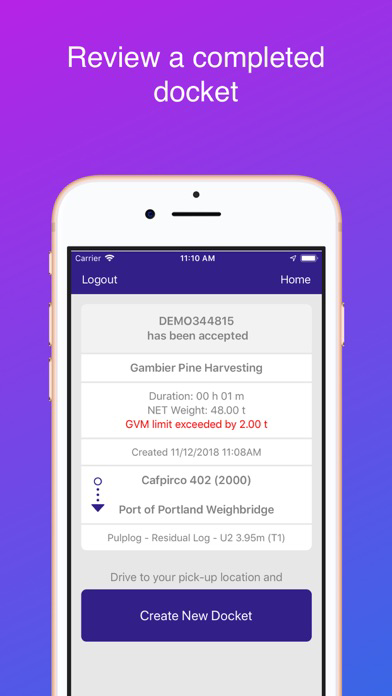
The LOGR driver app enabled drivers to quickly and easily create and forestry dockets.

Predefined valid contracts along with the driver's location define what options can be selected to reduce errors and speed up creation.

The LOGR driver app will work without internet access, provided that the device has access at some point on the journey between the forest and delivery location.

Want the buttons and text to be larger? Go to Settings -> General -> Accessibility -> Larger Text to fully control the size of the LOGR interface.

The LOGR driver app tracks the location of the device only whilst the driver is logged in. The location is used to help with the rapid creation of dockets, reduce input errors, and provide insight into deliveries.

The LOGR driver app can use Bluetooth at sites using the Air Weigh system. This allows hands-free transfer of docket data and weights without the need for the internet.

Show More

What's New in the Latest Version 3.0.4

Last updated on Apr 16, 2026
Old Versions
Fix: Addresses Driver Prompts not consistently appearing on the Docket Summary screen

If you experience issues when updating, please try deleting and reinstalling the LOGR app.
Show More
Version History
3.0.4
Apr 16, 2026
Fix: Addresses Driver Prompts not consistently appearing on the Docket Summary screen

If you experience issues when updating, please try deleting and reinstalling the LOGR app.

LOGR FAQ

Click here to learn how to download LOGR in restricted country or region.
Check the following list to see the minimum requirements of LOGR.
iPhone
iPad

LOGR Alternative

You May Also Like

Get more from Enabled Solutions Pty Ltd