Syncplicity
Free
iOS App Version 4.14.0for iPhone, iPad
Age Rating
Syncplicity Screenshots
About Syncplicity
Syncplicity is an intuitive, enterprise grade, solution that provides secure access to all files on all your devices, online or offline, with no hassles. By combining our highly secure solution with a rich mobile, web and desktop experience, you get to collaborate inside and outside your organization easily. All while giving IT professionals the security, manageability, and control they need.
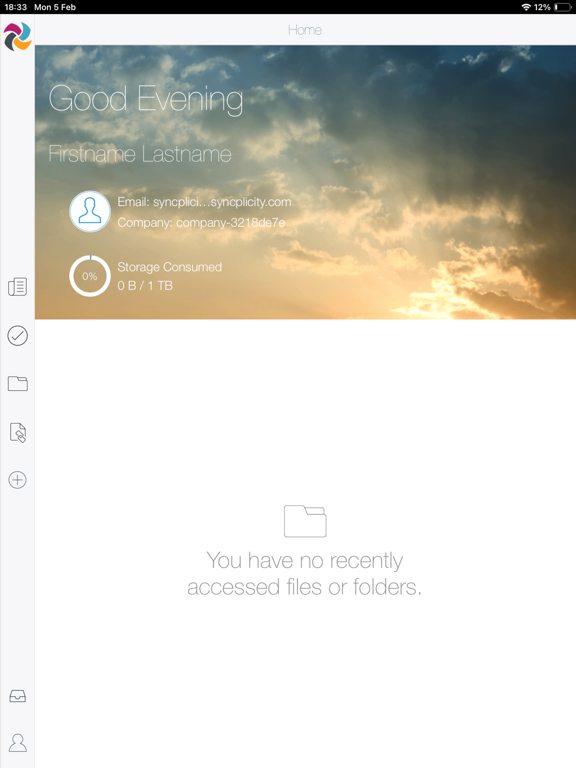
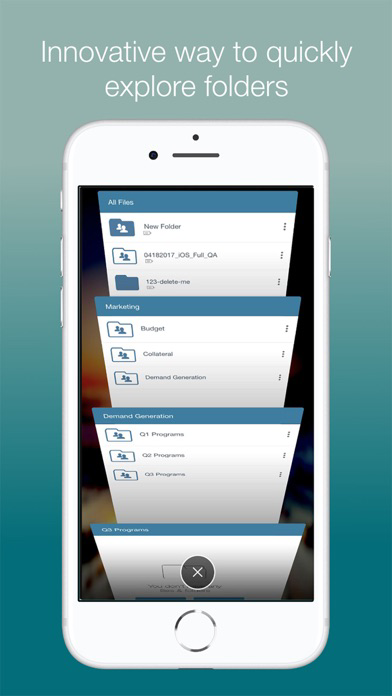
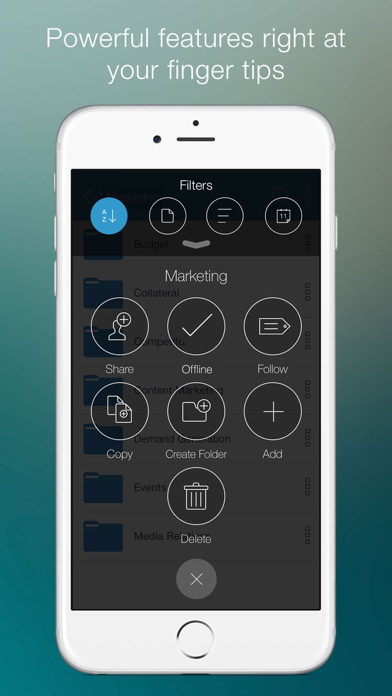
• Access all your files in any of your folders on any device with no extra steps
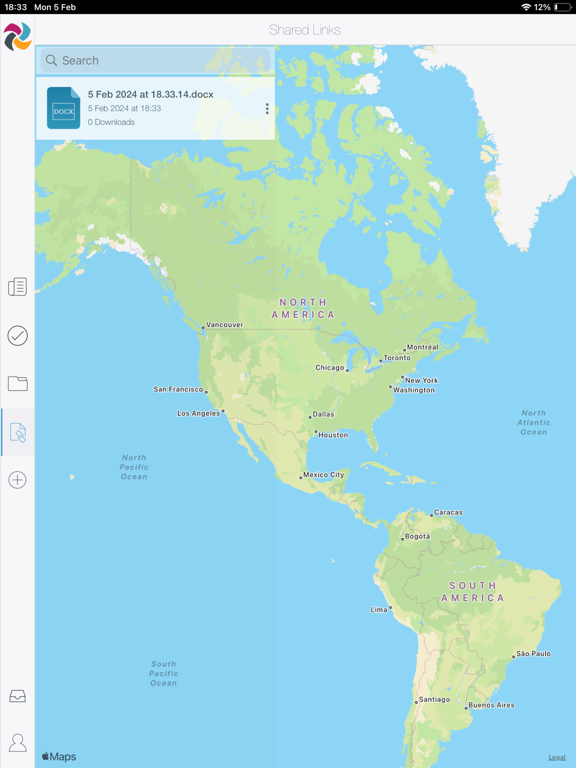
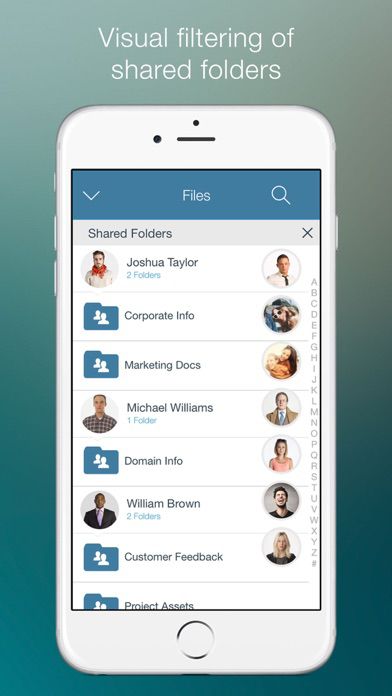
• Securely share files and folders, inside and outside the organization
• Synchronize file changes across all devices in real time so documents are always protected and available on across all platforms and devices
• Access your SharePoint sites from your mobile device
With Syncplicity for iPad and iPhone you are never more than a tap away from important files. Key features include:
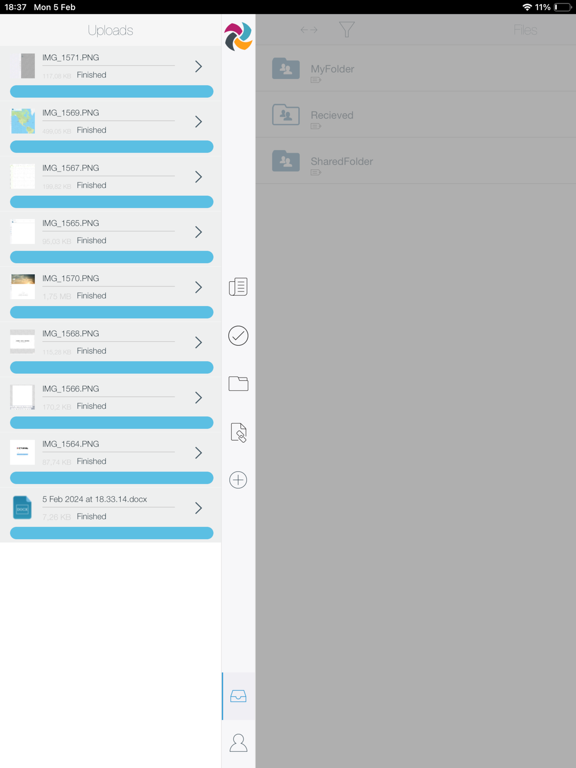
• Upload photos, videos, documents, or any other files directly from your device to any Syncplicity folder
• Share files (all editions) with optional password protection, and restrict recipients using secure shared links (Business and Enterprise Editions only)
• Mark folders and files as Offline to gain offline access via the industry’s only mobile push synchronization
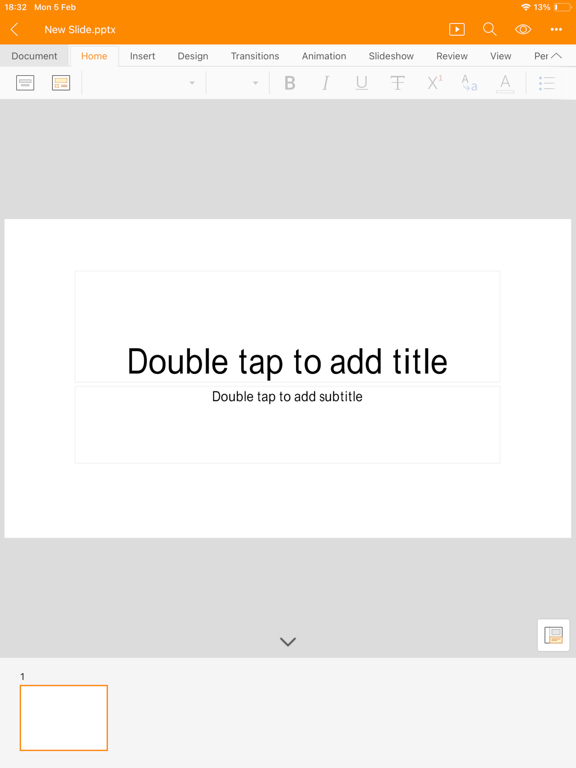
• Natively create, edit, and annotate Microsoft Office files and synchronize them to all your devices
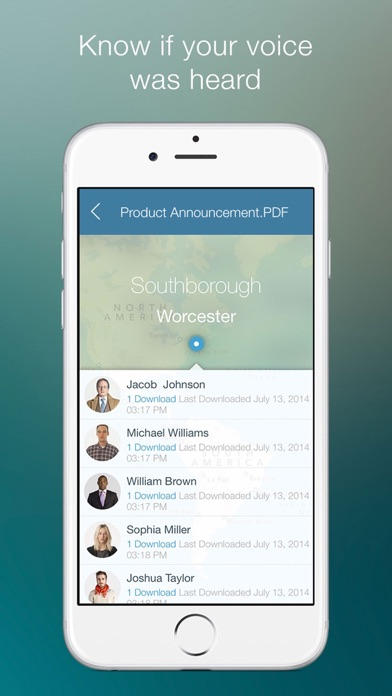
• Stay up-to-date with rich activity feeds for all private and shared folders
• Eliminate mundane tasks and get reminders with Syncplicity Insights
• Go back in time with full access to every file's previous versions
• Best of all, there are no file size limits
• Secure workflows by integrating with AirWatch, Microsoft Intune and MobileIron mobile device management
Terms of Service: https://www.syncplicity.com/terms-and-conditions/
Privacy Policy: https://www.syncplicity.com/privacy-policy/

• Access all your files in any of your folders on any device with no extra steps
• Securely share files and folders, inside and outside the organization
• Synchronize file changes across all devices in real time so documents are always protected and available on across all platforms and devices
• Access your SharePoint sites from your mobile device
With Syncplicity for iPad and iPhone you are never more than a tap away from important files. Key features include:
• Upload photos, videos, documents, or any other files directly from your device to any Syncplicity folder
• Share files (all editions) with optional password protection, and restrict recipients using secure shared links (Business and Enterprise Editions only)
• Mark folders and files as Offline to gain offline access via the industry’s only mobile push synchronization
• Natively create, edit, and annotate Microsoft Office files and synchronize them to all your devices
• Stay up-to-date with rich activity feeds for all private and shared folders
• Eliminate mundane tasks and get reminders with Syncplicity Insights
• Go back in time with full access to every file's previous versions
• Best of all, there are no file size limits
• Secure workflows by integrating with AirWatch, Microsoft Intune and MobileIron mobile device management
Terms of Service: https://www.syncplicity.com/terms-and-conditions/
Privacy Policy: https://www.syncplicity.com/privacy-policy/
Show More
What's New in the Latest Version iOS App Version 4.14.0
Last updated on Dec 19, 2025
Old Versions
Office files support for iOS 26.
Show More
Version History
iOS App Version 4.14.0
Dec 19, 2025
Office files support for iOS 26.
Syncplicity FAQ
Click here to learn how to download Syncplicity in restricted country or region.
Check the following list to see the minimum requirements of Syncplicity.
iPhone
iPad