Age Rating
Bit Map スクリーンショット
About Bit Map
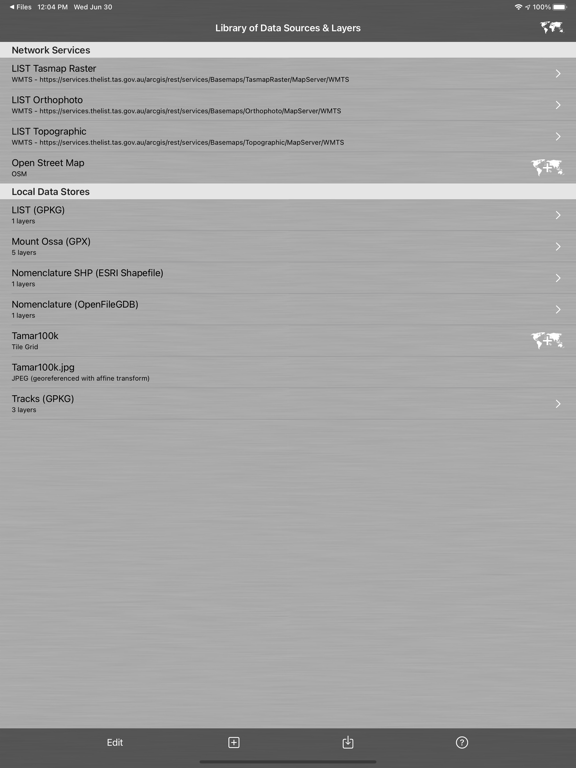
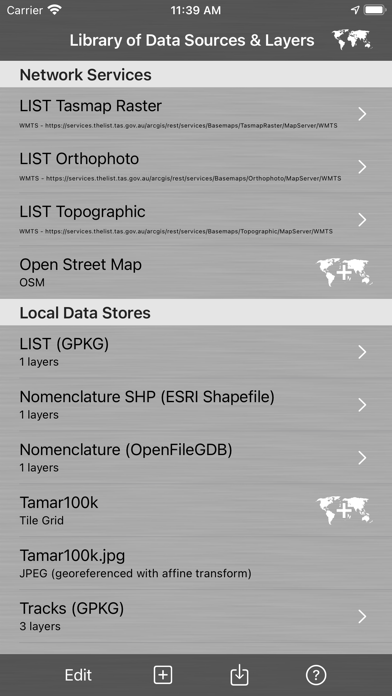
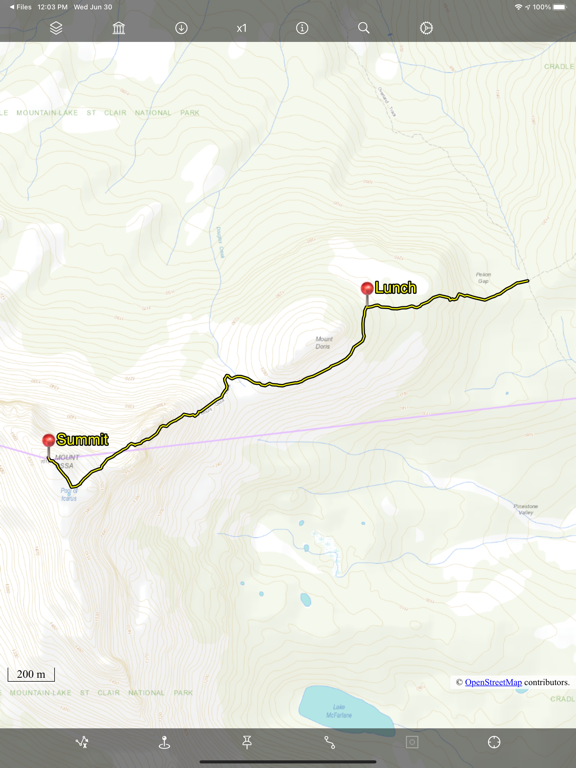
Bit Map provides mapping and navigation with offline maps (inc. JPEG, TIFF, PNG), online vector or raster map services (inc. WFS, WMTS, TMS, XYZ, OSM-compatible services), and offline vector layers (inc. GeoPackage, Shapefile, File Geodatabase, GPX, KML).
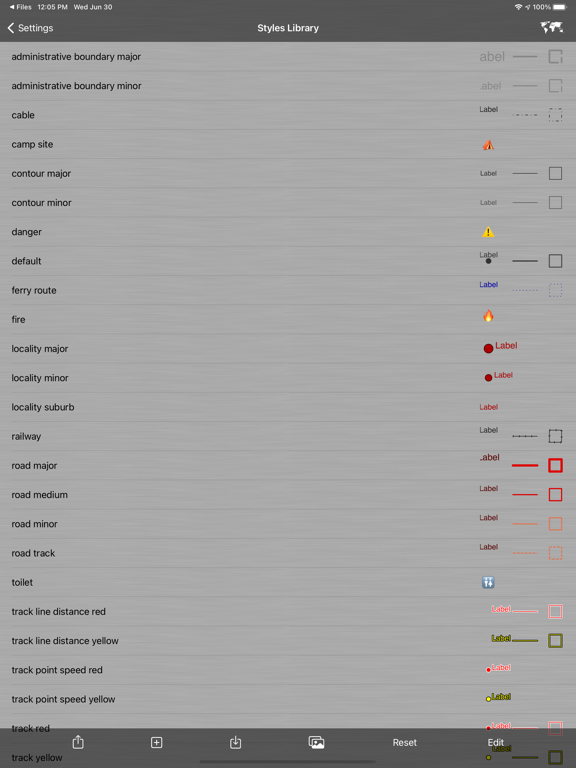
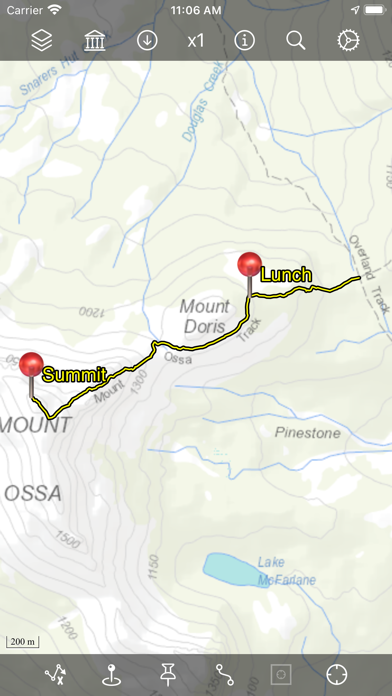
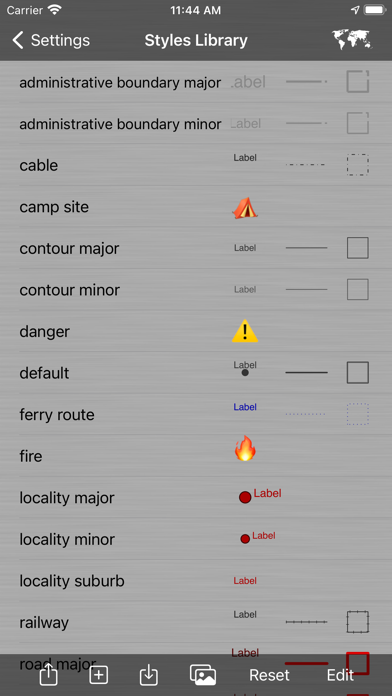
Record locations as tracks and waypoints. Create and update custom layers and attributes. Style (symbology) of vector layers is highly customisable.
Bit Map was the first iOS app to provide navigation with arbitrary user-supplied maps in 2009.
Map image files need not be georeferenced before importing, as Bit Map includes 4 methods to georeference map images within the app.
Bit Map can even publish your map layers to a Web Map and automatically keep them in sync with the web map!
Bit Map is built on a true GIS foundation and can manage data in hundreds of different coordinate systems, projections and geographic datums. Layers with different projections can be displayed simultaneously in the same map.
Disclaimer:
Do not use Bit Map while operating a motor vehicle, other vehicle, machinery or in any potentially dangerous situation. Do not rely on Bit Map, or on the accuracy of data presented by Bit Map, for any purpose in which inaccuracies or any app behaviour could cause danger, loss, damage or problems of any kind to the user or to any third party.
Users are responsible for abiding by the copyright and license terms of any data, maps and services that they import, configure or use in Bit Map.
Some features are not available in the 'Lite' version (see web site for details).

Record locations as tracks and waypoints. Create and update custom layers and attributes. Style (symbology) of vector layers is highly customisable.
Bit Map was the first iOS app to provide navigation with arbitrary user-supplied maps in 2009.
Map image files need not be georeferenced before importing, as Bit Map includes 4 methods to georeference map images within the app.
Bit Map can even publish your map layers to a Web Map and automatically keep them in sync with the web map!
Bit Map is built on a true GIS foundation and can manage data in hundreds of different coordinate systems, projections and geographic datums. Layers with different projections can be displayed simultaneously in the same map.
Disclaimer:
Do not use Bit Map while operating a motor vehicle, other vehicle, machinery or in any potentially dangerous situation. Do not rely on Bit Map, or on the accuracy of data presented by Bit Map, for any purpose in which inaccuracies or any app behaviour could cause danger, loss, damage or problems of any kind to the user or to any third party.
Users are responsible for abiding by the copyright and license terms of any data, maps and services that they import, configure or use in Bit Map.
Some features are not available in the 'Lite' version (see web site for details).
Show More
最新バージョン 10.1.1 の更新情報
Last updated on 2026年04月11日
旧バージョン
* Georeferencing control point dialogue provides clearer guidance for entering longitude/latitude values (when a geographic coordinate system is being used).
* Changed toolbars to new iOS standard look and behaviour
Show More
Version History
10.1.1
2026年04月11日
* Georeferencing control point dialogue provides clearer guidance for entering longitude/latitude values (when a geographic coordinate system is being used).
* Changed toolbars to new iOS standard look and behaviour
Bit Map 価格
今日:
¥600
最低価格:
無料
最高価格:
¥600
Bit Map FAQ
ここをクリック!地理的に制限されているアプリのダウンロード方法をご参考ください。
次のリストをチェックして、Bit Mapの最低システム要件をご確認ください。
iPhone
iPad