BITSAT Prep
無料
1.1for iPhone, iPad and more
Age Rating
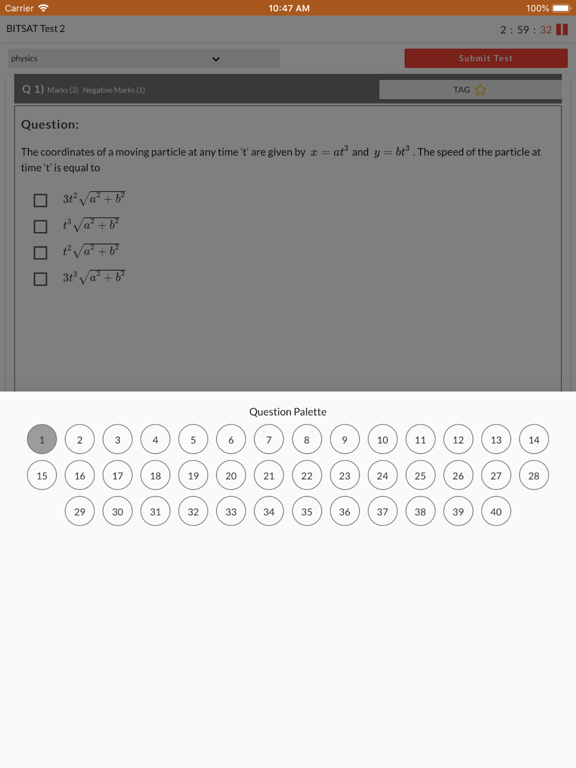
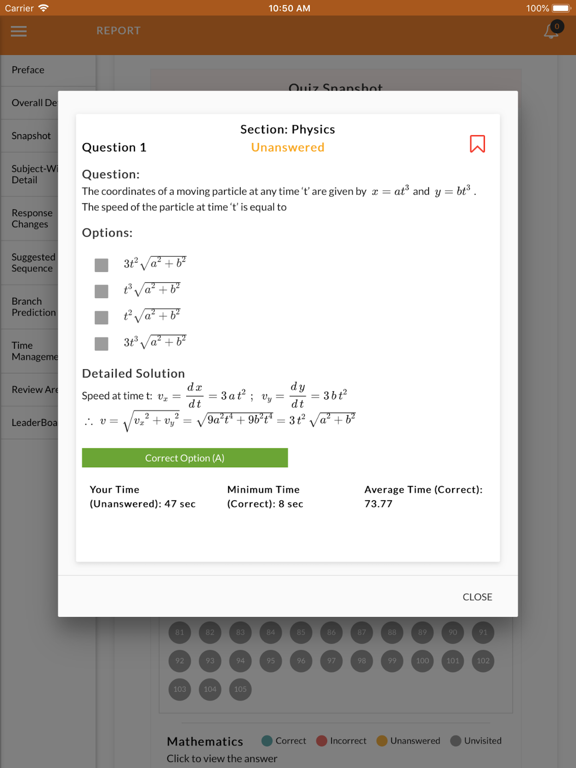
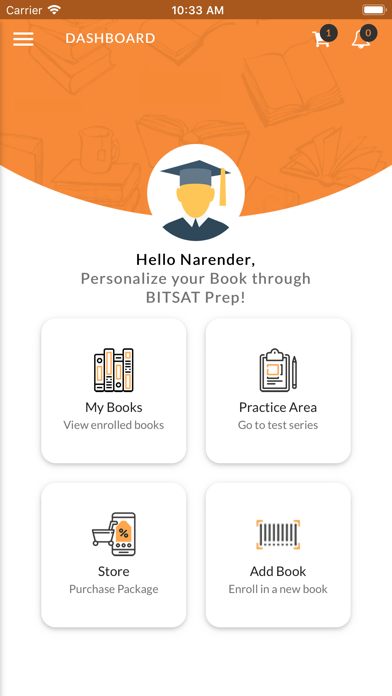
BITSAT Prep スクリーンショット
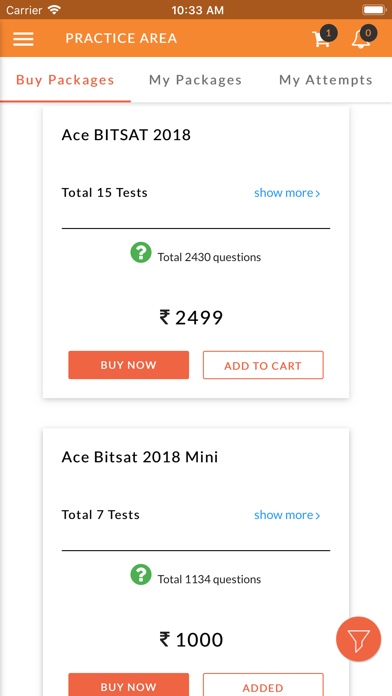
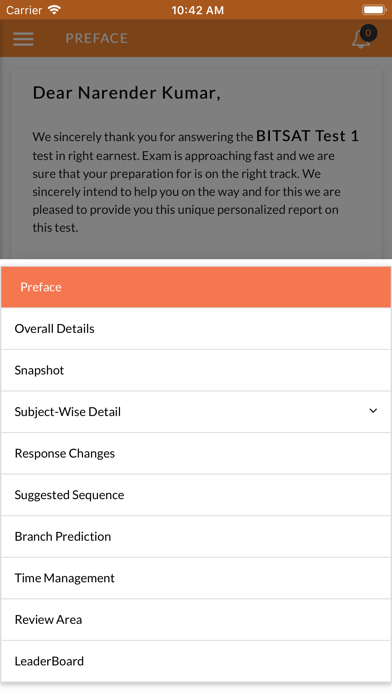
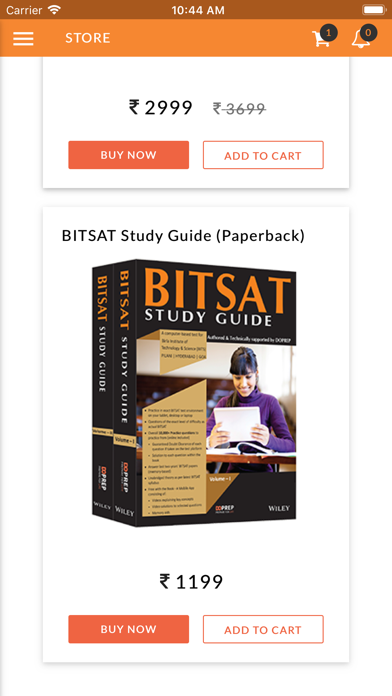
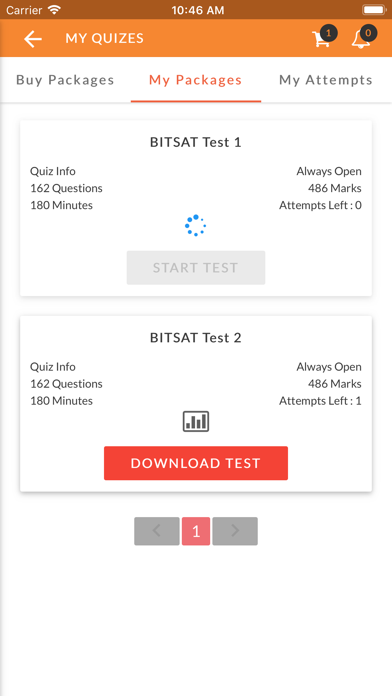
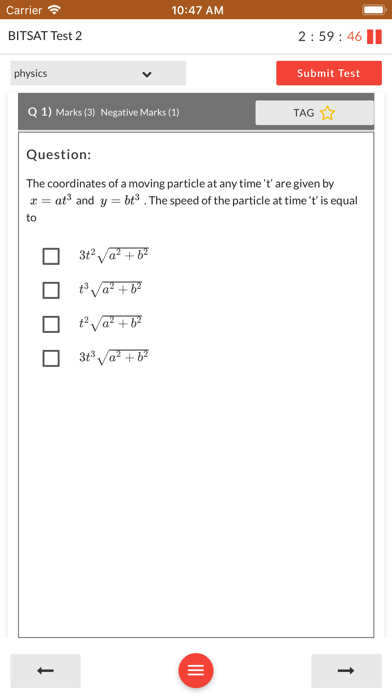
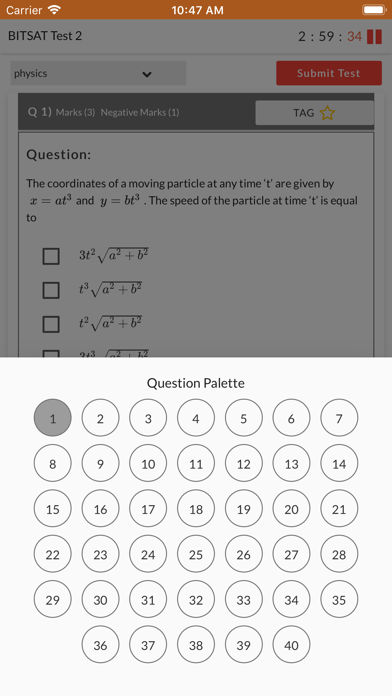
About BITSAT Prep
Getting Started :
1. Download and install our BITSAT Prep App.
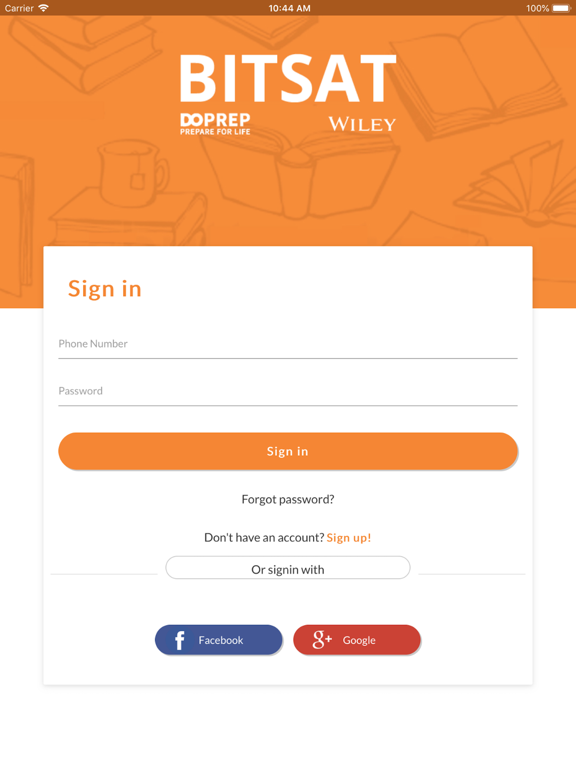
2. Create an account with valid E-mail and Phone number.
Enrolling in Book :
3. Launch BITSAT Prep App on your phone.
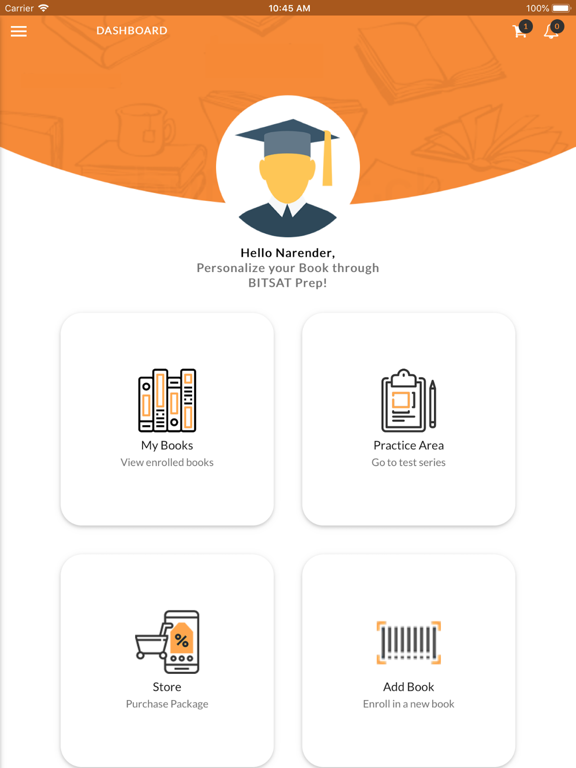
4. Navigate to the Book section from the left navigation menu on the app.
5. Tap on the Add icon.
6. Scratch the card present on top of this page of Book to reveal an Access Code unique to your book. (Don't share this Access Code with anyone else otherwise you will not be able to use the free online content of this book.)
7. Enter Access Code from Book to get yourself enrolled in Book and access the content of the book anytime anywhere.
8. After successfully enrolling in Book, you will be taken to a screen with a welcome message.

1. Download and install our BITSAT Prep App.
2. Create an account with valid E-mail and Phone number.
Enrolling in Book :
3. Launch BITSAT Prep App on your phone.
4. Navigate to the Book section from the left navigation menu on the app.
5. Tap on the Add icon.
6. Scratch the card present on top of this page of Book to reveal an Access Code unique to your book. (Don't share this Access Code with anyone else otherwise you will not be able to use the free online content of this book.)
7. Enter Access Code from Book to get yourself enrolled in Book and access the content of the book anytime anywhere.
8. After successfully enrolling in Book, you will be taken to a screen with a welcome message.
Show More
最新バージョン 1.1 の更新情報
Last updated on 2019年03月27日
旧バージョン
Bug fixes
Show More
Version History
1.1
2019年03月27日
Bug fixes
1.0
2018年07月31日
BITSAT Prep FAQ
ここをクリック!地理的に制限されているアプリのダウンロード方法をご参考ください。
次のリストをチェックして、BITSAT Prepの最低システム要件をご確認ください。
iPhone
iOS 9.0以降が必要です。
iPad
iPadOS 9.0以降が必要です。
iPod touch
iOS 9.0以降が必要です。
BITSAT Prepは次の言語がサポートされています。 英語