Camera 3D 360
Free
1.1.1for iPhone
Age Rating
Camera 3D 360 スクリーンショット
About Camera 3D 360
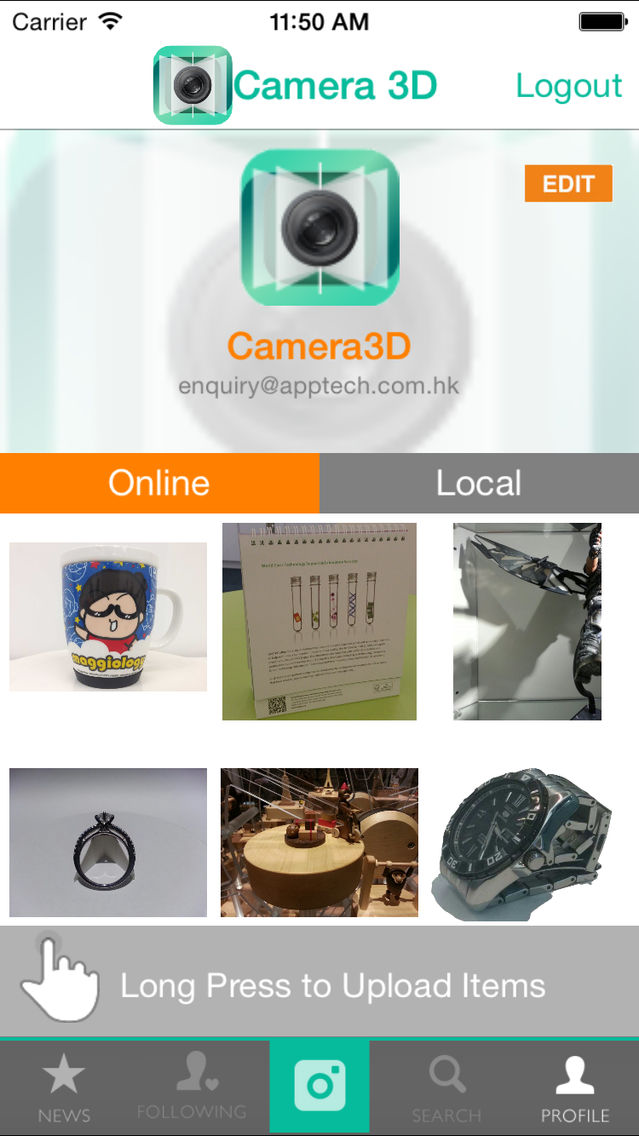
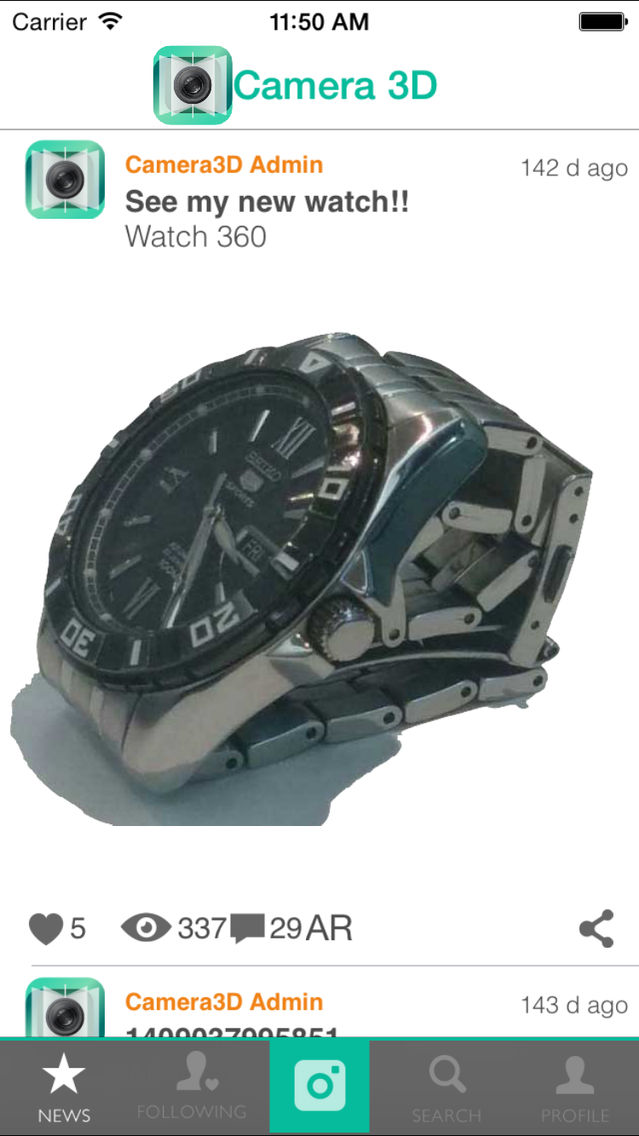
Make "3D" images on your device! Let's make 360 degree photos!
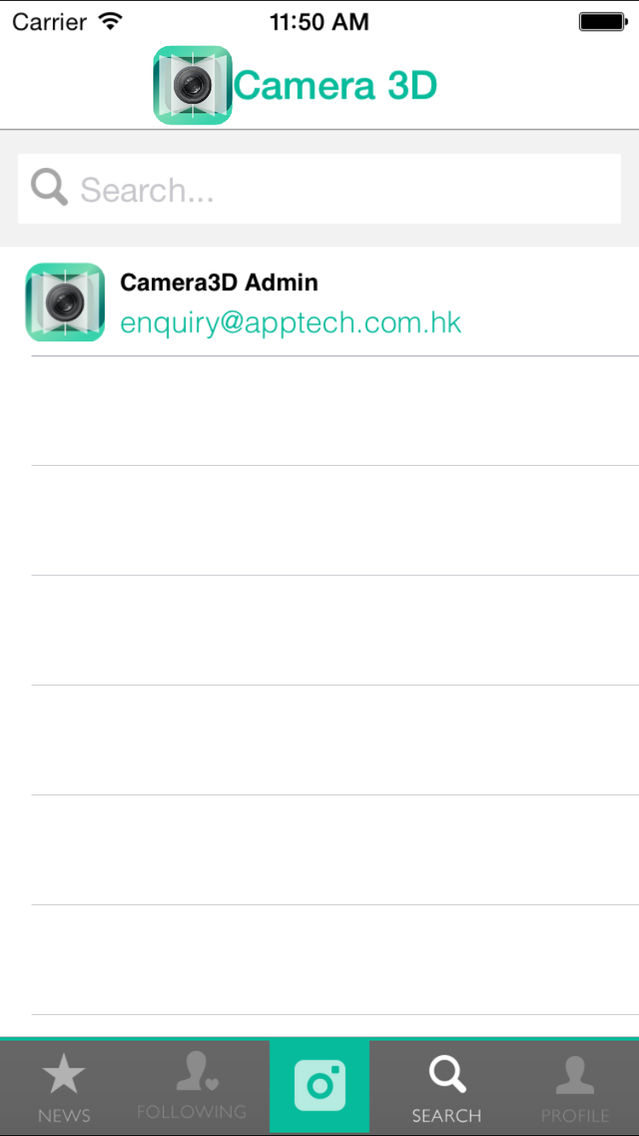
With this app, you can take up to 99 photos for one "3D" image set, the maximum number of pictures will largely depend on the memory available on your device. You can now share the "3D" images directly from "My upload" page.
Vibrating Stereo:
- Take 2 pictures, and click "Vibrating Stereo" to preview as vibrating stereo.
- Vibrate 2 images to produce 3D effect
- Slide the screen to change vibration speed.
- Export to Animated GIF
Export path : sdcard/Pictures
Multi-angle:
- Take 3 or more pictures and preview as multi-angle 3D image
- Use accelerometer/slide to control the faces of the image
Tips to take good 3D pictures:
- Always take from left to right.
- Don't move your device too far away from your last position.
- Try to match the object from the last picture's overlay.
- Slide the screen left or right to change last picture overlay's opacity.
- Try to put the object in the middle of the screen.
- Export to Animated GIF
Export path : sdcard/Camera3D
AR:
http://camera3d.apptech.com.hk/Camera3DAR.png

With this app, you can take up to 99 photos for one "3D" image set, the maximum number of pictures will largely depend on the memory available on your device. You can now share the "3D" images directly from "My upload" page.
Vibrating Stereo:
- Take 2 pictures, and click "Vibrating Stereo" to preview as vibrating stereo.
- Vibrate 2 images to produce 3D effect
- Slide the screen to change vibration speed.
- Export to Animated GIF
Export path : sdcard/Pictures
Multi-angle:
- Take 3 or more pictures and preview as multi-angle 3D image
- Use accelerometer/slide to control the faces of the image
Tips to take good 3D pictures:
- Always take from left to right.
- Don't move your device too far away from your last position.
- Try to match the object from the last picture's overlay.
- Slide the screen left or right to change last picture overlay's opacity.
- Try to put the object in the middle of the screen.
- Export to Animated GIF
Export path : sdcard/Camera3D
AR:
http://camera3d.apptech.com.hk/Camera3DAR.png
Show More
最新バージョン 1.1.1 の更新情報
Last updated on 2015年08月12日
旧バージョン
New functions
- 3D effect occurs in News page now.
Bugs fixed
- Keyboard cover login textfield.
- News feeds sequence.
- Layout problems.
- 3D effect occurs in News page now.
Bugs fixed
- Keyboard cover login textfield.
- News feeds sequence.
- Layout problems.
Show More
Version History
1.1.1
2015年08月12日
New functions
- 3D effect occurs in News page now.
Bugs fixed
- Keyboard cover login textfield.
- News feeds sequence.
- Layout problems.
- 3D effect occurs in News page now.
Bugs fixed
- Keyboard cover login textfield.
- News feeds sequence.
- Layout problems.
1.1.0
2015年04月10日
1.0.0
2015年01月26日
Camera 3D 360 FAQ
ここをクリック!地理的に制限されているアプリのダウンロード方法をご参考ください。
次のリストをチェックして、Camera 3D 360の最低システム要件をご確認ください。
iPhone
Camera 3D 360は次の言語がサポートされています。 English