Code for Gold
Kids Coding. Learn to Code.
無料
1.5.0for iPhone, iPad and more
Age Rating
Code for Gold スクリーンショット
About Code for Gold
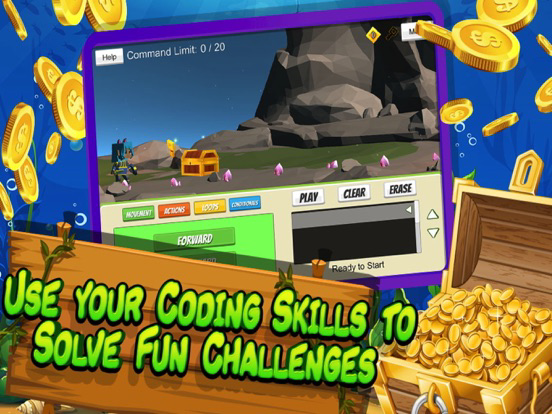
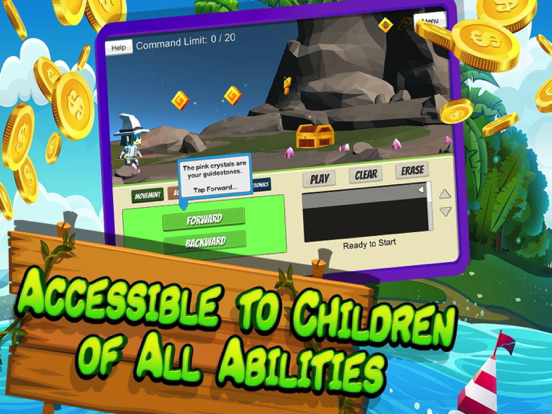
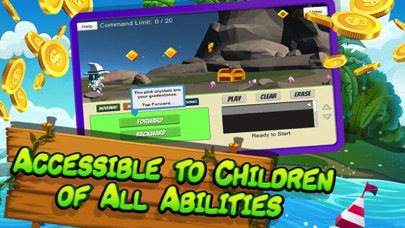
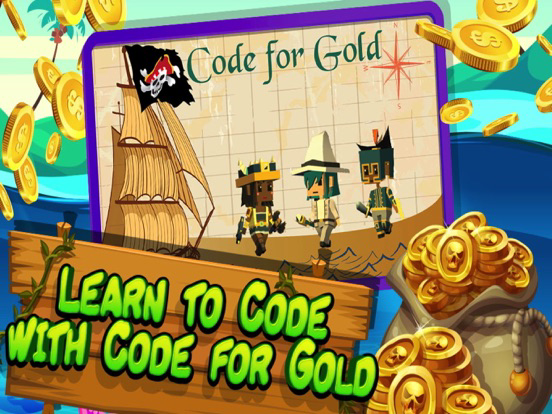
Help kids learn the basics of coding with Code for Gold! Code for Gold is another fun, interactive, educational game to help kids learn the basics of coding. With an accessible interface, kids of all ages and abilities can use commands, sequences, and loops to solve adventures and different challenges. In challenge mode, kids can select their own character and test their coding abilities one challenge at a time. This coding app is designed to expose kids to programming concept through block-based coding. Teachers can even use this app as an hour of code lesson for their classroom.
Learning to code helps kids develop problem solving skills and prepares them for the future.
Key Features of Code for Gold app
1. Learn the basics of coding with simple to complex commands, sequences, and loops.
2. Combines audio, visual, and touch inputs to enhance multi-sensory learning
3. One-touch input for help in improving hand-eye coordination and fine motor skills for children
4. Switch-accessible for children with motor limitations who use an external switch (connected through a Bluetooth switch interface such as TabAccess or Zumo)
5. There are no in-app purchases or advertisements.
With an easy-to-use interface kids interact with animated characters and using various basic programming commands they learn how sequences, variables, and even loops work. The best part is that they have fun doing it, thus it is perceived as a game rather than a traditional learning venue.
In-depth description of features:
- Coding for kids. This game teaches programming basics by exposing kids to the basics of coding with simple to complex commands, sequences and even loops. It relies on the multi-sensory learning techniques based on their input.
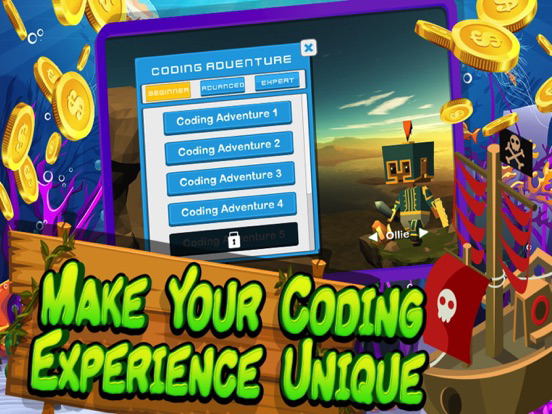
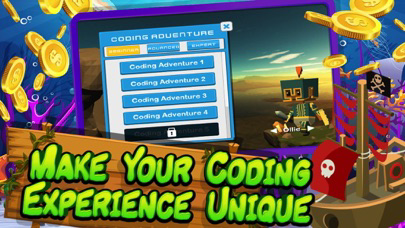
- Challenge mode. Kids can play the game in challenge mode, where kids choose their characters to solve coding challenges. Once a challenge is completed, they advance to the next.
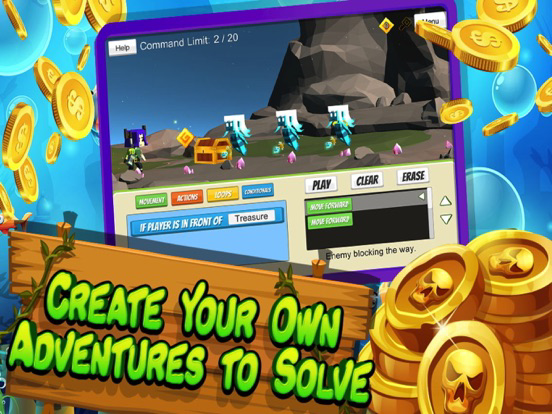
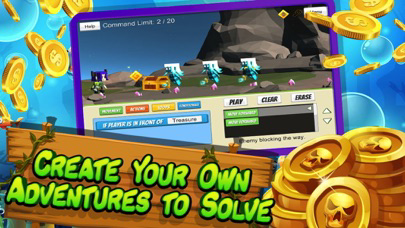
- Tutorial & Code Your Own Adventure. A quick tutorial shows first time users how to use the commands for coding. The Code Your Own Adventure mode allows constructing your own challenges for you and your friends to solve.
- Voice guidance. As this is targeted for kids, a friendly voice accompanies any task in the game. This makes it easier for kids to understand what they need to do in a friendly teaching environment.
- 3D graphics. All characters in this game are animated and feature full 3D characteristics. This makes the game appealing and acts as a animated tutor that teaches kids through gamification.
**Curriculum Coverage**
Learning to code prepares kids for the world we live in today. Learning to code helps kids develop problem solving and computational thinking skills. Kids of all abilities can learn the foundations of coding with Code for Gold.
**Contact**
Facebook: https://www.facebook.com/zyrobotics
Twitter: @Zyrobotics
Website: https://www.zyrobotics.com

Learning to code helps kids develop problem solving skills and prepares them for the future.
Key Features of Code for Gold app
1. Learn the basics of coding with simple to complex commands, sequences, and loops.
2. Combines audio, visual, and touch inputs to enhance multi-sensory learning
3. One-touch input for help in improving hand-eye coordination and fine motor skills for children
4. Switch-accessible for children with motor limitations who use an external switch (connected through a Bluetooth switch interface such as TabAccess or Zumo)
5. There are no in-app purchases or advertisements.
With an easy-to-use interface kids interact with animated characters and using various basic programming commands they learn how sequences, variables, and even loops work. The best part is that they have fun doing it, thus it is perceived as a game rather than a traditional learning venue.
In-depth description of features:
- Coding for kids. This game teaches programming basics by exposing kids to the basics of coding with simple to complex commands, sequences and even loops. It relies on the multi-sensory learning techniques based on their input.
- Challenge mode. Kids can play the game in challenge mode, where kids choose their characters to solve coding challenges. Once a challenge is completed, they advance to the next.
- Tutorial & Code Your Own Adventure. A quick tutorial shows first time users how to use the commands for coding. The Code Your Own Adventure mode allows constructing your own challenges for you and your friends to solve.
- Voice guidance. As this is targeted for kids, a friendly voice accompanies any task in the game. This makes it easier for kids to understand what they need to do in a friendly teaching environment.
- 3D graphics. All characters in this game are animated and feature full 3D characteristics. This makes the game appealing and acts as a animated tutor that teaches kids through gamification.
**Curriculum Coverage**
Learning to code prepares kids for the world we live in today. Learning to code helps kids develop problem solving and computational thinking skills. Kids of all abilities can learn the foundations of coding with Code for Gold.
**Contact**
Facebook: https://www.facebook.com/zyrobotics
Twitter: @Zyrobotics
Website: https://www.zyrobotics.com
Show More
最新バージョン 1.5.0 の更新情報
Last updated on 2020年07月01日
旧バージョン
Continued improvements to accessibility.
Show More
Version History
1.5.0
2020年07月01日
Continued improvements to accessibility.
1.4
2019年08月23日
Update for tutorial mode.
Screen resolution has been improved.
1.2
2018年10月04日
Code with Gold has even more features! Enhanced accessibility for children of all abilities. As always, thanks for all the input on improving this accessible coding app to engage kids in coding.
1.0
2018年09月21日
Code for Gold FAQ
ここをクリック!地理的に制限されているアプリのダウンロード方法をご参考ください。
次のリストをチェックして、Code for Goldの最低システム要件をご確認ください。
iPhone
iOS 10.0以降が必要です。
iPad
iPadOS 10.0以降が必要です。
iPod touch
iOS 10.0以降が必要です。
Code for Goldは次の言語がサポートされています。 英語