Age Rating
GoWorksheet PLUS スクリーンショット
About GoWorksheet PLUS
GoWorksheet PLUS takes printed classroom worksheets and tests and makes them accessible with an iPad!
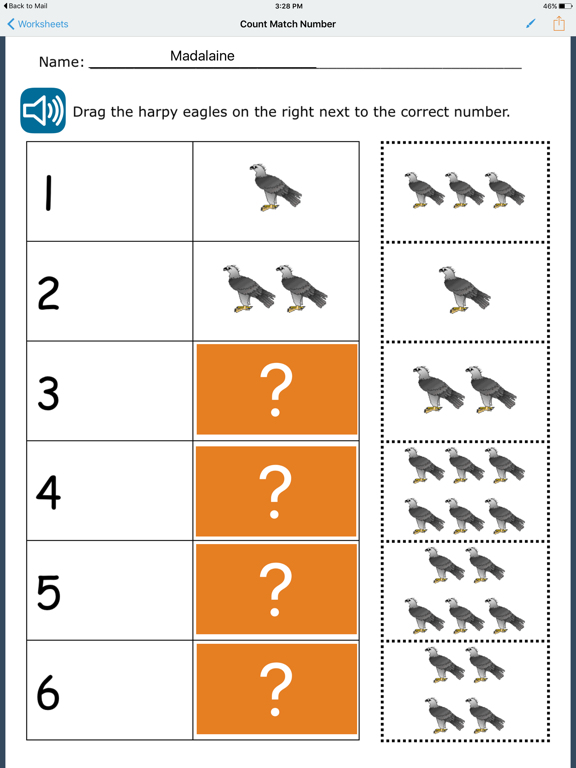
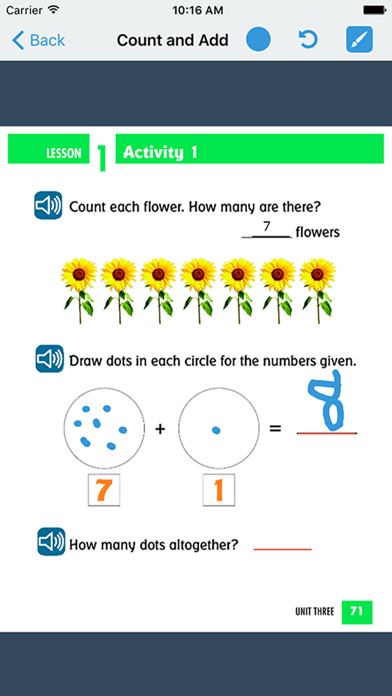
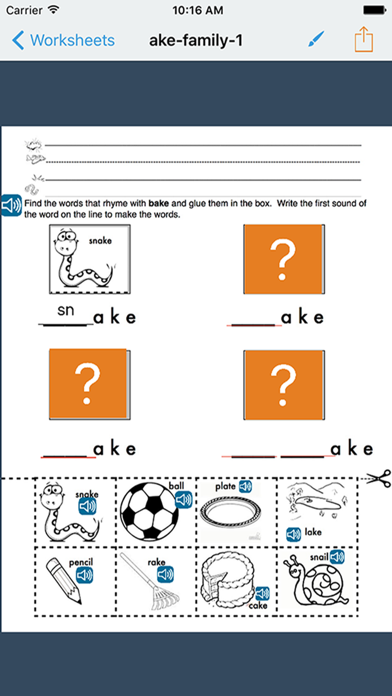
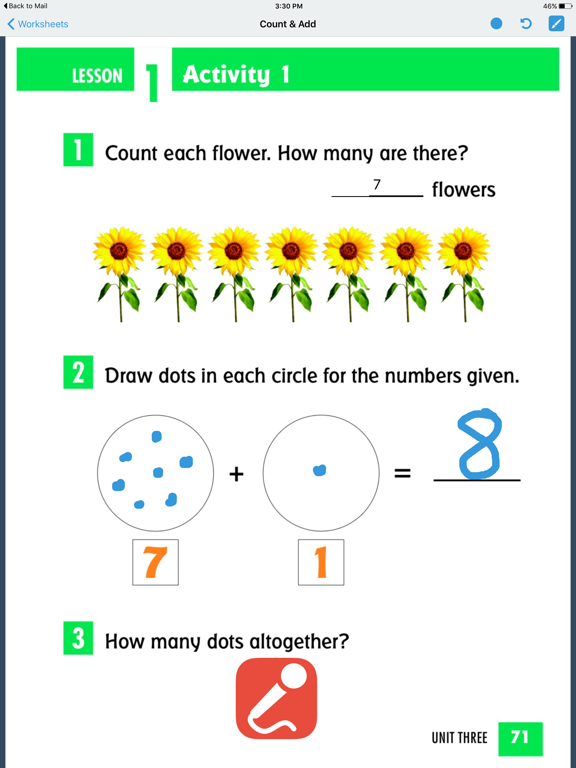
Quickly turn printed worksheets and tests into work all your students can use. Bring in an image or take a photo of the worksheet, and customize it for your student's needs. Customization includes added word banks, allowance of tapping to fill multiple choice answers, drag and drop answers, virtual manipulative for counting exercises, line matching, or audio output that includes more detailed instructions or additional prompting.
Two versions of the GoWorksheet app are available. GoWorksheet PLUS is for adding accessibility alternatives to a worksheet so all students can complete the same work. GoWorksheet is for filling out customized worksheets.
Capturing text with OCR (optical character recognition) is a useful tool for creating an enhanced worksheet. Text that is to be read aloud can either be keyed in or added with the built-in OCR that identifies text on the screen.
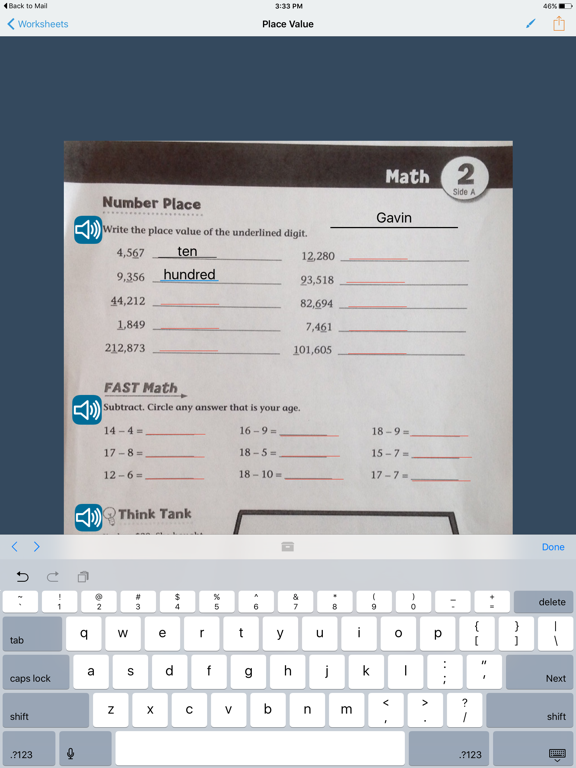
Word banks are another useful tool. For questions with short answers, the keyboard pops up when tapped. Instead of typing the answer, a student may select the answer from a teacher-created word bank. Use the AAC toolbar for quick access to messages.
Once a GoWorksheet is created, multiple ways are available for the teacher to share it with the student, and for the student to return the completed worksheet. Sharing options include AirDrop, email, any cloud storage set up on the iPad (such as Google Drive or Dropbox), print, or save to Photos.

Quickly turn printed worksheets and tests into work all your students can use. Bring in an image or take a photo of the worksheet, and customize it for your student's needs. Customization includes added word banks, allowance of tapping to fill multiple choice answers, drag and drop answers, virtual manipulative for counting exercises, line matching, or audio output that includes more detailed instructions or additional prompting.
Two versions of the GoWorksheet app are available. GoWorksheet PLUS is for adding accessibility alternatives to a worksheet so all students can complete the same work. GoWorksheet is for filling out customized worksheets.
Capturing text with OCR (optical character recognition) is a useful tool for creating an enhanced worksheet. Text that is to be read aloud can either be keyed in or added with the built-in OCR that identifies text on the screen.
Word banks are another useful tool. For questions with short answers, the keyboard pops up when tapped. Instead of typing the answer, a student may select the answer from a teacher-created word bank. Use the AAC toolbar for quick access to messages.
Once a GoWorksheet is created, multiple ways are available for the teacher to share it with the student, and for the student to return the completed worksheet. Sharing options include AirDrop, email, any cloud storage set up on the iPad (such as Google Drive or Dropbox), print, or save to Photos.
Show More
最新バージョン 5.1.2 の更新情報
Last updated on 2024年02月15日
旧バージョン
• Added the option to change the color of Drag & Drop question blocks, just tap & hold on the question block in the Editor, select Edit, and then choose a color
• Bug fixes & improvements
Show More
Version History
5.1.2
2024年02月15日
• Added the option to change the color of Drag & Drop question blocks, just tap & hold on the question block in the Editor, select Edit, and then choose a color
• Bug fixes & improvements
GoWorksheet PLUS 価格
今日:
¥8,000
最低価格:
¥7,000
最高価格:
¥8,000
GoWorksheet PLUS FAQ
ここをクリック!地理的に制限されているアプリのダウンロード方法をご参考ください。
次のリストをチェックして、GoWorksheet PLUSの最低システム要件をご確認ください。
iPhone
iPad
関連動画
Latest introduction video of GoWorksheet PLUS on iPhone