marcus+
Free
4.3.0for iPhone, iPad
Age Rating
marcus+ スクリーンショット
About marcus+
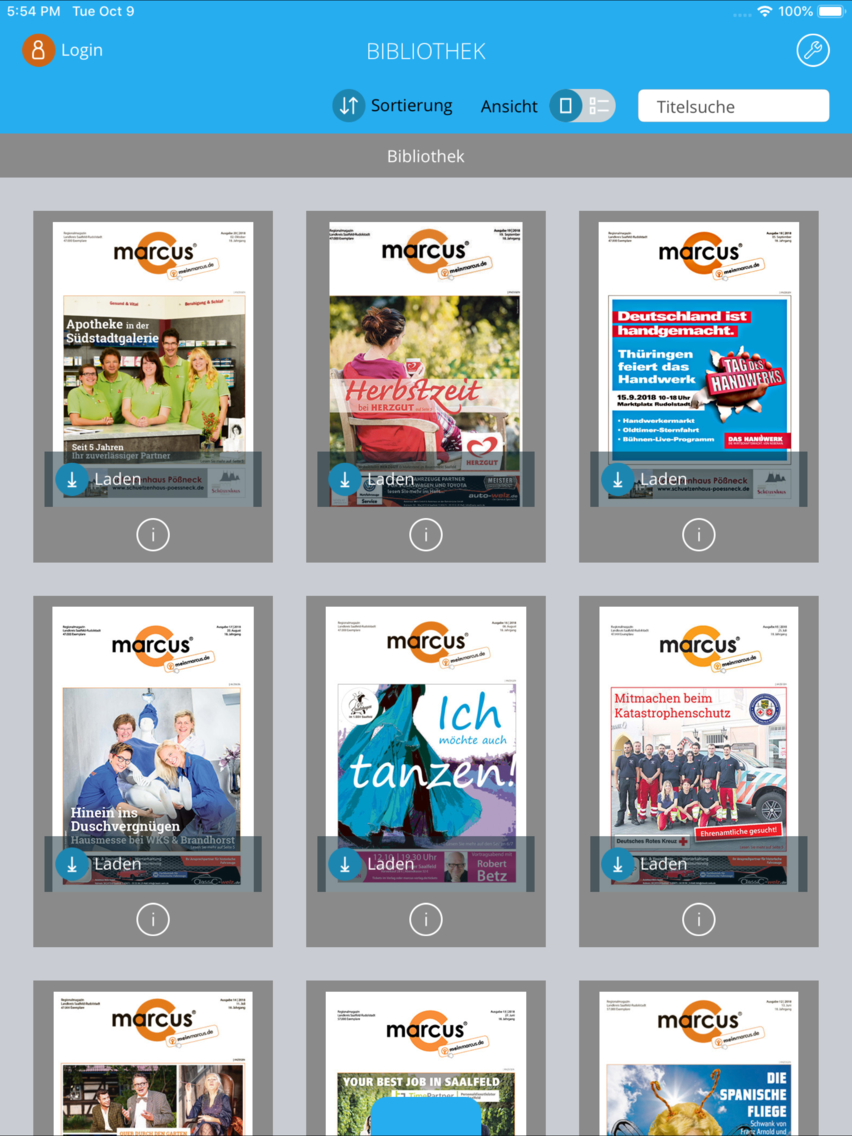
This is your application for specialized publications with added value.
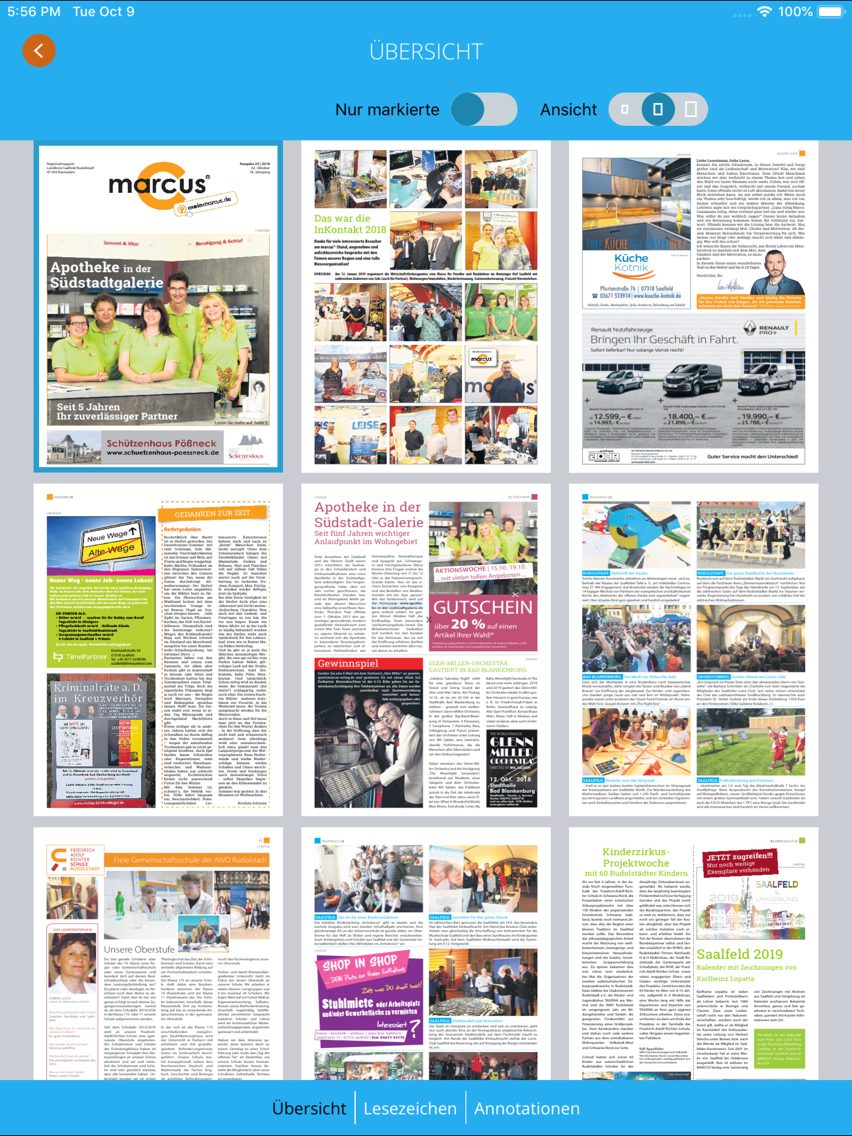
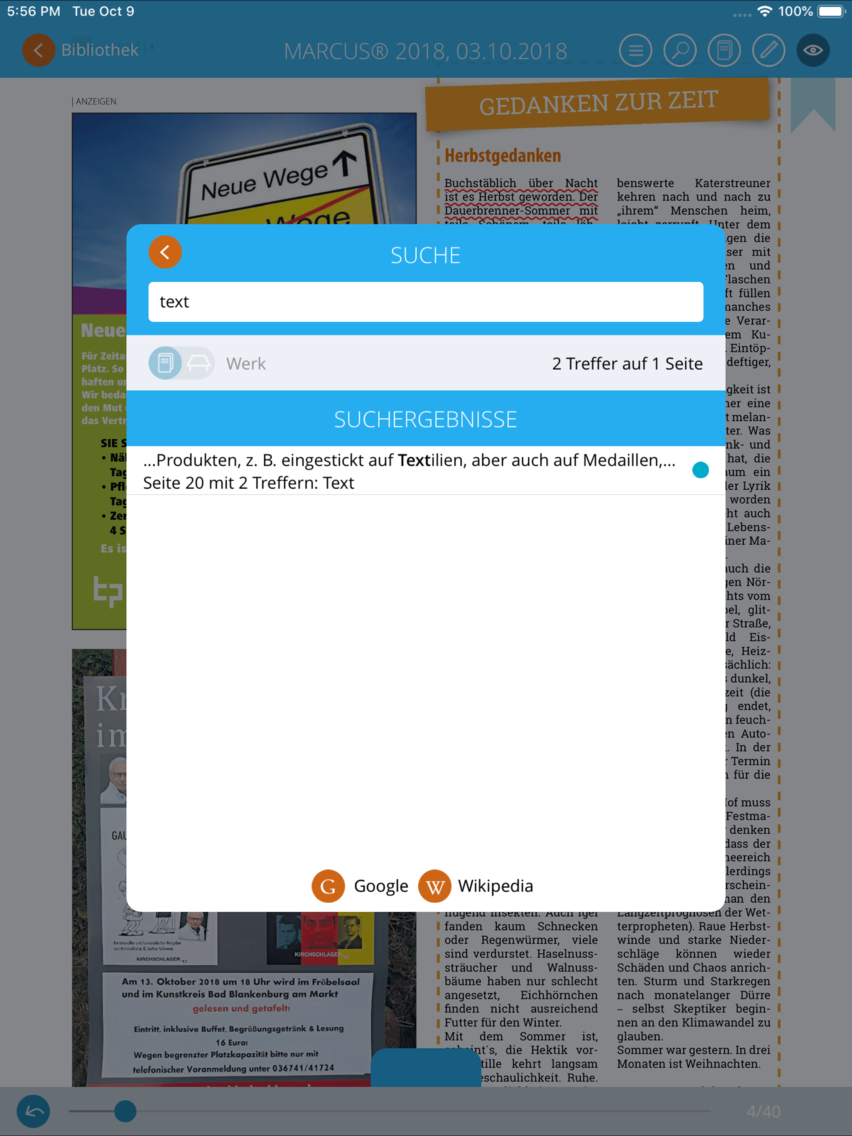
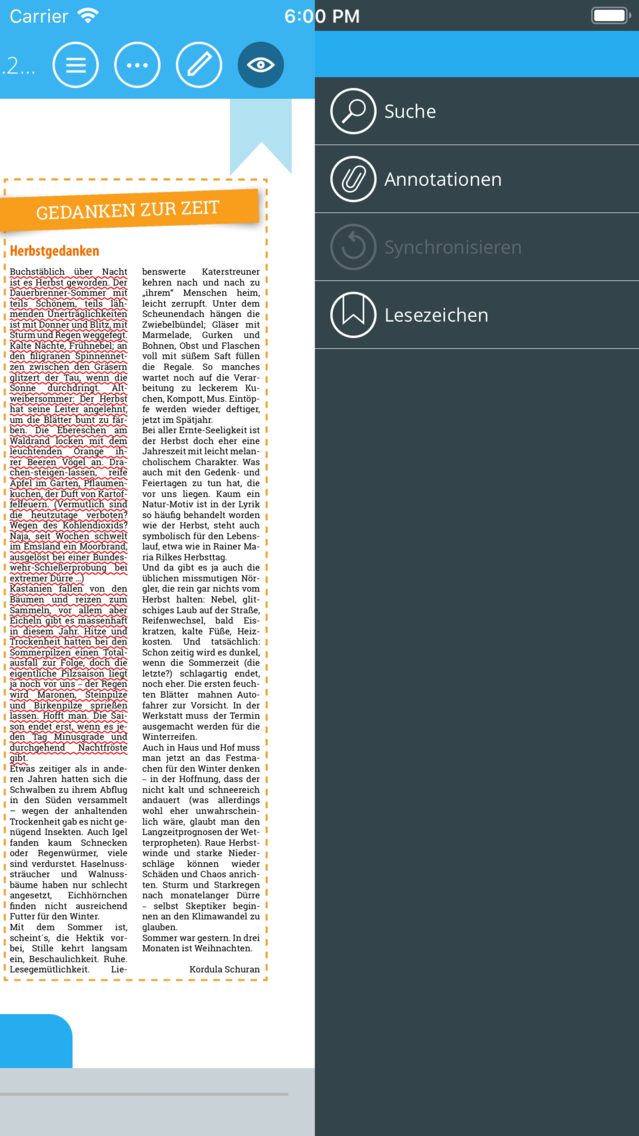
Get easily accustomed to the electronic table of contents and the fast and intelligent search in all publications. The work desk function helps you search within an entire publication.
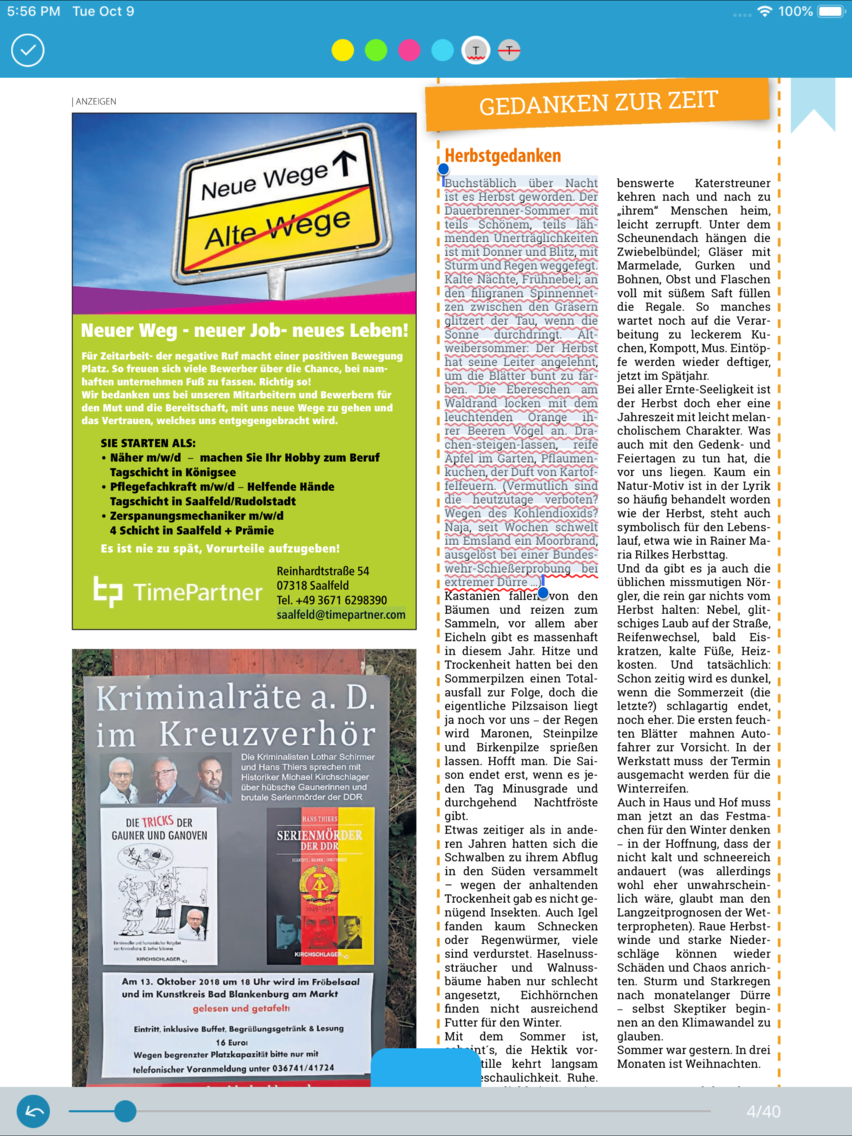
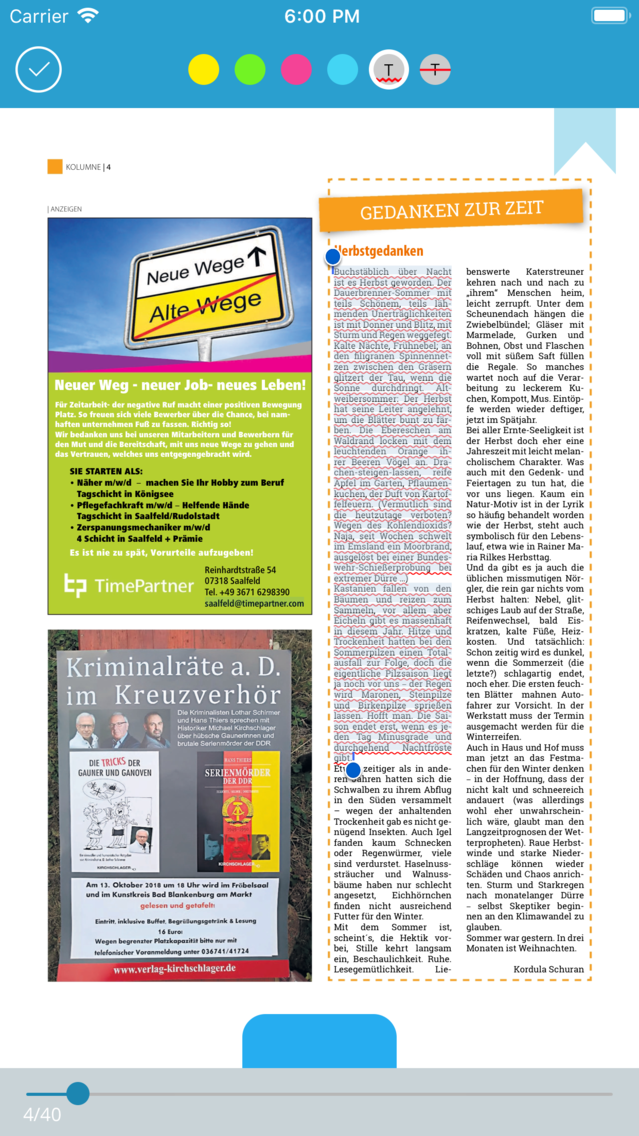
Add bookmarks and your own annotations in any desired passage, in the form of texts, images, photos or audio comments.
This app offers thus a valuable library of online publications with high performance additional features – all this in an attractive design.
Get easily accustomed to the electronic table of contents and the fast and intelligent search in all publications. The work desk function helps you search within an entire publication.
Add bookmarks and your own annotations in any desired passage, in the form of texts, images, photos or audio comments.
This app offers thus a valuable library of online publications with high performance additional features – all this in an attractive design.
Show More
最新バージョン 4.3.0 の更新情報
Last updated on 2020年10月29日
旧バージョン
• Support for iOS 14
• Minor design improvements and bug fixes
Show More
Version History
4.3.0
2020年10月29日
• Support for iOS 14
• Minor design improvements and bug fixes
4.2.0
2020年01月30日
• Export of user's annotations into a pdf-file
• Minor improvements and bug fixes
4.1.0
2019年10月16日
• Share publications with other users
In read mode, the user can generate a link/QR code to the current page he is on and share it via email or social media account.
• Advanced search in the library
The user can now search in all publications available for reading, even in those that he has not yet loaded. The search is only available in online mode.
• More comfortable view of annotations
• Operating system requirements: iOS version 11 or higher
• iPad Pro support
• The option "Sync via WiFi only" in the settings has been removed. The synchronization may be done via "Mobile data" in the system settings of the app.
• Small bug fixes, detail improvements and design adjustments
In read mode, the user can generate a link/QR code to the current page he is on and share it via email or social media account.
• Advanced search in the library
The user can now search in all publications available for reading, even in those that he has not yet loaded. The search is only available in online mode.
• More comfortable view of annotations
• Operating system requirements: iOS version 11 or higher
• iPad Pro support
• The option "Sync via WiFi only" in the settings has been removed. The synchronization may be done via "Mobile data" in the system settings of the app.
• Small bug fixes, detail improvements and design adjustments
4.0.0
2019年05月25日
• Annotations can now also be organized in (multiple) folders and shared with other users. Changes of annotations are transferred to all affected folders.
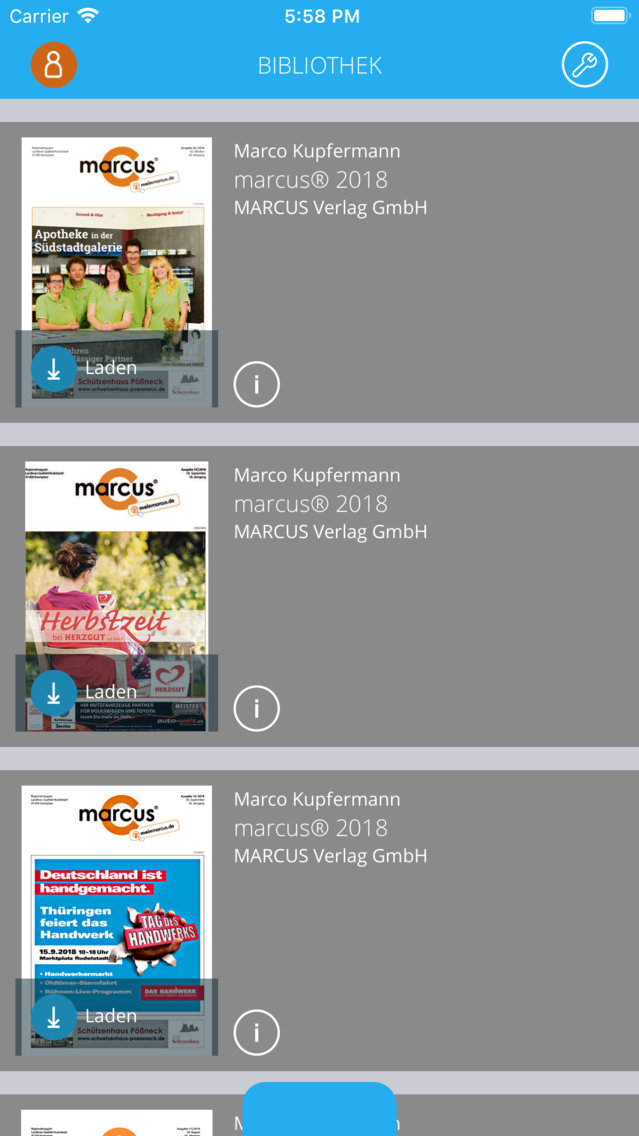
• Improvements in the display of meta information on publications in the library
• Small bugfixes, detail improvements and design adjustments
• Improvements in the display of meta information on publications in the library
• Small bugfixes, detail improvements and design adjustments
3.7.0
2018年10月24日
Italian available as fourth language
Use of PDF files as annotation attachments
Start reading via fingertip on the cover in info view
Linking to a website for personal cloud account management
New colour design
Support for iOS 12
Small modifications and bug fixes
Use of PDF files as annotation attachments
Start reading via fingertip on the cover in info view
Linking to a website for personal cloud account management
New colour design
Support for iOS 12
Small modifications and bug fixes
3.6.0
2018年05月02日
The following changes and new features are included in this update:
• New types of annotation attachments: PDF (max. 10 MB) and web links
• Manual updating of library view via gesture "pull to refresh"
• Annotation attachments: images can be zoomed
• Improvement of title search in library
• Show account info for bound PAK
• Enhancement of graphical annotations: eraser tool, multiple selection
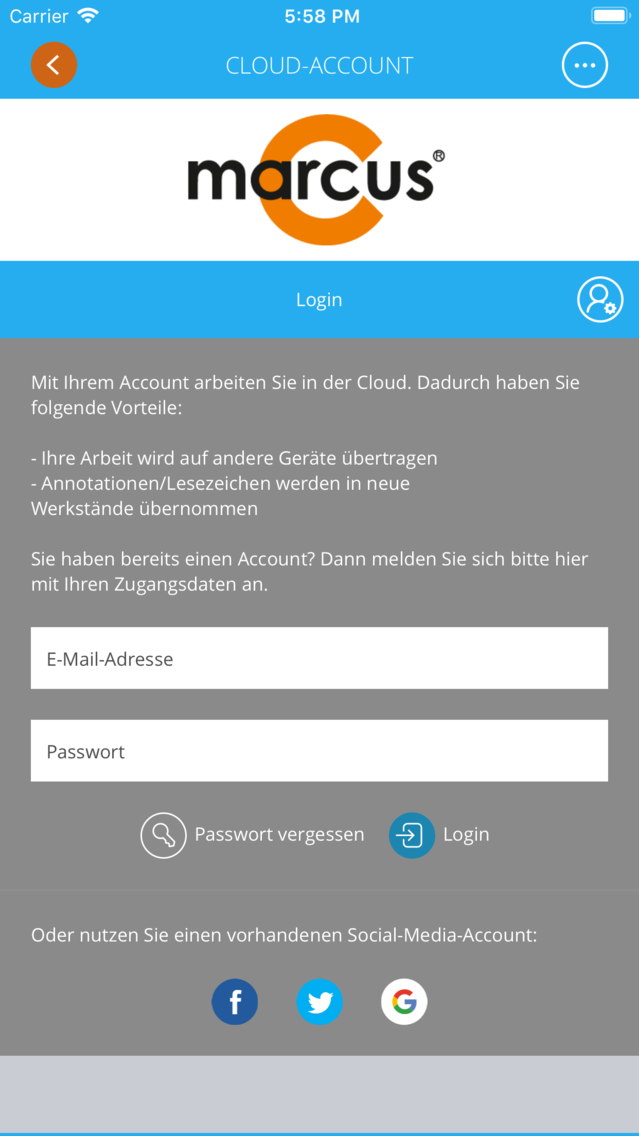
• Changed layout of login dialog
• Further small improvements and bugfixes
• New types of annotation attachments: PDF (max. 10 MB) and web links
• Manual updating of library view via gesture "pull to refresh"
• Annotation attachments: images can be zoomed
• Improvement of title search in library
• Show account info for bound PAK
• Enhancement of graphical annotations: eraser tool, multiple selection
• Changed layout of login dialog
• Further small improvements and bugfixes
3.4.1
2017年12月09日
The following changes and new features are included in this update:
• External links now opened with Safari
• Fixed bug with Google social login
• Other minor bugs fixed
We wish much fun with the new update!
• External links now opened with Safari
• Fixed bug with Google social login
• Other minor bugs fixed
We wish much fun with the new update!
3.4.0
2017年10月16日
The following changes and new features are included in this update:
• Improved support for iOS 11
• Improved stability and minor bugfixes
We wish much fun with the new update!
• Improved support for iOS 11
• Improved stability and minor bugfixes
We wish much fun with the new update!
3.3.0
2017年06月18日
The following changes and new features are included in this update:
• Sorting options in library view
• Possibility to organize documents with custom categories
• Minor bugfixes
We wish much fun with the new update!
• Sorting options in library view
• Possibility to organize documents with custom categories
• Minor bugfixes
We wish much fun with the new update!
3.2.0
2017年01月15日
The following changes and new features are included in this update:
• Improved support for iOS 10
• Improved stability and minor bugfixes
We wish much fun with the new update!
• Improved support for iOS 10
• Improved stability and minor bugfixes
We wish much fun with the new update!
3.1.1
2016年08月30日
With this update you receive new functions for annotations.
Freehand drawing:
• Create markings with your finger or use a pen for drawing
• Define two different pen templates
• Change the color, width and opacity
Text boxes:
• Draw a frame and write text by using the screen keyboard
• Texts will be displayed directly on the page
• Change font settings and frame settings.
The new functions complement the existing annotations and can be synced to other devices by using your cloud account.
We wish much fun with the new update!
Freehand drawing:
• Create markings with your finger or use a pen for drawing
• Define two different pen templates
• Change the color, width and opacity
Text boxes:
• Draw a frame and write text by using the screen keyboard
• Texts will be displayed directly on the page
• Change font settings and frame settings.
The new functions complement the existing annotations and can be synced to other devices by using your cloud account.
We wish much fun with the new update!
3.0.0
2016年04月23日
The following changes and new features are included in this update:
• Technical optimization and bugfixes
We wish much fun with the new update!
• Technical optimization and bugfixes
We wish much fun with the new update!
2.3.0
2015年12月21日
• Minor text and layout corrections and bugfixes
We wish much fun with the new update!
2.2.0
2015年10月21日
The following changes and new features are included in this update:
• Completely revamped, modern design providing better usability
• Clear distinction between product activation and your personal account
• New social login: Use an existing account (Facebook, Twitter or Google) to access the additional features
• Improved support for iOS 9
• Improved stability and minor bug fixes
We wish much fun with the new update!
• Completely revamped, modern design providing better usability
• Clear distinction between product activation and your personal account
• New social login: Use an existing account (Facebook, Twitter or Google) to access the additional features
• Improved support for iOS 9
• Improved stability and minor bug fixes
We wish much fun with the new update!
2.1.4
2015年04月22日
The following changes and new features are included in this update:
* completely revamped, modern design providing better usability
* improved stability and minor bug fixes
We wish much fun with the new update!
* completely revamped, modern design providing better usability
* improved stability and minor bug fixes
We wish much fun with the new update!
2.1.2
2015年03月03日
The following changes are included in this update:
- push notifications are now supported
- possibility to select multiple categories at the same time
- general stability improvements and bugfixes
- highlighting of current page in page overview
- additional languages (french, english) added which can be changed in the settings menu
- push notifications are now supported
- possibility to select multiple categories at the same time
- general stability improvements and bugfixes
- highlighting of current page in page overview
- additional languages (french, english) added which can be changed in the settings menu
2.1.0
2015年01月12日
- Unterstützung der 64-bit Architektur,
- kleinere Korrekturen.
2.0.4
2014年11月03日
Verbesserungen:
-Volle Unterstützung iPhone
-Verbesserung der Performance und kleine Korrekturen
-Volle Unterstützung iPhone
-Verbesserung der Performance und kleine Korrekturen
1.1.7
2014年07月30日
Verbesserungen:
-Archive
-Kategorisierungsebenen
-Verbesserung der Performance und kleine Korrekturen
Schönheitskorrekturen:
-Designoptimierung
Viel Freude mit der neuen App!

-Archive
-Kategorisierungsebenen
-Verbesserung der Performance und kleine Korrekturen
Schönheitskorrekturen:
-Designoptimierung
Viel Freude mit der neuen App!
1.1.6
2014年07月01日
marcus+ FAQ
ここをクリック!地理的に制限されているアプリのダウンロード方法をご参考ください。
次のリストをチェックして、marcus+の最低システム要件をご確認ください。
iPhone
iPad
marcus+は次の言語がサポートされています。 English, French, German, Italian