Oops
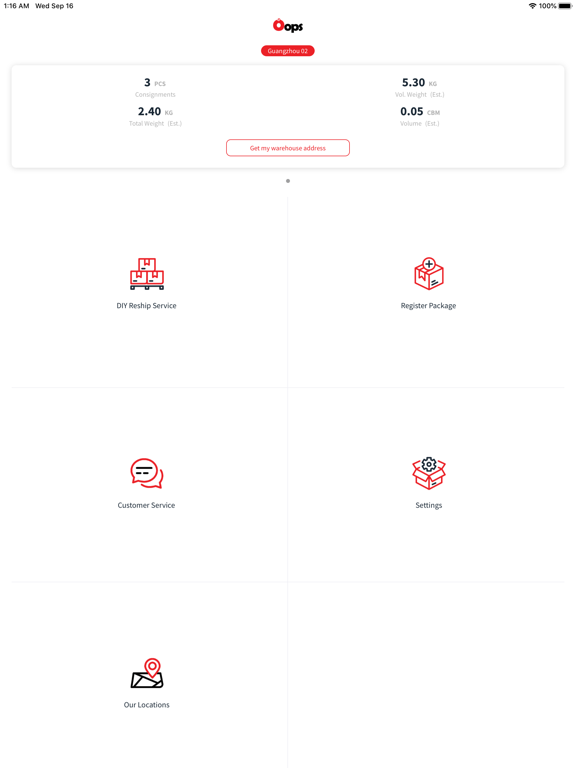
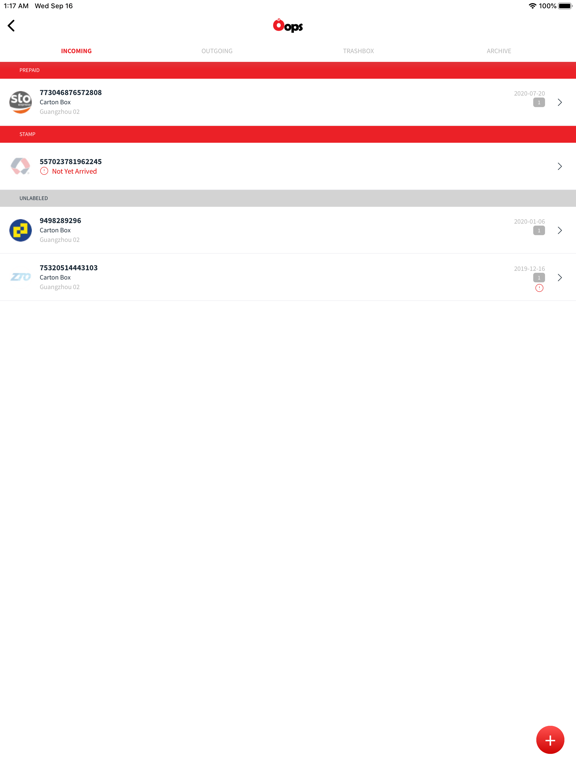
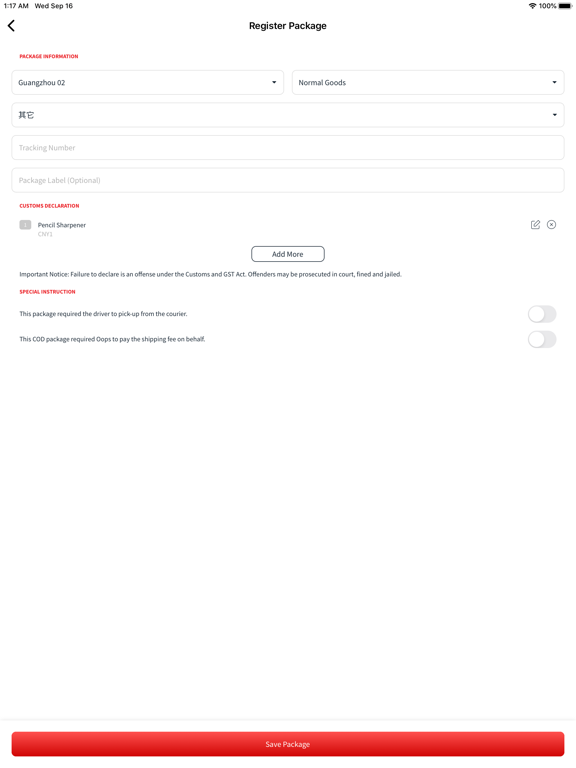
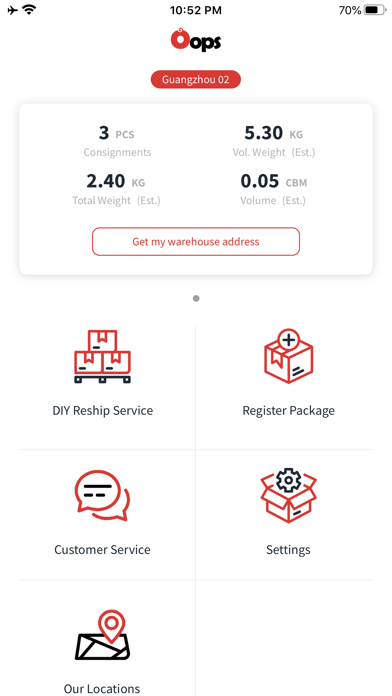
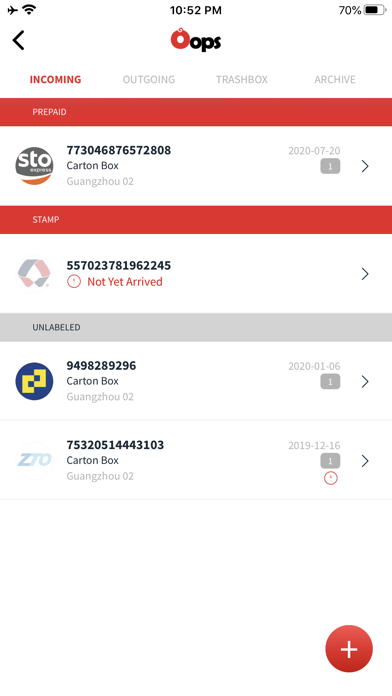
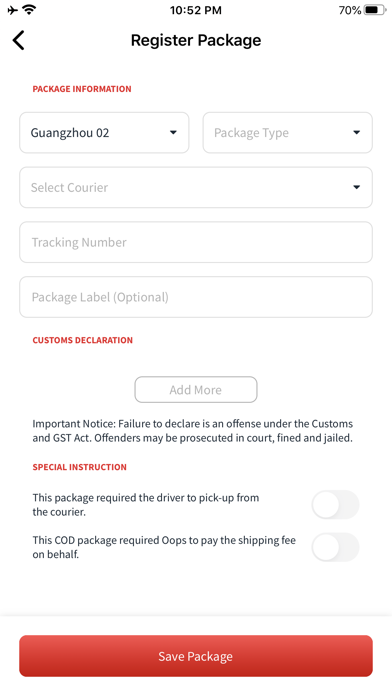
DIY Reship Service
Free
1.1.10for iPhone, iPad and more
Age Rating
Oops スクリーンショット
About Oops
China has so much to offer. Tens of thousands of online and offline stores, full of incredibly cheap products for personal or business. The only problem is local Chinese shops don't usually ship directly to Singapore and Malaysia. Luckily, Oops have a solution!
Try out Oops DIY Reship Service today and enjoy the freedom of shopping online and offline for any products available in China, and get them sent right to your doorstep*.
Sign up now to receive a free warehouse address with a unique mailbox number in China, have your online or offline purchases delivered to your China warehouse address, consolidate, and ship the goods quickly and conveniently.
For more information about Oops DIY Reship Service, please check out our official website.
Singapore - https://www.oops.sg/
Malaysia - https://www.oops.my/

Try out Oops DIY Reship Service today and enjoy the freedom of shopping online and offline for any products available in China, and get them sent right to your doorstep*.
Sign up now to receive a free warehouse address with a unique mailbox number in China, have your online or offline purchases delivered to your China warehouse address, consolidate, and ship the goods quickly and conveniently.
For more information about Oops DIY Reship Service, please check out our official website.
Singapore - https://www.oops.sg/
Malaysia - https://www.oops.my/
Show More
最新バージョン 1.1.10 の更新情報
Last updated on 2022年06月04日
旧バージョン
1. Fixed translation error
2. Fixed "Dashboard" text alignment problem.
3. Added "Delete Account" function under "Settings".
4. Fixed application freeze problem after popup dialog closed when session timeout.
2. Fixed "Dashboard" text alignment problem.
3. Added "Delete Account" function under "Settings".
4. Fixed application freeze problem after popup dialog closed when session timeout.
Show More
Version History
1.1.10
2022年06月04日
1. Fixed translation error
2. Fixed "Dashboard" text alignment problem.
3. Added "Delete Account" function under "Settings".
4. Fixed application freeze problem after popup dialog closed when session timeout.
2. Fixed "Dashboard" text alignment problem.
3. Added "Delete Account" function under "Settings".
4. Fixed application freeze problem after popup dialog closed when session timeout.
1.1.8
2022年05月12日
1. Fixed localization and translation error.
2. Fixed "Push Notification" not working when app in iOS background.
3. Fixed "Same as Billing Address" bug.
2. Fixed "Push Notification" not working when app in iOS background.
3. Fixed "Same as Billing Address" bug.
1.1.6
2022年05月07日
1. Hide the "Register Package" round button when user select package to start shipping.
2. Included dropdown list for "State/Province" and "City/Town" of "Billing Information" and "Prepare Shipment".
3. Added new sentences for localization and fixed translation error.
4. Added "Push Notification" function.
5. Added "Terms & Conditions" and "Privacy Policy" in Dashboard.
6. Fixed Dashboard's View Card display problem.
7. Fixed Popup Model won't close after session timeout.
8. Updated "Contact Us" page.
2. Included dropdown list for "State/Province" and "City/Town" of "Billing Information" and "Prepare Shipment".
3. Added new sentences for localization and fixed translation error.
4. Added "Push Notification" function.
5. Added "Terms & Conditions" and "Privacy Policy" in Dashboard.
6. Fixed Dashboard's View Card display problem.
7. Fixed Popup Model won't close after session timeout.
8. Updated "Contact Us" page.
1.0.25
2021年06月04日
Fixed all the "Context Menu" of Incoming, Outgoing, Trashbox and Archive of DIY Reship Service.
1.0.23
2021年05月31日
Fix "Add to existing shipment" modal.
Fix "Outgoing of DIY Reship Service" context menu.
Add "Version Number" to "Settings".
Fix "Outgoing of DIY Reship Service" context menu.
Add "Version Number" to "Settings".
1.0.21
2020年09月16日
Oops FAQ
ここをクリック!地理的に制限されているアプリのダウンロード方法をご参考ください。
次のリストをチェックして、Oopsの最低システム要件をご確認ください。
iPhone
Requires iOS 11.0 or later.
iPad
Requires iPadOS 11.0 or later.
iPod touch
Requires iOS 11.0 or later.
Oopsは次の言語がサポートされています。 English, Malay, Simplified Chinese, Traditional Chinese