PintarParking
Free
1.2.0for iPhone
Age Rating
PintarParking スクリーンショット
About PintarParking
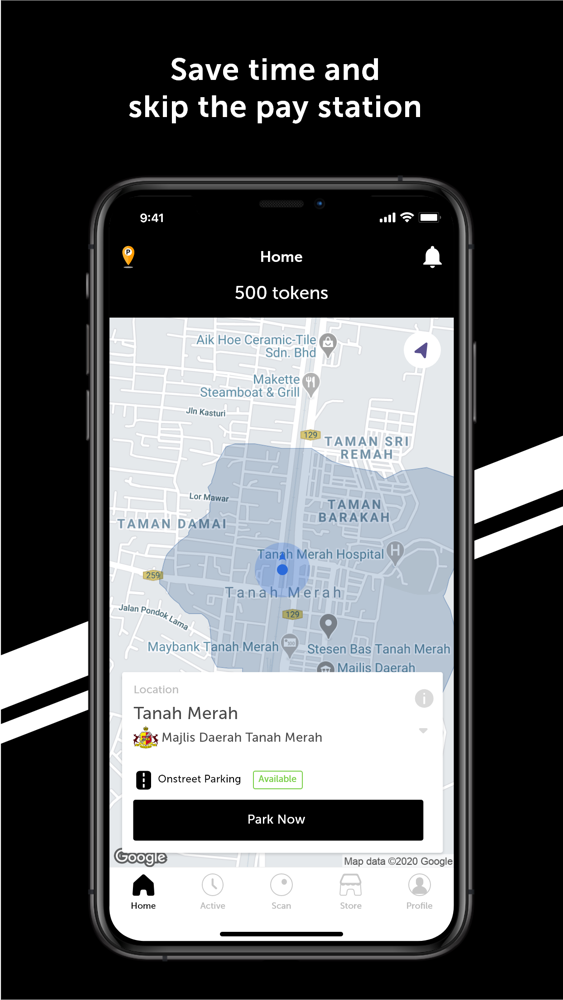
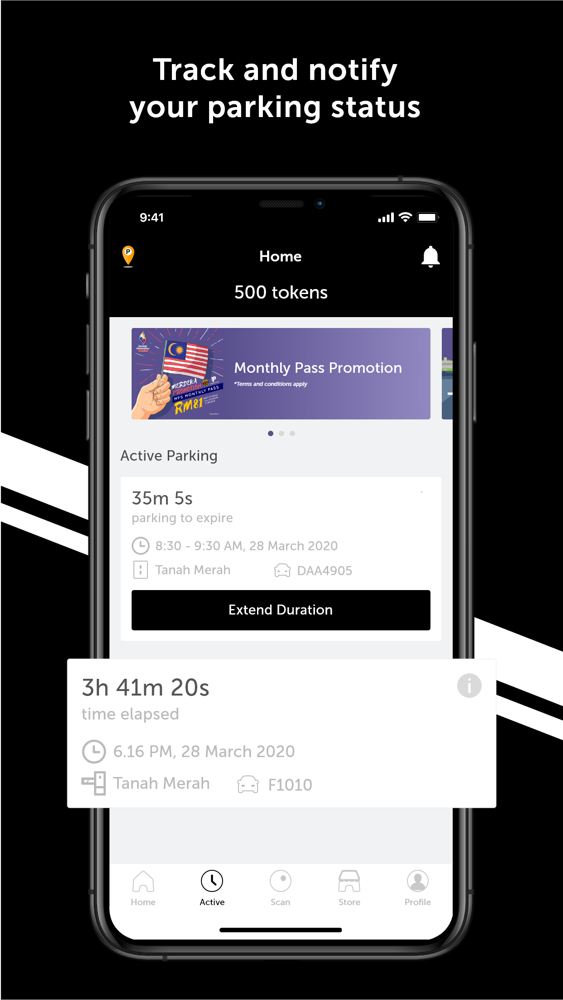
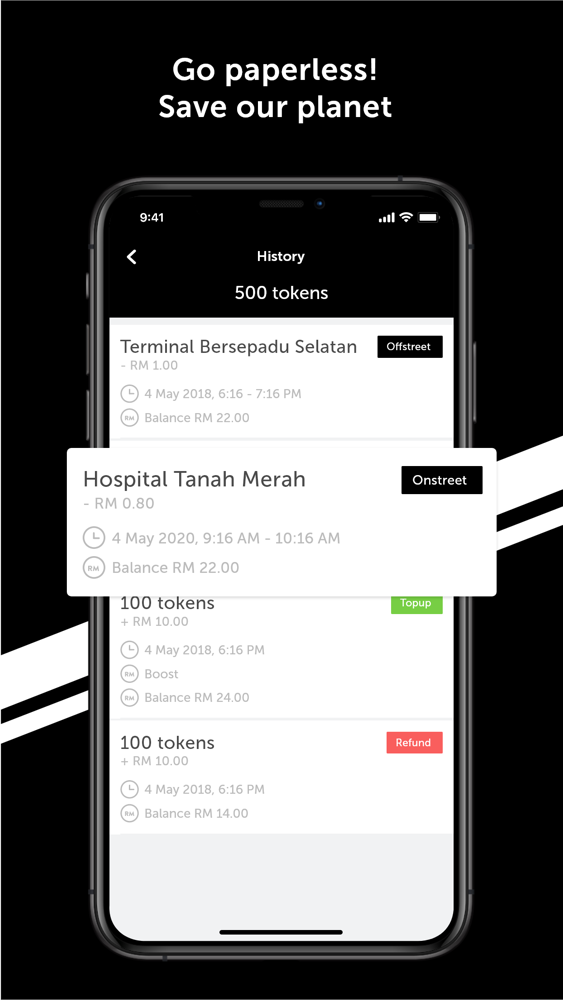
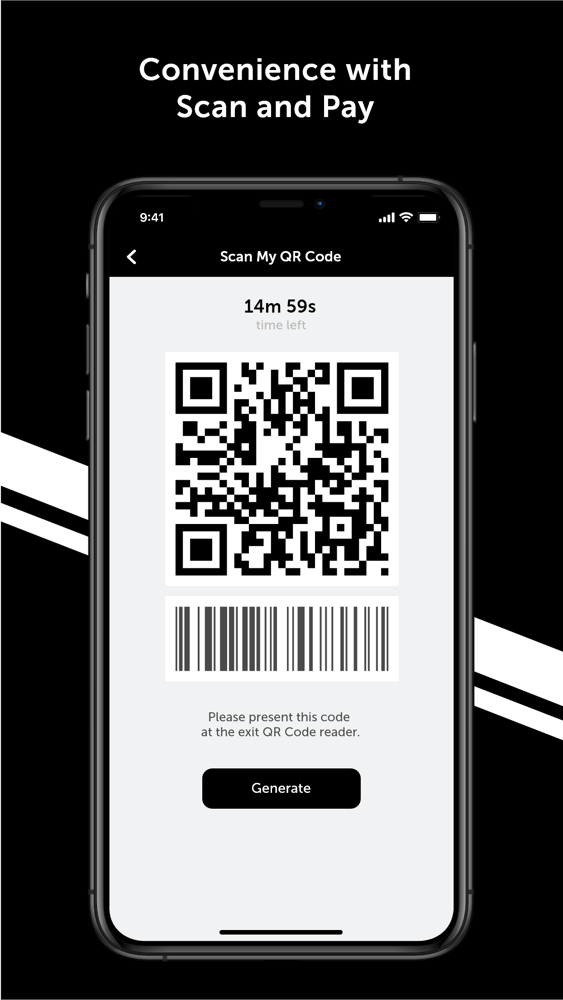
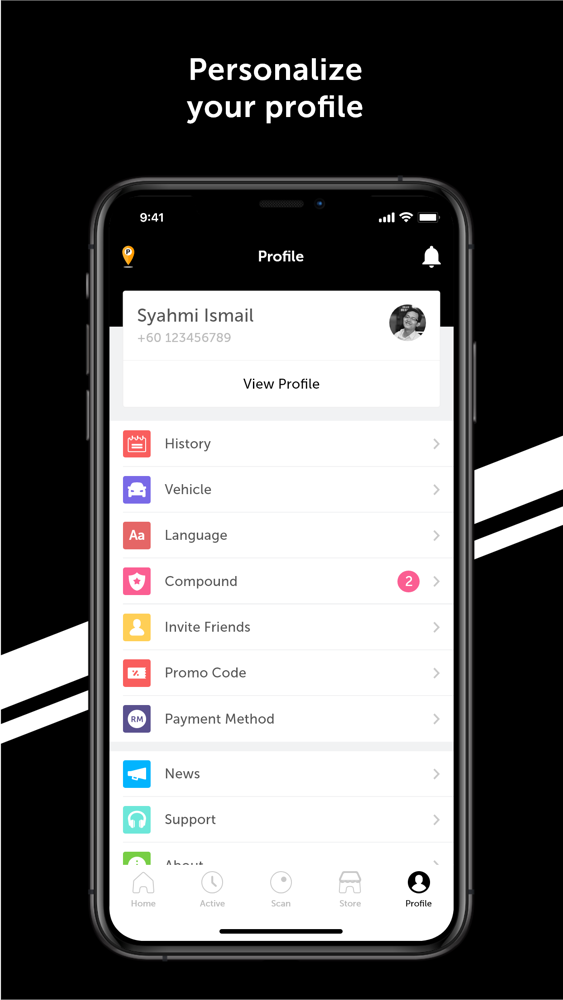
Welcome to the future of parking! Save time and pay parking on-the-go. With PintarParking, paying for your parking spot has never been easier. Start using PintarParking today, it only takes a few minutes and registration is free of charge!
How to use?
Users are required to follow the steps below:
1: Register vehicle plate number
2: Select location
3: Select duration
4: Click 'Park Now' button to complete parking payment
Parking availability is offered in the following locations:
On–Street Parking:
• Tanah Merah, Kelantan
Note: Need to sign in from other phone? No problem! Just sign in using your phone number or email address and you’re good to go.
Disclaimer: Please check all applicable regulations in your location before parking.
Got a question? Email us at support@jomparking.com or contact support at +60132401233 and our team will be happy to assist you.

How to use?
Users are required to follow the steps below:
1: Register vehicle plate number
2: Select location
3: Select duration
4: Click 'Park Now' button to complete parking payment
Parking availability is offered in the following locations:
On–Street Parking:
• Tanah Merah, Kelantan
Note: Need to sign in from other phone? No problem! Just sign in using your phone number or email address and you’re good to go.
Disclaimer: Please check all applicable regulations in your location before parking.
Got a question? Email us at support@jomparking.com or contact support at +60132401233 and our team will be happy to assist you.
Show More
最新バージョン 1.2.0 の更新情報
Last updated on 2020年06月28日
旧バージョン
We are constantly improving our app with essential updates to serve you better. This latest app update enables users to pay parking compound at Majlis Daerah Tanah Merah. Thank you for using PintarParking!
Show More
Version History
1.2.0
2020年06月28日
We are constantly improving our app with essential updates to serve you better. This latest app update enables users to pay parking compound at Majlis Daerah Tanah Merah. Thank you for using PintarParking!
PintarParking FAQ
ここをクリック!地理的に制限されているアプリのダウンロード方法をご参考ください。
次のリストをチェックして、PintarParkingの最低システム要件をご確認ください。
iPhone
PintarParkingは次の言語がサポートされています。 Arabic, Chinese, English, Indonesian, Malay