ReadingScreen

ReadingScreen


無料

1.2.7for iPhone, iPad
Age Rating
4+
Apps in this category do not contain restricted content.
9+
Apps in this category may contain mild or occasional cartoon, fantasy or real-life violence, as well as occasional or mild adult, sexually suggestive or horrifying content and may not be suitable for children under 9 years of age.
12+
Apps in this category may contain occasional mild indecent language, frequent or intense cartoon or real-life violence, minor or occasional adult or sexually suggestive material, and simulated gambling, and may be for children under 12 years of age.
17+
You must be at least 17 years old to access this App.
Apps in this category may contain frequent and intense offensive language; Frequent and intense cartoon, fantasy or realistic violence: frequent and intense adult, scary and sexually suggestive subjects: as well as sexual content, nudity, tobacco, alcohol and drugs, may not be suitable for children under 17 years of age.
ReadingScreen スクリーンショット
ReadingScreen ポスターReadingScreen ポスターReadingScreen ポスターReadingScreen ポスターReadingScreen ポスターReadingScreen ポスターReadingScreen ポスターReadingScreen ポスター
ReadingScreen ポスターReadingScreen ポスターReadingScreen ポスターReadingScreen ポスターReadingScreen ポスターReadingScreen ポスターReadingScreen ポスター

About ReadingScreen

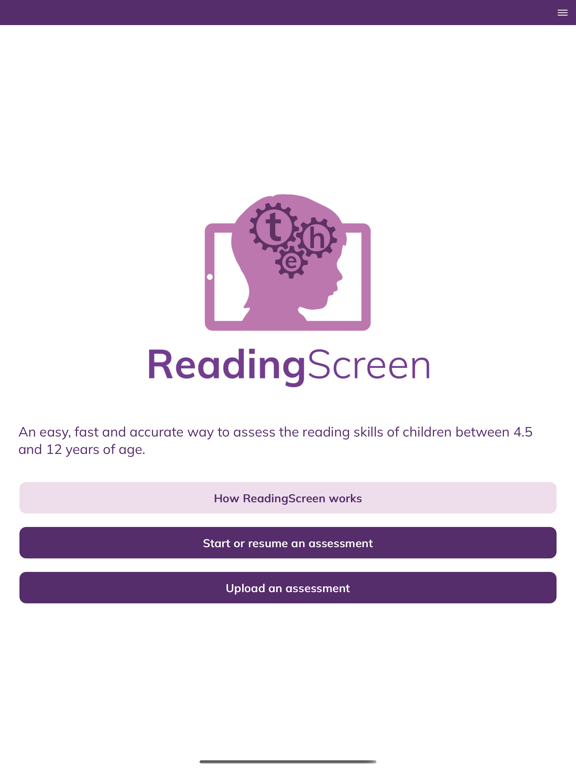
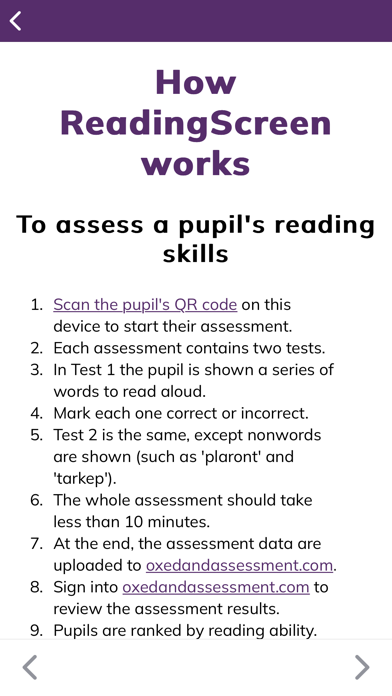
Accurately identify Primary school children who would benefit from reading support, using our fast, fun and intuitive app for teachers and teaching assistants. Based on decades of University of Oxford research into reading development.

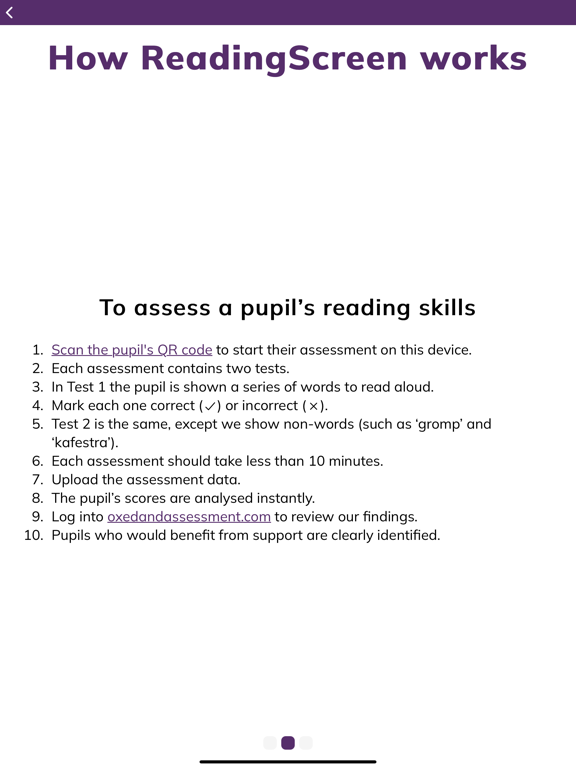
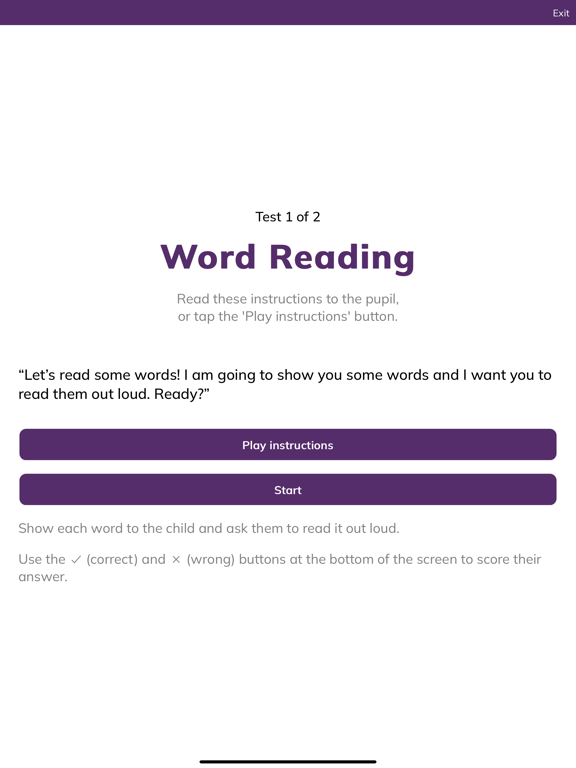
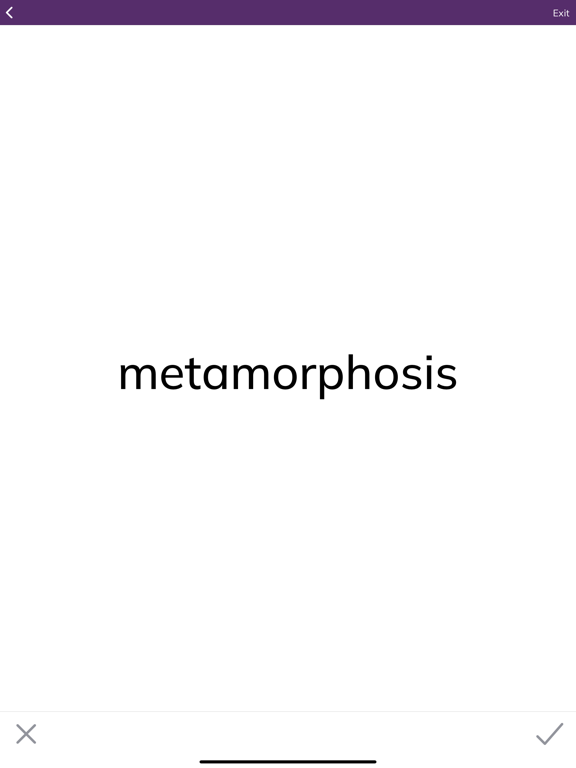
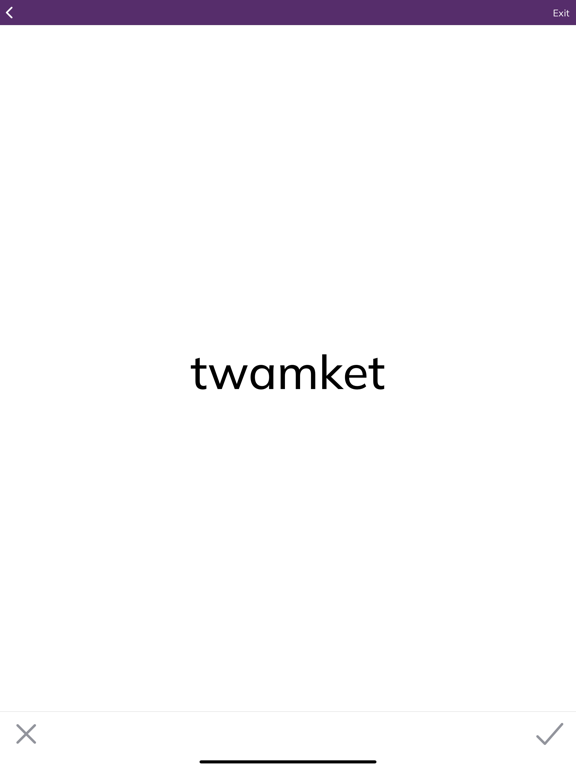
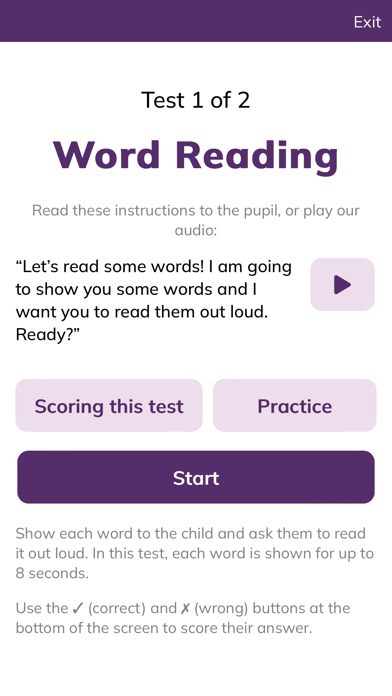
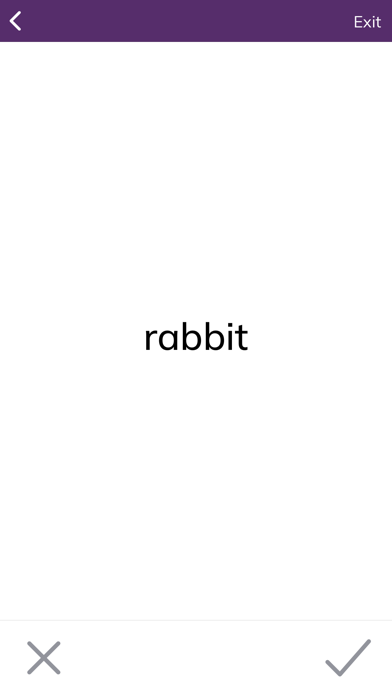
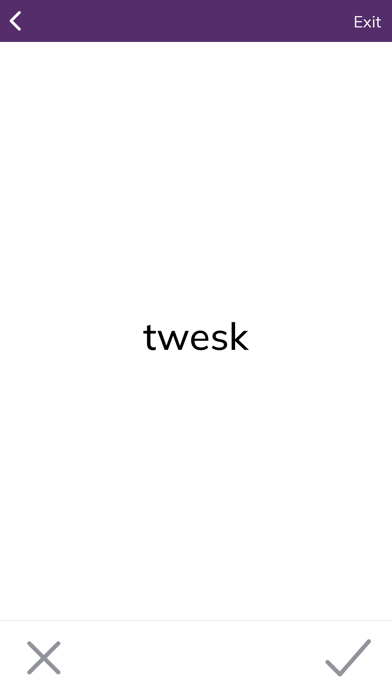
ReadingScreen assessments consist of two tests measuring different reading skills. The first presents pupils with up to 60 individual words of increasing complexity. The second presents them with up to 34 nonwords. The pupil is asked to read each word or nonword out loud and their responses are marked for accuracy by the adult conducting the assessment. If they get 15 answers in a row incorrect, the test ends and they move onto the next test. Each assessment should take 10 minutes or less to complete. Assessments can be interrupted if necessary and will resume from the beginning of the most recent test.

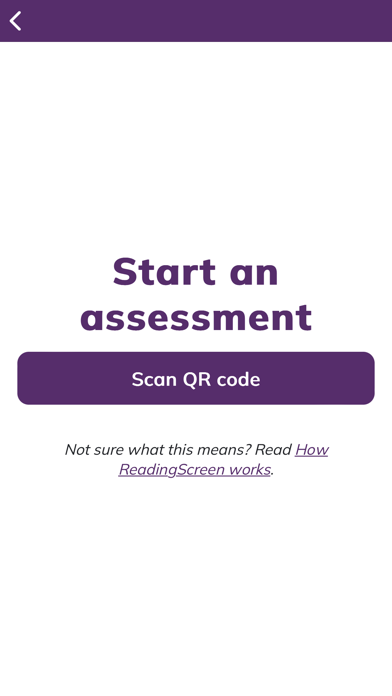
To launch an assessment, the adult conducting the assessment should scan the QR code for the pupil they want to assess. No personally identifiable information is stored on the device.

At the end of an assessment, the data is uploaded to oxedandassessment.com for instant feedback and reports can be generated for classes or year groups. If no internet connection is available, the data can be stored on the device and uploaded at a later date.

ReadingScreen is suitable for schools and organisations (UK and international) using English or Welsh as the medium of education.

Show More

最新バージョン 1.2.7 の更新情報

Last updated on 2025年11月25日
旧バージョン
A new modal has been added to inform users about restricted access in the mobile applications and the recommendation to switch to the web version.
Show More
Version History
1.2.7
2025年11月25日
A new modal has been added to inform users about restricted access in the mobile applications and the recommendation to switch to the web version.

ReadingScreen FAQ

ここをクリック!地理的に制限されているアプリのダウンロード方法をご参考ください。
次のリストをチェックして、ReadingScreenの最低システム要件をご確認ください。
iPhone
iPad

ReadingScreenの類似アプリ

あなたも好きかも

OxEd and Assessment Ltd からもっと手に入れる