Senaptec Split Second
Free
1.1for iPhone, iPad
Age Rating
Senaptec Split Second スクリーンショット
About Senaptec Split Second
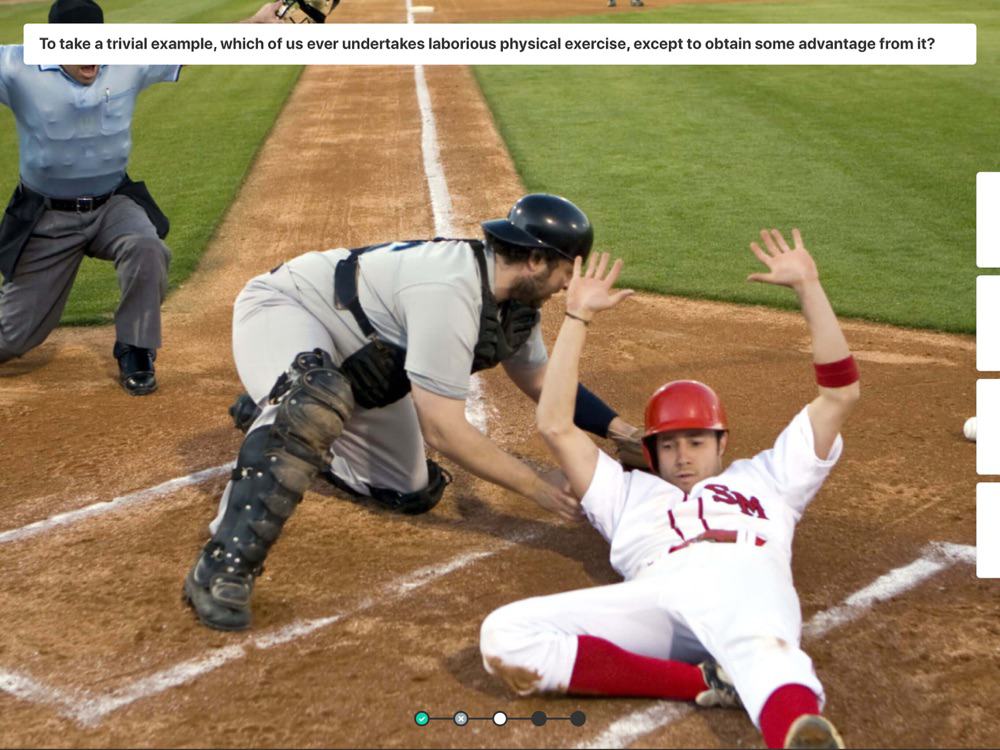
Life requires split second decisions. When a person sees a word, the brain must quickly recognize the associated word. When a basketball player sees oncoming opponents, they must quickly decide their next move. When a person sees an old friend from 10 years ago, they must quickly remember their name.
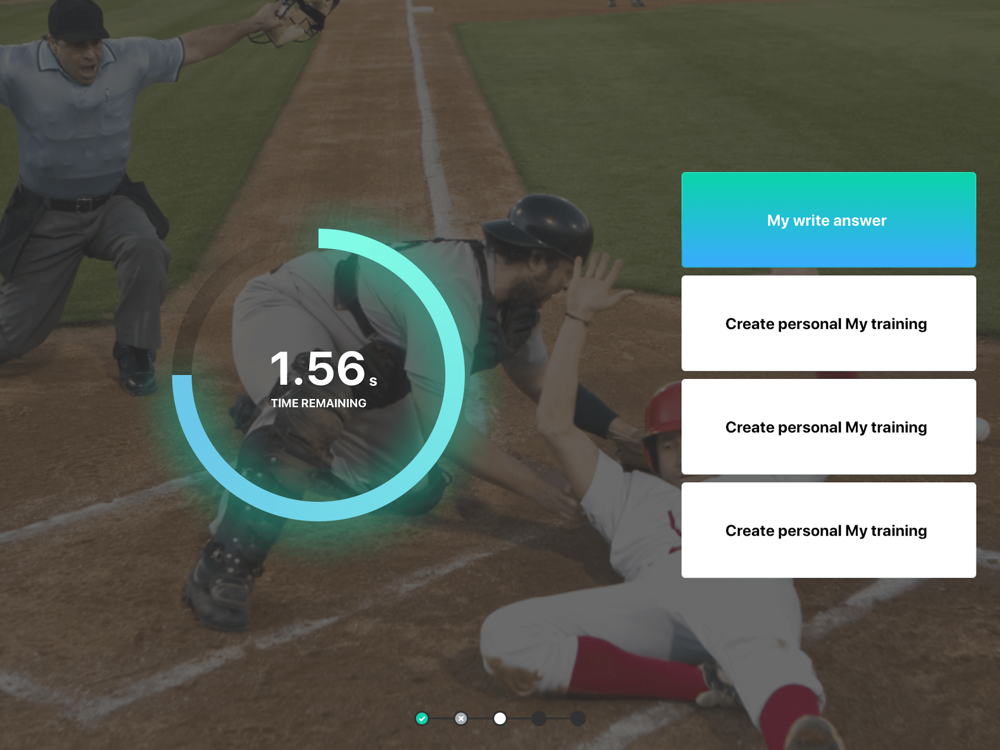
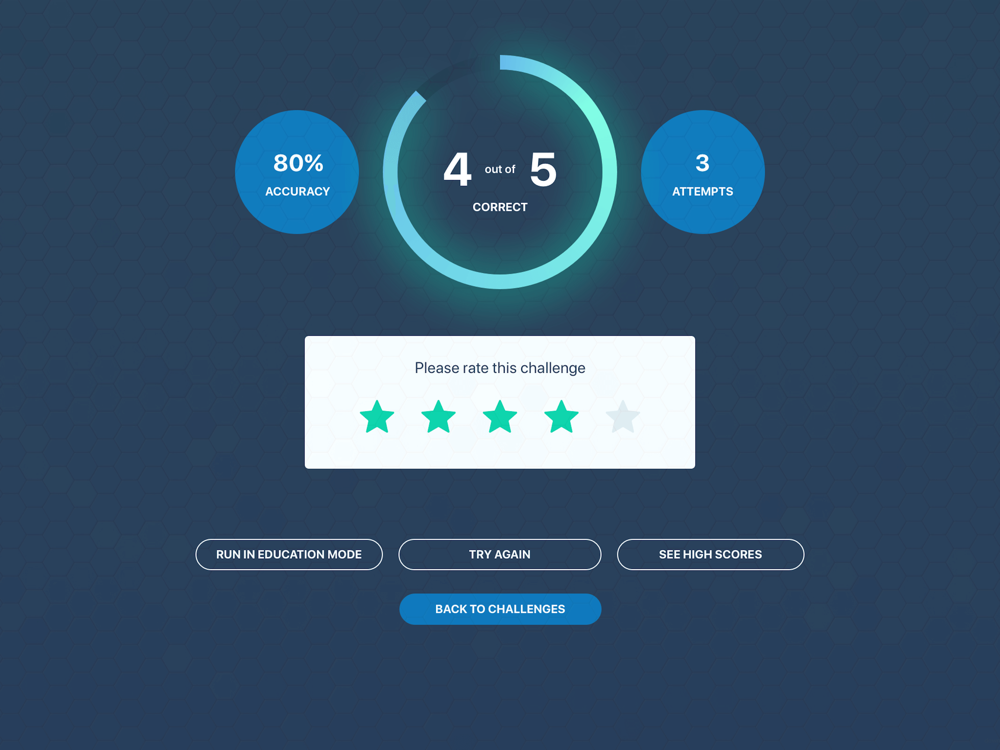
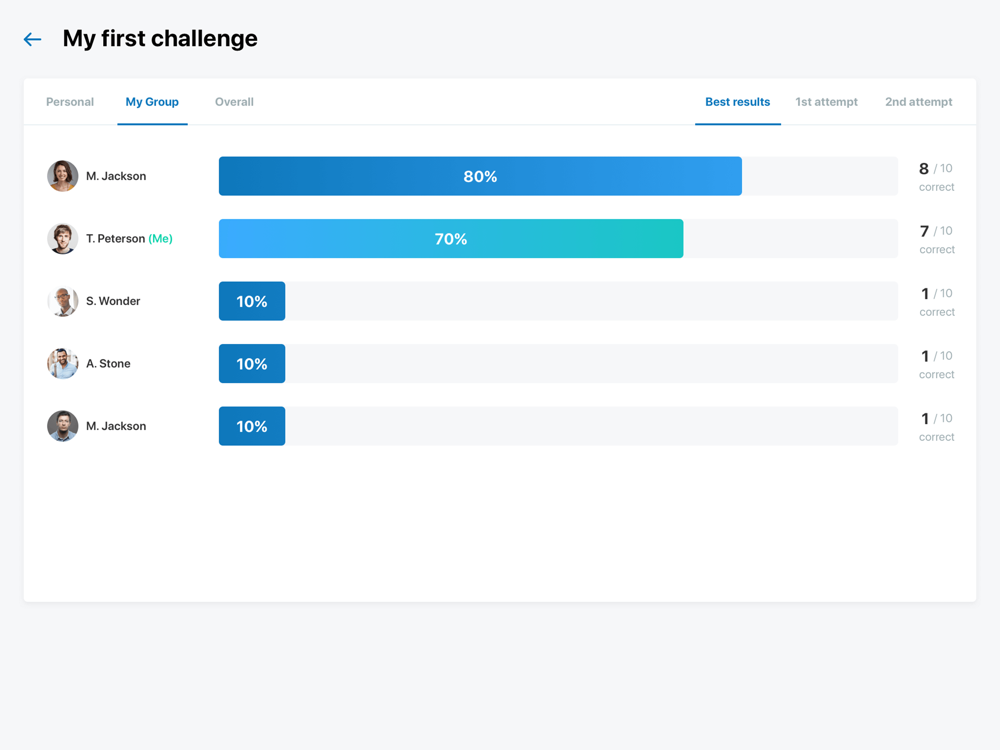
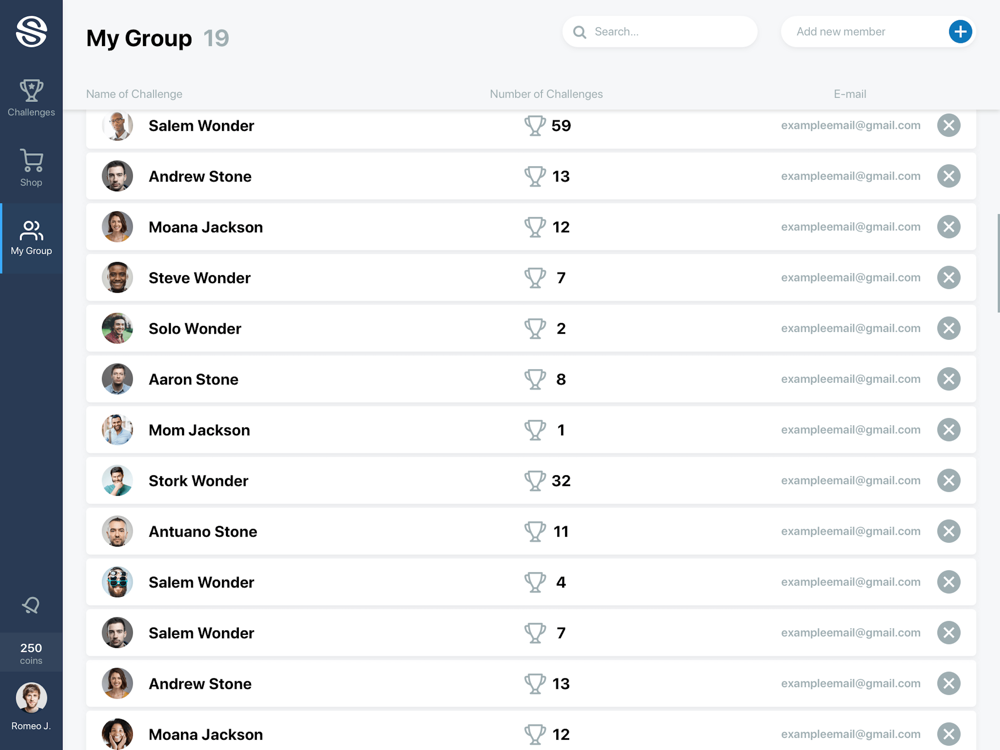
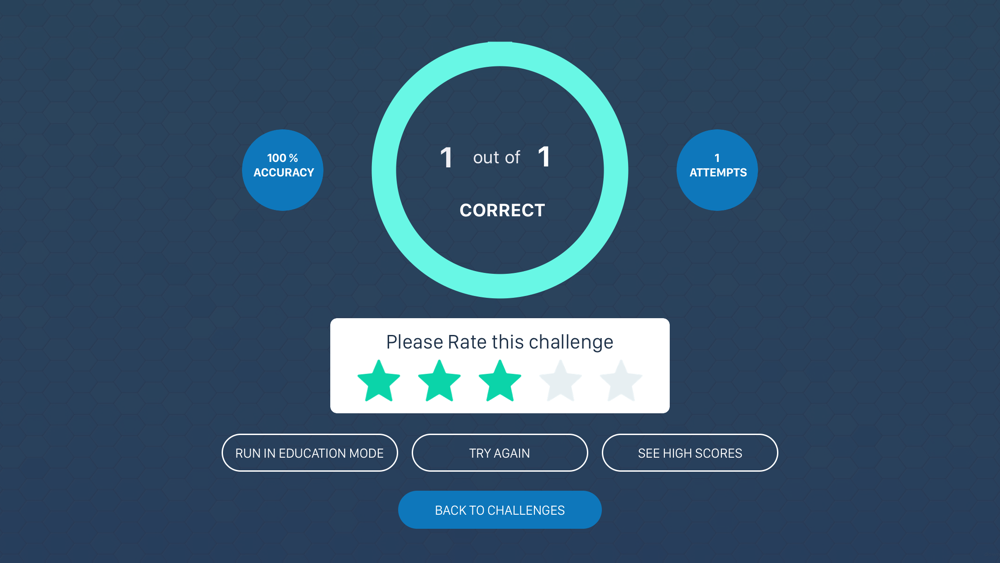
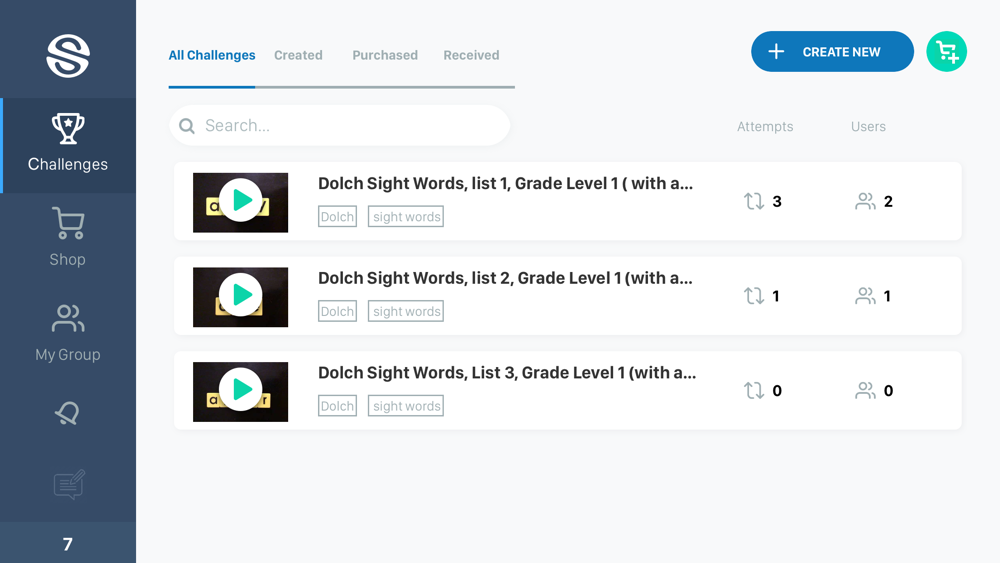
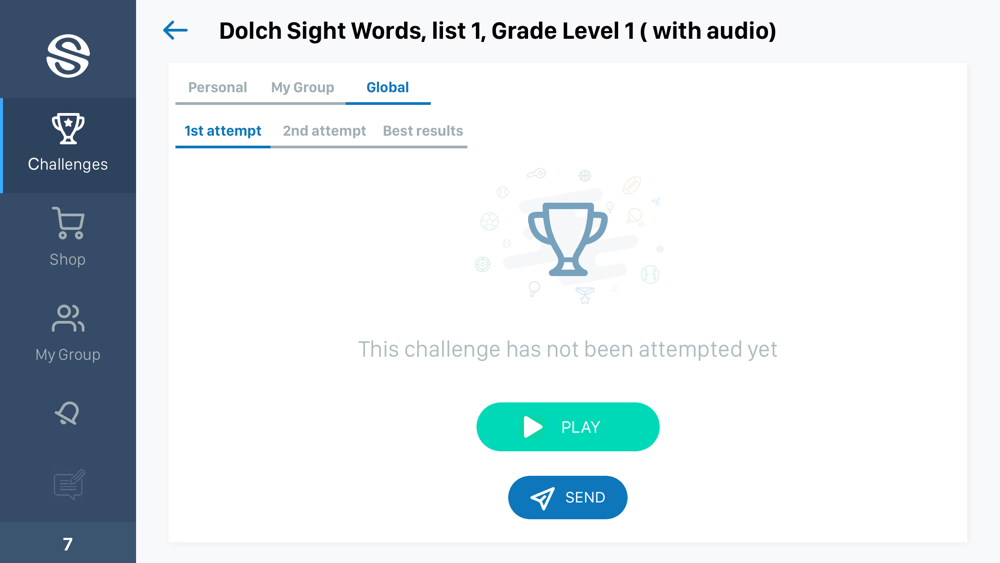
The Senaptec Split Second app provides fun and engaging challenges to help train your split second skills. Practicing quick decision making can help the brain to get better at the task. And by putting the training in a challenge format, the app makes the learning process fun. Even more, you can share challenges with your friends and see how well they compete!
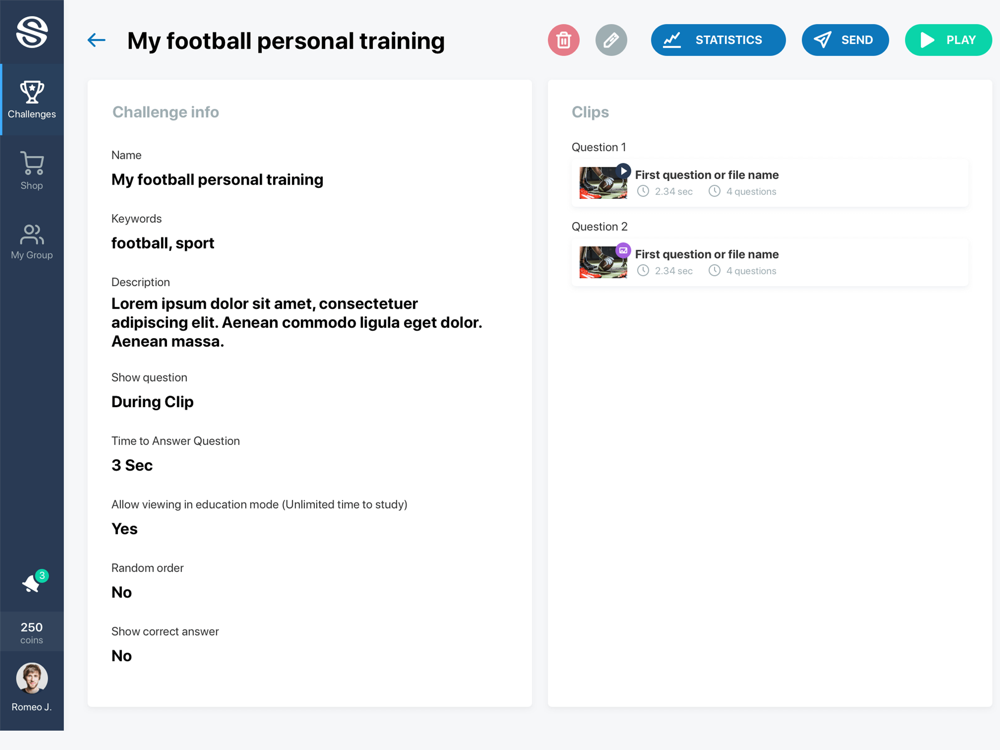
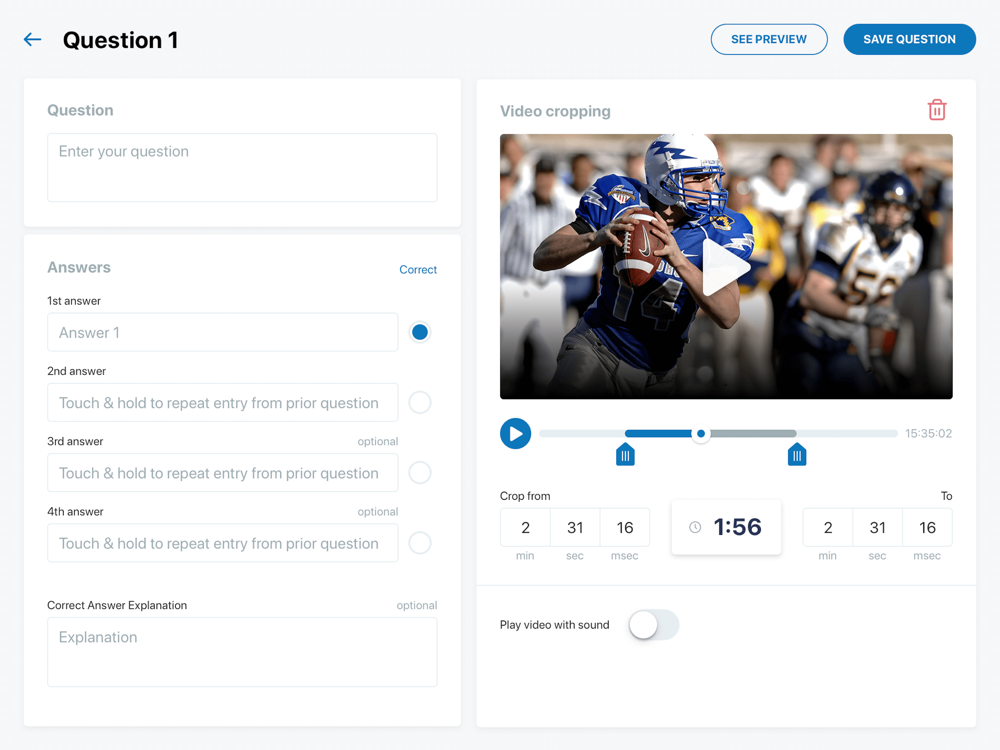
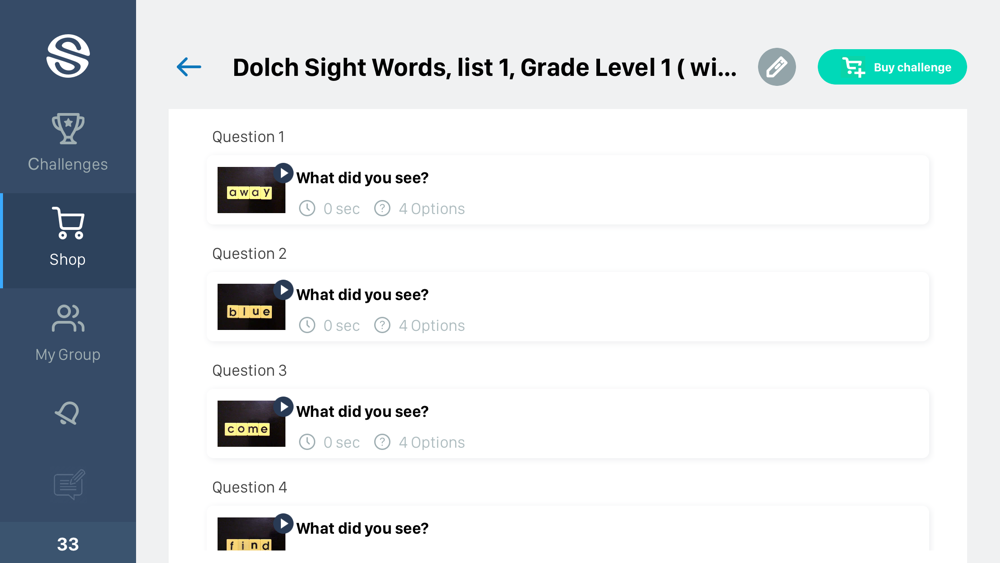
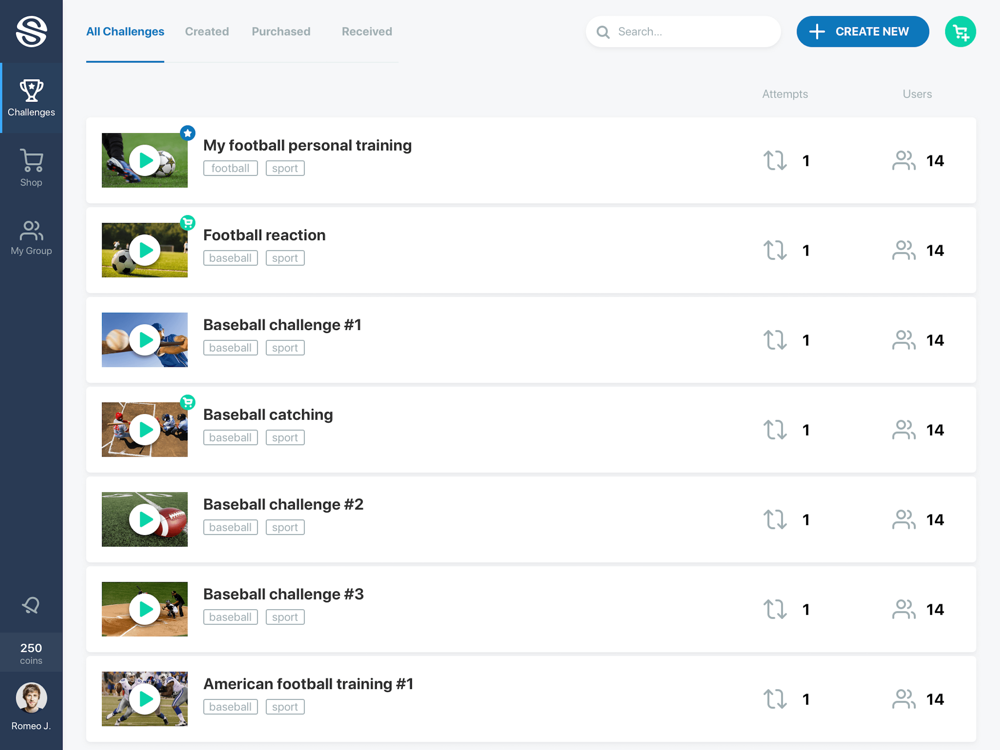
The Split Second app provides two methods to get challenges. First, you can make your own! Using your tablet, you can design challenges that train the skills you desire. You can also share these challenges with others. Challenges can use pictures, videos, and sound files; all of which can be generated from your tablet.
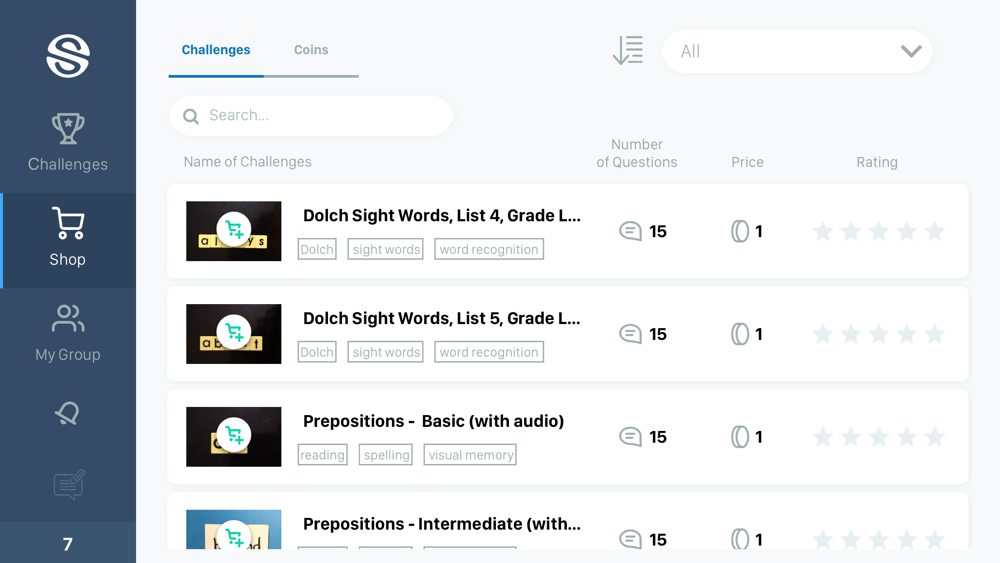
Besides creating challenges, there is also the Split Second Challenge Store. In the store you can download challenges that most interest you. There are plenty of categories including trivia, sports, reading, math, and history.
The options for Split Second are endless and Senaptec encourages you to explore the many ways this powerful tool can be used for both learning and fun. If you want your challenges featured on the Challenge Store or have other feedback for Senaptec, please email at info@senaptec.com.

The Senaptec Split Second app provides fun and engaging challenges to help train your split second skills. Practicing quick decision making can help the brain to get better at the task. And by putting the training in a challenge format, the app makes the learning process fun. Even more, you can share challenges with your friends and see how well they compete!
The Split Second app provides two methods to get challenges. First, you can make your own! Using your tablet, you can design challenges that train the skills you desire. You can also share these challenges with others. Challenges can use pictures, videos, and sound files; all of which can be generated from your tablet.
Besides creating challenges, there is also the Split Second Challenge Store. In the store you can download challenges that most interest you. There are plenty of categories including trivia, sports, reading, math, and history.
The options for Split Second are endless and Senaptec encourages you to explore the many ways this powerful tool can be used for both learning and fun. If you want your challenges featured on the Challenge Store or have other feedback for Senaptec, please email at info@senaptec.com.
Show More
最新バージョン 1.1 の更新情報
Last updated on 2019年06月19日
旧バージョン
- Support for iPhone devices
- Minor bug fixes and UI improvements
Show More
Version History
1.1
2019年06月19日
- Support for iPhone devices
- Minor bug fixes and UI improvements
Senaptec Split Second FAQ
ここをクリック!地理的に制限されているアプリのダウンロード方法をご参考ください。
次のリストをチェックして、Senaptec Split Secondの最低システム要件をご確認ください。
iPhone
iPad
Senaptec Split Secondは次の言語がサポートされています。 English