Age Rating
STutor スクリーンショット
About STutor
STutor (for SUDOKU TUTOR) is a no-nonsense sudoku solving APP that can display three level of hints while you are solving a puzzle. There are no AD's; no "in-APP-purchases". Just a program to help you advance your Sudoku solving skills.
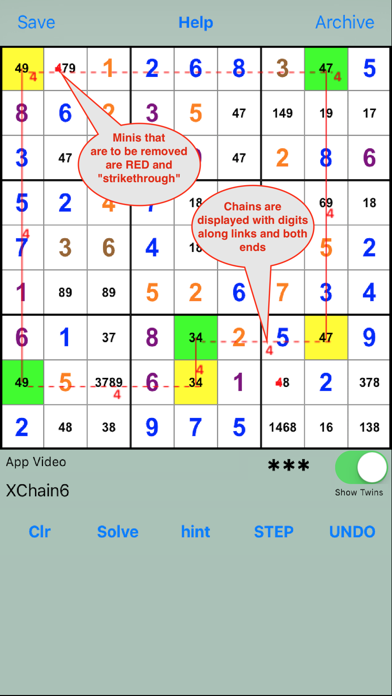
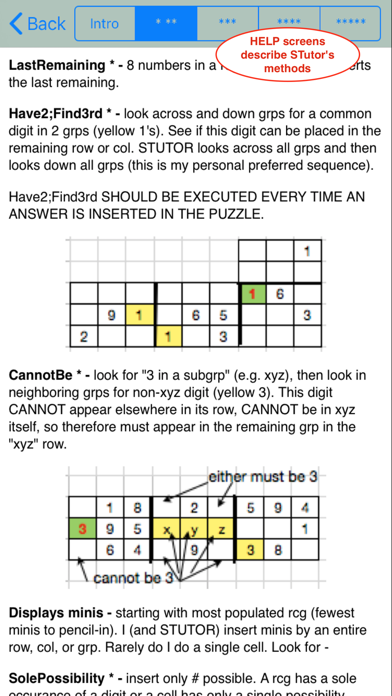
STUTOR solves puzzles using 5 strategies following a logical sequence of methods. The sequence and methods are described in five (5) HELP screens.
STUTOR is most appreciated when it displays clues for solving those pesky Friday/Saturday more advanced puzzles. No more disappointing unsolved puzzles.
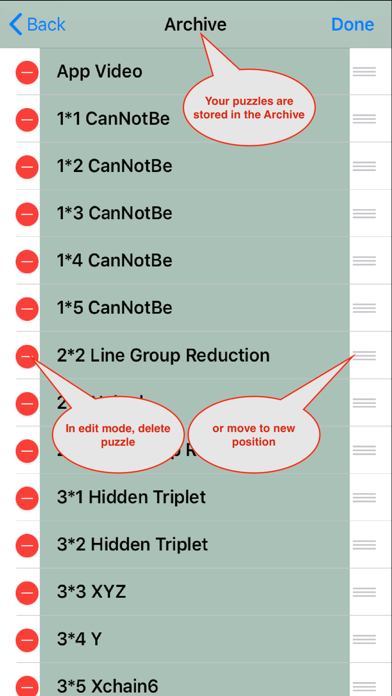
Puzzles are entered manually in a Sudoku grid or by entering (or pasting) an 81 character string. Puzzles can be saved, recalled, changed, deleted, and reordered in the Archive.
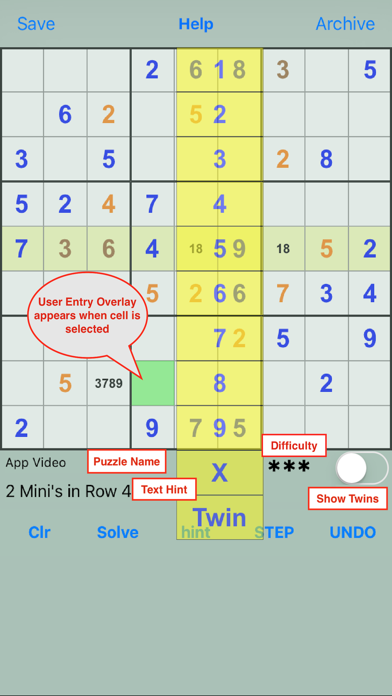
Upon pressing any of the bottom buttons (except clr), STUTOR will validate and solve the puzzle. Any subsequent user entries will be compared with the solution. A valid entry is entered into the puzzle. If the entry does not correspond to the solution, all the "possibles" or minis are displayed for that cell. If minis are already displayed, the entered number is removed from the minis.
Swiping more that two cells in a row will display minis in the row. Ditto for a column or a group. Swiping through more than two rows, columns or groups will display all minis.
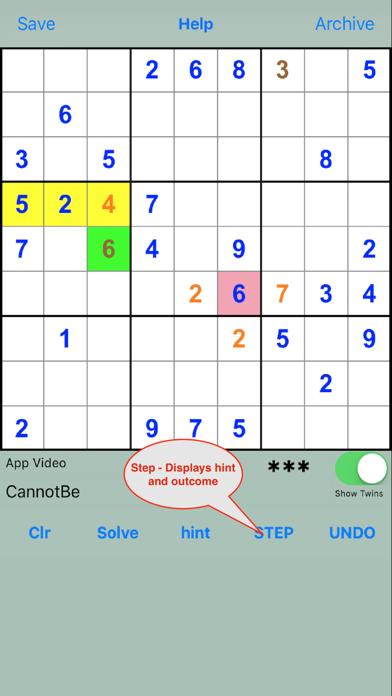
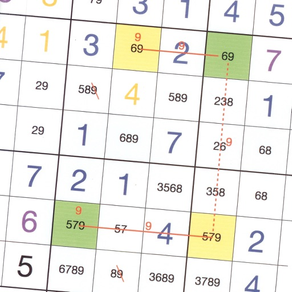
The "hint" button toggles between a text only hint and one that also displays a clue on the puzzle. The STEP button displays all hint details and alters the puzzle accordingly.

STUTOR solves puzzles using 5 strategies following a logical sequence of methods. The sequence and methods are described in five (5) HELP screens.
STUTOR is most appreciated when it displays clues for solving those pesky Friday/Saturday more advanced puzzles. No more disappointing unsolved puzzles.
Puzzles are entered manually in a Sudoku grid or by entering (or pasting) an 81 character string. Puzzles can be saved, recalled, changed, deleted, and reordered in the Archive.
Upon pressing any of the bottom buttons (except clr), STUTOR will validate and solve the puzzle. Any subsequent user entries will be compared with the solution. A valid entry is entered into the puzzle. If the entry does not correspond to the solution, all the "possibles" or minis are displayed for that cell. If minis are already displayed, the entered number is removed from the minis.
Swiping more that two cells in a row will display minis in the row. Ditto for a column or a group. Swiping through more than two rows, columns or groups will display all minis.
The "hint" button toggles between a text only hint and one that also displays a clue on the puzzle. The STEP button displays all hint details and alters the puzzle accordingly.
Show More
最新バージョン 3.1 の更新情報
Last updated on 2023年11月08日
旧バージョン
Minimum deployment of IOS 13.0.
Show More
Version History
3.1
2023年11月08日
Minimum deployment of IOS 13.0.
STutor 価格
今日:
¥150
最低価格:
¥100
最高価格:
¥150
STutor FAQ
ここをクリック!地理的に制限されているアプリのダウンロード方法をご参考ください。
次のリストをチェックして、STutorの最低システム要件をご確認ください。
iPhone