TR365
無料
1.5.0for iPhone, iPad and more
Age Rating
TR365 スクリーンショット
About TR365
Proactive Time Clock Solutions – A One Stop Time & Attendance and HR Solution!
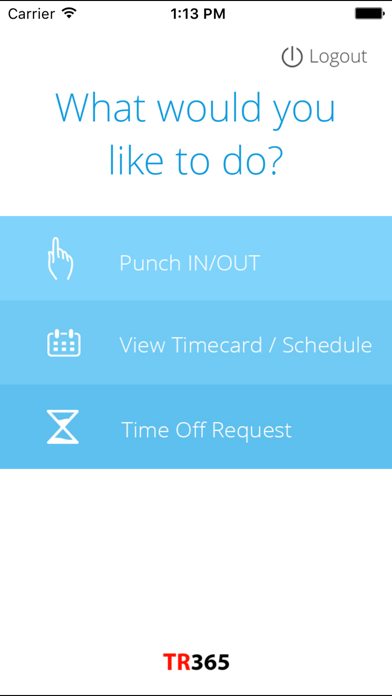
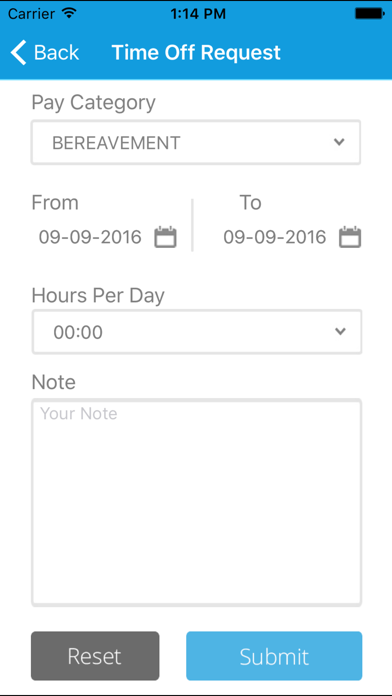
TimeRack’s "TR365" mobile app incorporates all the key functionalities of the web-based application, enabling you to take care of your rather tedious and time-consuming responsibilities of time and attendance tracking in an easy and effective way. The timekeeping process is simplified and automated with the help of this app, without compromising on the reliability or flexibility with which data is collected. This mobile timekeeping app is especially beneficial for staff on the go- including employees who do not have fixed schedules or fixed locations from where they start their day’s work! The app works for internet enabled smart phones.
Features:-
--> Workforce Management on the Go!
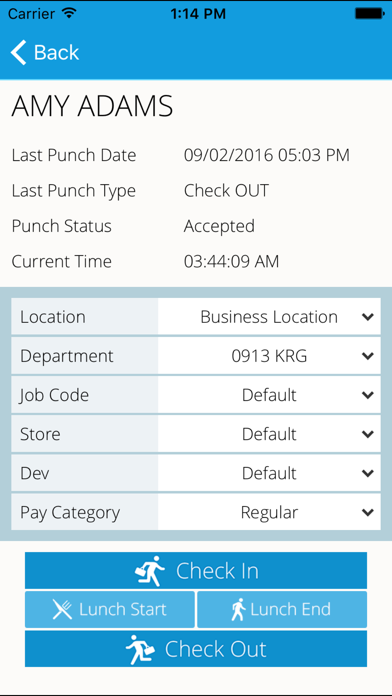
Option to clock-in and clock-out available 24X7
Helps tracking late arrivals and other schedule-related attendance issues
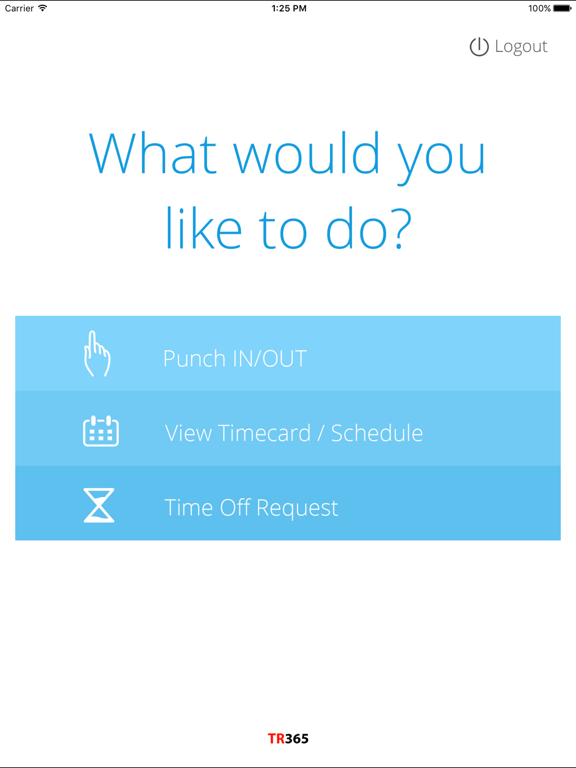
Provides Access to staff schedules anywhere and at any time
-->Real Time Tracking
Flexibility to allow punch from anywhere or control the places / systems from where a punch can take place by restricting / allowing certain IPs
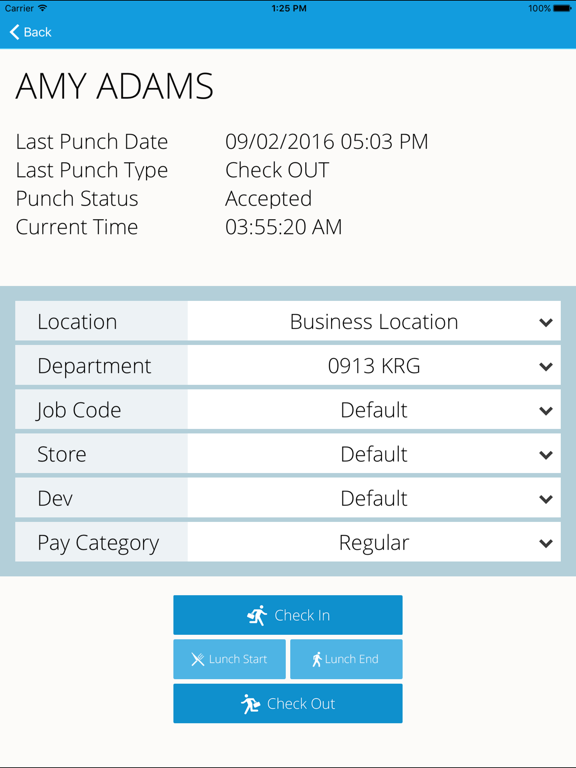
Employee can punch from the application on his mobile device
Facility to change the department or pay category while punching.
Customized geo-fences and GPS time tracking to validate the employee’s location
-->Tackle Buddy Punching Smartly
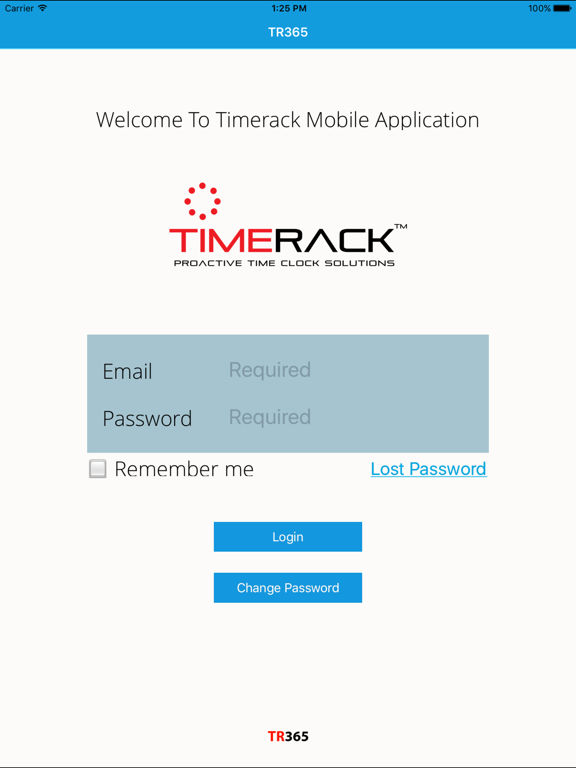
Employees punch by logging into their personal password protected account with a uniquely assigned PIN
Employees register a facial impression at the time of clock-in or clock-out
The application logs the Geo-location of the employee at the time of punch.
-->Accurate Log of Activity
Efficient and flexible management of workforce in-situ and at remote locations
Effective tracking of budgeted hours and time spent on each project
-->Highly Customizable
Sync company policies with the policies for TimeRack mobile app
Set fixed rules for locations from where punch takes place
Manually customizable lunch-lockout feature
Allow accessibility to mobile based time and attendance to all or selective employees

TimeRack’s "TR365" mobile app incorporates all the key functionalities of the web-based application, enabling you to take care of your rather tedious and time-consuming responsibilities of time and attendance tracking in an easy and effective way. The timekeeping process is simplified and automated with the help of this app, without compromising on the reliability or flexibility with which data is collected. This mobile timekeeping app is especially beneficial for staff on the go- including employees who do not have fixed schedules or fixed locations from where they start their day’s work! The app works for internet enabled smart phones.
Features:-
--> Workforce Management on the Go!
Option to clock-in and clock-out available 24X7
Helps tracking late arrivals and other schedule-related attendance issues
Provides Access to staff schedules anywhere and at any time
-->Real Time Tracking
Flexibility to allow punch from anywhere or control the places / systems from where a punch can take place by restricting / allowing certain IPs
Employee can punch from the application on his mobile device
Facility to change the department or pay category while punching.
Customized geo-fences and GPS time tracking to validate the employee’s location
-->Tackle Buddy Punching Smartly
Employees punch by logging into their personal password protected account with a uniquely assigned PIN
Employees register a facial impression at the time of clock-in or clock-out
The application logs the Geo-location of the employee at the time of punch.
-->Accurate Log of Activity
Efficient and flexible management of workforce in-situ and at remote locations
Effective tracking of budgeted hours and time spent on each project
-->Highly Customizable
Sync company policies with the policies for TimeRack mobile app
Set fixed rules for locations from where punch takes place
Manually customizable lunch-lockout feature
Allow accessibility to mobile based time and attendance to all or selective employees
Show More
最新バージョン 1.5.0 の更新情報
Last updated on 2021年03月01日
旧バージョン
Implemented Job Transfer Functionality.
Show More
Version History
1.5.0
2021年03月01日
Implemented Job Transfer Functionality.
1.4.15
2020年10月13日
Bug fix for the dark theme
1.4.14
2020年09月18日
Searchable drop-downs
App version management
Bug fixes
App version management
Bug fixes
1.4.13
2018年03月01日
- Fixed issue where punches from mobile were assigned to the wrong pay category
- Fixed issue where Earning and Deduction entries from mobile could not be deleted from the web app's Timecard page
1.4.11
2018年01月25日
- GeoFencing functionality added
1.4.4
2017年10月13日
-Location and Pay Category now default to Location and Pay Category from the previous punch
1.4.3
2017年06月14日
- Changes made to Timecard -> Weekly Summary table columns
- Notations now exist to show who all has approved a given timecard
- Show message when no module assigned to employee
- Notations now exist to show who all has approved a given timecard
- Show message when no module assigned to employee
1.4.2
2017年03月28日
- Timecards can now be approved from Summary page in the View Timecard tab.
- Employees can now add notes when punching in/out.
1.4.1
2017年03月12日
-Fixed issue with PTO Request
1.4
2017年02月08日
- Employee comments display on Time Off Request table
- Added ability to choose shift from Mobile Punch
1.3
2016年09月13日
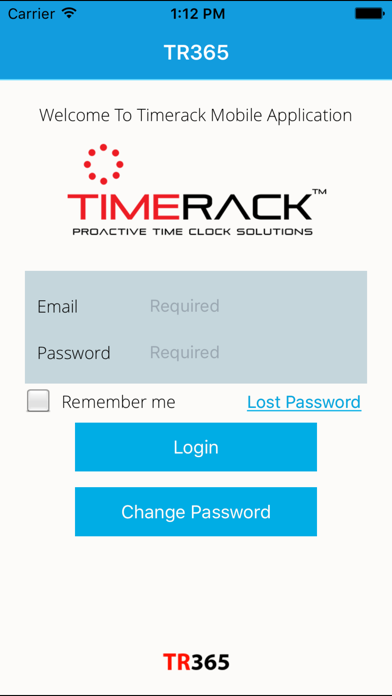
1. License Agreement functionality
2. Set security question and answer
3. Lost password functionality
2. Set security question and answer
3. Lost password functionality
1.2.2
2014年12月20日
Added support for iOS 8
1.2.1
2014年08月19日
Minor bug fixes.
1.2
2014年07月28日
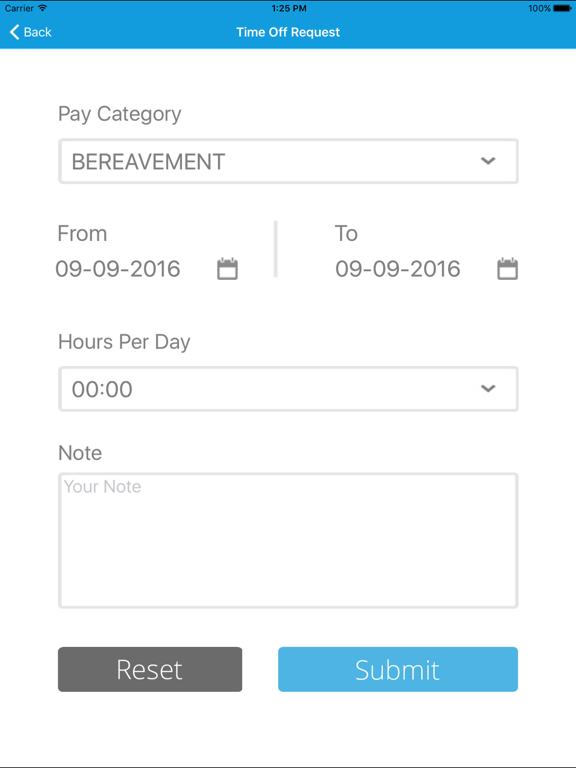
New modules for applying for leave, managing leave request and to view user schedule.
1.1
2014年04月29日
Minor bug fixes.
1.0
2014年04月18日
TR365 FAQ
ここをクリック!地理的に制限されているアプリのダウンロード方法をご参考ください。
次のリストをチェックして、TR365の最低システム要件をご確認ください。
iPhone
iOS 9.0以降が必要です。
iPad
iPadOS 9.0以降が必要です。
iPod touch
iOS 9.0以降が必要です。
TR365は次の言語がサポートされています。 英語