Wright Property Management

Wright Property Management


無料

6.10.2for iPhone
Frontsteps
Developer
2026年05月12日
Update Date
Lifestyle
Category
Age Rating
4+
Apps in this category do not contain restricted content.
9+
Apps in this category may contain mild or occasional cartoon, fantasy or real-life violence, as well as occasional or mild adult, sexually suggestive or horrifying content and may not be suitable for children under 9 years of age.
12+
Apps in this category may contain occasional mild indecent language, frequent or intense cartoon or real-life violence, minor or occasional adult or sexually suggestive material, and simulated gambling, and may be for children under 12 years of age.
17+
You must be at least 17 years old to access this App.
Apps in this category may contain frequent and intense offensive language; Frequent and intense cartoon, fantasy or realistic violence: frequent and intense adult, scary and sexually suggestive subjects: as well as sexual content, nudity, tobacco, alcohol and drugs, may not be suitable for children under 17 years of age.
Wright Property Management スクリーンショット
Wright Property Management ポスターWright Property Management ポスターWright Property Management ポスターWright Property Management ポスターWright Property Management ポスター

About Wright Property Management

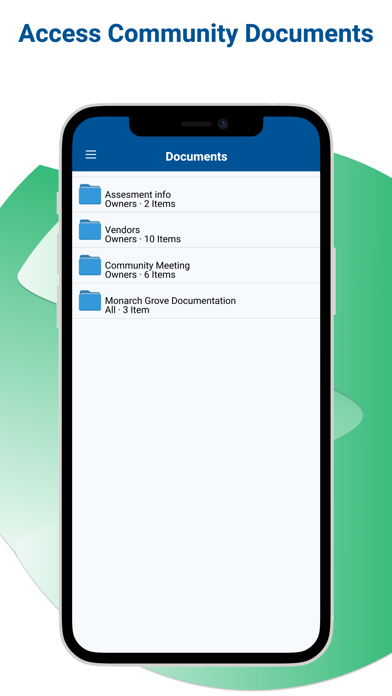
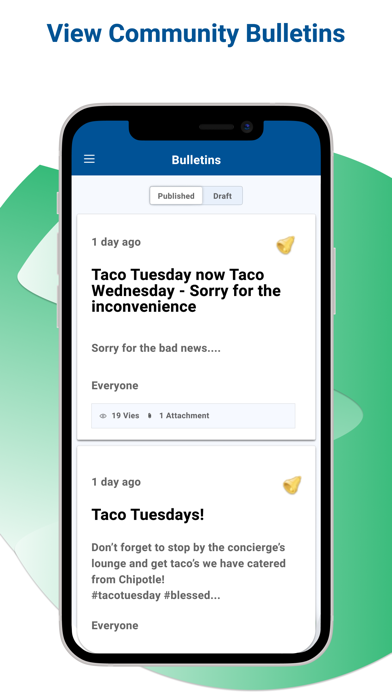
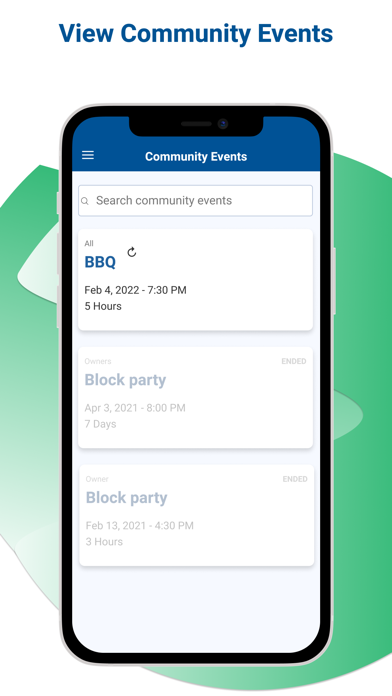
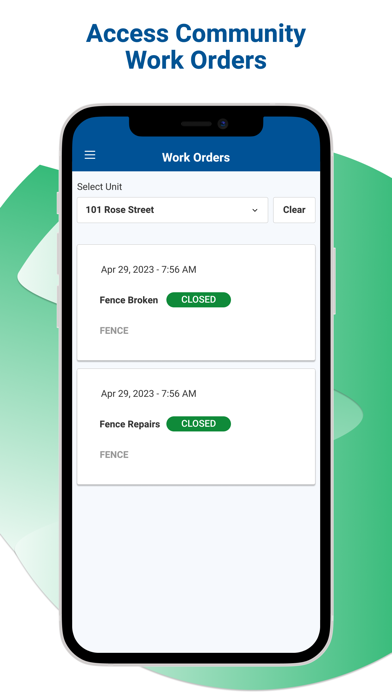
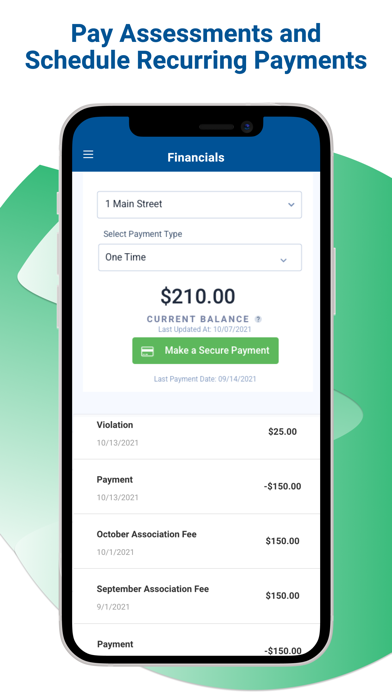
Wright Property Management gives you quick access to your community. As a homeowner or resident, you can stay connected wherever you are!
Show More

最新バージョン 6.10.2 の更新情報

Last updated on 2026年05月12日
旧バージョン
Fixed an issue on iOS (SDK 26.x) preventing users from completing Community Reservation bookings via the mobile app.
Fixed a display bug on certain Android devices where the top header was missing in Visitor Management views, blocking access to guest and party management options.
Fixed violation image uploads on mobile so that multiple photos taken on the same day are assigned unique, timestamped filenames instead of duplicate names.
Fixed the daily reservation Submit button remaining greyed out on mobile even when all required fields were completed, preventing users from booking facilities.
Corrected the "no documents available" message text in Architectural Request Step 2 on mobile to match the wording displayed on web.
Fixed Architectural Request Step 2 on mobile incorrectly rendering raw HTML code instead of formatted manager instructions.
Mobile now displays manager-defined instructions and downloadable documents in Step 2 of the Architectural Request creation flow, matching the existing web experience.
Fixed multiple issues with Dynamic Forms in draft Architectural Requests on mobile, including broken checkbox selection, incorrect radio button display, and form fields not saving when navigating back.
Fixed a bug allowing users to post comments in the mobile app on community events where commenting had been disabled via the web portal.
Improved draft Architectural Request behavior on mobile so that reopening a draft correctly restores all steps, form data, and uploaded documents without data loss or incorrect step counts.
Restored the ability for managers and homeowners to tap on Work Orders in the mobile app and view a full detail view, which had previously stopped responding.

Show More
Version History
6.10.2
2026年05月12日
Fixed an issue on iOS (SDK 26.x) preventing users from completing Community Reservation bookings via the mobile app.
Fixed a display bug on certain Android devices where the top header was missing in Visitor Management views, blocking access to guest and party management options.
Fixed violation image uploads on mobile so that multiple photos taken on the same day are assigned unique, timestamped filenames instead of duplicate names.
Fixed the daily reservation Submit button remaining greyed out on mobile even when all required fields were completed, preventing users from booking facilities.
Corrected the "no documents available" message text in Architectural Request Step 2 on mobile to match the wording displayed on web.
Fixed Architectural Request Step 2 on mobile incorrectly rendering raw HTML code instead of formatted manager instructions.
Mobile now displays manager-defined instructions and downloadable documents in Step 2 of the Architectural Request creation flow, matching the existing web experience.
Fixed multiple issues with Dynamic Forms in draft Architectural Requests on mobile, including broken checkbox selection, incorrect radio button display, and form fields not saving when navigating back.
Fixed a bug allowing users to post comments in the mobile app on community events where commenting had been disabled via the web portal.
Improved draft Architectural Request behavior on mobile so that reopening a draft correctly restores all steps, form data, and uploaded documents without data loss or incorrect step counts.
Restored the ability for managers and homeowners to tap on Work Orders in the mobile app and view a full detail view, which had previously stopped responding.

Wright Property Management FAQ

ここをクリック!地理的に制限されているアプリのダウンロード方法をご参考ください。
次のリストをチェックして、Wright Property Managementの最低システム要件をご確認ください。
iPhone

Wright Property Managementの類似アプリ

あなたも好きかも

Frontsteps からもっと手に入れる