Acumera Tech
무료
2.1.0for iPhone, iPad
Age Rating
Acumera Tech 스크린 샷
About Acumera Tech
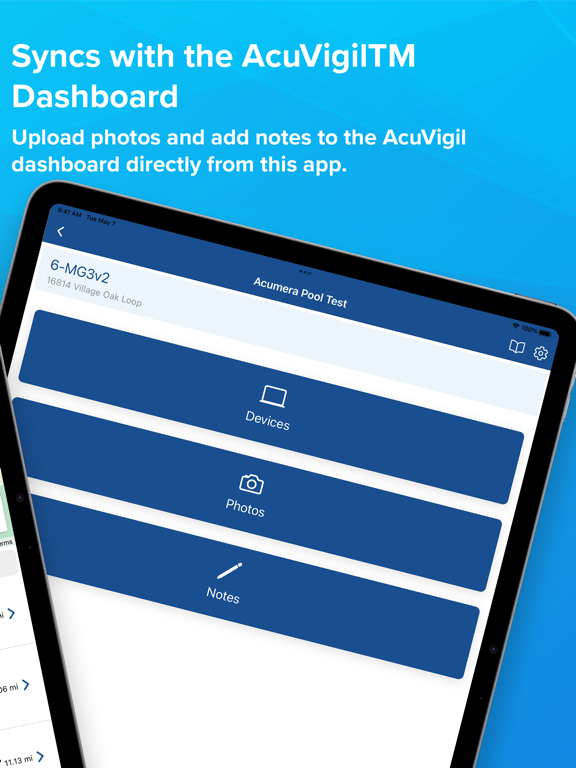
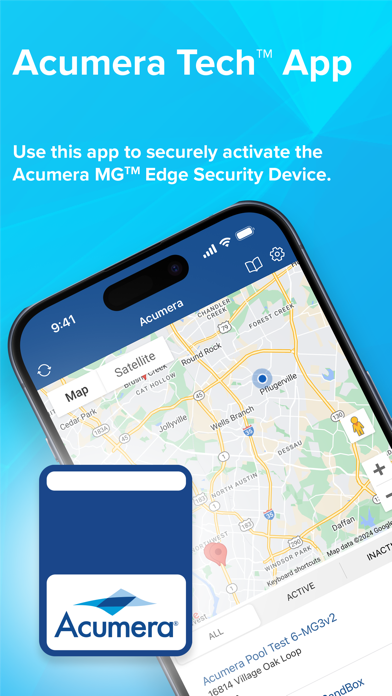
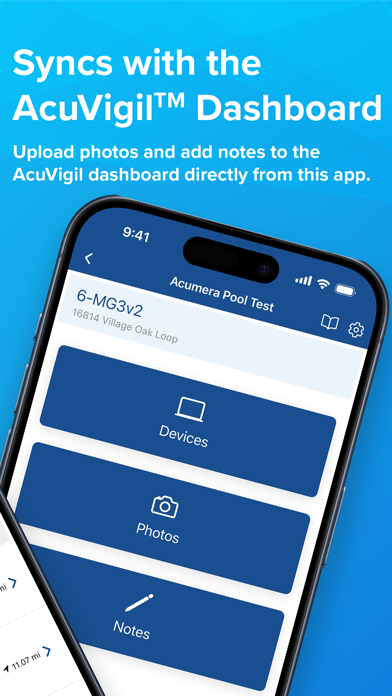
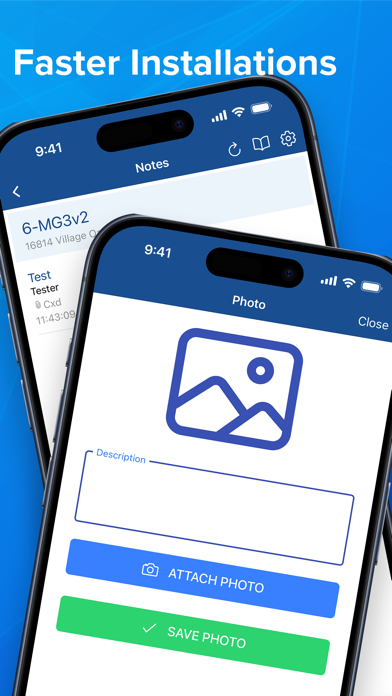
The Acumera Tech™ mobile app, which was designed for onsite installers, speeds up new installations by helping you to quickly and securely activate the Acumera Edge Security Devices.
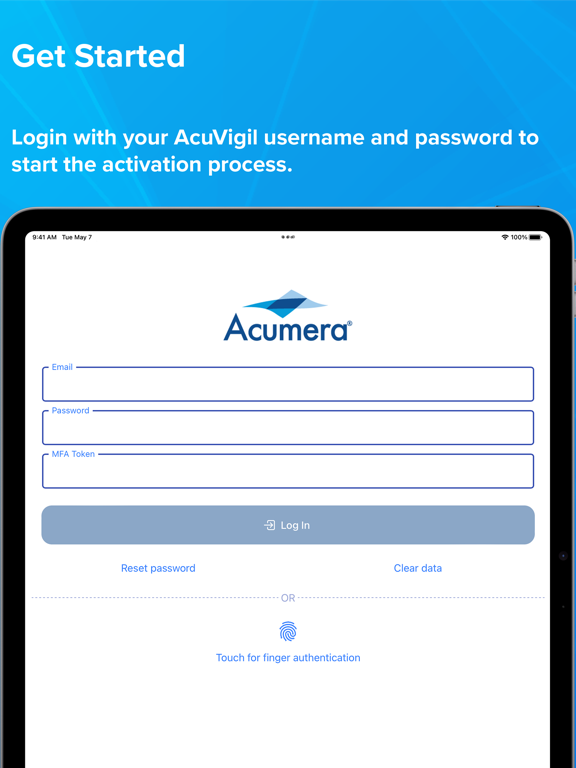
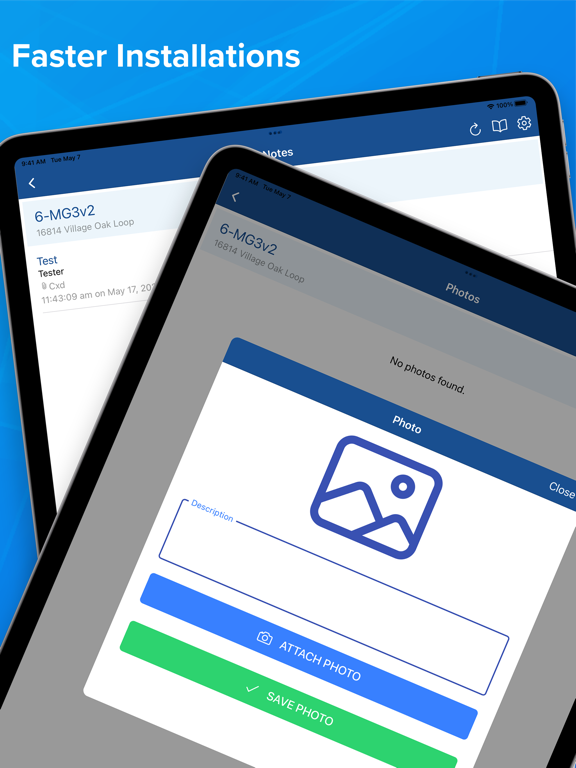
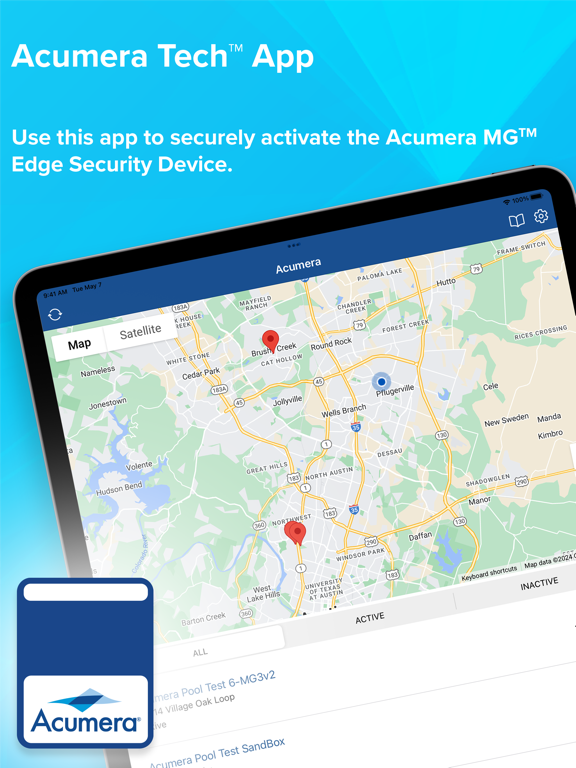
To get started, log in with your AcuVigil™ dashboard username, password and two-factor code and then scan the Acumera Edge Security Device’s QR code. From there, you’ll be able to upload photos and add notes to the AcuVigil dashboard, view your sites in both map and list formats and quickly access support resources and training tutorials.
The Acumera Tech mobile app also supports one-button phone dialing and live chat to immediately contact the Acumera Network Operations Center (NOC) for assistance.

To get started, log in with your AcuVigil™ dashboard username, password and two-factor code and then scan the Acumera Edge Security Device’s QR code. From there, you’ll be able to upload photos and add notes to the AcuVigil dashboard, view your sites in both map and list formats and quickly access support resources and training tutorials.
The Acumera Tech mobile app also supports one-button phone dialing and live chat to immediately contact the Acumera Network Operations Center (NOC) for assistance.
Show More
최신 버전 2.1.0의 새로운 기능
Last updated on Apr 16, 2025
오래된 버전
Multi photo upload for locations.
Show More
Version History
2.1.0
Apr 16, 2025
Multi photo upload for locations.
Acumera Tech FAQ
제한된 국가 또는 지역에서 Acumera Tech를 다운로드하는 방법을 알아보려면 여기를 클릭하십시오.
Acumera Tech의 최소 요구 사항을 보려면 다음 목록을 확인하십시오.
iPhone
iPad